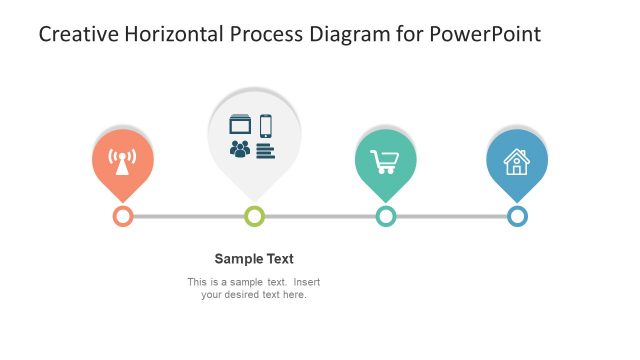
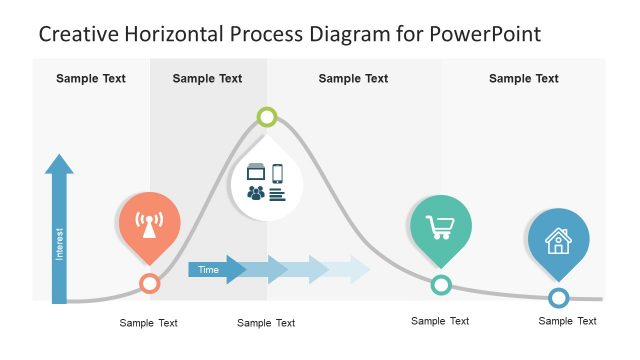
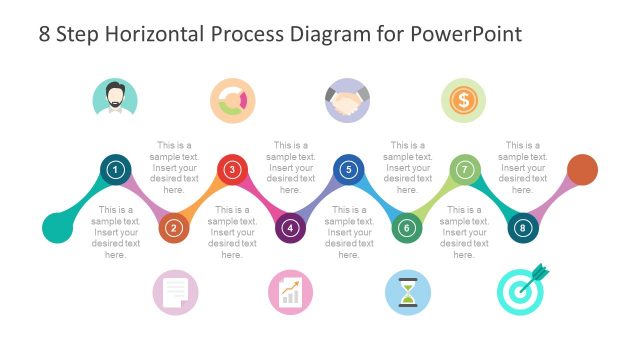
Slide 1 of 5 from Creative Horizontal Process Diagram for PowerPoint
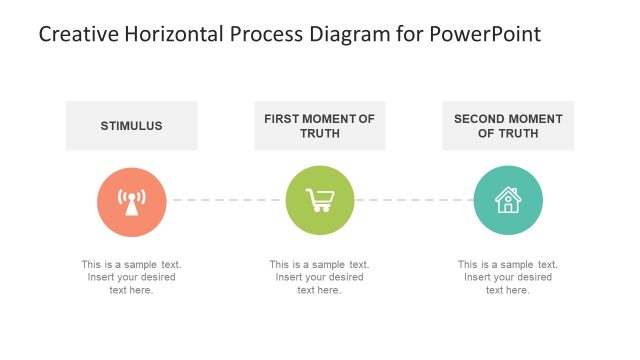
3 Step Buying Process in PowerPoint
Creative Horizontal Process Diagram Overview
- Diagram
- Arrow Sequence
- Process Slide
- 16:9
- 100% Editable
The Horizontal Process Diagram slide from the Creative Horizontal Process Diagram for PowerPoint template offers a clear visual layout ideal for mapping customer journeys and illustrating sales processes. This slide uses editable shapes and vector icons arranged horizontally to depict sequential stages, making it suitable for business presentations and marketing strategy overviews. Its design supports effective communication of process flows in both PowerPoint templates and Google Slides templates.
What’s on This Slide
The layout features three main nodes arranged horizontally. Each node is represented by a circular icon with a colored background, positioned above descriptive text. The first node, labeled 'Stimulus,' is on the left, followed by a central node titled 'First Moment of Truth,' and a right node named 'Second Moment of Truth.' Connecting lines run horizontally between the nodes, indicating a flow. Text placeholders are centered below each node, allowing for additional information. The background is white, enhancing visual clarity.
How to Use It
This layout serves as a sequential process diagram, ideal for illustrating stages in a customer journey or decision-making process. It fits well at the beginning of a presentation to outline key phases. Scenarios include marketing strategies, sales processes, or customer experience mapping. The clear visual flow aids in understanding the progression from one stage to the next, making it suitable for both internal and external presentations.
Text Placeholders & Capacity
Keep your copy within these limits so it fits without resizing. Node labels can hold about 30 characters each, while body text can hold around 50 characters.
| Placeholder | Count | Max characters (approx.) |
|---|---|---|
| Item heading | 3 | 30 |
| Item body | 3 | 50 |
Slide Keywords
Download unlimited PowerPoint templates, charts and graphics for your presentations with our annual plan.
DOWNLOADReturn to Creative Horizontal Process Diagram for PowerPoint.