Slide 2 of 6 from 5-Item Horizontal Process Slide Diagram for PowerPoint
First Step Spotlight Slide – 5-Step Horizontal Process Diagram
5-Step Horizontal Process Diagram for Presentations
- Diagram
- Zigzag
- Process Slide
- 16:9
- 100% Editable
What’s on This Slide
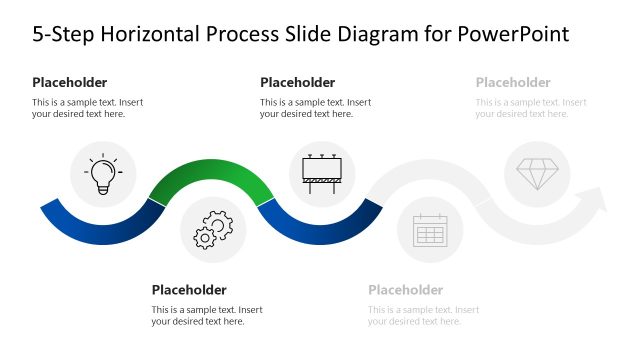
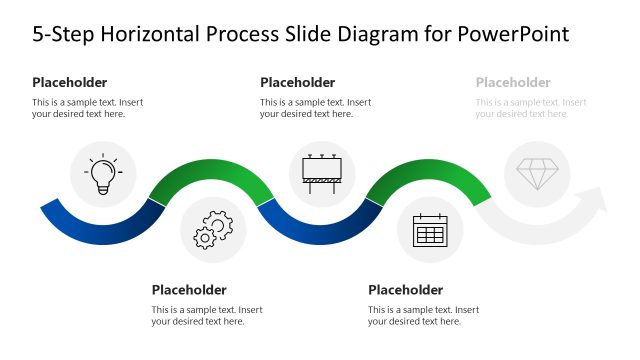
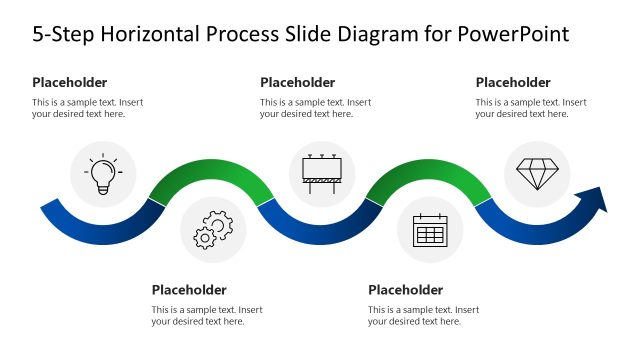
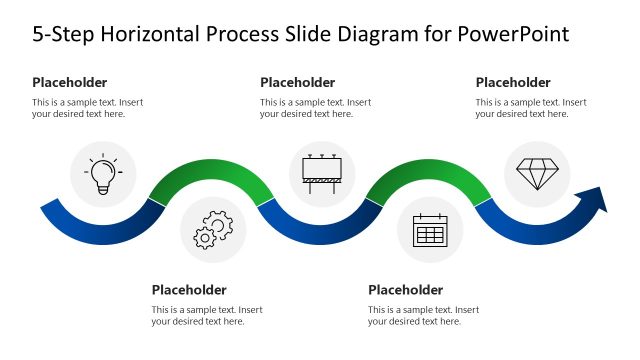
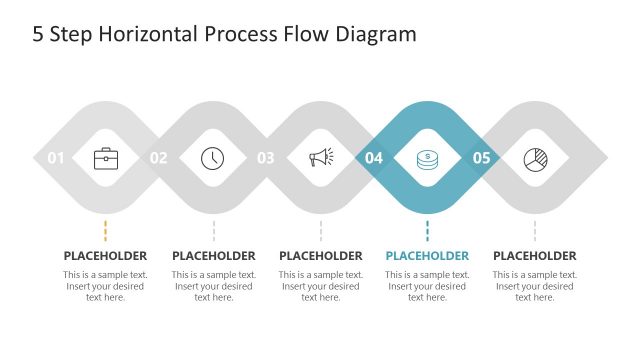
The layout features a horizontal zigzag process diagram with five distinct nodes. Each node is circular and contains an icon, positioned evenly along a flowing line. The first node is on the left, followed by four additional nodes spaced to the right. Text placeholders are located above each node, aligned centrally, with a larger title placeholder at the top center. The background is white, providing contrast with the blue and green elements of the diagram. The visual hierarchy emphasizes the flow from left to right.
How to Use It
This layout serves as a horizontal process flow diagram, ideal for illustrating sequential steps in a process. It fits well in presentations that require clarity in depicting workflows or stages. Suitable scenarios include project management updates, product development processes, or educational content outlining steps. The structure allows for easy adaptation to various contexts, ensuring the audience can follow the progression clearly.
Text Placeholders & Capacity
Keep your copy within these limits so it fits without resizing. Node labels can accommodate roughly 30 characters each, while body text is tighter at about 60 characters.
| Placeholder | Count | Max characters (approx.) |
|---|---|---|
| Slide title | 1 | 40 |
| Item heading | 5 | 30 |
| Body paragraph | 5 | 60 |
Slide Keywords
Download unlimited PowerPoint templates, charts and graphics for your presentations with our annual plan.
DOWNLOADReturn to 5-Item Horizontal Process Slide Diagram for PowerPoint.