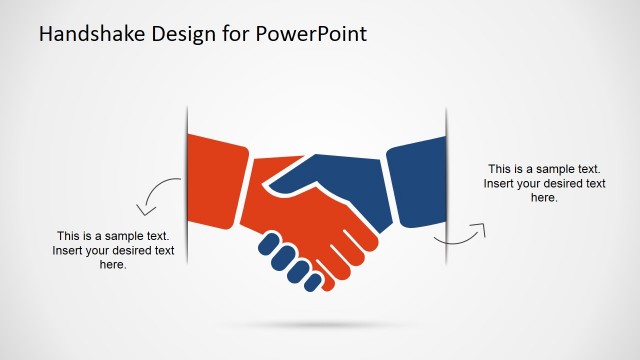
Creative Hand Shaking Shapes for PowerPoint is a presentation design template that you can download to make presentations on negotiation or proposals using Microsoft PowerPoint.
This handshaking PowerPoint template was created with PowerPoint objects and shapes, so you can easily adjust the size of the handshaking illustration and vectors easily in PowerPoint without losing quality. You can also ungroup the shapes and recreate other nice slide designs with handshaking pictures and elements.
A handshake is a short ritual in which two people grasp one of each other’s like hands. Handshaking can be used to close a business deal or even as a formal business settings.
Alternatively you can download other nice business shapes and editable slide designs for PowerPoint presentations including creative business backgrounds for PowerPoint.
What’s inside this template
Example presentation scenarios
- A sales manager can open a closing presentation by using the central handshake diagram to frame the proposal as a shared agreement rather than a one-sided pitch.
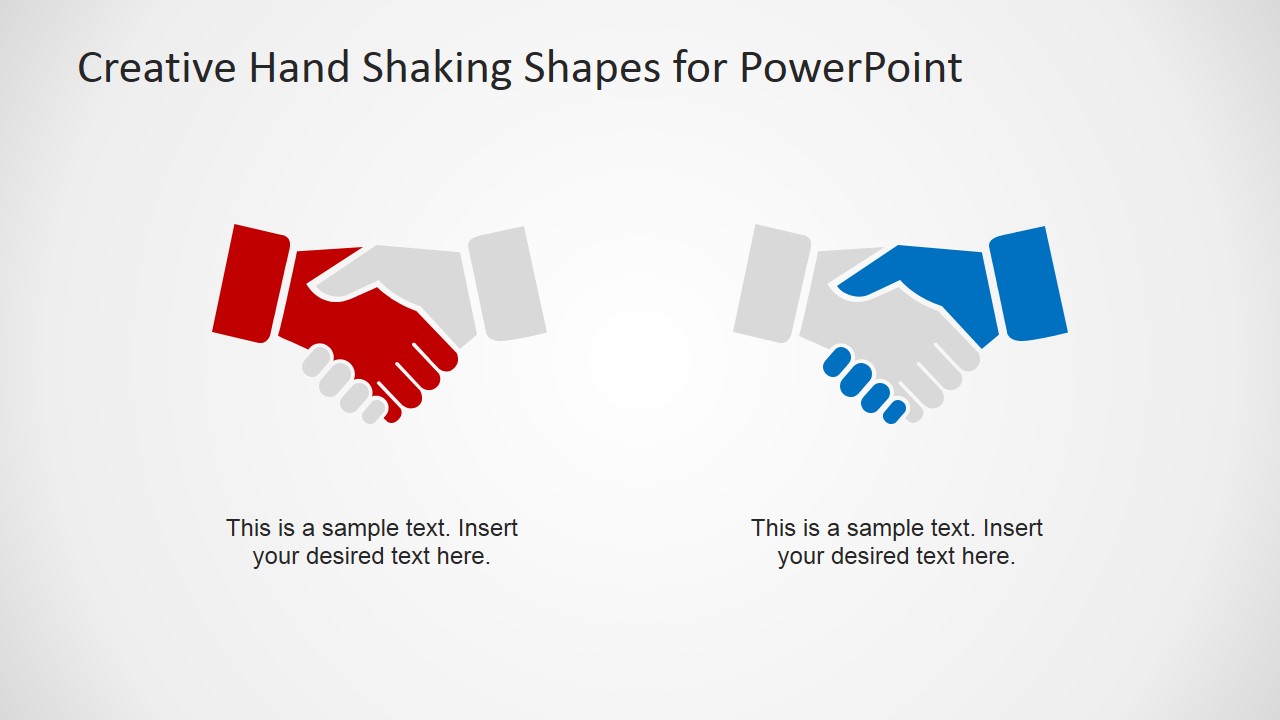
- A business development lead can compare two partner roles with the red and blue handshake layout while explaining responsibilities, expectations, or benefits for each side.
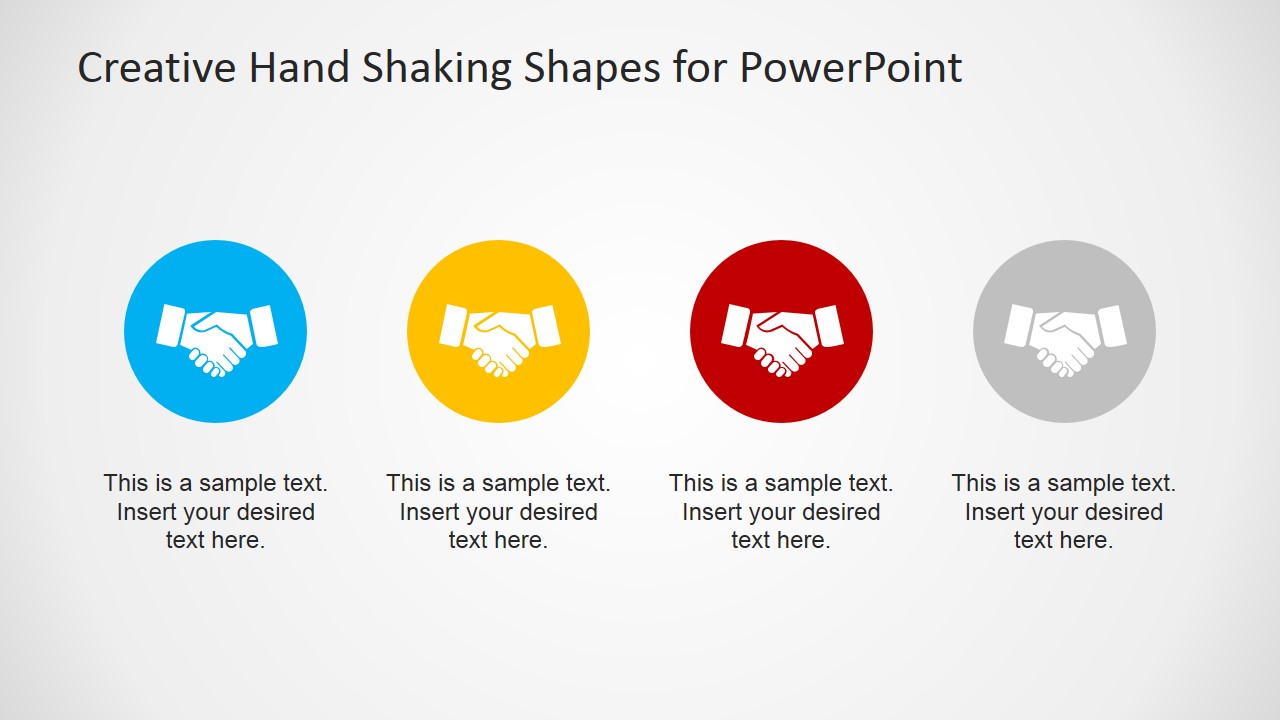
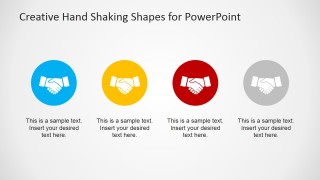
- A consultant can use the four colored handshake badges to summarize four negotiation terms, project benefits, or decision criteria for an executive audience.
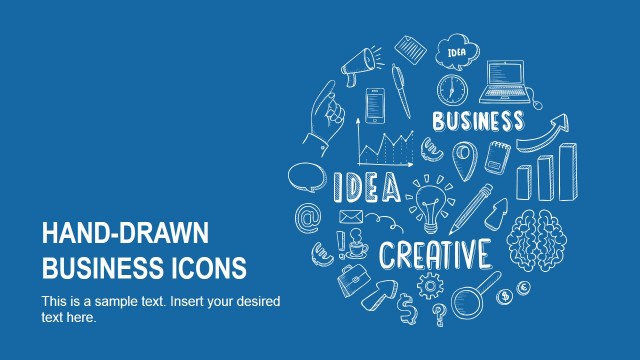
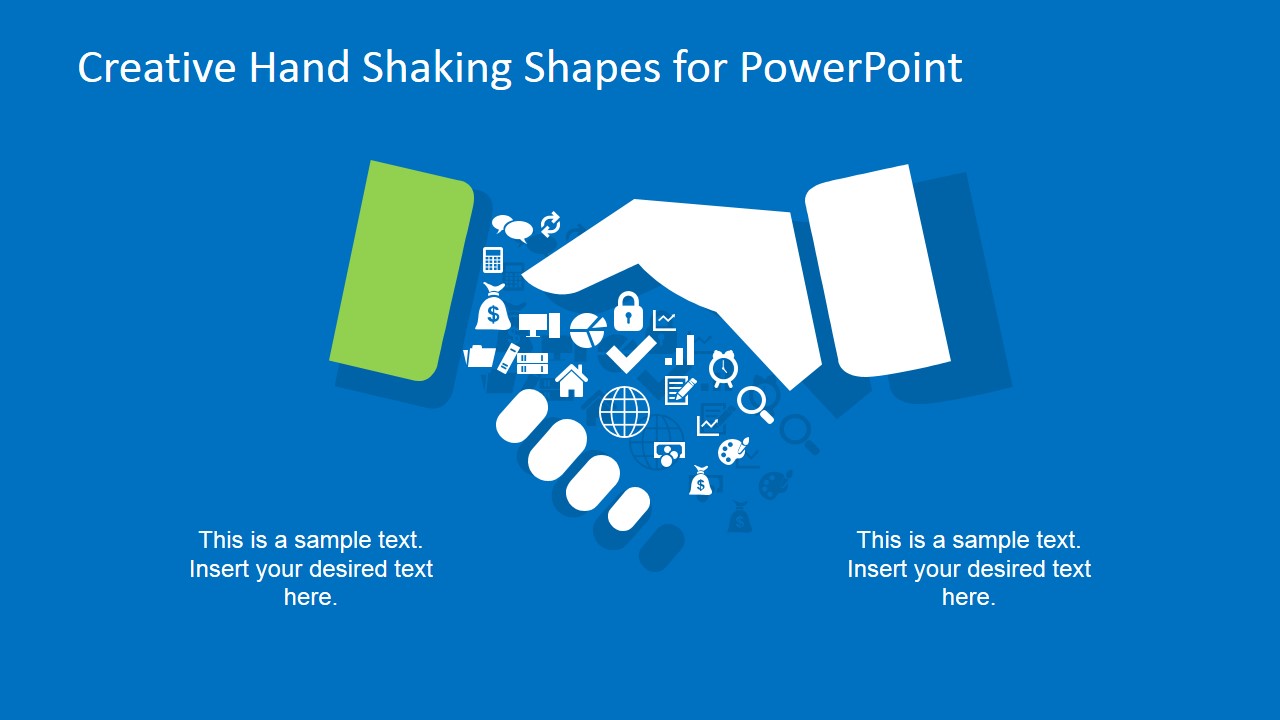
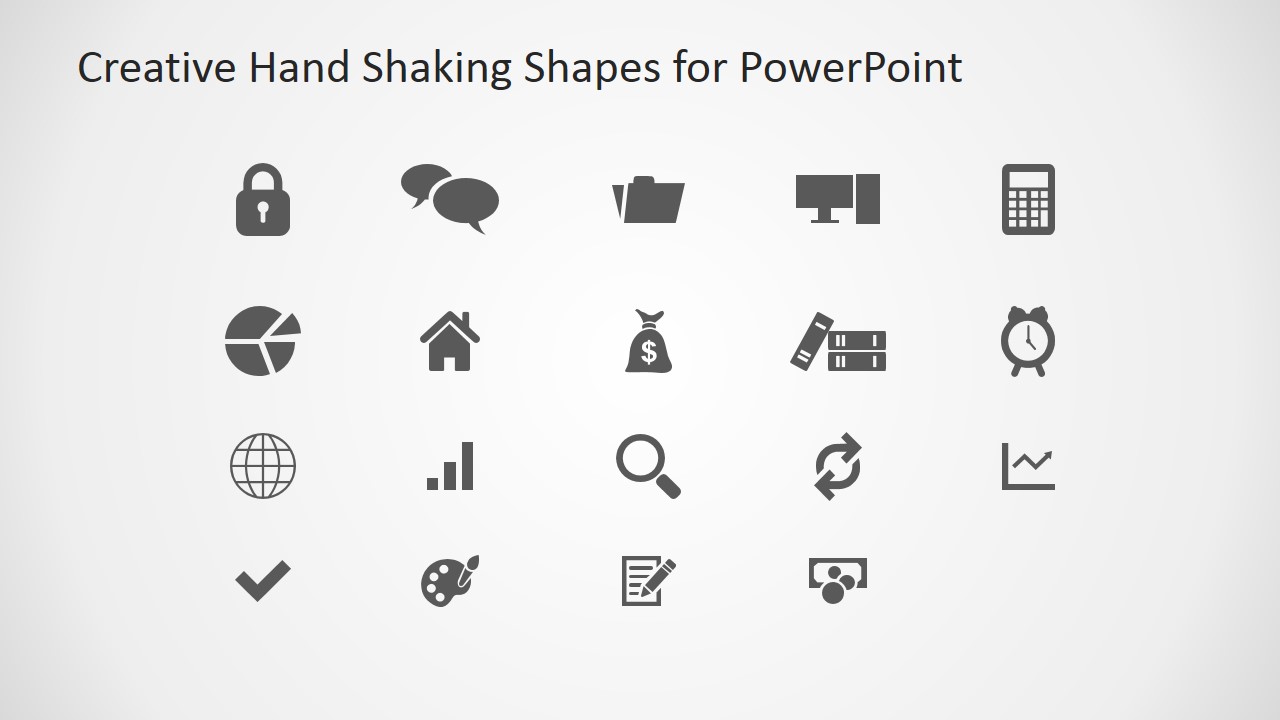
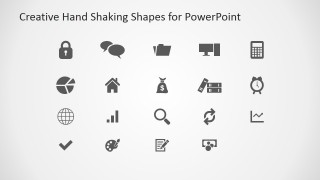
- A proposal writer can use the business icon library to add visual markers for finance, security, reporting, communication, or next-step sections in a client deck.
Features
- 100% editable presentation template
- Compatible with Microsoft PowerPoint and Google Slides
- 16:9 aspect ratio slides
- Scalable vector shapes, icons and illustrations
- AI-Ready for Microsoft Copilot and Claude
- Instant access and download
Frequently asked questions
Q: How should a presenter use the handshake metaphor without making the message feel too generic?
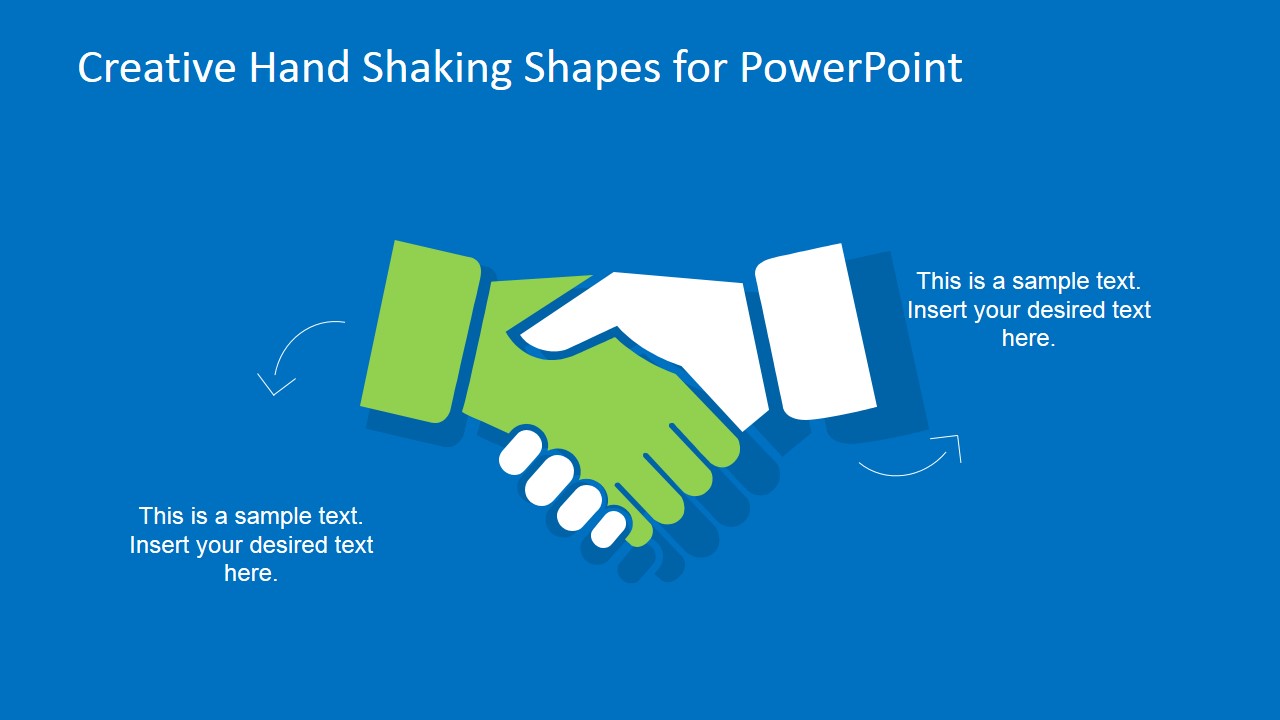
A: Tie each handshake visual to a specific business meaning. Use the central handshake slide for the moment of agreement, the two-sided slide for responsibilities between parties, and the four-option badge slide for terms, benefits, or next steps. Replace generic captions with concrete decision language so the symbol supports the negotiation story.
Q: Who is this template best suited for in a business presentation?
A: This template fits sales, consulting, and partnership presenters who need to explain trust, agreement, or mutual commitment quickly. It works well for proposal openings, deal summaries, alliance discussions, and executive briefings where the main message is alignment between two sides rather than detailed operational analysis.
Q: Why do the split-hand and completed-handshake layouts help the audience understand the message?
A: The separated hands on the first slide suggest a deal in progress, while the completed handshake shows closure and alignment. That visual progression gives the presenter a simple way to move from opportunity to agreement. The supporting icon library then adds detail without forcing the audience into text-heavy slides.
Creative Hand Shaking Shapes for PowerPoint
5-slide presentation template with editable handshake shapes, deal visuals, and business icon sets.
Creative Hand Shaking Shapes for PowerPoint is a 5-slide template for negotiation, sales, and partnership presentations. It includes a handshake cover visual, a full handshake diagram with text callouts, a two-sided comparison layout, a four-option icon row, and a business icon library for Microsoft PowerPoint and Google Slides.
- Category
- Shapes
- Rating

 Loading...
- Aspect ratio
- 16:9
- Item ID
- 6619-01
- Colors
 Microsoft PowerPoint
  Microsoft Copilot
  Claude for PowerPoint
 Other formats supported
Subscribe today and get immediate
access to download our PowerPoint templates.