Slide 3 of 4 from Creative Circular Process Diagram for PowerPoint - 6 Steps
6047-06-circular-process-diagram-3
Circular Process Diagram - 6 Steps
- Diagram
- Circular Cycle
- Process Slide
- 16:9
- 100% Editable
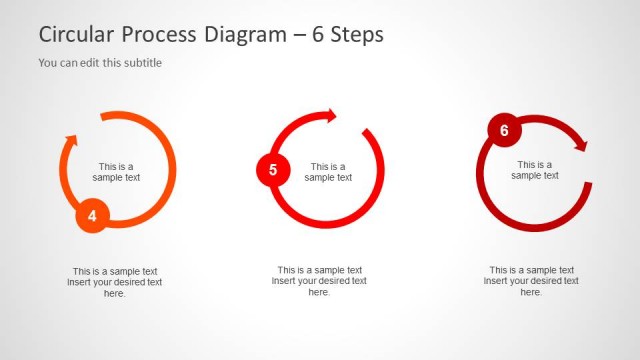
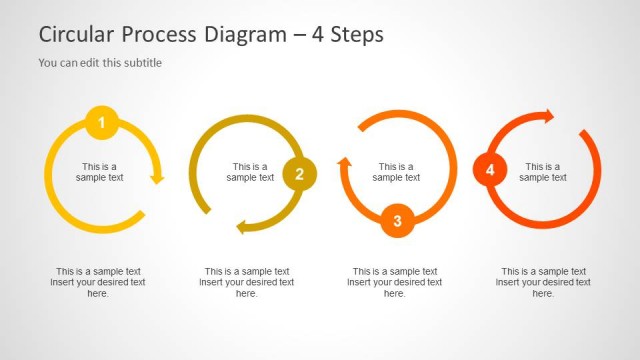
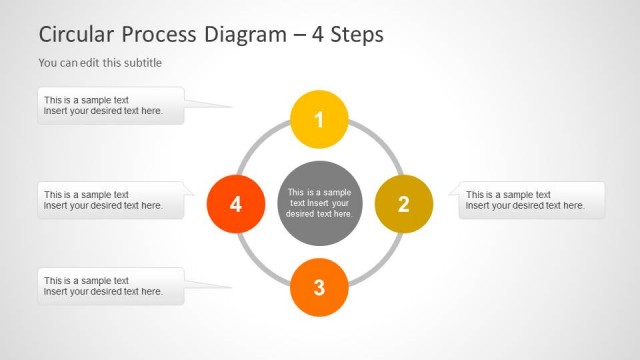
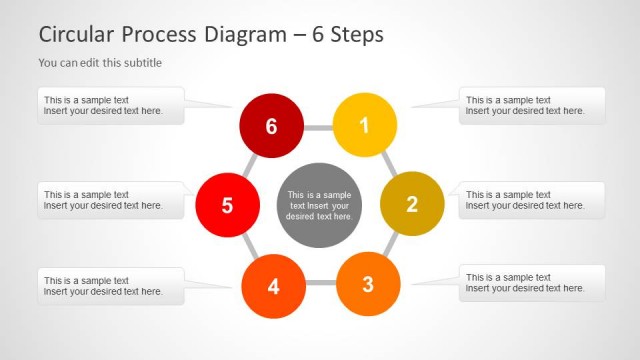
The Circular Process Diagram - 6 Steps slide from the Creative Circular Process Diagram for PowerPoint template offers a clear visual tool for illustrating workflows and project steps. This slide layout uses vibrant colored nodes connected by arrows to depict sequential processes, making it suitable for business presentations and pitch decks. Its editable shapes and text placeholders enhance customization, supporting effective communication of methodologies in corporate presentations or training sessions.
What’s on This Slide
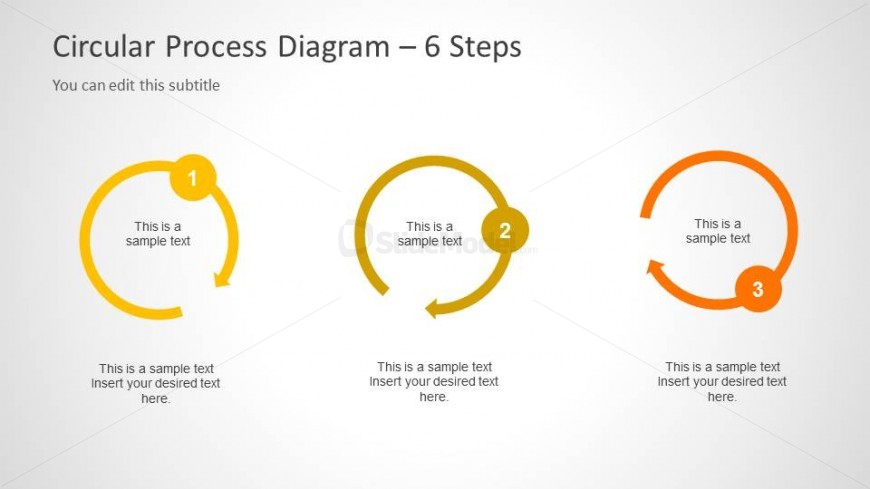
The layout features three circular nodes arranged horizontally across the center. Each node is labeled with a number, and they are connected by arrows indicating flow direction. The first node is yellow, the second is green, and the third is orange, creating a color gradient effect. Below each node, there are text placeholders aligned centrally, allowing for descriptive content. The background is light gray, providing contrast to the vibrant node colors. The visual hierarchy emphasizes the numbered nodes as primary elements.
How to Use It
This layout serves as a circular process diagram, ideal for illustrating sequential steps in a process. It fits well in presentations that require a clear visual representation of workflows or methodologies. Common scenarios include project management, product development, or training sessions. The structure allows for easy insertion of specific content related to each step, making it versatile for various business contexts.
Text Placeholders & Capacity
Keep your copy within these limits so it fits without resizing. Node body slots can hold roughly 10 words each.
| Placeholder | Count | Max characters (approx.) |
|---|---|---|
| Item heading | 3 | 20 |
| Item body | 3 | 50 |
Slide Keywords
Download unlimited PowerPoint templates, charts and graphics for your presentations with our annual plan.
DOWNLOADReturn to Creative Circular Process Diagram for PowerPoint - 6 Steps.