Slide 3 of 4 from Creative Circular Process Diagram for PowerPoint - 8 Steps
6047-08-circular-process-diagram-4
Circular Process Diagram for PowerPoint
- Diagram
- Circular Cycle
- Process Slide
- 16:9
- 100% Editable
The Circular Process Diagram with Steps slide from the Creative Circular Process Diagram for PowerPoint – 8 Steps template offers a clear visual layout for illustrating sequential process stages. This slide is designed for business presentations and training sessions, providing editable shapes and text placeholders to detail each step in an eight-step cycle. It integrates well into slide decks focused on project management or workflow explanations using professional PowerPoint templates.
What’s on This Slide
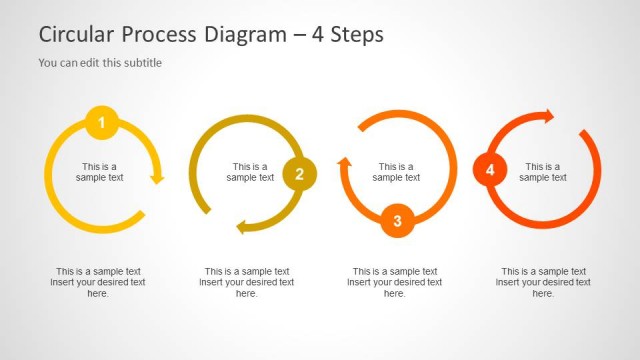
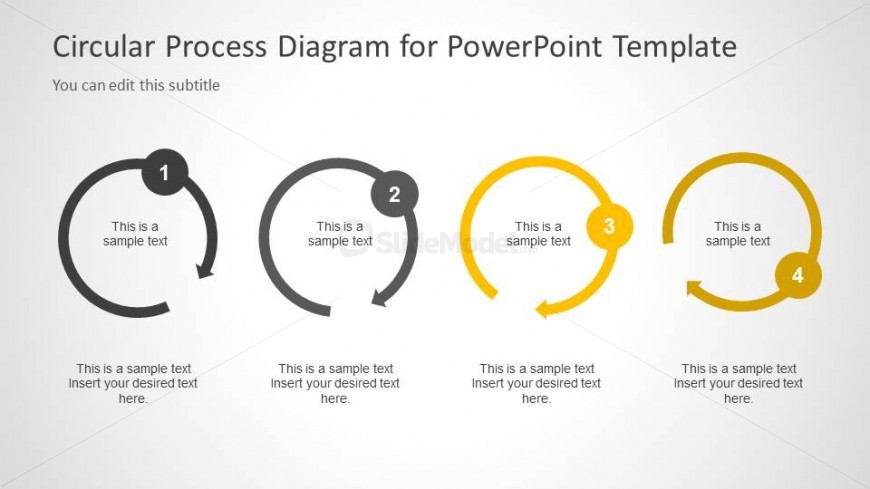
The layout features four circular nodes arranged horizontally. Each node is labeled with a number from 1 to 4, indicating sequential steps. The first and last nodes are black and dark gray, while the second node is gray and the third node is yellow. Each node contains a text placeholder for descriptions, positioned centrally within the circles. Below each node, there are additional text placeholders for further details. The background is light gray, providing contrast to the circular shapes and enhancing visibility.
How to Use It
This layout serves as a sequential process diagram, ideal for illustrating an eight-step circular process. It fits well in presentations focused on workflows, project management, or training sessions. This slide can be used to explain stages in a process, making it suitable for trainers or consultants. It follows a narrative structure that allows for clear progression from one step to the next, enhancing audience understanding of cyclical processes.
Text Placeholders & Capacity
Keep your copy within these limits so it fits without resizing. Node body slots can hold about 10 words each.
| Placeholder | Count | Max characters (approx.) |
|---|---|---|
| Item heading | 4 | 20 |
| Item body | 4 | 50 |
Slide Keywords
Download unlimited PowerPoint templates, charts and graphics for your presentations with our annual plan.
DOWNLOADReturn to Creative Circular Process Diagram for PowerPoint - 8 Steps.