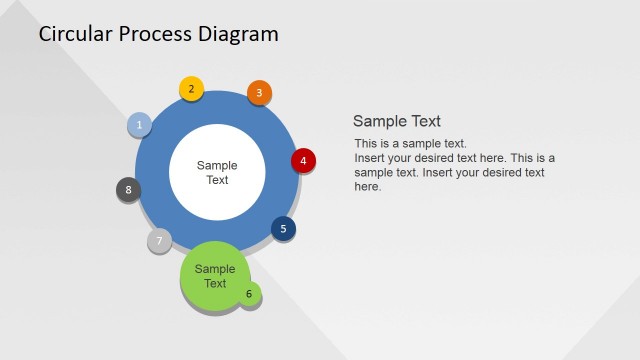
Slide 4 of 4 from Creative Circular Process Diagram for PowerPoint - 8 Steps
6047-08-circular-process-diagram-5
Circular Process Diagram for PowerPoint
- Diagram
- Circular Cycle
- Process Slide
- 16:9
- 100% Editable
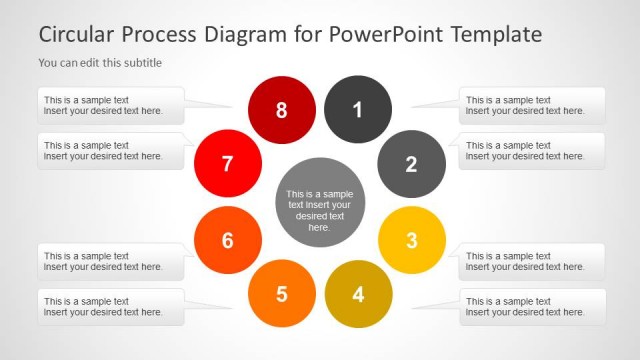
The Circular Process Diagram slide from the Creative Circular Process Diagram for PowerPoint – 8 Steps template offers a clear visual layout for illustrating workflows and project stages. Featuring editable shapes arranged in a horizontal sequence with directional arrows, this slide supports business presentations and training sessions by effectively communicating cyclical processes and multi-step methodologies within a professional slide deck.
What’s on This Slide
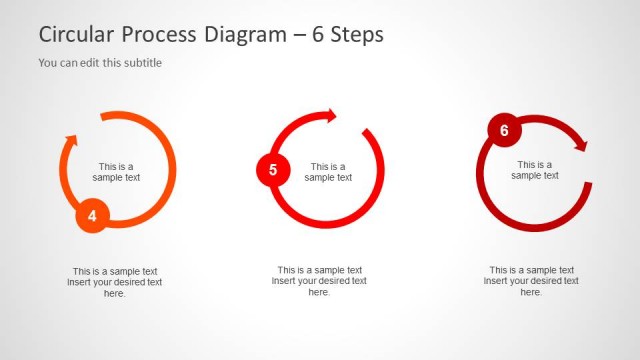
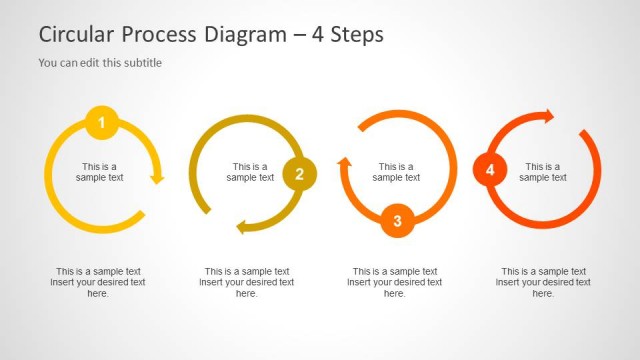
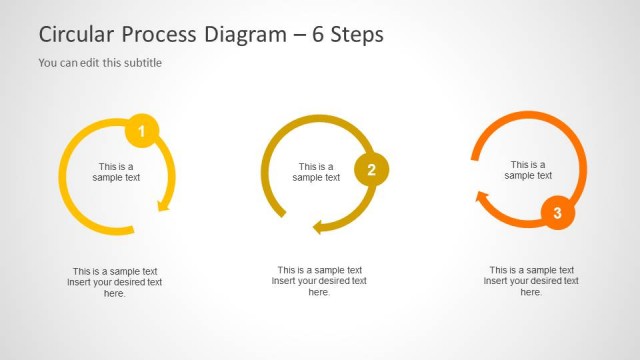
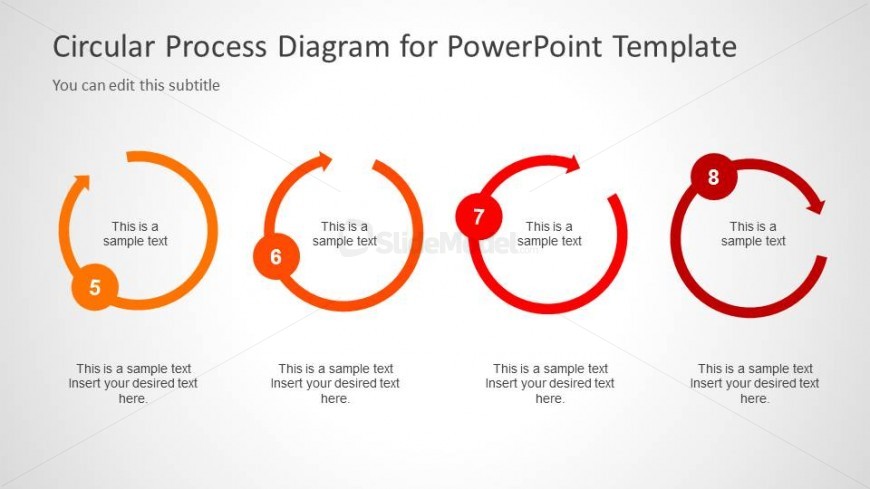
The layout features four circular nodes arranged horizontally, each representing a step in a process. The nodes are colored in a gradient from orange to red, with each circle containing a number and a text placeholder below. The first node is on the left, followed by three additional nodes spaced evenly. Each node has a directional arrow indicating flow from left to right. Text placeholders are aligned centrally beneath each node, allowing for descriptions of each step. The background is a light gray, enhancing the visibility of the colored nodes.
How to Use It
This layout serves as a sequential representation of a circular process, suitable for illustrating workflows or stages in a project. It fits well in presentations that require a clear depiction of steps, particularly in training or consulting contexts. This slide can be used to explain processes in business meetings or educational settings, where clarity in progression is essential. It is effective for summarizing multi-step methodologies or cyclical processes.
Text Placeholders & Capacity
Keep your copy within these limits so it fits without resizing. Node labels can hold about 20 characters each, while body text can accommodate around 50 characters.
| Placeholder | Count | Max characters (approx.) |
|---|---|---|
| Item heading | 4 | 20 |
| Item body | 4 | 50 |
Slide Keywords
Download unlimited PowerPoint templates, charts and graphics for your presentations with our annual plan.
DOWNLOADReturn to Creative Circular Process Diagram for PowerPoint - 8 Steps.