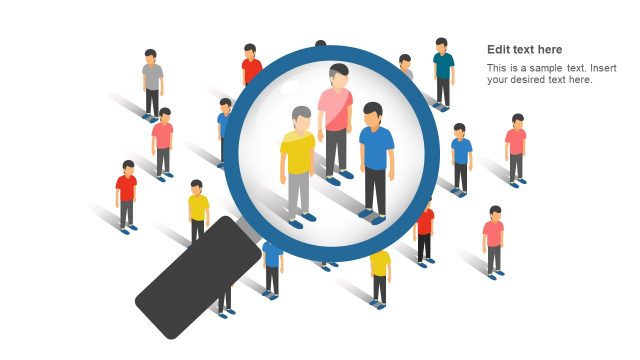
Generate a fact-filled presentation with useful diagrams and graphics with the Consumer Needs PowerPoint Template. The template design is useful for marketing plans and reports, as well as customer research practices, to identify certain consumer behavior patterns.
Consumer behavior determines which products are prioritized over another, starting with the basic needs of a typical client. These needs range from work, home, food, and clothes. These four basic needs affect a person’s buying behavior, therefore, directly affecting sales. A marketing team has to gauge the importance of certain products, in order to demonstrate a certain level of priority among a product line.
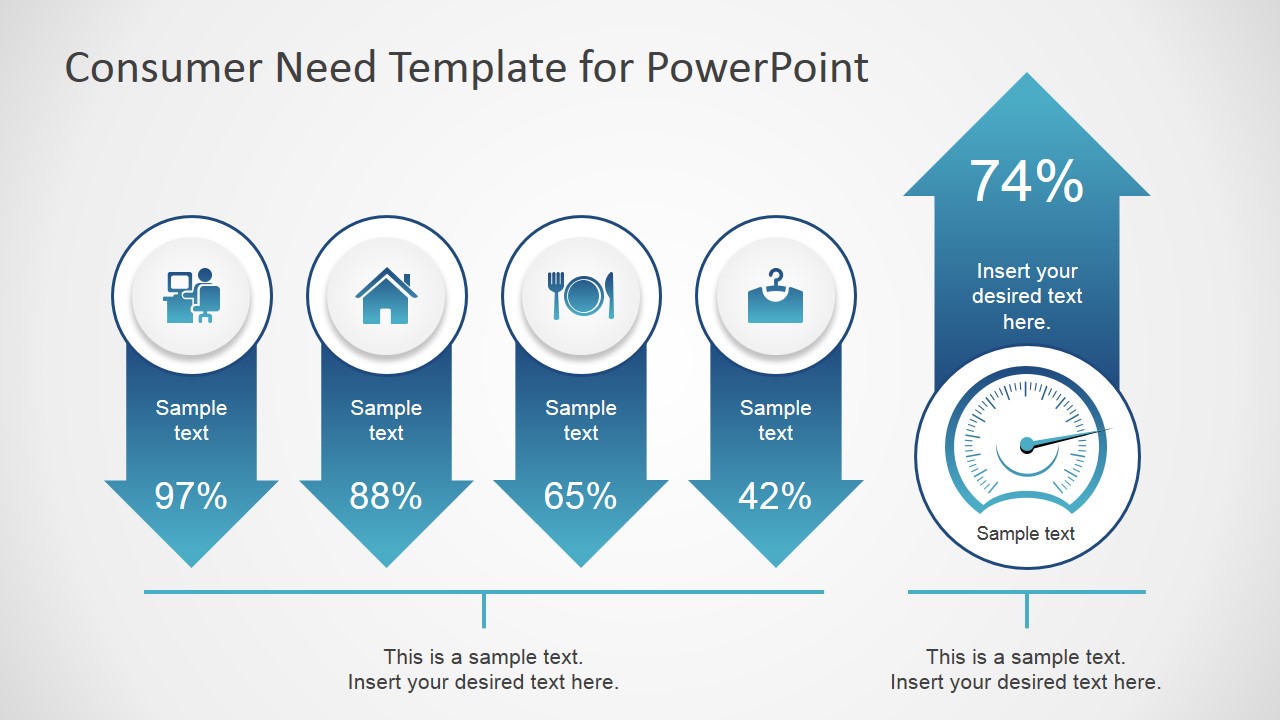
The template includes an overview slide, showing the four basic needs as compared to a fuel gauge symbol that can represent the need’s relative effect on product sales. The template has four remaining slides, which emphasize one need at a time so the presenter can focus on a single topic. The individual presentation lets the audience ample time to connect the four aspects of the presentation, gaining a general background of the topic.
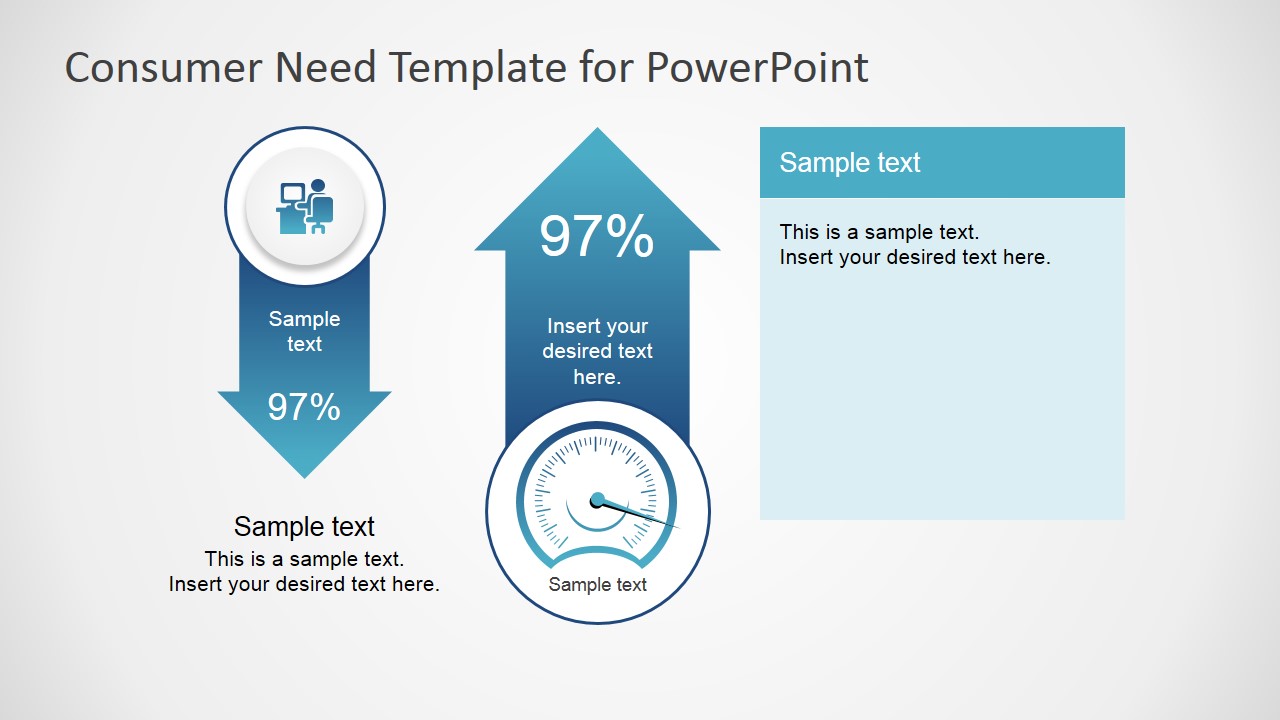
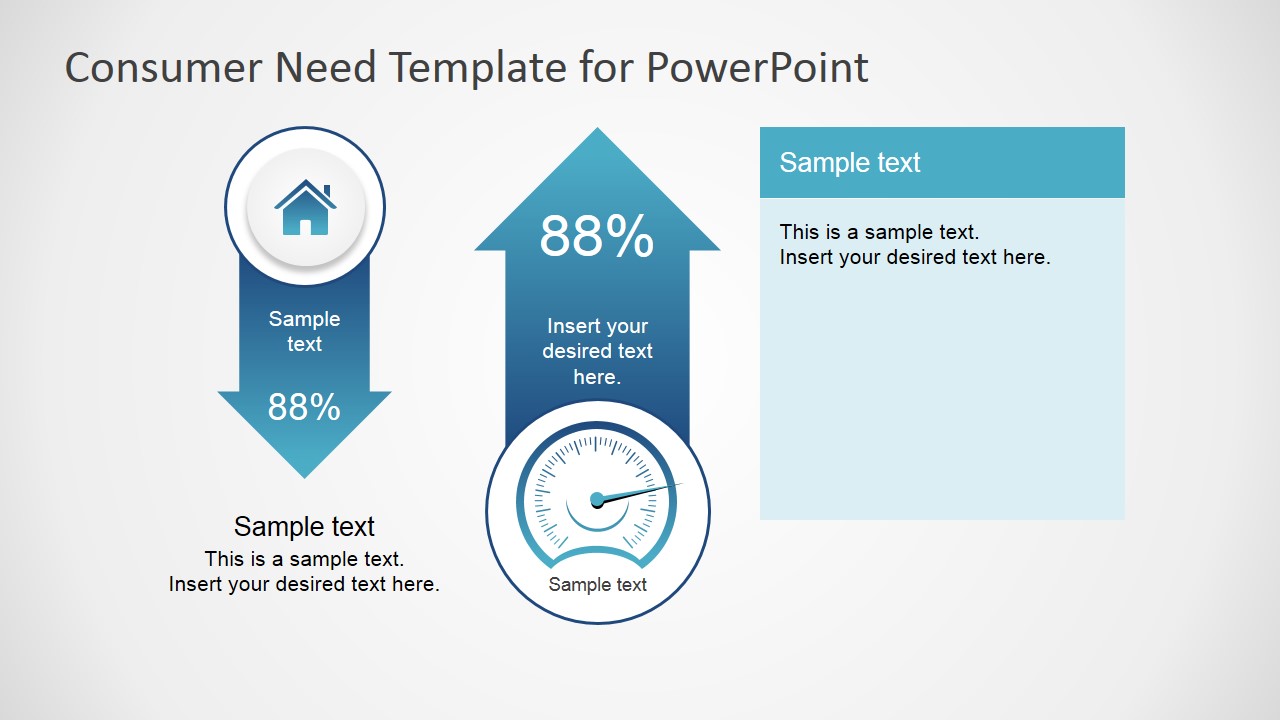
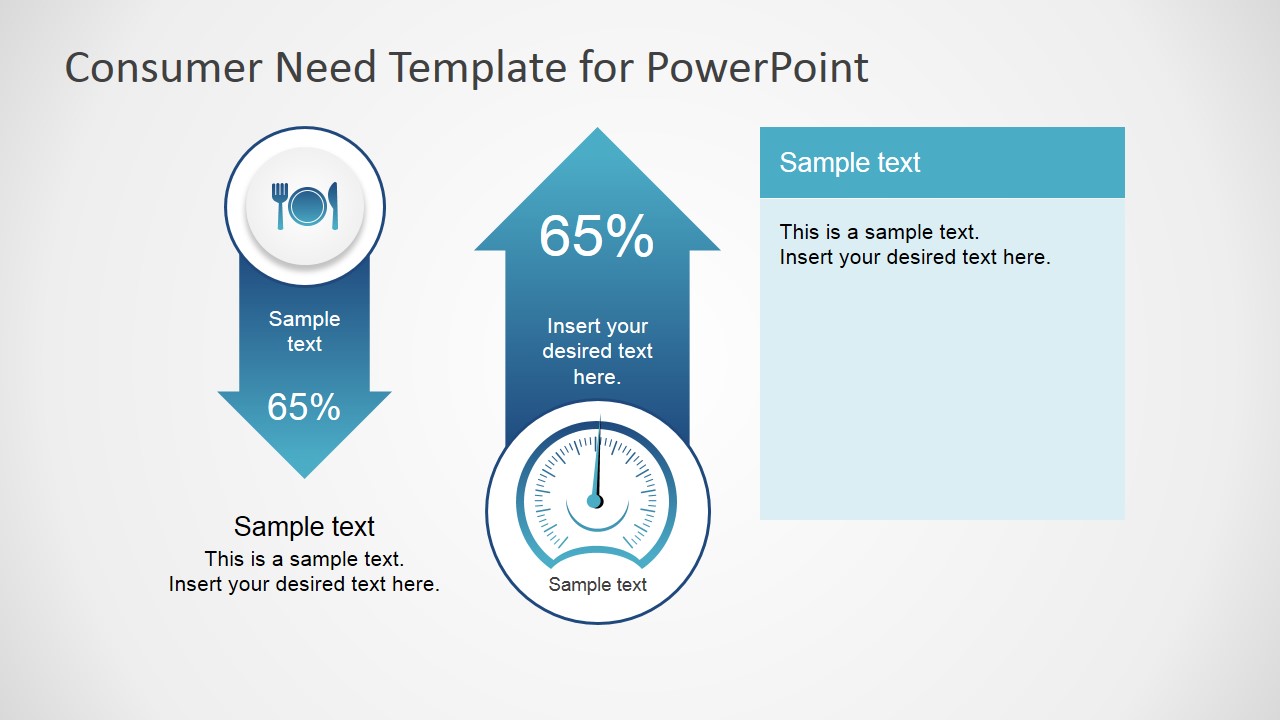
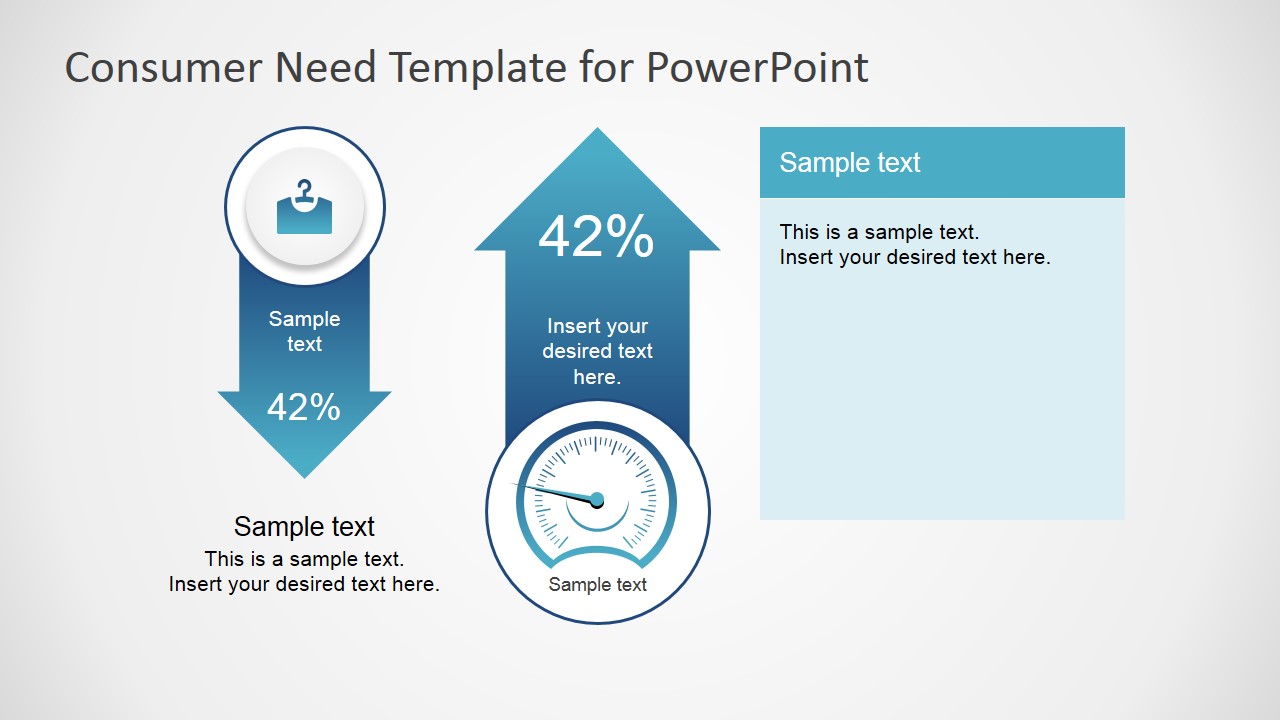
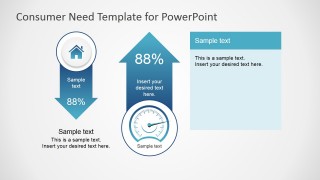
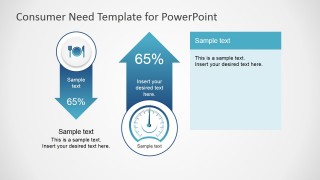
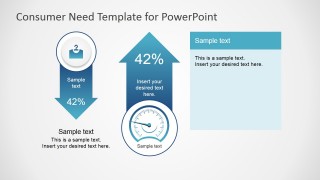
The slide designs feature circular badges, with arrows indicating the movement of a certain element in response to another. The first slide contains four downward facing arrows, with a single upward arrow, showing the fuel gauge icon. The four downward arrows contain icons for work, home, food, and clothes. The four other slides feature one of the four icons. The arrows contain a text placeholder, as well as a percentage matching the other arrow in the slide. The equal values demonstrate the cause-and-effect movement of these elements.
The Consumer Needs PowerPoint Template is ideal for marketing reports that aim to compare specific statistical data concerning consumer needs, and matching them to the corresponding increase or decrease in sales, or the general economy. The PowerPoint objects can be manipulated and customized to suit the specifications of the presentation. The presenter can choose to download other customer needs PowerPoint templates from the Gallery.
What’s inside this template
Example presentation scenarios
- A consumer insights manager can use the overview arrow diagram to show executives how work, home, food, and clothing needs compare before discussing research findings.
- A marketing analyst can use the single-need detail slides to explain which household need is tied to a sales or performance percentage in a planning meeting.
- A product manager can use the fuel gauge visual and KPI percentages to frame a product priority discussion around observable customer need signals.
- A sales leader can use the arrow comparison layout to connect consumer behavior themes with performance movement during a retail category review.
Features
- 100% editable presentation template
- Compatible with Microsoft PowerPoint and Google Slides
- 16:9 aspect ratio slides
- Scalable vector shapes, icons and illustrations
- AI-Ready for Microsoft Copilot and Claude
- Instant access and download
Frequently asked questions
Q: How should a presenter explain the four consumer needs without turning the slide into a list?
A: Start with Slide 1 as a ranking frame, not as a data dump. Explain what each icon represents, then use the percentages and fuel gauge as discussion prompts about relative pressure or priority. Move to the focused slides only for categories that need evidence, examples, or business action.
Q: Who is this template best suited for in a consumer research presentation?
A: It fits marketing analysts, consumer insights teams, and product managers who need to connect basic household needs with performance indicators. The work, home, food, and clothing slides are most useful when the audience needs a simple decision frame before reviewing tactics, budget priorities, or category opportunities.
Q: Why use arrows and a fuel gauge as the main visual metaphor?
A: The downward arrows separate need categories, while the upward arrow and gauge imply business response or performance movement. This contrast helps audiences see cause and effect: consumer pressure on one side, market or sales impact on the other. The metaphor keeps the message concrete without requiring a complex chart.
Consumer Needs PowerPoint Template
5-slide presentation template for consumer needs analysis with KPI arrows, icons, and fuel gauge visuals
Consumer Needs PowerPoint Template is a 5-slide presentation template for explaining basic consumer need categories and their relationship to performance indicators. It includes a four-item arrow overview, fuel gauge comparison, KPI percentage callouts, and single-need detail slides for work, home, food, and clothing. It is built for Microsoft PowerPoint and Google Slides.
- Category
- Shapes
- Rating


 Loading...
- Aspect ratio
- 16:9, 4:3
- Item ID
- 7098-01
- Colors
 Microsoft PowerPoint
  Microsoft Copilot
  Claude for PowerPoint
 Other formats supported
Subscribe today and get immediate
access to download our PowerPoint templates.