Slide 11 of 14 from International Tax Planning PowerPoint Template
Implementation Plan Slide – International Tax Planning Layout
Implementation Plan Slide for International Tax Planning
- Text Layout
- List Blocks
- Process Slide
- 16:9
- 100% Editable
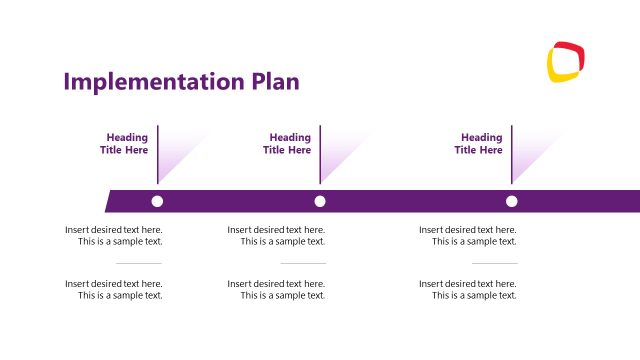
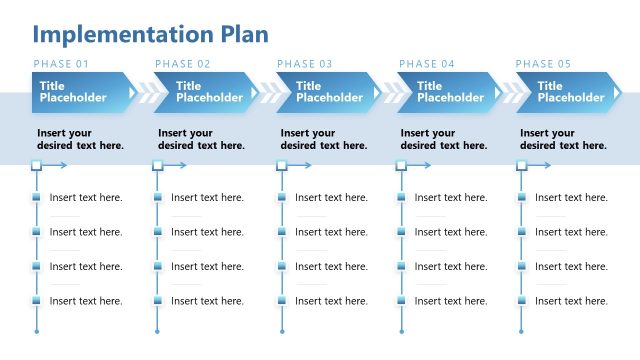
The Implementation Plan Layout from the International Tax Planning PowerPoint Template provides a clear, sequential structure for project management and strategic planning presentations. This slide template features editable shapes arranged to illustrate process flow, making it suitable for operational execution outlines within corporate presentations or business presentation slide decks.
What’s on This Slide
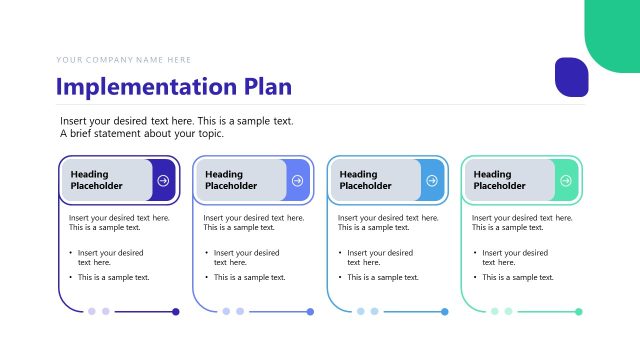
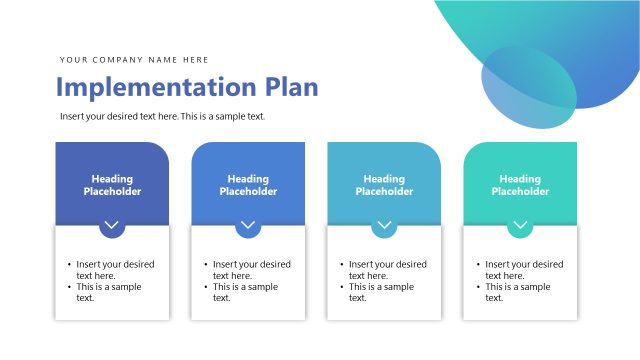
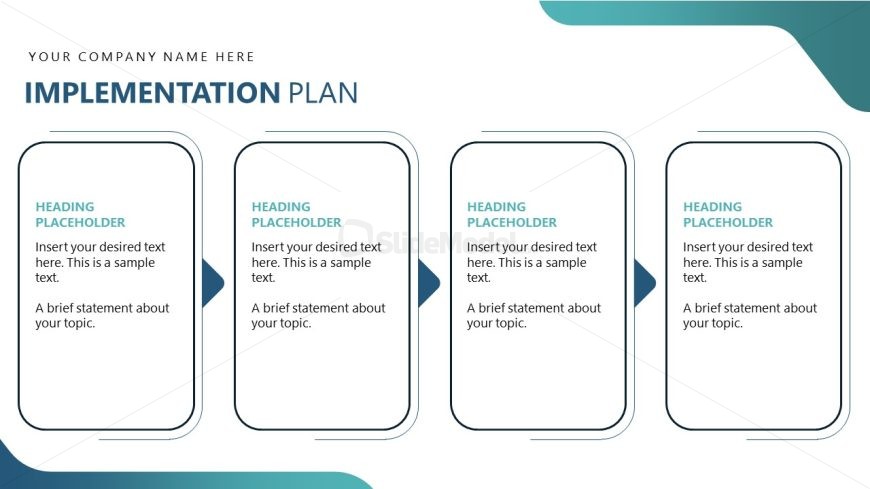
The layout features four vertically aligned containers, each with rounded corners, arranged in a row. Each container includes a heading placeholder at the top, followed by a text placeholder for detailed content. The containers are separated by arrows pointing right, indicating a flow or progression. The overall background is a light color, with a darker blue accent at the top. The visual hierarchy emphasizes the headings, while the text placeholders are aligned centrally within each container. The slide includes a title placeholder at the top, centered.
How to Use It
This layout serves as a structured implementation plan, ideal for outlining sequential steps or phases in a project. It fits well in a presentation sequence after problem identification and before detailing outcomes. This format is suitable for business scenarios such as project management, strategic planning, or operational execution, where clarity in steps is essential. It can be used individually to present specific implementation strategies within broader financial or tax planning discussions.
Text Placeholders & Capacity
Keep your copy within these limits so it fits without resizing. Node body slots can hold about 25-30 words each.
| Placeholder | Count | Max characters (approx.) |
|---|---|---|
| Slide title | 1 | 30 |
| Item heading | 4 | 30 |
| Item body | 4 | 150 |
Slide Keywords
Download unlimited PowerPoint templates, charts and graphics for your presentations with our annual plan.
DOWNLOAD