Slide 6 of 7 from Concept Bar Chart Template for PowerPoint
Colorful Concept Bar Chart PowerPoint Template
3D Bar Chart for Data Visualization
- Chart
- Bar Vertical
- Evaluation Slide
- 16:9
- 100% Editable
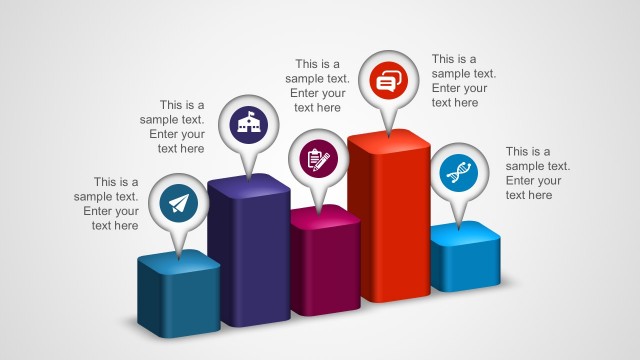
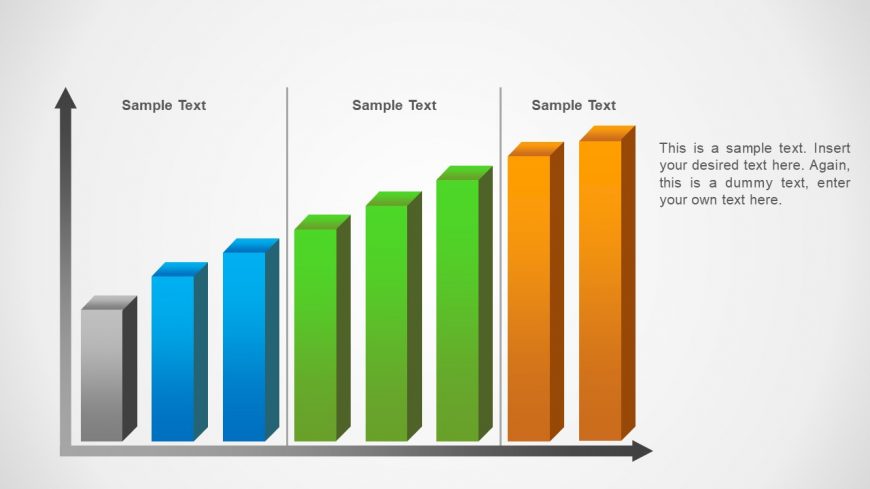
The 3D Bar Chart with Labels slide from the Concept Bar Chart Template for PowerPoint offers a clear visual tool for comparing sales performance and market analysis data. This slide layout includes editable shapes and vector icons to enhance business presentations or pitch deck templates, making it suitable for showcasing survey results with a professional and balanced design.
About This Slide
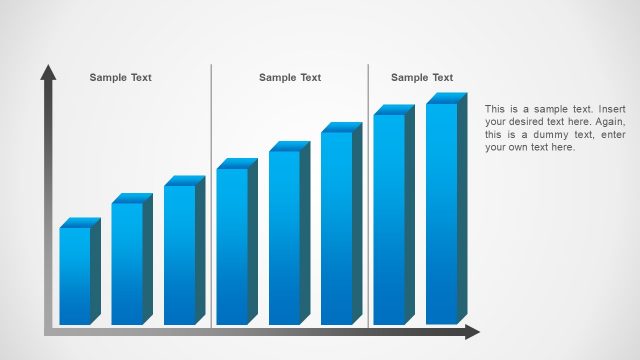
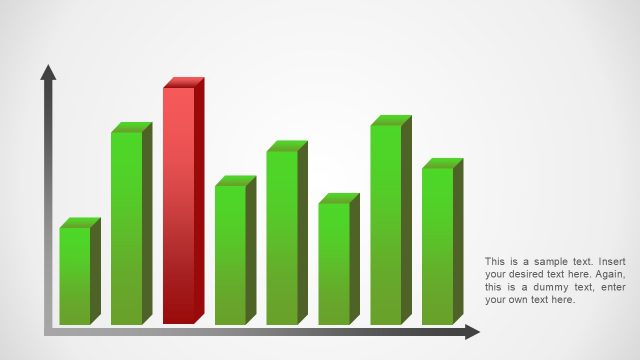
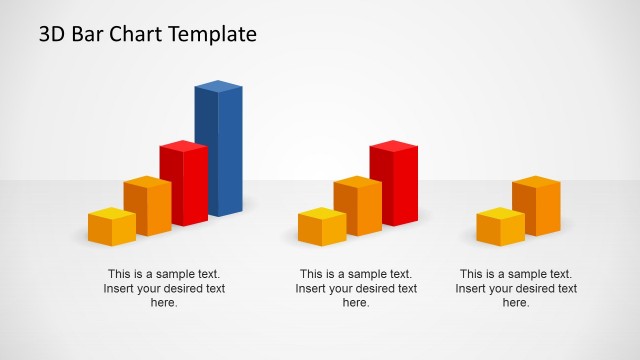
This slide contains the Colorful Concept Bar Chart PowerPoint Template created using 3D PowerPoint objects with outstanding effects to enlighten every presentation. Each Vertical Bar is editable, so the user can represent the number required in the Y Scale. Bar can be added or eliminated from the X Axis of the Bar Chart, making this slide highly flexible.
What’s on This Slide
The layout features a 3D bar chart with five vertical bars arranged in a row. The bars are colored in shades of gray, blue, green, and orange, with the tallest bar on the right. Each bar has a corresponding label positioned above it, indicating sample text. To the right of the bars, there is a text placeholder for additional information, aligned vertically. The background is light gray, which enhances the visibility of the bars. The overall composition is balanced, with clear visual hierarchy emphasizing the bar heights.
How to Use It
This layout serves as a bar chart for comparing multiple data sets visually. It is suitable for presentations requiring data visualization, such as sales performance, survey results, or market analysis. Positioned in the middle of a presentation sequence, it effectively communicates quantitative information. This layout can be used to highlight trends or differences among categories, making it ideal for business reports or analytical discussions.
Text Placeholders & Capacity
Keep your copy within these limits so it fits without resizing. Node labels can hold about 12 characters each, while the body text can accommodate roughly 150 characters.
| Placeholder | Count | Max characters (approx.) |
|---|---|---|
| Item heading | 5 | 12 |
| Body paragraph | 1 | 150 |
Slide Keywords
Download unlimited PowerPoint templates, charts and graphics for your presentations with our annual plan.
DOWNLOADReturn to Concept Bar Chart Template for PowerPoint.