Slide 7 of 7 from Concept Bar Chart Template for PowerPoint
concept-charts-wide-7
3D Bar Chart Slide for Presentations
- Chart
- Bar Vertical
- Evaluation Slide
- 16:9
- 100% Editable
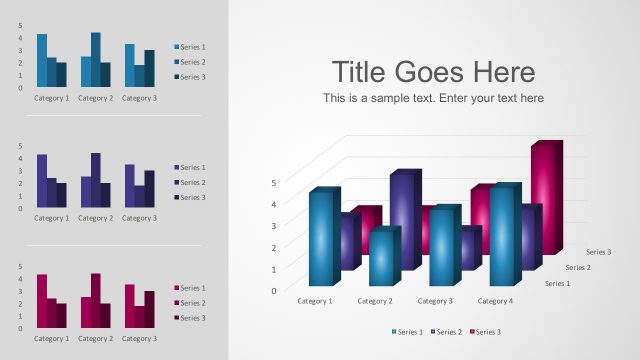
The 3D Bar Chart with Sample Text slide from the Concept Bar Chart Template for PowerPoint offers a clear visualization for data comparison and sales analysis. This slide layout features editable shapes and vector icons to highlight performance metrics effectively within a corporate presentation or business presentation slide deck.
What’s on This Slide
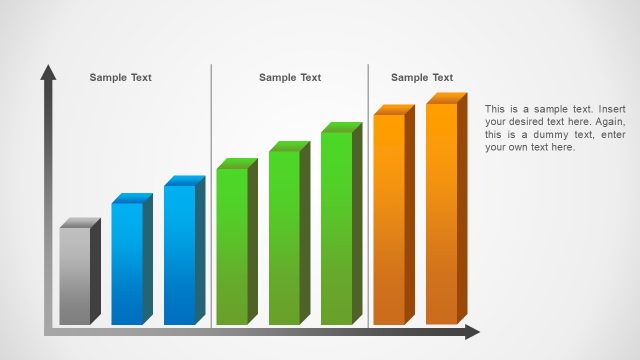
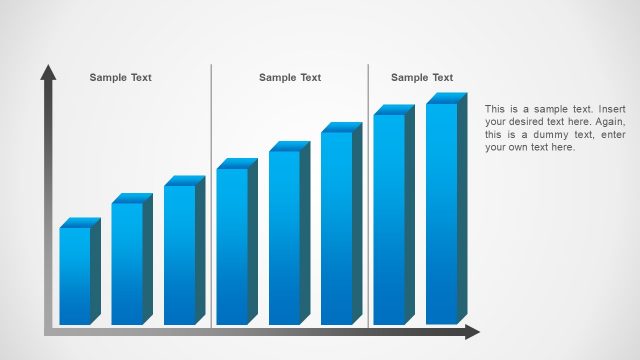
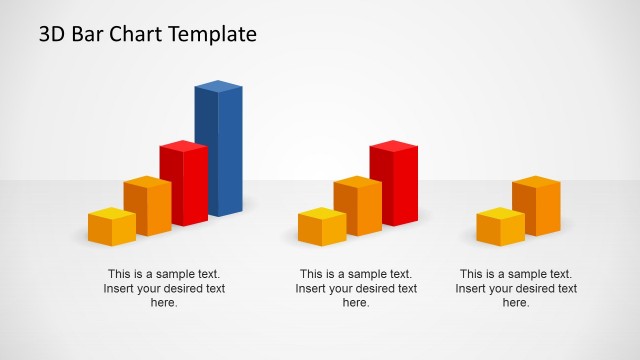
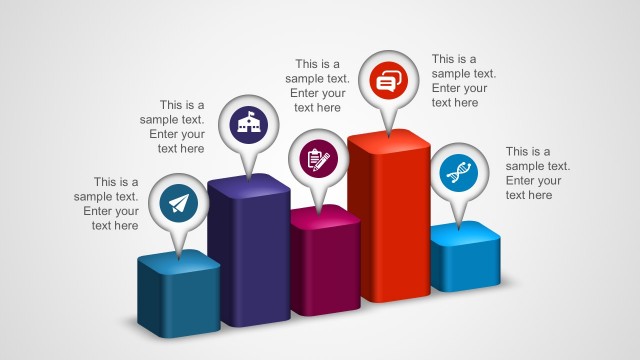
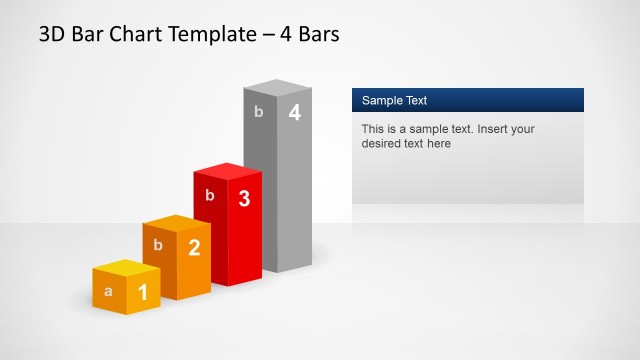
The slide features a 3D bar chart with vertical green and red bars. The red bar is the tallest, positioned centrally, while the green bars are arranged to its left and right in decreasing height. The chart is set against a light background with a gray border. An upward arrow indicates the y-axis, and a horizontal arrow represents the x-axis. There are two text placeholders on the right side, aligned vertically, allowing for custom text input. The overall layout emphasizes the chart, drawing attention to the data visualization.
How to Use It
This layout serves as a data visualization tool, ideal for presenting comparative data across multiple categories. It fits well in a presentation sequence after introducing a problem or concept and before discussing solutions or insights. Business scenarios include performance comparisons, sales data analysis, or project progress tracking. The structure allows for easy interpretation of data trends and highlights key metrics effectively.
Text Placeholders & Capacity
Keep your copy within these limits so it fits without resizing. Body slots can accommodate roughly 15-20 words each.
| Placeholder | Count | Max characters (approx.) |
|---|---|---|
| Chart title | 1 | 50 |
| Body paragraph | 2 | 100 |
Slide Keywords
Download unlimited PowerPoint templates, charts and graphics for your presentations with our annual plan.
DOWNLOADReturn to Concept Bar Chart Template for PowerPoint.