Slide 7 of 8 from 3D Infographic Elements for PowerPoint
Free 5-Step Digram Template for PowerPoint
3D Process Diagram for Presentations
- Diagram
- Process Flow
- Process Slide
- 16:9
- 100% Editable
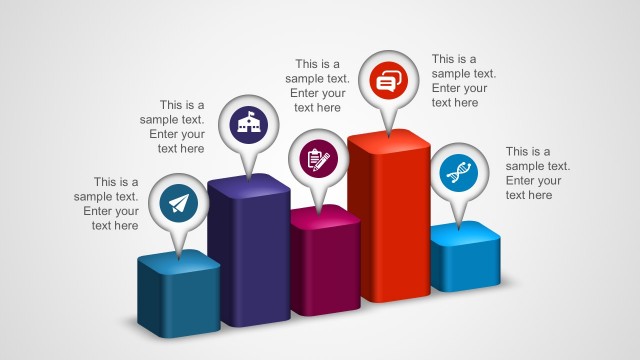
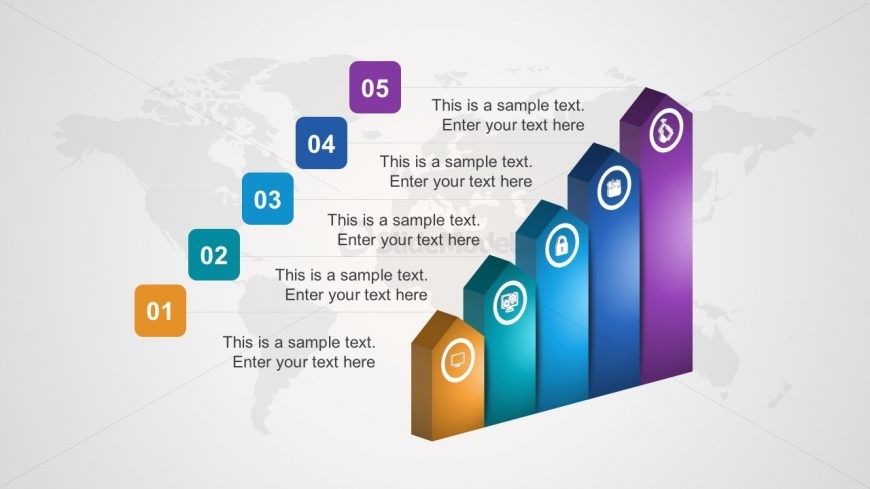
The 3D Process Diagram with Steps slide from the 3D Infographic Elements for PowerPoint template visually represents sequential stages using ascending vertical bars with icons and text placeholders. This layout is ideal for illustrating project phases, performance metrics, or growth tracking within a business presentation. Its clean design and editable shapes make it a practical choice for creating clear and engaging slide decks that highlight progression and process flow.
What’s on This Slide
The layout features five vertical bars arranged in ascending order from left to right. Each bar is a different color, with icons positioned at the top of each bar. The bars are labeled with numbers one through five, with corresponding text placeholders beneath each bar. A subtle world map serves as the background, enhancing the infographic style. The visual hierarchy emphasizes the height of the bars, indicating progression. Text placeholders are centrally aligned beneath each bar, maintaining a clean and organized appearance.
How to Use It
This layout serves as a process diagram, illustrating sequential steps or stages in a business context. It is suitable for presentations that outline project phases, growth metrics, or performance indicators. This slide fits well after a problem-framing slide, leading into a roadmap or strategic plan. It can be used in scenarios such as product launches, performance reviews, or project updates, where clear progression is essential.
Text Placeholders & Capacity
Keep your copy within these limits so it fits without resizing. Node labels can hold about 20 characters each, while body text can accommodate approximately 50 characters.
| Placeholder | Count | Max characters (approx.) |
|---|---|---|
| Item heading | 5 | 20 |
| Item body | 5 | 50 |
Slide Keywords
Download unlimited PowerPoint templates, charts and graphics for your presentations with our annual plan.
DOWNLOADReturn to 3D Infographic Elements for PowerPoint.