Slide 1 of 8 from Free Market Analysis Diagrams for PowerPoint
Creative Bar Graphs for Free Market Analysis PowerPoint
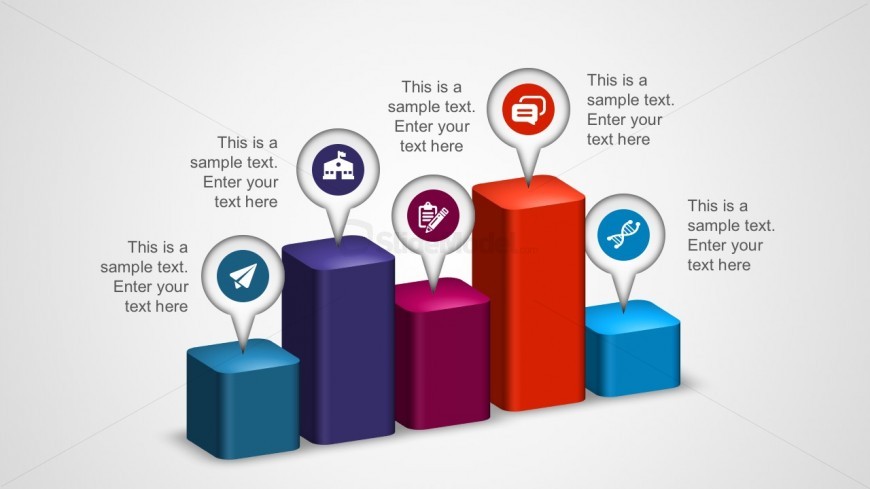
3D Bar Chart with Icons for Market Analysis
- Chart
- Bar Vertical
- Evaluation Slide
- 16:9
- 100% Editable
The 3D Bar Chart with Icons slide from the Free Market Analysis Diagrams for PowerPoint template offers a clear visual tool for market performance comparison and product feature analysis. This slide layout includes editable shapes and vector icons that enhance trend visualization, making it a practical choice for business presentations and pitch deck templates requiring precise data evaluation.
What’s on This Slide
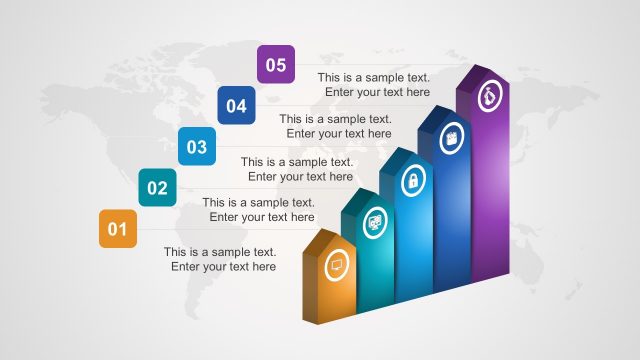
The layout features five vertical 3D bar shapes arranged in a row from left to right. Each bar is a different color, with the tallest bar in red, followed by purple, dark blue, and light blue. Above each bar, there are circular icons representing various concepts, with text placeholders positioned directly below each icon. The text placeholders are aligned centrally under the icons, indicating where additional information can be entered. The background is a light gradient, enhancing the visual appeal of the bars and icons.
How to Use It
This layout serves as a comparative analysis tool, effectively displaying multiple data points side by side. It is suitable for illustrating market trends, performance metrics, or product comparisons. In a presentation sequence, it can be used after introducing a problem or opportunity, leading into a detailed analysis. This structure is particularly useful for business scenarios where visual representation of data is crucial for decision-making.
Text Placeholders & Capacity
Keep your copy within these limits so it fits without resizing. Node labels can hold up to 30 characters each, while node bodies can hold up to 50 characters.
| Placeholder | Count | Max characters (approx.) |
|---|---|---|
| Item heading | 5 | 30 |
| Item body | 5 | 50 |
Slide Keywords
Download unlimited PowerPoint templates, charts and graphics for your presentations with our annual plan.
DOWNLOADReturn to Free Market Analysis Diagrams for PowerPoint.