Slide 2 of 7 from Concept Bar Chart Template for PowerPoint
concept-charts-wide-2
Concept Bar Chart for Presentations
- Chart
- Bar Vertical
- Comparison Slide
- 16:9
- 100% Editable
The Concept Bar Chart slide from the Concept Bar Chart Template for PowerPoint offers a clear visual comparison of multiple data sets using vertical bars. Ideal for business presentations, this slide layout supports effective sales analysis and performance metric reviews. Its editable shapes and structured design make it a practical choice within slide templates focused on data visualization and corporate presentation needs.
What’s on This Slide
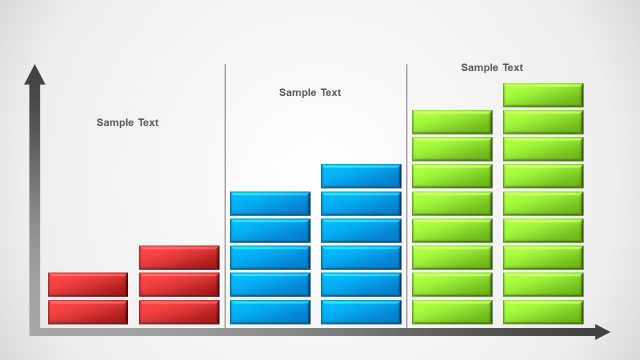
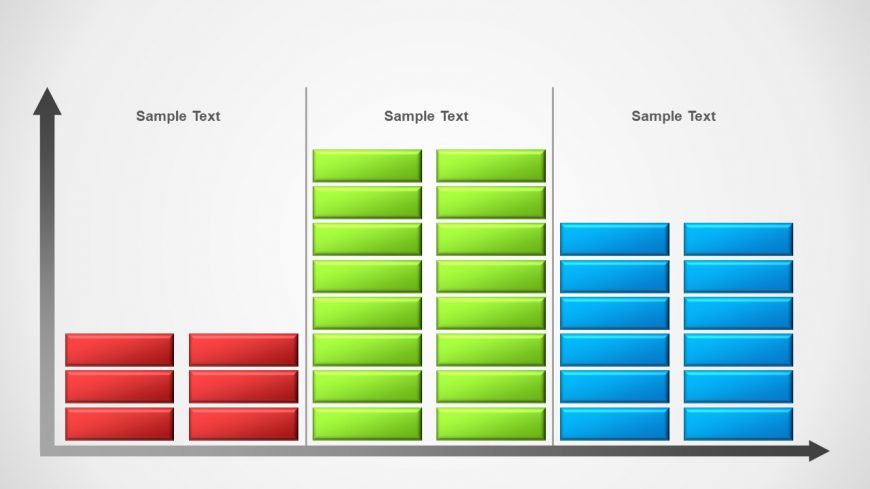
The layout features three vertical bar groups arranged side by side. Each group contains multiple rectangular bars stacked vertically, with the leftmost group in red, the middle group in green, and the rightmost group in blue. Above each group, there are text placeholders aligned centrally, labeled 'Sample Text.' The bars vary in height, suggesting different values. The background is light, enhancing the visibility of the colored bars. The overall composition is structured and clear, emphasizing the comparative nature of the data presented.
How to Use It
This layout serves as a bar chart for comparing multiple data sets. It fits well in presentations that require visual representation of quantitative data, such as sales figures or survey results. This slide can be used in business reports, marketing analysis, or performance reviews. It effectively communicates differences between categories at a glance, making it suitable for both formal and informal presentations.
Text Placeholders & Capacity
Keep your copy within these limits so it fits without resizing. Node body slots can accommodate roughly 12 characters each.
| Placeholder | Count | Max characters (approx.) |
|---|---|---|
| Chart title | 3 | 12 |
| Item body | 12 | 12 |
Slide Keywords
Download unlimited PowerPoint templates, charts and graphics for your presentations with our annual plan.
DOWNLOADReturn to Concept Bar Chart Template for PowerPoint.