Slide 7 of 10 from Company Culture PowerPoint Template
Employee Onboarding Template for Company Culture PowerPoint
Employee Onboarding Slide for Presentations
- Text Layout
- List Blocks
- Process Slide
- 16:9
- 100% Editable
What’s on This Slide
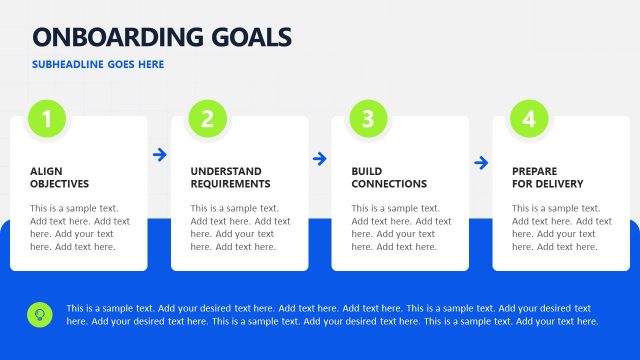
The slide features a blue background with a large title at the top left, 'Employee Onboarding.' Below the title, there are four numbered sections arranged in two columns. Each section contains a heading placeholder and a text placeholder for additional content. The first column has sections one and two, while the second column has sections three and four. The numbers are positioned to the left of each section, creating a clear visual hierarchy. A navigation arrow is located at the bottom right corner.
How to Use It
This layout serves as a structured overview for employee onboarding processes, making it suitable for presentations focused on training or integration of new hires. It fits well after introductory slides, providing a clear breakdown of onboarding steps. This format is useful in corporate training sessions, HR presentations, or any context where systematic onboarding information is needed. It allows for easy customization of content while maintaining a professional appearance.
Text Placeholders & Capacity
Keep your copy within these limits so it fits without resizing. Node body slots can accommodate roughly 15-20 words each.
| Placeholder | Count | Max characters (approx.) |
|---|---|---|
| Slide title | 1 | 30 |
| Item heading | 4 | 15 |
| Item body | 4 | 100 |
Slide Keywords
Download unlimited PowerPoint templates, charts and graphics for your presentations with our annual plan.
DOWNLOADReturn to Company Culture PowerPoint Template.