Slide 3 of 8 from Commercial Real Estate Template for PowerPoint
Real Estate Building Clipart PowerPoint Template
Building Comparison Slide for Real Estate
- Diagram
- Comparison Split
- Comparison Slide
- 16:9
- 100% Editable
The Building Comparison Layout from the Commercial Real Estate Template for PowerPoint provides a clear visual structure for comparing two properties side by side. This slide template includes editable shapes and vector icons representing buildings, making it suitable for real estate presentations or business presentation slide decks. Its balanced design supports showcasing property features effectively within a corporate presentation or pitch deck template.
What’s on This Slide
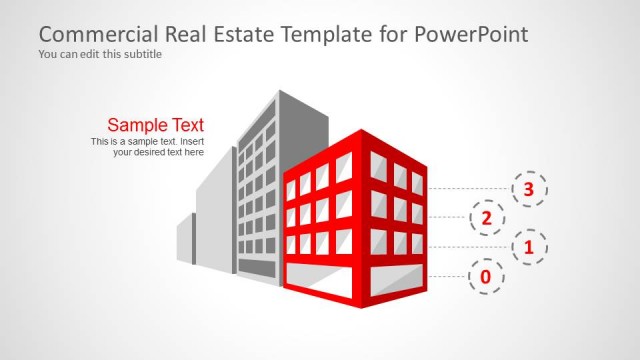
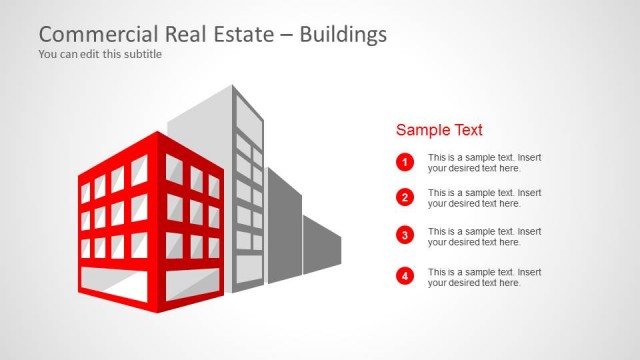
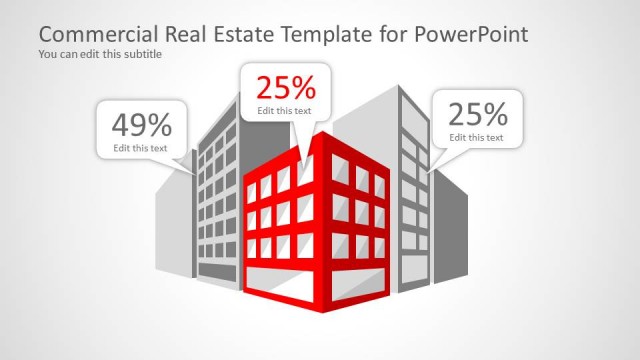
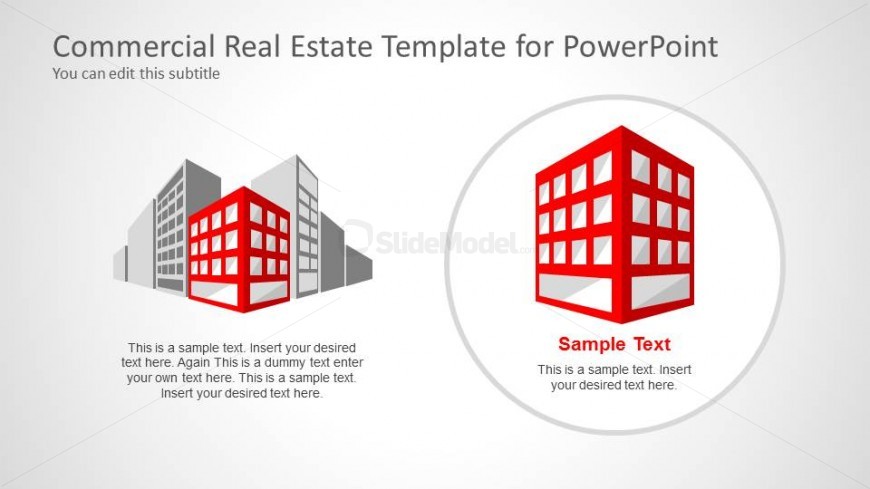
The layout features two prominent building icons, one on the left and one on the right. The left icon is a stylized red building with multiple windows, while the right icon is a similar building, but enclosed in a circular shape. Below each building icon are text placeholders, one aligned to the left and the other centered beneath the right icon. The background is a light gradient, enhancing the visual separation of elements. The overall composition balances the icons with the text, creating a clear visual hierarchy.
How to Use It
This layout serves to compare two buildings or real estate options side by side. It fits well in a presentation sequence after introducing a topic and before discussing specific properties. This structure is useful for real estate pitches, architectural presentations, or investment proposals, allowing for a straightforward visual comparison of features or benefits of different properties.
Text Placeholders & Capacity
Keep your copy within these limits so it fits without resizing. Each text slot can hold a moderate amount of text, roughly 10-15 words each.
| Placeholder | Count | Max characters (approx.) |
|---|---|---|
| Item heading | 2 | 50 |
| Item body | 2 | 150 |
Slide Keywords
Download unlimited PowerPoint templates, charts and graphics for your presentations with our annual plan.
DOWNLOAD