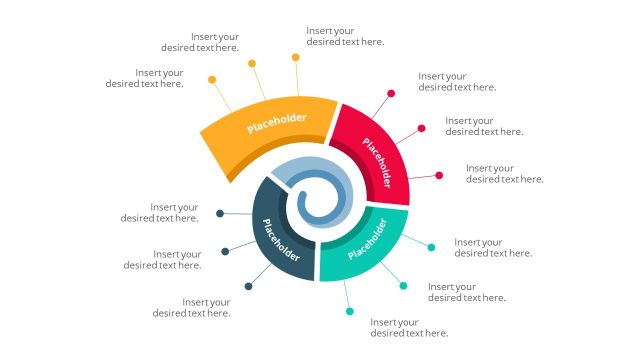
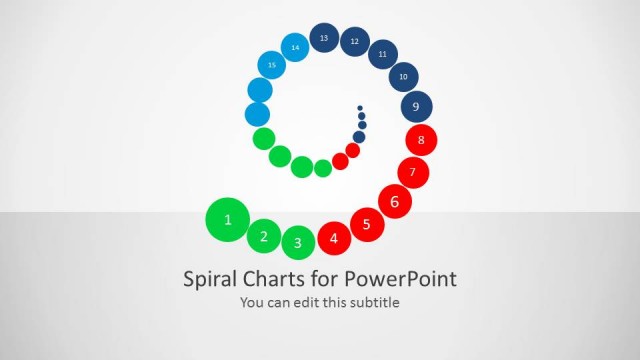
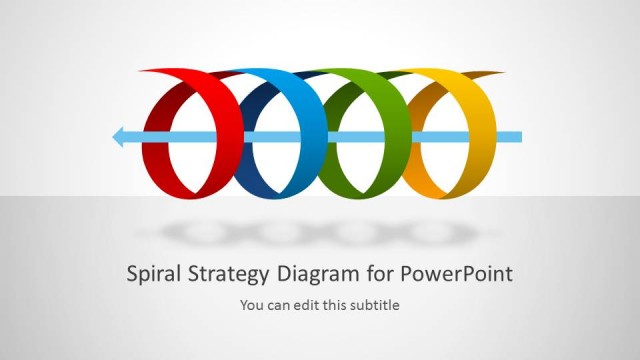
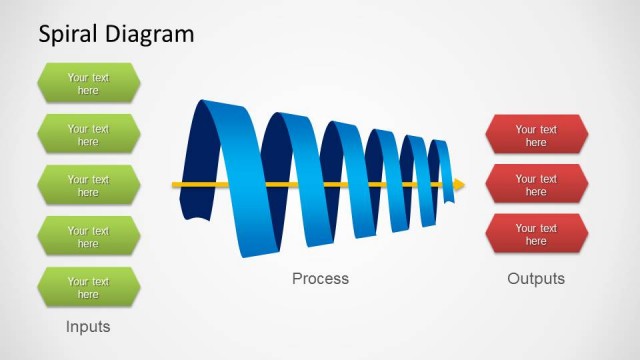
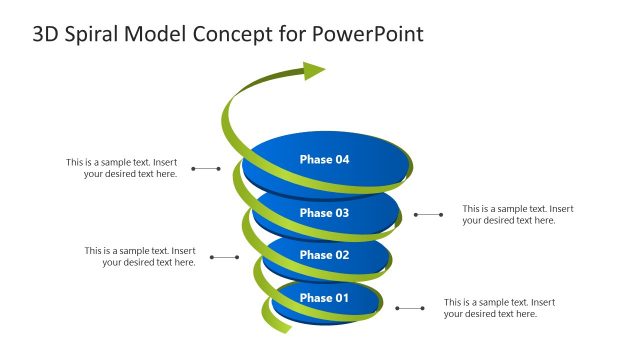
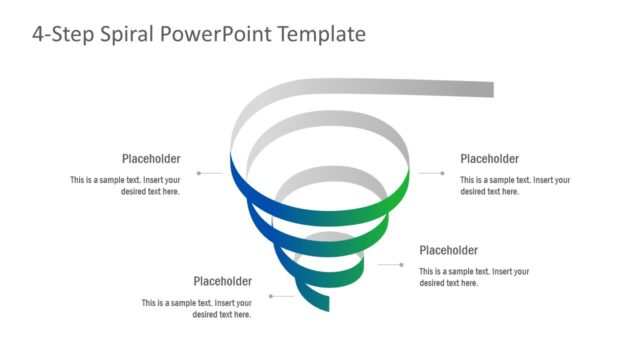
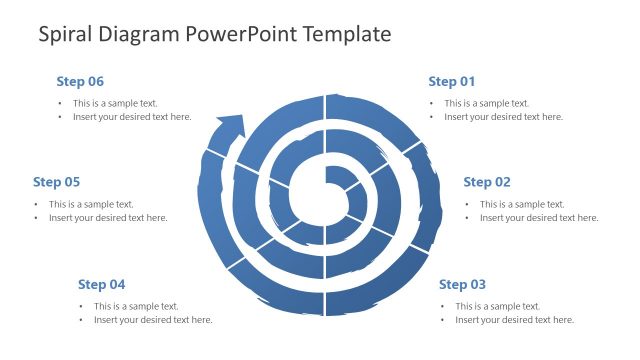
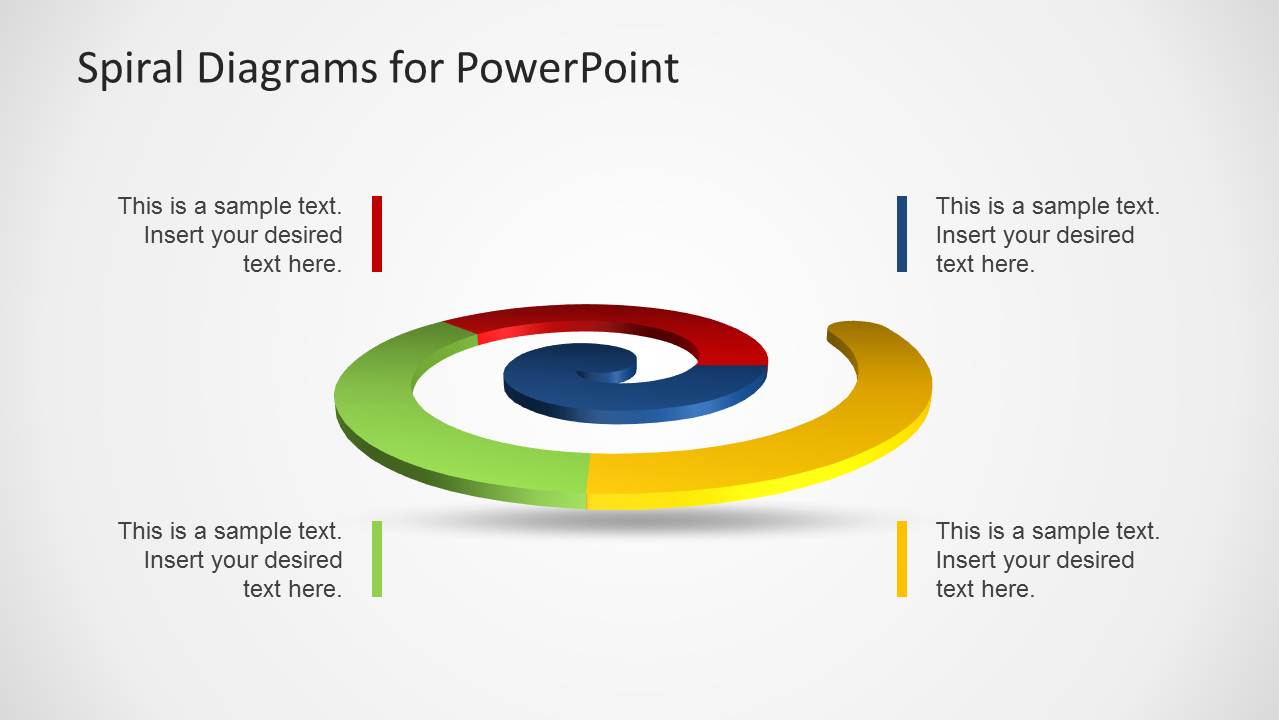
Colorful Spiral Diagrams for PowerPoint is a presentation template that you can download to represent a spiral model very popular in software development. Spiral diagram is also known as incremental model which can be understood as the way that software is designed, implemented and tested. It is related to iterative development and it is widely used by Software Engineers and in the software industry.
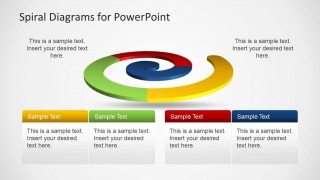
Spiral diagram template contains colorful segments that you can use to describe the incremental model in a PowerPoint presentation.
What’s inside this template
Example presentation scenarios
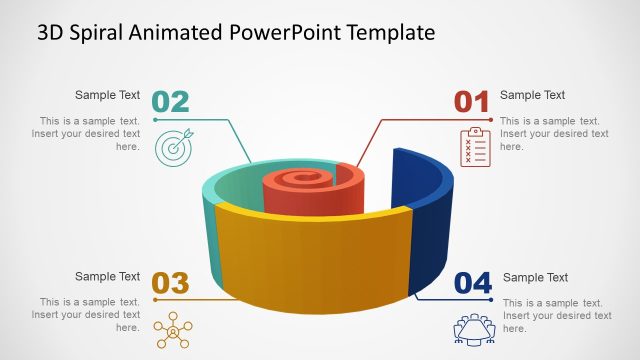
- A software engineering lead can explain the spiral model to stakeholders by using the central 3D spiral and four callouts to show repeated planning, design, implementation, and testing activity.
- A product manager can brief executives on an iterative release approach by using the four colored step cards to separate phases and attach short decision points to each stage.
- A project manager can introduce a risk-based development cycle by using the right-side text panel to summarize the model while the spiral graphic shows the recurring process flow.
- A technology consultant can compare an incremental process with a linear process by using the spiral diagram as the main visual metaphor and replacing the sample captions with client-specific stage names.
Features
- 100% editable presentation template
- Compatible with Microsoft PowerPoint and Google Slides
- Scalable vector shapes, icons and illustrations
- AI-Ready for Microsoft Copilot and Claude
- Instant access and download
Frequently asked questions
Q: How should a presenter explain the spiral model with these slides?
A: Start by naming the overall cycle in the spiral, then use the colored segments as anchors for the main phases. Keep each callout short so the audience reads the stage labels quickly while listening to the explanation. Use the four-card slide when each phase needs a slightly longer definition or decision point.
Q: Who is this template best suited for?
A: This template fits presenters who need to explain iterative development or repeated process cycles to mixed technical and business audiences. Software leads, product managers, project managers, and consultants can use the spiral to show that work returns to earlier learning, testing, or risk assessment rather than moving in a straight line.
Q: Why use a spiral instead of a standard process flow?
A: The spiral is a useful metaphor when the process repeats and grows through each pass. The 3D shape makes the cycle feel continuous, while the separate colored segments prevent the idea from becoming abstract. The supporting callouts and cards translate the visual metaphor into practical stage descriptions.


Colorful Spiral Diagrams for PowerPoint
3-slide PowerPoint diagram template for spiral model stages and software development cycles
Colorful Spiral Diagrams for PowerPoint is a 3-slide diagram template for presenting iterative or incremental models. It includes a 3D spiral diagram with four callouts, a spiral with a right-side text panel, and a four-card step layout. It is suited to software development, process planning, and technical explanations in PowerPoint.


 Loading...
 Microsoft PowerPoint
  Microsoft Copilot
  Claude for PowerPoint
 Other formats supported
Subscribe today and get immediate
access to download our PowerPoint templates.