Slide 9 of 10 from Cloud Network Template for PowerPoint
6056-01-cloud-network-chart-9
Cloud Network Chart - Monitor Slide
- Media Layout
- Other
- Context Slide
- 16:9
- 100% Editable
What’s on This Slide
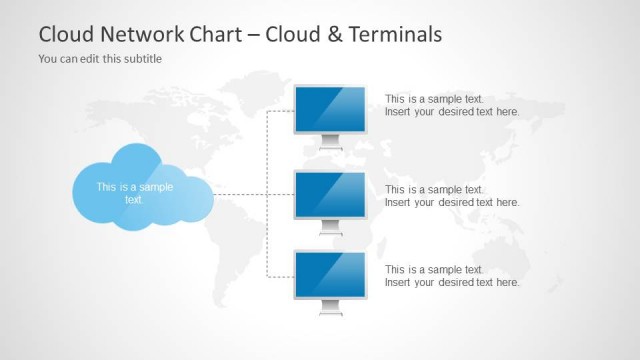
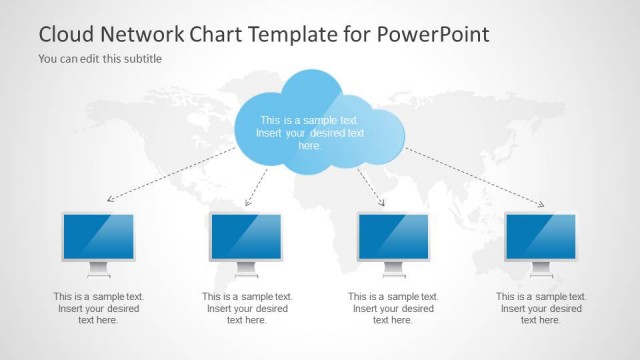
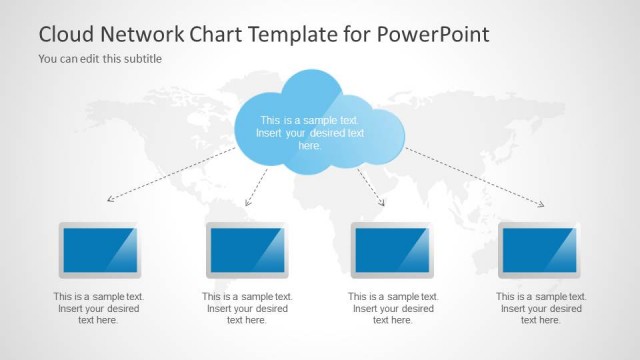
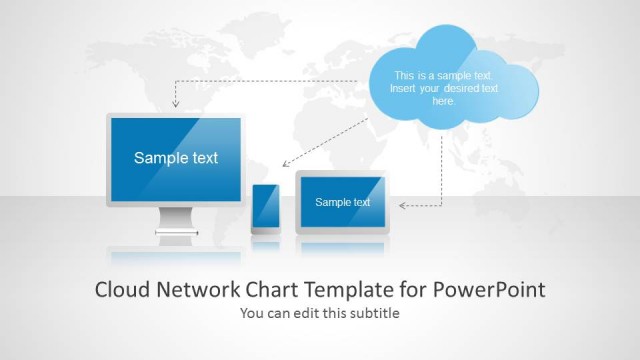
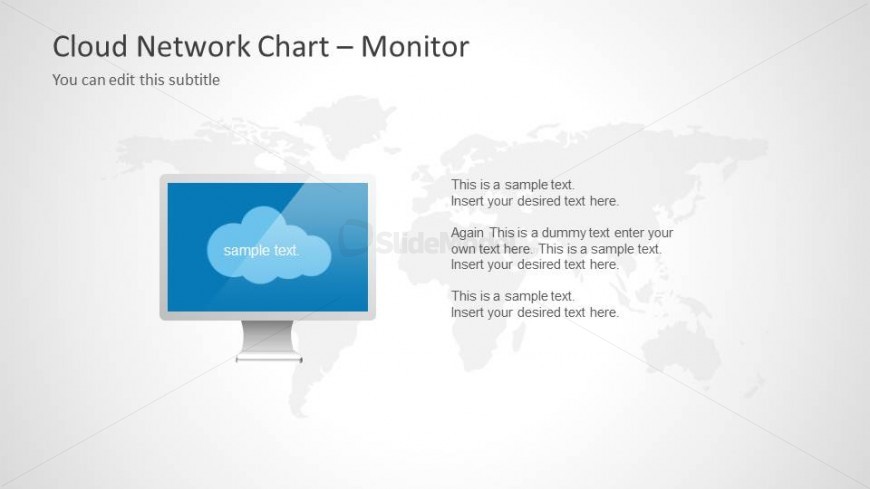
The slide features a central monitor icon positioned at the bottom center, displaying a blue rectangular shape with a cloud symbol and placeholder text. Surrounding the monitor, a world map is faintly visible in the background, providing a global context. Text placeholders are located to the right of the monitor, arranged vertically, with varying sizes to indicate hierarchy. The slide has a light background color, enhancing the visibility of the blue elements. The overall layout is balanced, with the monitor as the focal point and text placeholders supporting the visual narrative.
How to Use It
This layout serves as a visual representation of cloud network concepts, suitable for discussions on cloud computing infrastructure. It fits well after introductory slides, providing a detailed view of cloud services. This structure is effective for business presentations focusing on technology, IT solutions, or digital transformation strategies. It can be used to illustrate the relationship between cloud services and global connectivity, making it relevant for stakeholders in tech industries or corporate strategy meetings.
Text Placeholders & Capacity
Keep your copy within these limits so it fits without resizing. Body slots can hold about 8-10 words each.
| Placeholder | Count | Max characters (approx.) |
|---|---|---|
| Slide title | 1 | 30 |
| Subtitle | 1 | 50 |
| Body paragraph | 4 | 50 |
Slide Keywords
Download unlimited PowerPoint templates, charts and graphics for your presentations with our annual plan.
DOWNLOADReturn to Cloud Network Template for PowerPoint.