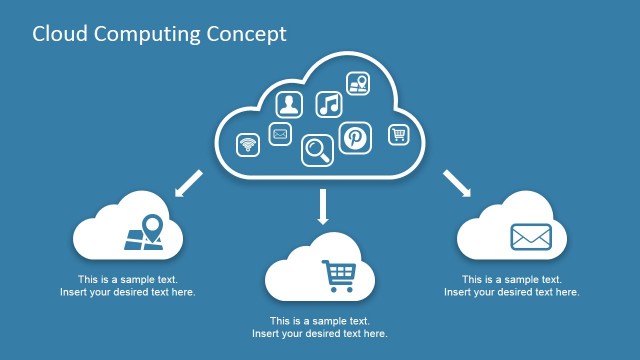
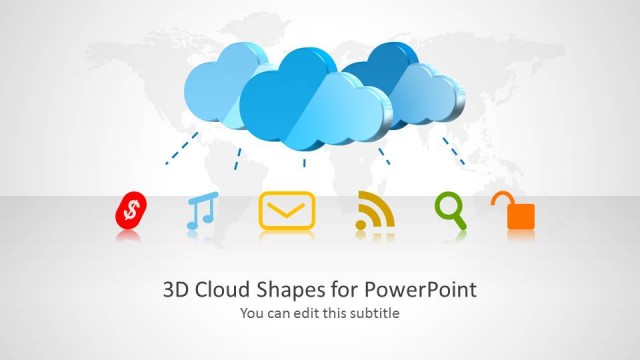
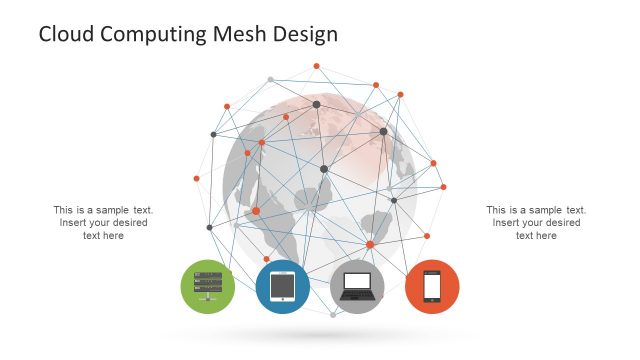
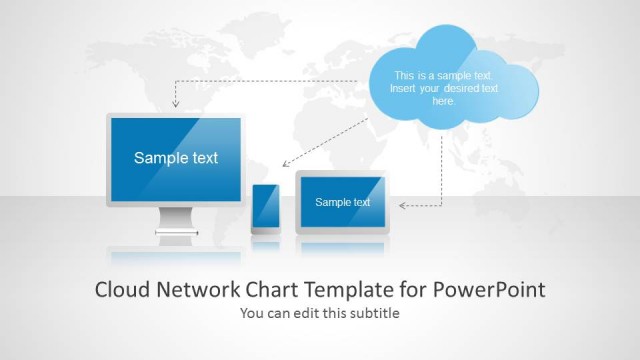
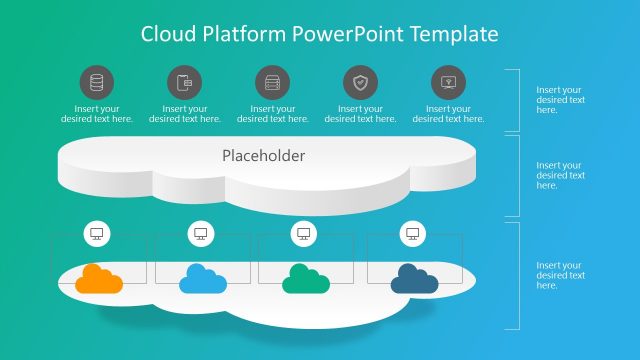
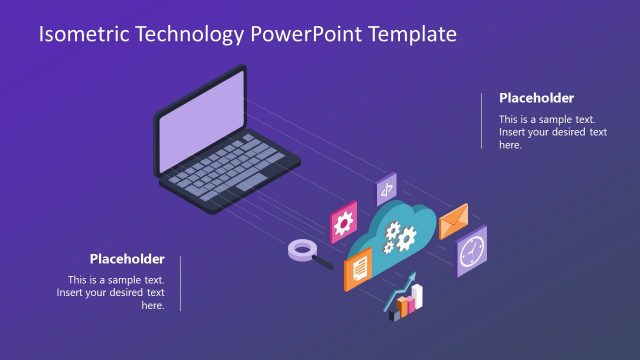
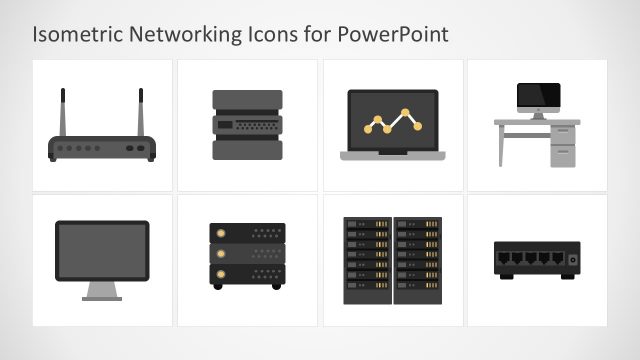
The Flat Cloud Computing PowerPoint Icons collection of professional clipart featuring the information technology industry, specifically the cloud computing theme. The useful technology icons can decorate presentations related to the internet and computer networks.
Cloud computing refers to the use of a remote server network to store, manage, and process data over the Internet. It allows a team of workers to collaborate despite being in different locations, locally or internationally. This creates a home-based system where the team members can brainstorm new ideas despite their office location. Cloud computing also lets the company minimize costs as there is little to no need for any material requirements. Cloud computing is also a term coined to PaaS (Platform as a Service) and SaaS (Software as a Service). The use of cloud computing allows Information Technology departments to substitute on premises data centers, for “pay as you use” distributed services. CIO can now choose to scale up and down depending on real time demand, without the need of high investments on hardware and software licences.
The icons located in the slides represent many Cloud Computing Metaphors. The PowerPoint Shapes included in the template illustrate the different elements of cloud computing. They show a definitive hierarchy of Cloud features, in terms of usage and importance. They demonstrate the relationship of the Cloud to different aspects, such as services and privacy.
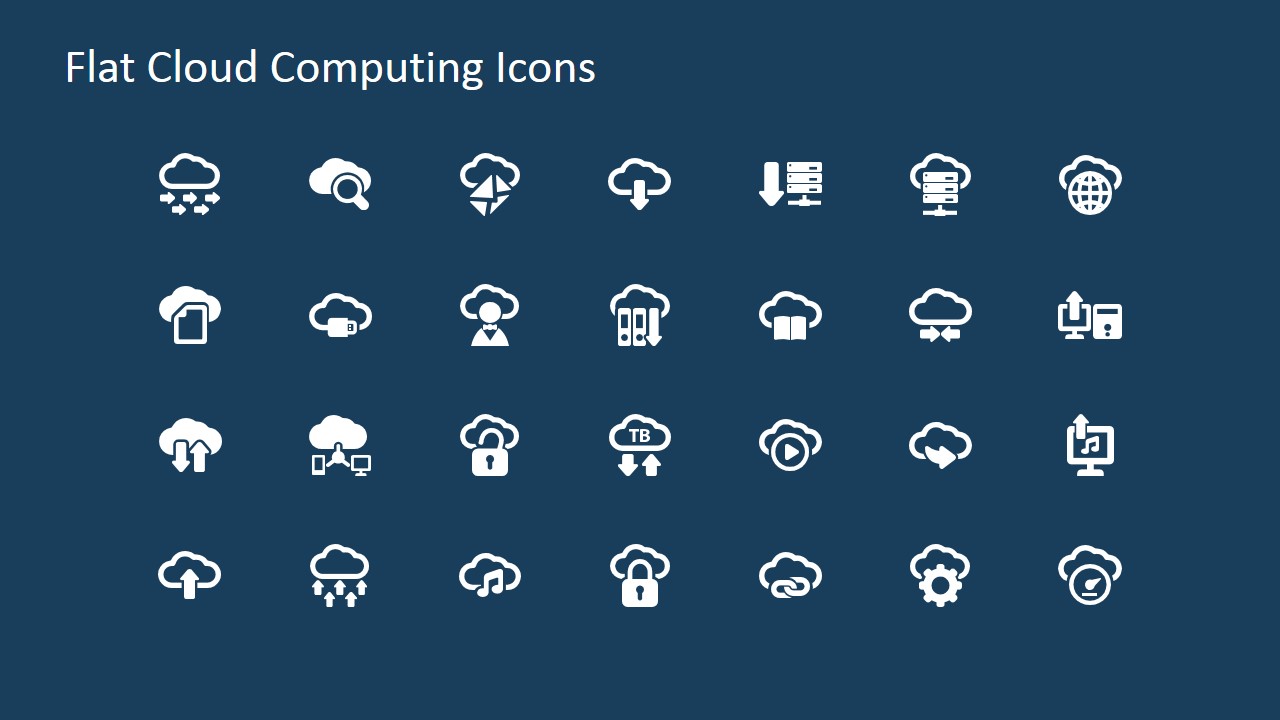
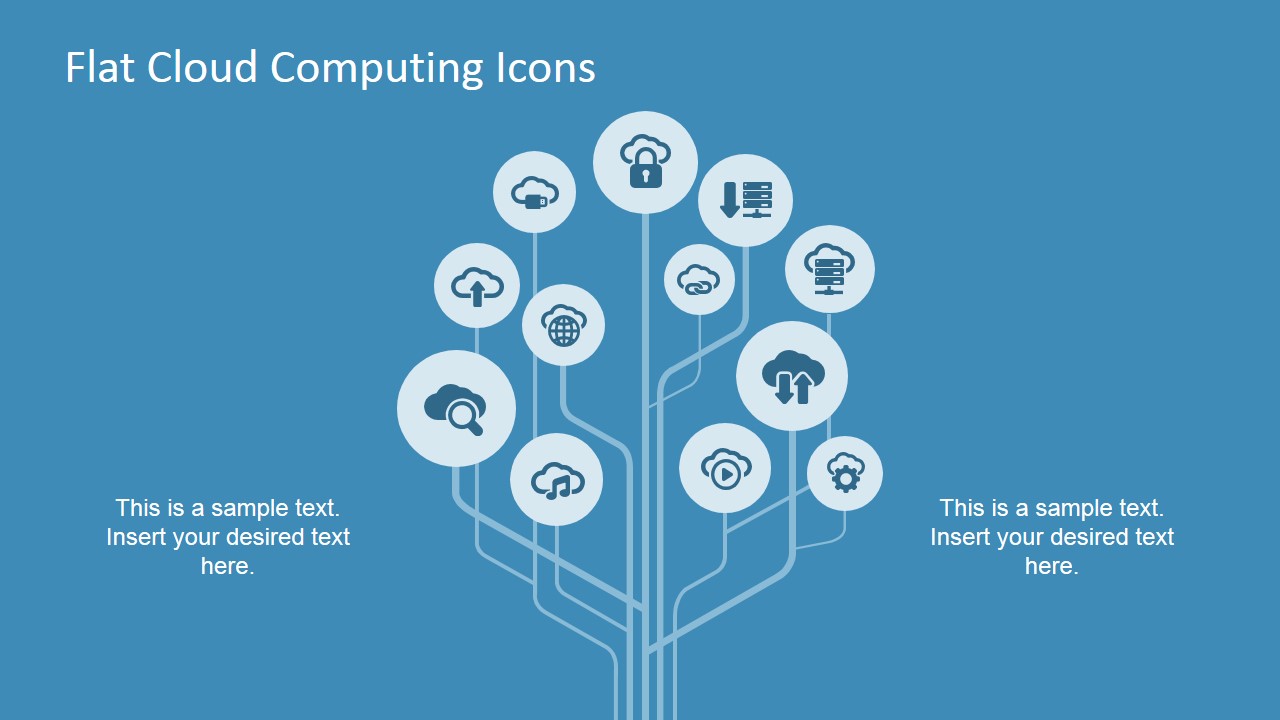
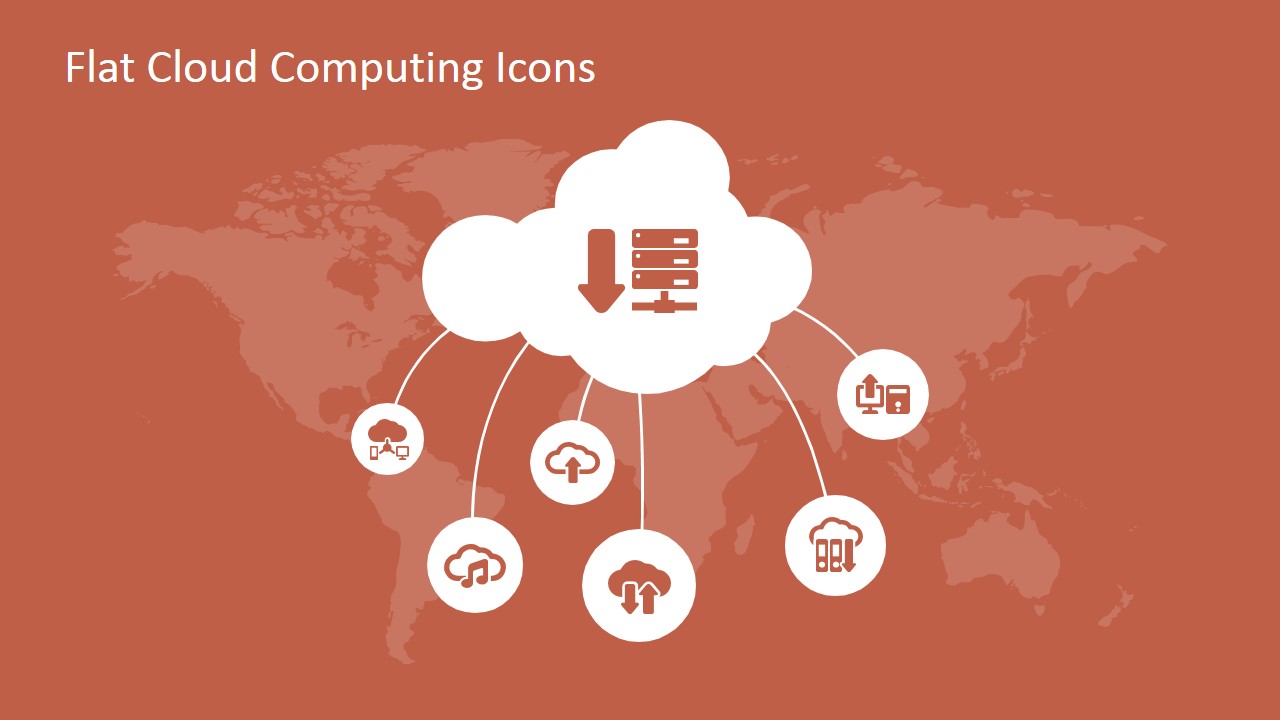
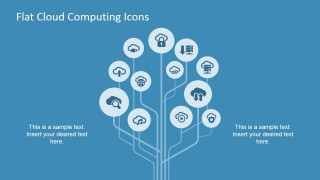
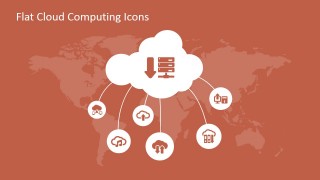
Along with a cover slide featuring cloud computing theme, the powerpoint template contains three slide Icons catalogs. The first contains 28 PowerPoint icons which are connected to cloud computing. The second slide contains a tree diagram that the presenter can use to emphasize relationships. The last slide features a cloud clipart. Five circles, connected to the cloud, contain icons. This is useful for showing the different classifications of Cloud features.
The Flat Cloud Computing PowerPoint Icons are 100% editable. They are created as PowerPoint objects, allowing the user to fully customize their look and feel as color, size, effects,etc.The minimalist vector icons create a professional impact on any presentation.
Create modern presentations with the use of Flat PowerPoint Icons and engage your audience with high resolution graphics empowering your message.
What’s inside this template
Example presentation scenarios
- A cloud architect can use the network tree diagram to explain how cloud services branch into storage, security, network, and management capabilities for a business audience.
- An IT manager can use the icon catalog grid to build a consistent visual language for an internal cloud migration update.
- A SaaS product manager can use the world map cloud hub diagram to show globally connected users, services, or data centers around a central cloud platform.
- A technology consultant can use the cover slide and flat icons to introduce a cloud computing workshop before moving into custom architecture or process slides.
Features
- 100% editable presentation template
- Compatible with Microsoft PowerPoint and Google Slides
- 16:9 aspect ratio slides
- Scalable vector shapes, icons and illustrations
- AI-Ready for Microsoft Copilot and Claude
- Instant access and download
Frequently asked questions
Q: How should a presenter use these icons without making a cloud slide feel decorative?
A: Start with the business message, then assign each icon a clear role. For example, use the cloud lock for security, the server download icon for data transfer, and the networked computer icon for connected systems. Keep the icon set consistent across slides so the audience learns the visual code instead of reading every label.
Q: Who is this icon template best suited for?
A: This template fits IT leaders, cloud consultants, SaaS teams, and trainers who need to explain cloud computing concepts to mixed technical and business audiences. It is strongest when the goal is to simplify topics such as remote services, connected systems, cloud security, data storage, and service delivery rather than present dense technical specifications.
Q: Why do the tree and map metaphors help explain cloud computing?
A: The tree diagram makes cloud services feel organized by showing many capabilities growing from a central structure. The world map cloud hub reinforces the idea of distributed access and global connectivity. These metaphors help audiences understand cloud computing as a connected service ecosystem, not just a single storage or server icon.

Flat Cloud Computing PowerPoint Icons
4-slide cloud computing icon presentation template with network tree and cloud map diagrams
Flat Cloud Computing PowerPoint Icons is a 4-slide icon and diagram template for technology presentations. It includes a cover slide, cloud icon catalog grid, network tree diagram, and world map cloud hub. Built for IT, SaaS, and infrastructure topics, it supports Microsoft PowerPoint and Google Slides.
- Category
- Shapes
- Rating


 Loading...
- Aspect ratio
- 16:9, 4:3
- Item ID
- 6886-02
- Colors
 Microsoft PowerPoint
  Microsoft Copilot
  Claude for PowerPoint
 Other formats supported
Subscribe today and get immediate
access to download our PowerPoint templates.