Slide 7 of 10 from Cloud Network Template for PowerPoint
6056-01-cloud-network-chart-7
Cloud Network Chart for Presentations
- Diagram
- Network Graph
- Concept Explanation Slide
- 16:9
- 100% Editable
The Cloud Network Chart slide from the Cloud Network Template for PowerPoint offers a clear visual tool for illustrating cloud services and data connections. This diagram layout uses editable shapes and vector icons to map service relationships effectively, making it a practical choice for business presentations and technical slide decks focused on cloud computing concepts.
What’s on This Slide
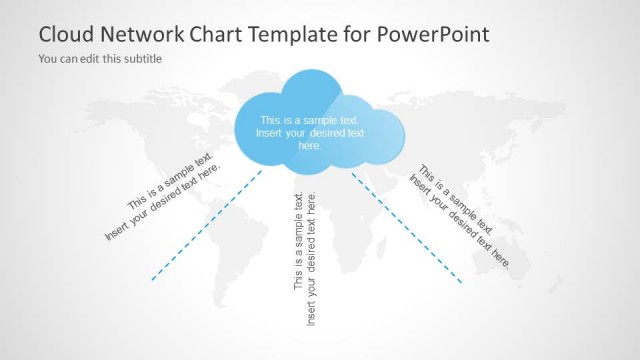
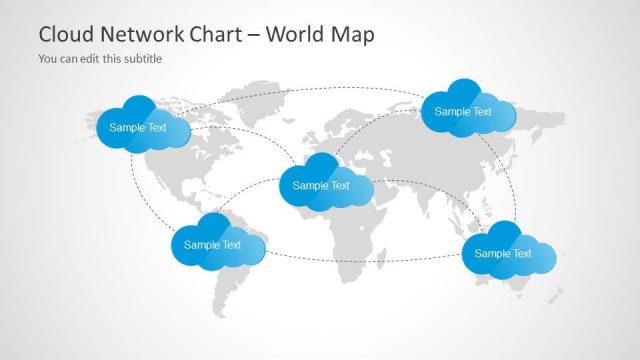
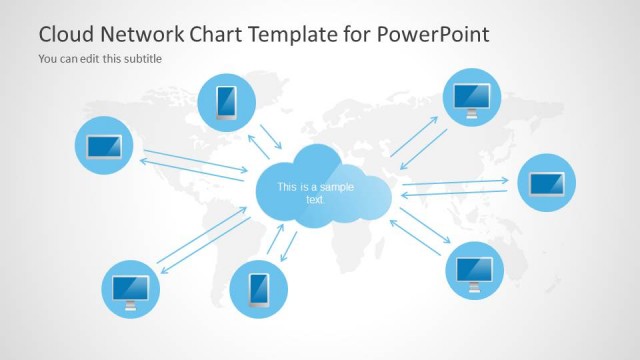
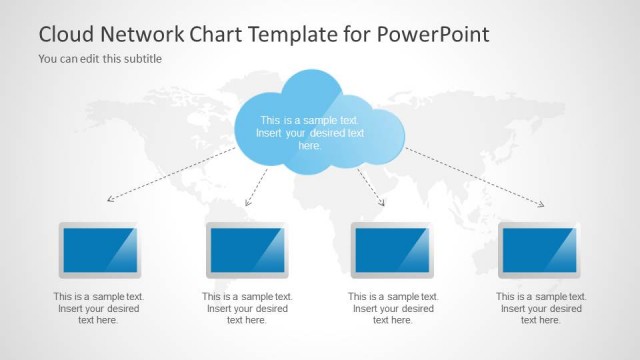
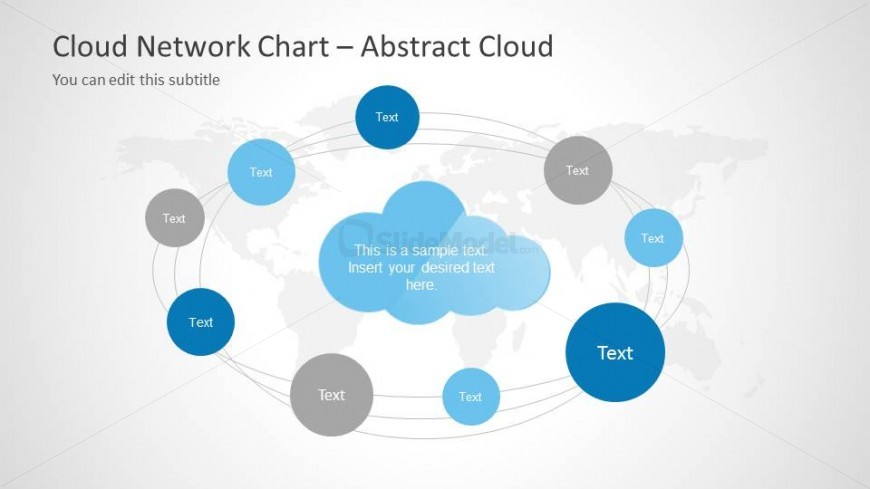
The layout features a central cloud shape surrounded by eight circular nodes. The central cloud is larger and colored in light blue, while the surrounding nodes vary in size and color, including shades of blue and gray. Connecting lines curve between the nodes and the central cloud, indicating relationships. Text placeholders are positioned within the nodes and the central cloud, with the largest placeholder in the center. The background is light gray, and a world map is faintly visible behind the cloud and nodes, enhancing the thematic context.
How to Use It
This layout serves as a network diagram, illustrating connections between various elements. It fits well in a presentation sequence after discussing cloud computing concepts or solutions. Ideal scenarios include showcasing cloud service relationships, illustrating data flow, or presenting a network of services. The structure allows for clear visual representation of interconnected ideas, making it suitable for technical or strategic discussions.
Text Placeholders & Capacity
Keep your copy within these limits so it fits without resizing. Node slots can accommodate brief text, roughly 5-8 words each.
| Placeholder | Count | Max characters (approx.) |
|---|---|---|
| Item body | 8 | 30 |
| Item body | 1 | 50 |
| Slide title | 1 | 50 |
| Subtitle | 1 | 50 |
Slide Keywords
Download unlimited PowerPoint templates, charts and graphics for your presentations with our annual plan.
DOWNLOADReturn to Cloud Network Template for PowerPoint.