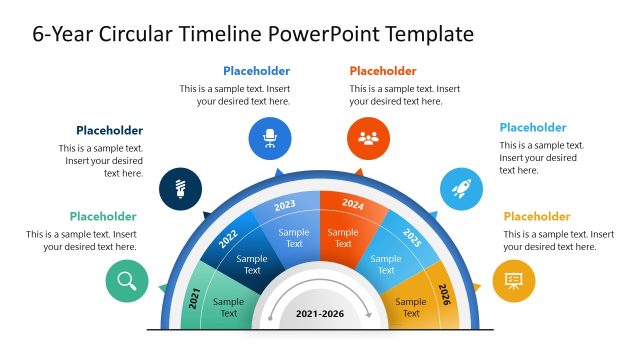
Slide 1 of 4 from Circular Timeline Infographic Template for PowerPoint
Circular Timeline Infographic Template Design
Circular Timeline Infographic for Presentations
- Diagram
- Circular Cycle
- Timeline Slide
- 16:9
- 100% Editable
What’s on This Slide
The layout features a circular timeline divided into segments for each year from 2024 to 2029. Each segment contains a year label positioned at the top, with accompanying text placeholders below. The circular shape is complemented by icons representing various themes, placed adjacent to the text placeholders. The overall composition is balanced, with a dark background contrasting against lighter segments. The visual hierarchy emphasizes the timeline's circular flow, guiding the viewer's eye around the years while maintaining clear text alignment.
How to Use It
This layout serves as a chronological timeline, ideal for presenting yearly milestones or project phases. It fits well at the beginning of a presentation to outline key objectives over time. The structure is useful in business contexts, such as annual planning, project updates, or strategic roadmaps. It can effectively communicate progress or future goals in a visually engaging manner, making it suitable for both internal and external presentations.
Text Placeholders & Capacity
Keep your copy within these limits so it fits without resizing. Node body slots are tight, roughly 10 words each.
| Placeholder | Count | Max characters (approx.) |
|---|---|---|
| Item heading | 6 | 20 |
| Item body | 6 | 50 |
Slide Keywords
Download unlimited PowerPoint templates, charts and graphics for your presentations with our annual plan.
DOWNLOADReturn to Circular Timeline Infographic Template for PowerPoint.