Slide 4 of 4 from Circular Timeline Infographic Template for PowerPoint
Circular Timeline Infographic PPT Template
Circular Timeline Infographic for Presentations
- Diagram
- Timeline Horizontal
- Timeline Slide
- 16:9
- 100% Editable
What’s on This Slide
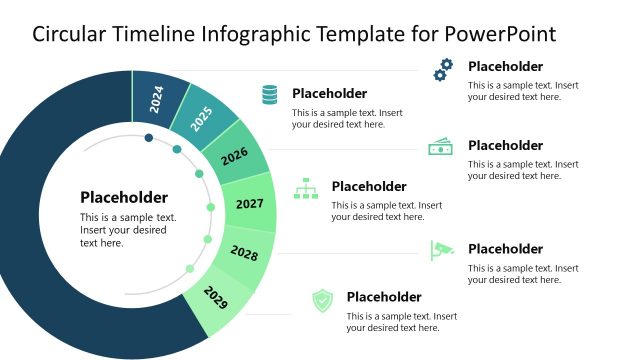
The layout features a circular timeline divided into segments representing years from 2024 to 2029. Each segment contains a placeholder for text, aligned within the circular structure. The segments are colored in shades of green and blue, creating a gradient effect. Icons are positioned above some segments, indicating additional information. The central area includes a large placeholder for text, emphasizing the timeline's focal point. The background is dark, enhancing the visibility of the circular elements and text placeholders, which are evenly distributed around the circle.
How to Use It
This layout serves as a chronological timeline, ideal for showcasing yearly milestones or events. It fits within a presentation sequence that discusses progress or future plans. Business scenarios include annual reports, project timelines, or strategic planning sessions. The circular design emphasizes continuity and progression, making it suitable for visualizing long-term goals or achievements over multiple years. It can be used individually to highlight specific timelines in various contexts, such as marketing strategies or product development.
Text Placeholders & Capacity
Keep your copy within these limits so it fits without resizing. Node labels can hold about 3-4 words each, while body text can accommodate around 30-40 words.
| Placeholder | Count | Max characters (approx.) |
|---|---|---|
| Item heading | 6 | 20 |
| Item body | 6 | 50 |
| Body paragraph | 1 | 150 |
Slide Keywords
Download unlimited PowerPoint templates, charts and graphics for your presentations with our annual plan.
DOWNLOADReturn to Circular Timeline Infographic Template for PowerPoint.