Circular Diagram Triangles Inside PowerPoint Template
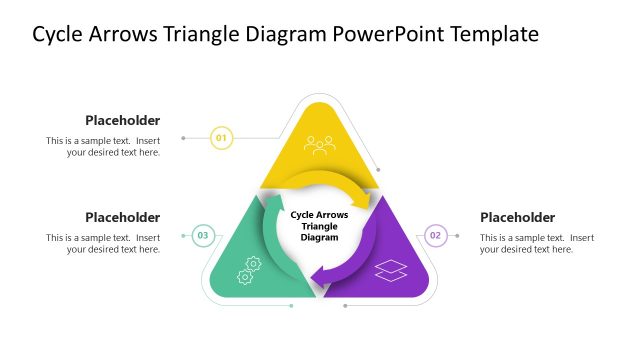
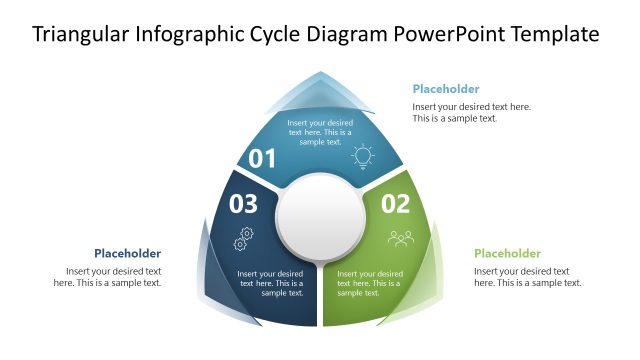
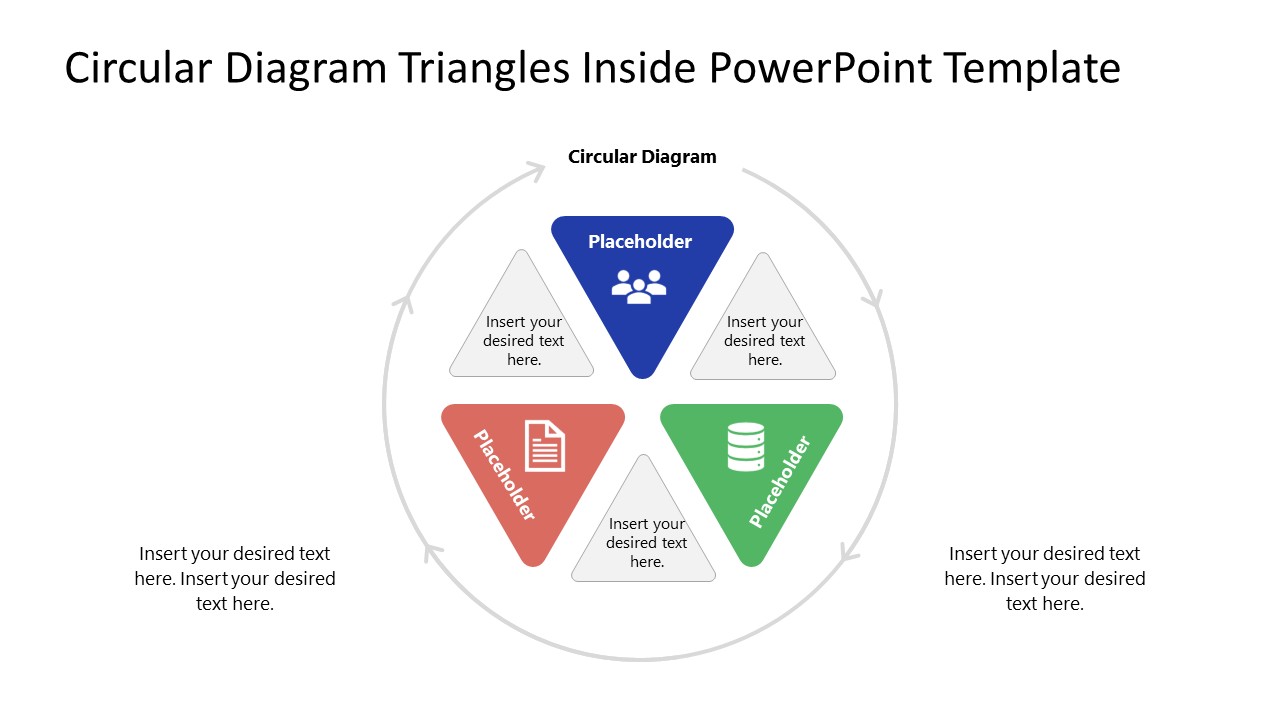
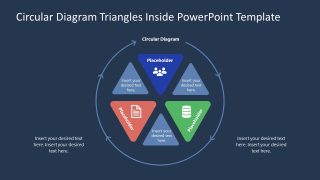
Present three connected priorities or business implementations in executive presentations with our customizable Circular Diagram Triangles Inside PowerPoint Template. In an IT or data planning presentation, the three main triangles represent people, documents, and data, with closely matching icons that visually describe the points. For a business strategy presentation, the diagram helps strategy leaders organize three strategic priorities around a recurring operating relationship. Research scholars frame three connected dimensions of a study or conceptual model in academic sessions using the inward-pointing triangles circular loop diagram. The circular triangles diagram is also editable in legacy PowerPoint versions.
The Circular Diagram Triangles Inside PowerPoint Template uses a circular diagram that features inward-pointing triangles arranged in a radial cycle. Between the three main color-coded triangular sections, small grey triangles provide supporting text, such as contextual notes or explanations. The overall triangles are enclosed in a circular loop with arrows indicating the process flow. You can display the title at the top of the circle. The second slide shows the same triangular diagram but over a dark navy background. HR business partners use this template to map employee lifecycle stages and provide stakeholders with a clear overview. A quality assurance lead uses this template to explain an iterative testing loop to a product team. He uses the triangles to structure the design, test, and fix stages comprehensively.
Our users can modify the color codes, number of triangles, shapes, or fonts used in the slide diagram to match their theme. Download the circular diagram triangles inside diagram PPT template to share three components of a product concept in your team presentations.

You must be logged in to download this file.
DOWNLOAD- Category
- Diagrams
- Rating

 Loading...
- Size
- 16x9
- Item ID
- 23814-01
- Colors
Subscribe today and get immediate
access to download our PowerPoint templates.