Slide 2 of 2 from Circular Diagram Triangles Inside PowerPoint Template
Editable Circular Diagram Triangles Inside Template
Circular Diagram with Triangles for Presentations
- Diagram
- Circular Cycle
- Process Slide
- 16:9
- 100% Editable
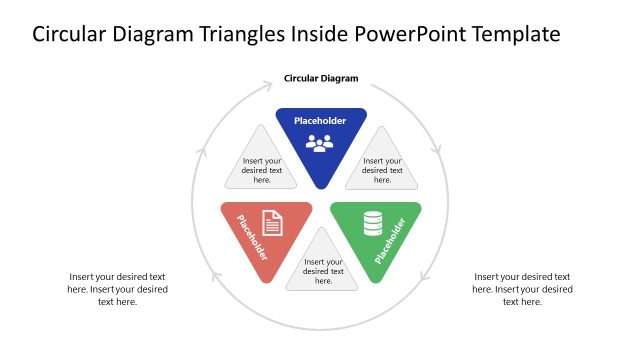
The Circular Diagram with Triangles slide from the Circular Diagram Triangles Inside PowerPoint Template offers a clear visual for process visualization and strategy mapping. Designed with colorful triangular nodes connected by arrows, this slide layout supports project planning and concept relationship presentations. It integrates seamlessly into business presentation slide decks, providing editable shapes that enhance clarity and engagement in corporate presentations.
What’s on This Slide
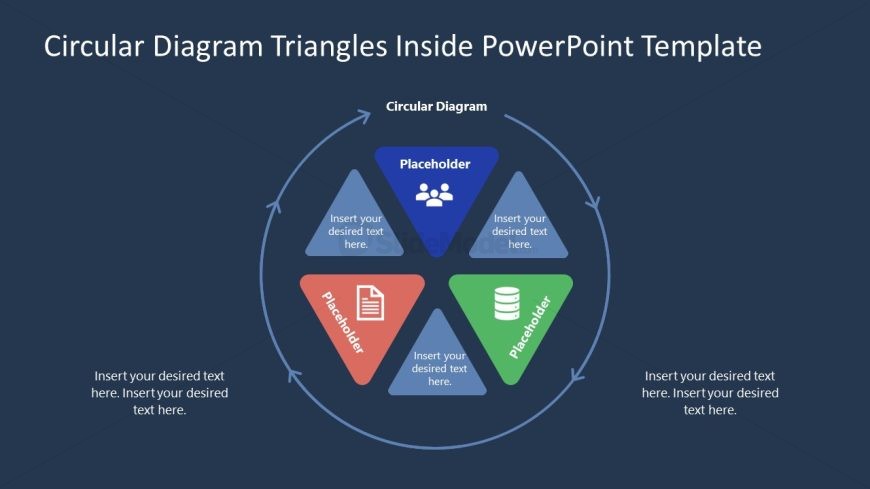
The slide features a circular diagram with four triangular nodes arranged evenly around the center. Each triangle contains a text placeholder, with the top triangle being blue, the left triangle orange, the right triangle green, and the bottom triangle light blue. The central area includes a title placeholder labeled 'Circular Diagram.' Text placeholders are positioned at the bottom, allowing for additional content. The background is a dark blue, providing contrast to the colorful triangles. Arrows connect the triangles, indicating a flow or relationship between them.
How to Use It
This layout serves as a circular diagram to illustrate relationships or processes. It is suitable for presentations that require visual representation of interconnected concepts or steps. This slide fits well after a problem-framing slide, effectively transitioning into a solution or roadmap discussion. It is useful in business scenarios such as project planning, strategy development, or process mapping, where clarity and visual engagement are essential.
Text Placeholders & Capacity
Keep your copy within these limits so it fits without resizing. Body slots can hold approximately 15-20 words each.
| Placeholder | Count | Max characters (approx.) |
|---|---|---|
| Slide title | 1 | 30 |
| Item heading | 4 | 20 |
| Body paragraph | 2 | 100 |
Slide Keywords
Download unlimited PowerPoint templates, charts and graphics for your presentations with our annual plan.
DOWNLOADReturn to Circular Diagram Triangles Inside PowerPoint Template.