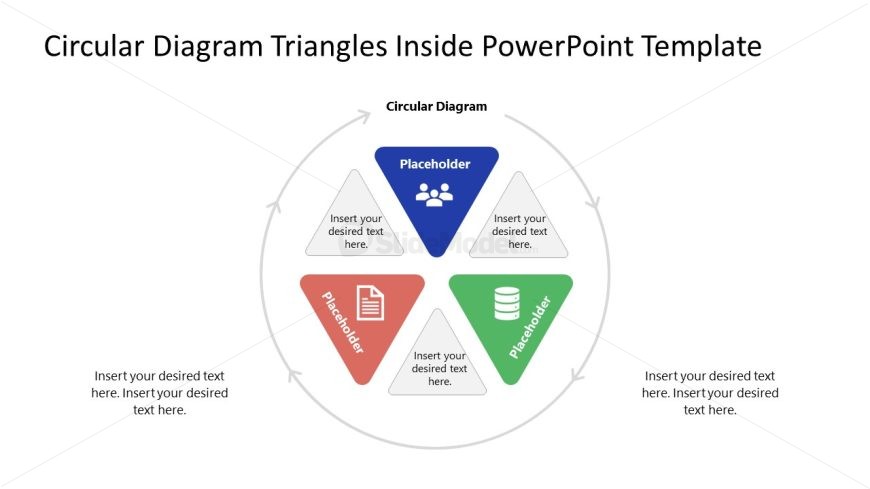
Slide 1 of 2 from Circular Diagram Triangles Inside PowerPoint Template
Circular Diagram Triangles Inside Presentation Template
Circular Diagram with Triangles for Presentations
- Diagram
- Circular Cycle
- Concept Explanation Slide
- 16:9
- 100% Editable
What’s on This Slide
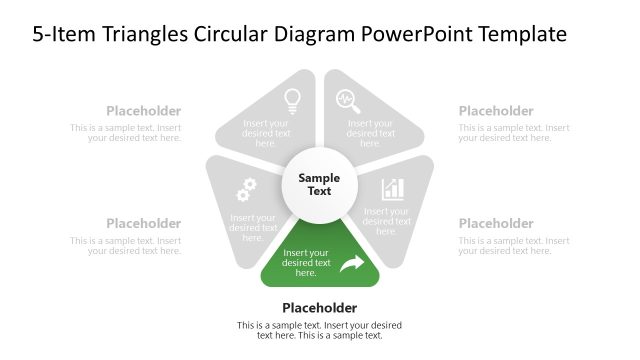
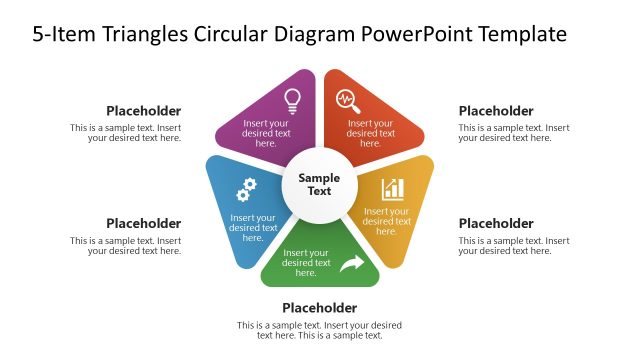
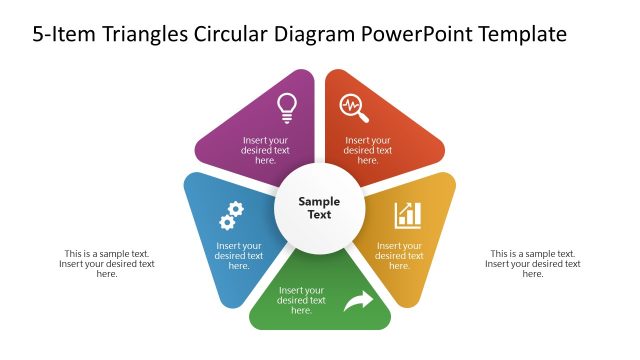
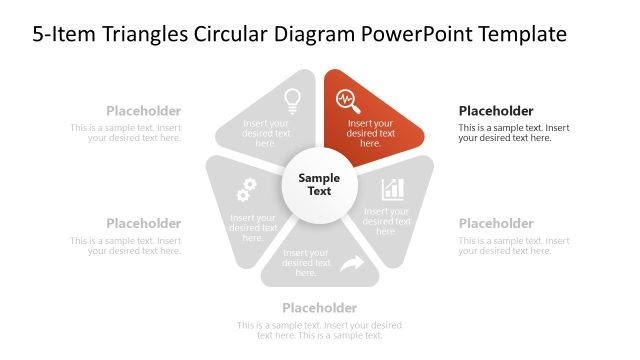
The layout features a circular diagram with four triangular segments positioned evenly around a central area. Each triangle contains a placeholder for text, with two triangles at the top and bottom and two on the sides. The triangles are colored differently, with a central circle labeled 'Circular Diagram.' Text placeholders are aligned centrally within each triangle and at the bottom of the slide. The background is white, providing contrast to the colored triangles, which are arranged in a clockwise direction.
How to Use It
This layout serves as a visual representation of interconnected concepts or processes, suitable for illustrating relationships or categories. It can fit into a presentation sequence after introducing a topic and before diving into detailed analysis. Use this structure in business contexts such as project planning, strategy discussions, or educational presentations to clarify complex ideas or frameworks.
Text Placeholders & Capacity
Keep your copy within these limits so it fits without resizing. Node slots can accommodate about 30 characters each, while the body paragraph can hold around 100 characters.
| Placeholder | Count | Max characters (approx.) |
|---|---|---|
| Item body | 4 | 30 |
| Body paragraph | 1 | 100 |
| Slide title | 1 | 40 |
Slide Keywords
Download unlimited PowerPoint templates, charts and graphics for your presentations with our annual plan.
DOWNLOADReturn to Circular Diagram Triangles Inside PowerPoint Template.