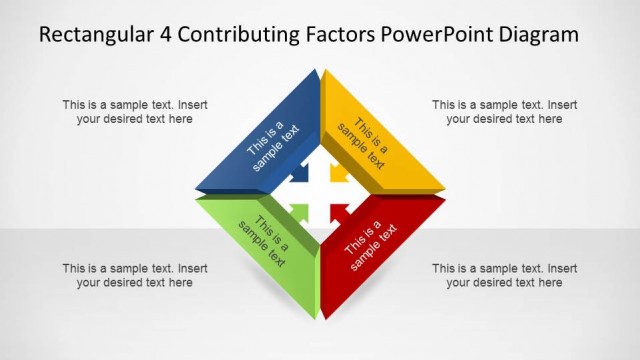
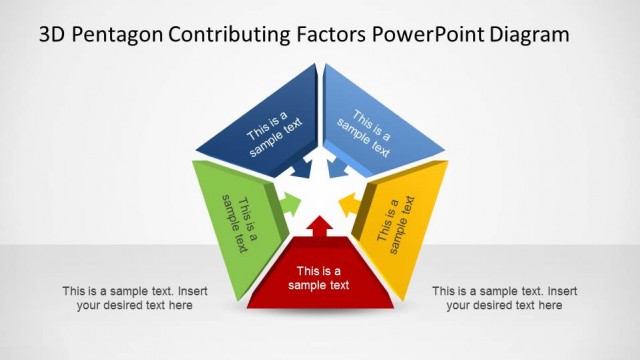
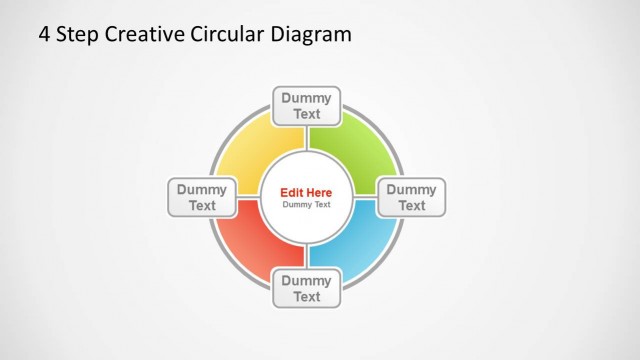
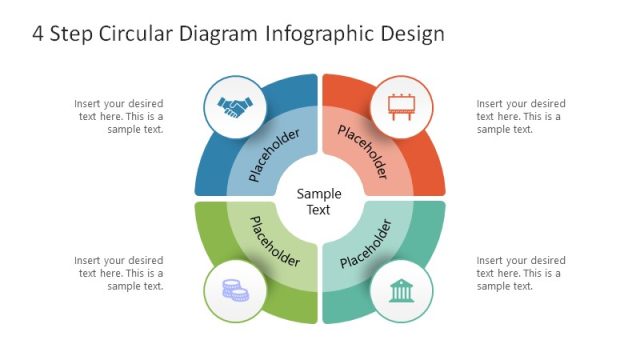
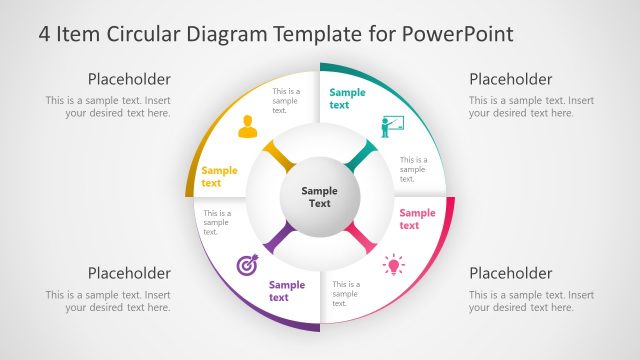
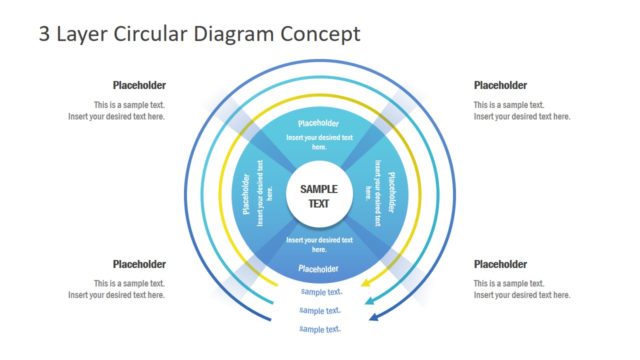
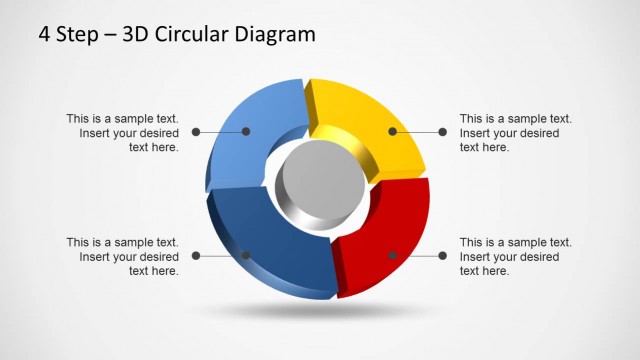
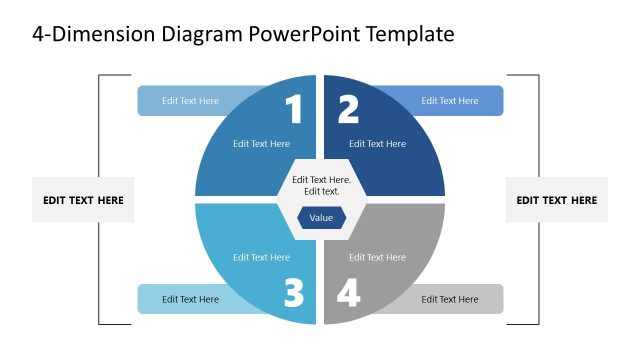
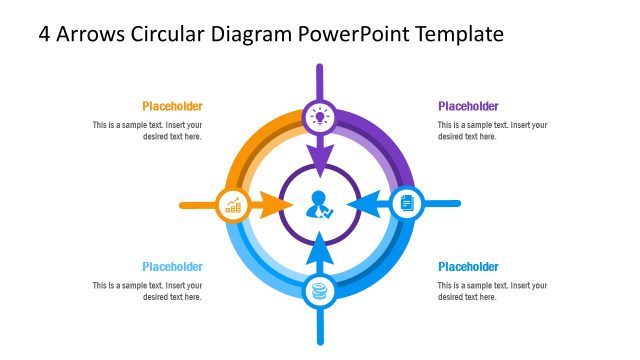
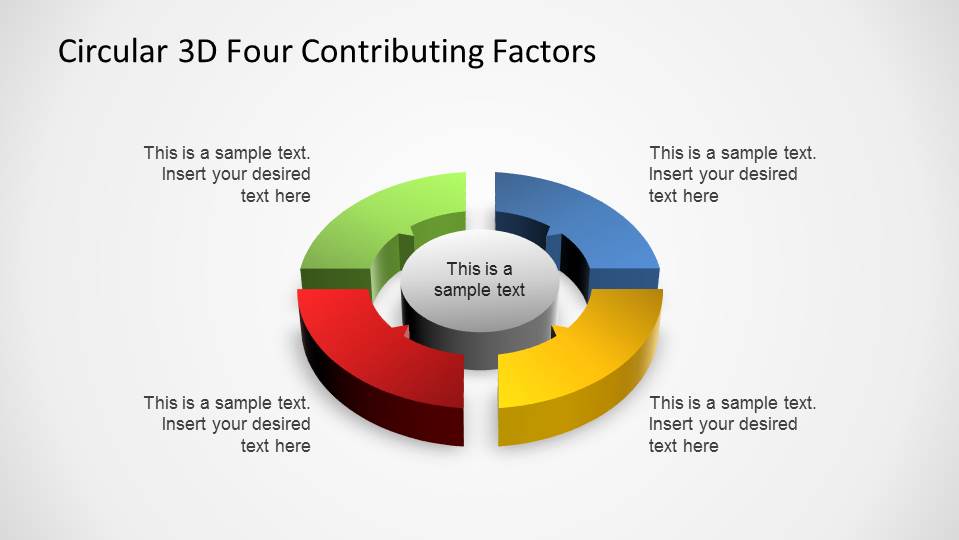
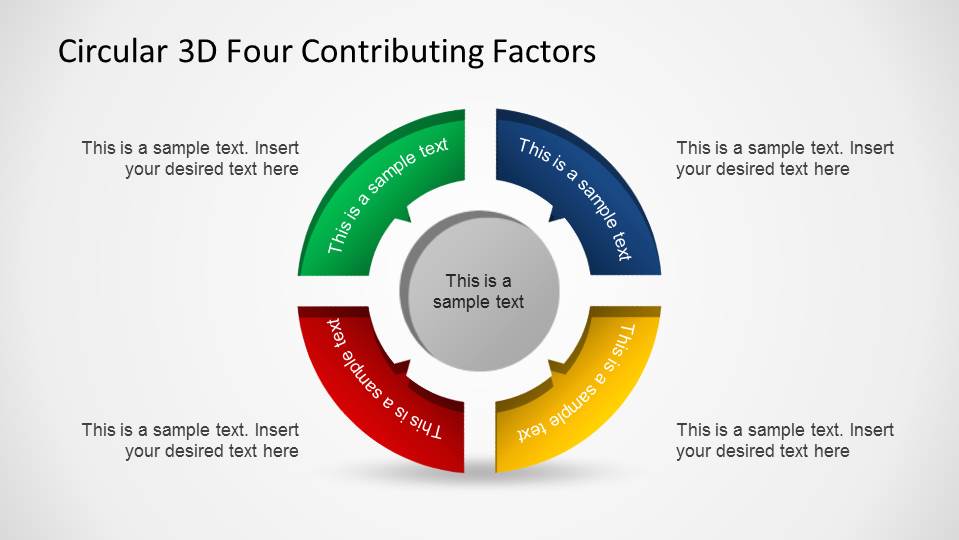
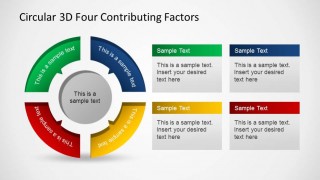
Circular 3D Four Contributing Factors PowerPoint Diagram is a presentation containing circular 3D diagrams where each stage points the center. This diagrams are used to present ideas or factors related to one topic, ie: Porter’s 5 forces.
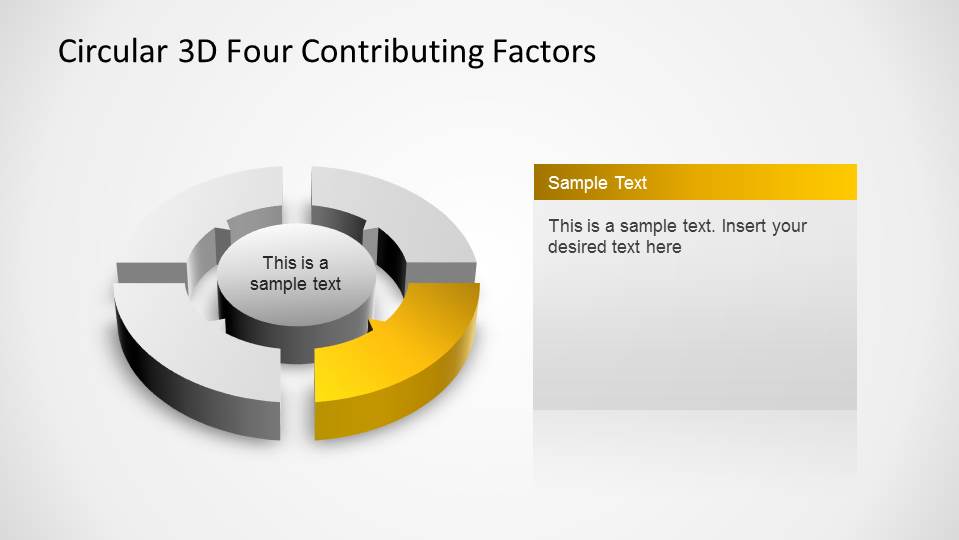
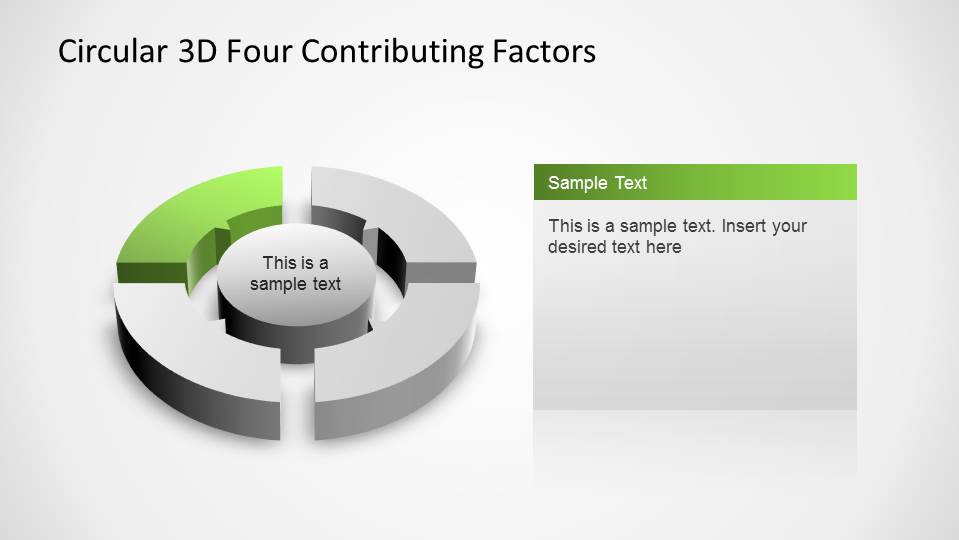
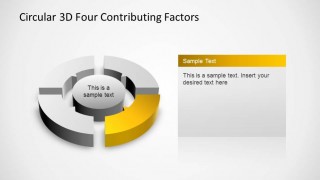
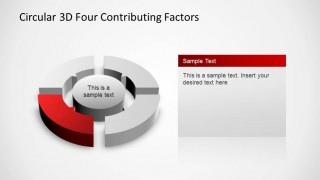
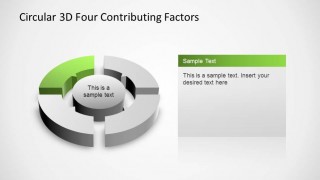
The presentation has one slide for each stage of the diagram, coloring according to the initial diagram splash slide and with the same angular perspective. The last 2 slides are generally used for summary or conclusive speeches over the factors. It contains all the factors colored; the 3D design of this last slides differs from the original one in order o mark the difference,using a different angular perspective, shadows and glows. The user can take different slides of this presentation and complement its own design.
Impress your audience with this Creative Circular 3D Four Contributing Factors PowerPoint Diagram. Alternatively you can download other PowerPoint templates and creative slide design for your presentations with cartoons and business diagrams.
What’s inside this template
Example presentation scenarios
- A strategy consultant can use the circular overview to introduce four market forces that influence one strategic recommendation.
- A project manager can use the single-factor emphasis slides to explain four workstream risks, one at a time, during a status discussion.
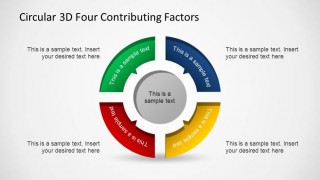
- An operations leader can use the front-view circular arrow diagram to show how four process inputs connect to a central performance outcome.
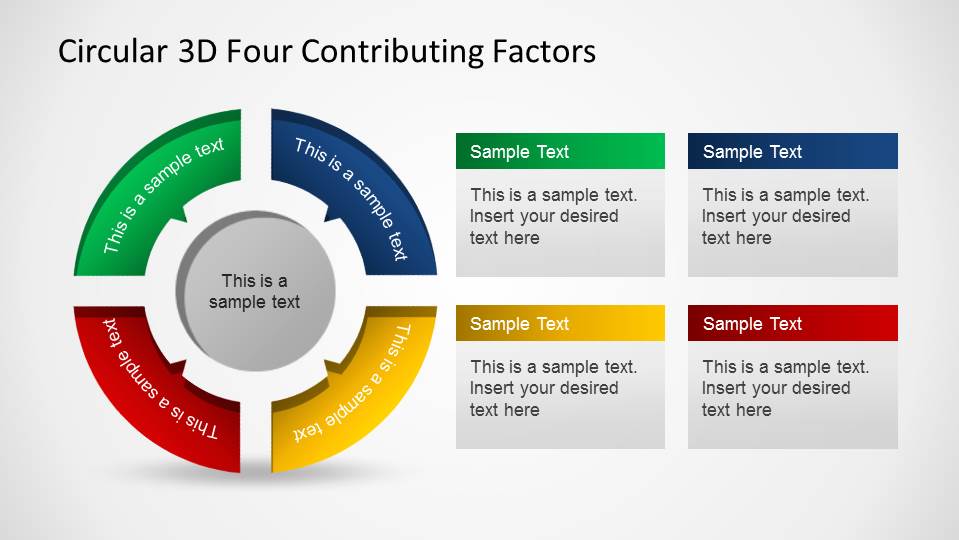
- A marketing manager can use the final summary slide to compare four campaign drivers with concise text cards beside the factor diagram.
Features
- 100% editable presentation template
- Compatible with Microsoft PowerPoint and Google Slides
- 16:9 aspect ratio slides
- Scalable vector shapes, icons and illustrations
- AI-Ready for Microsoft Copilot and Claude
- Instant access and download
Frequently asked questions
Q: How should a presenter structure the message around the four-factor diagram?
A: Start with the full circular diagram to name the central topic and all four factors. Then use the single-factor emphasis slides to explain each driver without crowding the overview. Close with the summary slide so the audience can compare the four points and see how they connect back to the center.
Q: Who is this template best suited for in a business presentation?
A: This template works best for consultants, managers, analysts, and team leads who need to explain a four-part framework rather than show detailed data. It fits strategy reviews, process explanations, root-cause discussions, and business model presentations where each factor contributes to one shared outcome.
Q: Why use a circular 3D arrow metaphor for contributing factors?
A: The circular arrows imply that the four factors are related parts of one system, not isolated bullets. The 3D depth gives each segment visual weight, while the center placeholder keeps attention on the shared topic. The individual focus slides reduce cognitive load by isolating one colored factor at a time.


Circular 3D Four Contributing Factors PowerPoint Diagram
7-slide circular 3D process diagram presentation template for four factors and step-by-step factor summaries
Circular 3D Four Contributing Factors PowerPoint Diagram is a 7-slide diagram template for explaining four related factors around a central topic. It includes a full circular overview, four single-factor emphasis slides, a front-view circular arrow diagram, and a factor summary layout for business, strategy, and process presentations in Microsoft PowerPoint and Google Slides.
- Category
- Process Diagrams
- Rating


 Loading...
- Aspect ratio
- 16:9, 4:3
- Item ID
- 6487-01
- Colors
 Microsoft PowerPoint
  Microsoft Copilot
  Claude for PowerPoint
 Other formats supported
Subscribe today and get immediate
access to download our PowerPoint templates.