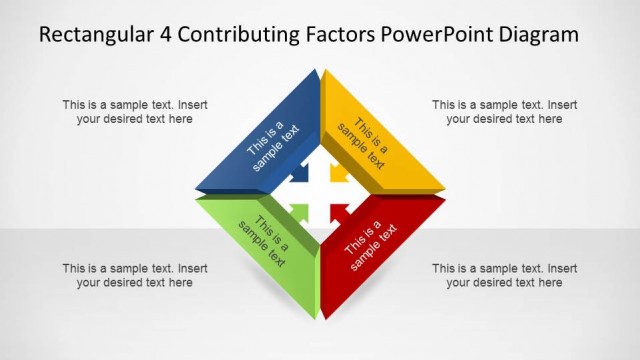
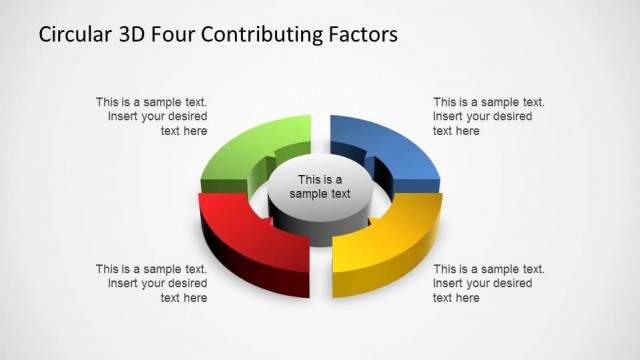
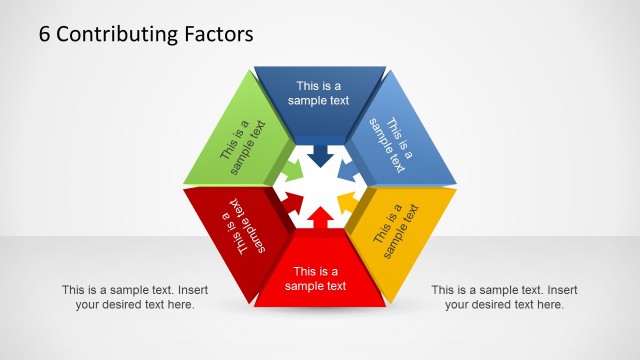
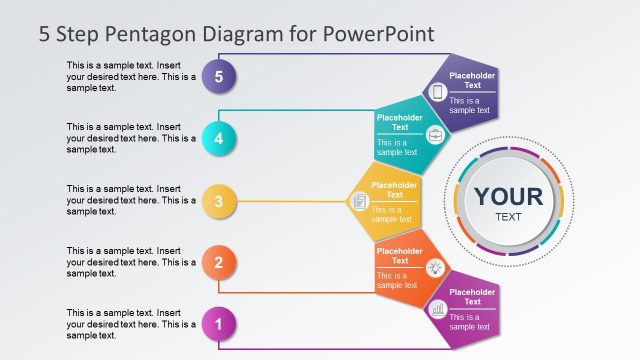
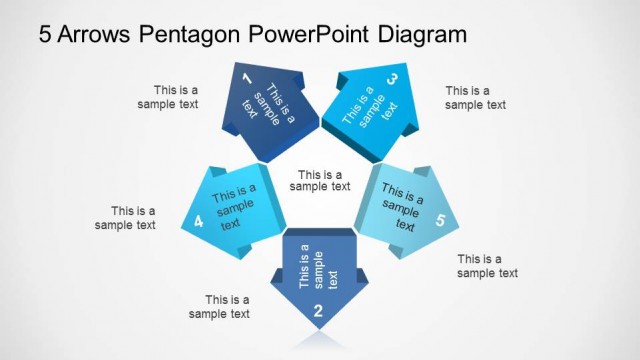
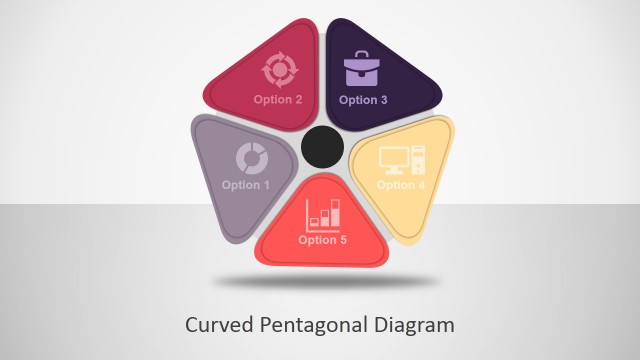
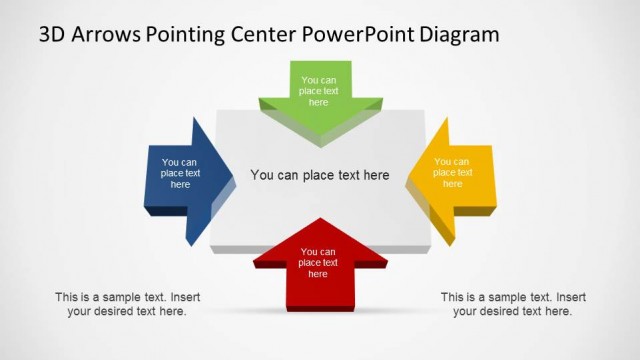
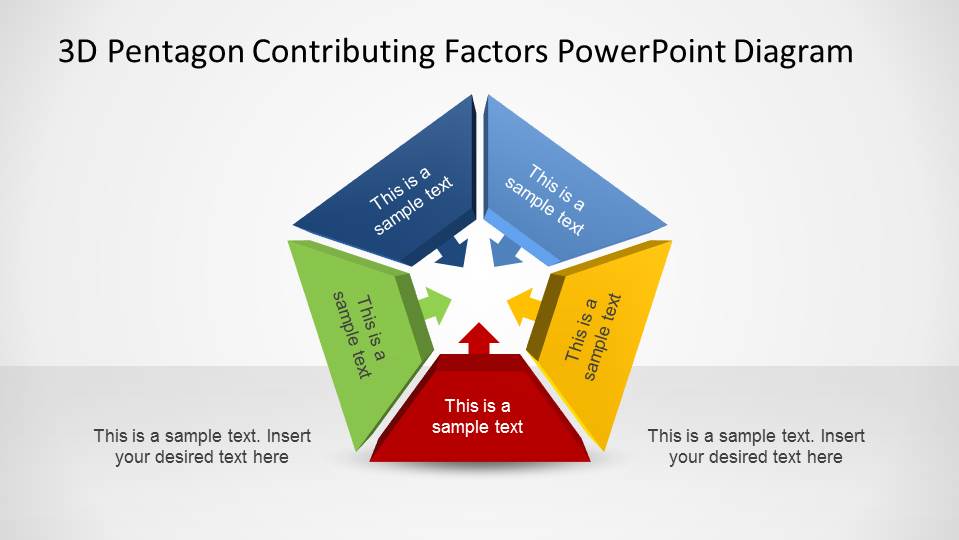
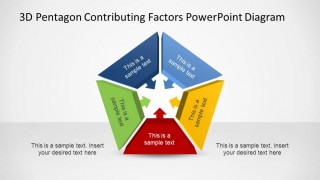
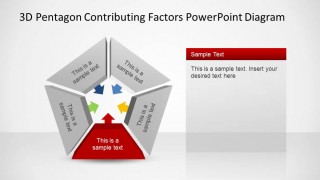
3D Pentagon Contributing Factors PowerPoint Diagram is a colorful 5 Steps diagram where each step represents a factor with an arrow that points to the center of the shape in order to indicate a contributing force. Contributing Factors diagrams are very popular for Root Cause Analysis and for Factual Analysis, where a group of high level factors directly influence a topic.
Our 3D Pentagon Contributing Factors PowerPoint Diagram is created using PowerPoint shapes, with a colorful palette (red, yellow,blue, light blue and green) with shadows and light glow. Each Factors cab be separated from the pentagonal shape, and is fully customizable by the user updating the PowerPoint shapes properties.
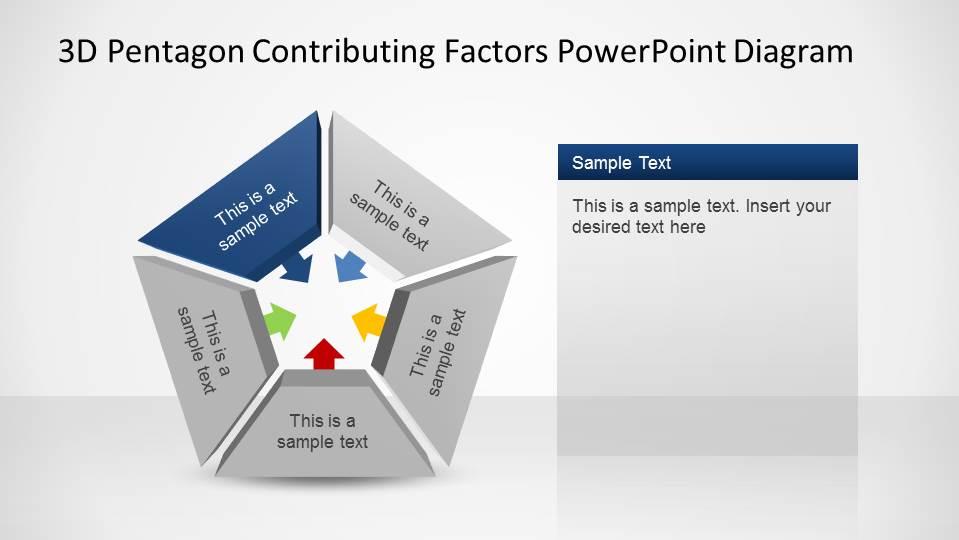
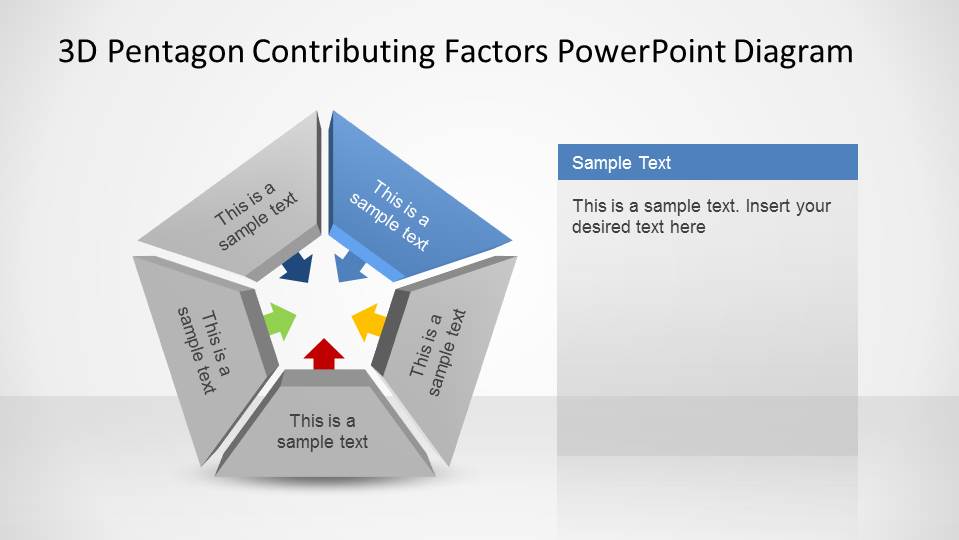
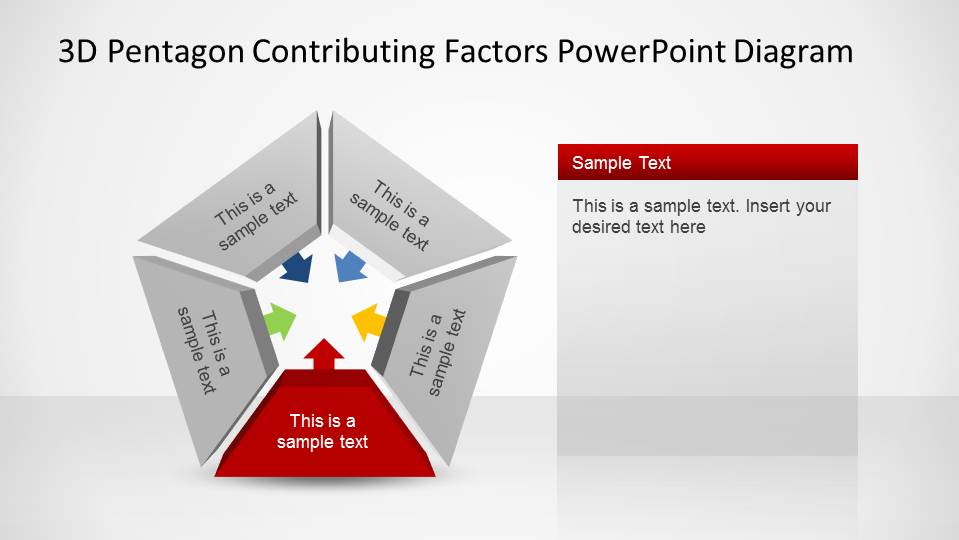
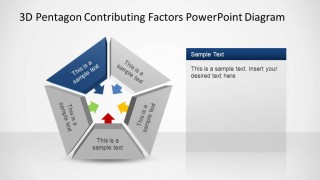
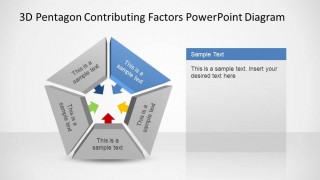
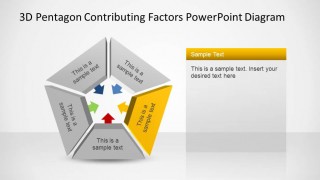
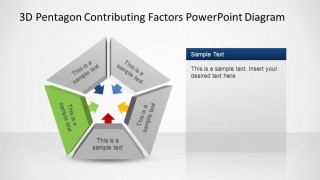
The 3D Pentagon Contributing Factors PowerPoint Diagram contains 6 slides; the initial slide with all the factors colored, and 5 subsequent slides with the same theme, with one colored factor and the rest colored in grey. This last slides provide a Text Box and the individual color engages your audience in the specific factor.
What’s inside this template
Example presentation scenarios
- A quality manager can use the full-color pentagon overview to introduce five suspected drivers of a recurring operational issue before discussing each factor separately.
- A consultant can use the single-factor highlight slides to guide a client workshop through cause and effect inputs without losing sight of the central outcome.
- A project manager can use the right-side text callouts to summarize evidence, risks, or actions tied to each highlighted contributing factor.
- An analyst can use the five inward arrows to show how separate business, process, or market factors combine to influence one central topic.
Features
- 100% editable presentation template
- Compatible with Microsoft PowerPoint
- 16:9 aspect ratio slides
- Scalable vector shapes, icons and illustrations
- AI-Ready for Microsoft Copilot and Claude
- Instant access and download
Frequently asked questions
Q: How should a presenter explain the five factors without making the diagram feel crowded?
A: Start with the full-color pentagon to name the central topic and preview the five contributing factors. Then move through the highlight slides one at a time, using the right-side callout for evidence or action. Keep each segment label short, and put the deeper explanation in the callout so the visual remains easy to scan.
Q: Who benefits most from this type of contributing factors diagram?
A: This template is best for analysts, managers, consultants, and quality teams who need to explain why an outcome is happening. It works well when the message is not a timeline or hierarchy, but a set of five drivers that act together, such as causes of delays, risk factors, or inputs to performance.
Q: Why use a 3D pentagon with inward arrows instead of a standard bullet list?
A: The pentagon makes the relationship visible: five separate panels appear to push toward the same center. The inward arrows reinforce the cause and effect metaphor, while the grayscale detail slides keep attention on one factor at a time. That structure helps an audience see both the whole system and each contributor.


3D Pentagon Contributing Factors PowerPoint Diagram
6-slide PowerPoint slide template with 3D pentagon contributing factors for root cause analysis
This is a 6-slide PowerPoint diagram template for presenting five contributing factors around a central cause or topic. It includes a full-color 3D pentagon overview, five inward arrows, and highlighted-factor detail slides with right-side text callouts for root cause analysis, cause and effect review, or factual analysis.
- Category
- Diagrams
- Rating


 Loading...
- Aspect ratio
- 16:9
- Item ID
- 6487-04
- Colors
 Microsoft PowerPoint
  Microsoft Copilot
  Claude for PowerPoint
 Other formats supported
Subscribe today and get immediate
access to download our PowerPoint templates.