Slide 8 of 8 from Checklist Layout Design for PowerPoint
6201-02-checklist-8
Check Item Layout for Presentations
- Text Layout
- Single Statement
- Task Management Slide
- 16:9
- 100% Editable
The Check Item Layout from the Checklist Layout Design for PowerPoint template offers a clear and professional way to present task updates and project checklists. This slide template features editable shapes and vector icons to highlight completed tasks, making it suitable for corporate presentations and business presentation slide decks focused on status discussions.
What’s on This Slide
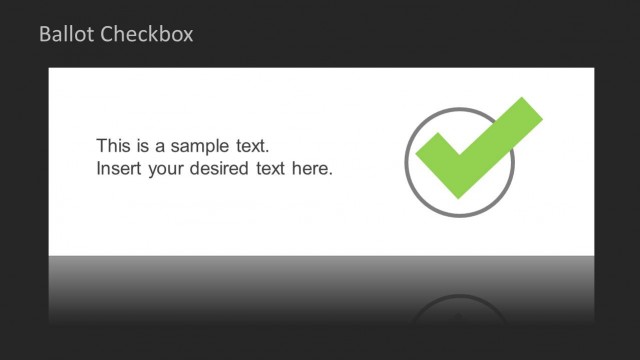
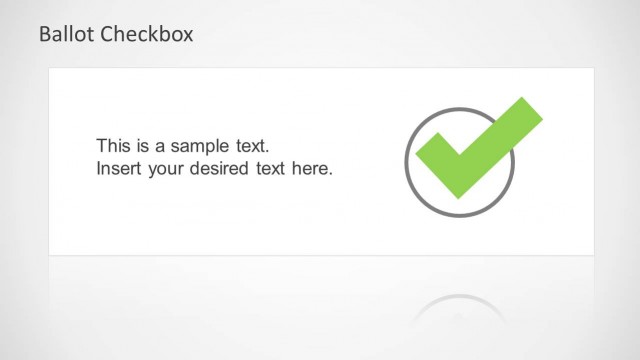
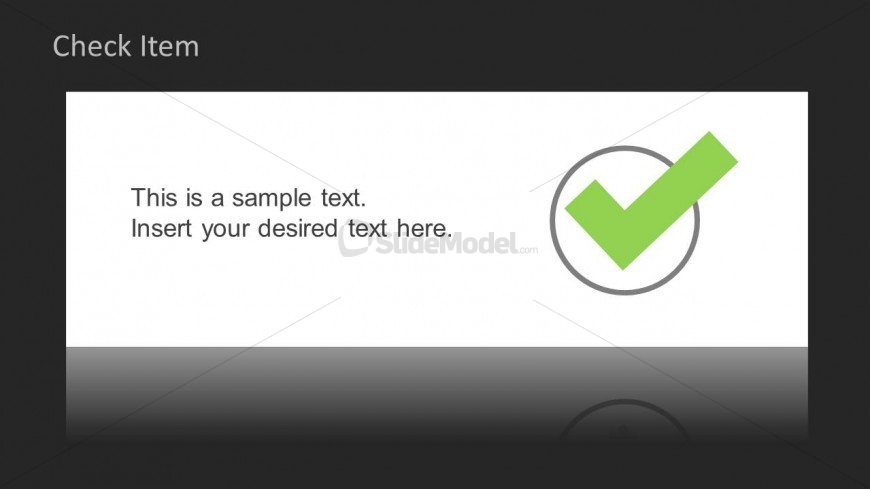
The layout features a dark background with a white rectangular area on the right. Inside this rectangle, there is a checkmark icon in green, encircled by a gray outline, positioned to the right. Text placeholders are present on the left side, with one placeholder for a title at the top and another for body text below it. The title is aligned to the left, while the body text is also left-aligned. The overall composition is clean, with a clear visual hierarchy emphasizing the checkmark icon and text placeholders.
How to Use It
This layout serves as a single checklist item, suitable for task updates or confirmations in a presentation. It can be effectively used in project management contexts, where specific tasks or items need highlighting. This slide fits well at the end of a checklist sequence, summarizing completed tasks or emphasizing key points. It can also be used in status reports to indicate progress on specific items.
Text Placeholders & Capacity
Keep your copy within these limits so it fits without resizing. Body slots can hold roughly 15-20 words each.
| Placeholder | Count | Max characters (approx.) |
|---|---|---|
| Slide title | 1 | 30 |
| Body paragraph | 1 | 100 |
Slide Keywords
Download unlimited PowerPoint templates, charts and graphics for your presentations with our annual plan.
DOWNLOADReturn to Checklist Layout Design for PowerPoint.