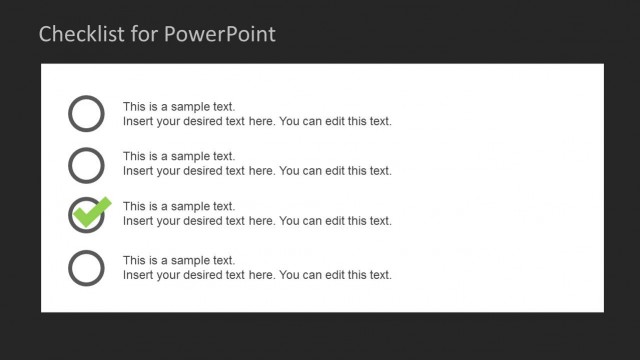
Slide 1 of 8 from Checklist Layout Design for PowerPoint
Checklist PowerPoint Slide Design
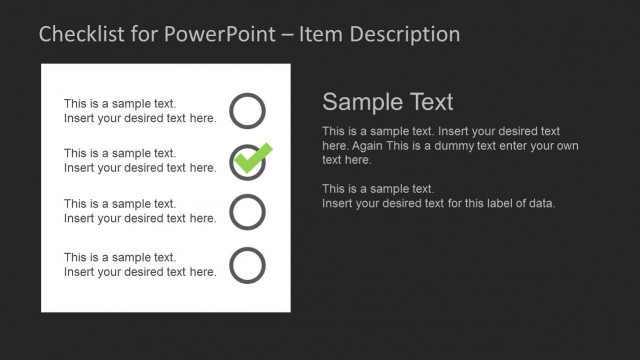
Checklist for PowerPoint - Item Description
- Text Layout
- Other
- Agenda Slide
- 16:9
- 100% Editable
The Checklist for PowerPoint - Item Description slide from the Checklist Layout Design for PowerPoint template offers a clear agenda format with editable shapes and a balanced layout. This slide is suitable for business presentations and project updates, providing a structured way to track task progress using slide templates that combine checklist nodes with descriptive text areas for effective status discussions.
About This Slide
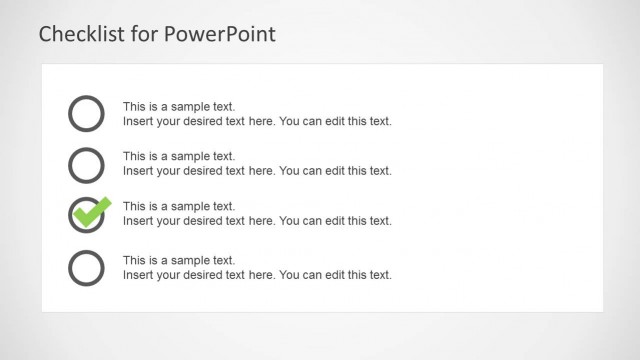
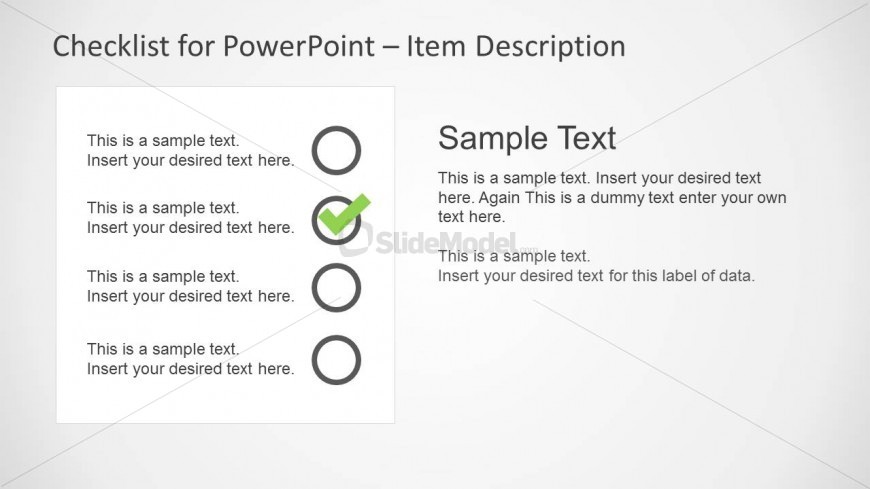
Simple checklist slide design for PowerPoint with check mark in the second item.
What’s on This Slide
The layout features a left-aligned checklist with four circular nodes and a right-aligned text area. Each node is a circle with a checkmark in one, indicating completion. The text area contains sample text placeholders, arranged vertically, with the first placeholder larger than the others. The background is light, enhancing readability. The nodes are evenly spaced, and the text is organized in a clear hierarchy, with the title at the top and item descriptions below. The overall composition is balanced, with distinct sections for checklist items and descriptions.
How to Use It
This layout serves as a checklist format, ideal for task management or project updates. It fits well at the beginning of a presentation to outline key tasks or objectives. In real-world scenarios, it can be used for status updates, agendas, or project checklists. The clear separation between checklist items and descriptions allows for easy tracking of progress. This structure is particularly effective in meetings where task assignments and updates are discussed.
Text Placeholders & Capacity
Keep your copy within these limits so it fits without resizing. Node slots can hold concise text, roughly 15-20 words each.
| Placeholder | Count | Max characters (approx.) |
|---|---|---|
| Slide title | 1 | 35 |
| Item body | 4 | 100 |
| Body paragraph | 1 | 200 |
Slide Keywords
Download unlimited PowerPoint templates, charts and graphics for your presentations with our annual plan.
DOWNLOADReturn to Checklist Layout Design for PowerPoint.