Chain Process Diagram for PowerPoint is a presentation template containing a nice chain illustration and diagram that you can use to model a chain process in PowerPoint or describe process flows. You can use the chain PowerPoint template created with shapes to create slide designs with metaphors of chain reaction or a strong or weakest link. For example, using the weak link metaphor you can make presentations on technology security to demonstrate the security flaws or weakest security link in a network.
What’s inside this template
Example presentation scenarios
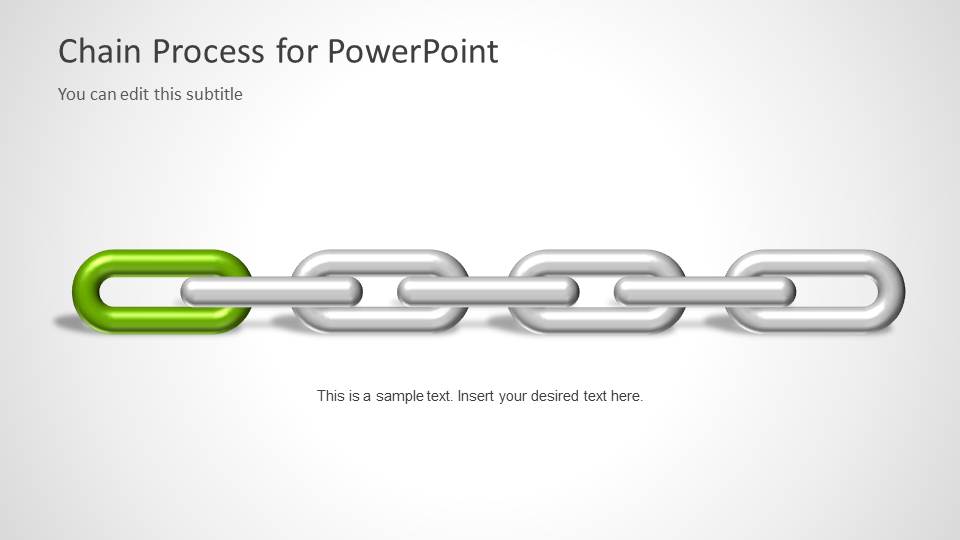
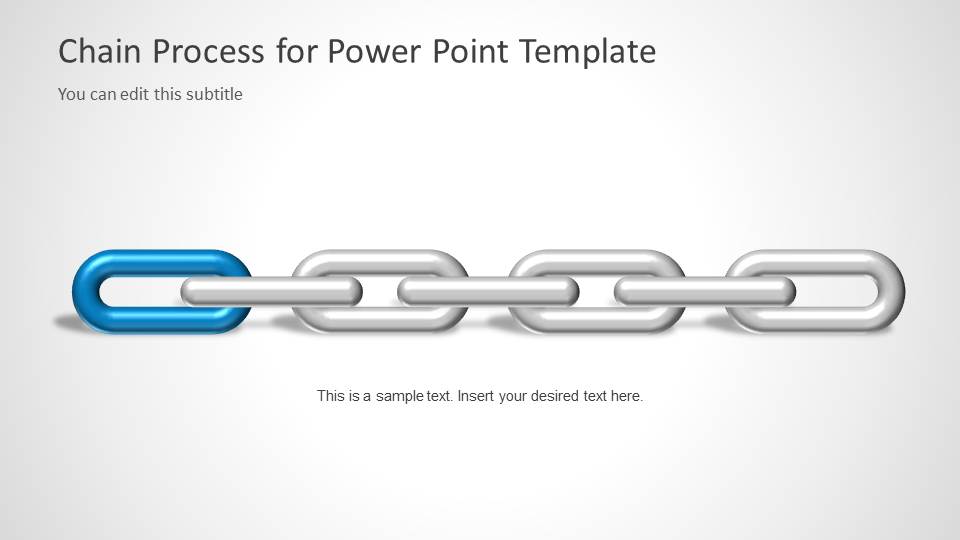
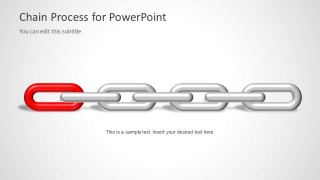
- A security manager can use the red single-highlight chain slide to show where one vulnerable link creates exposure across a network or control process.
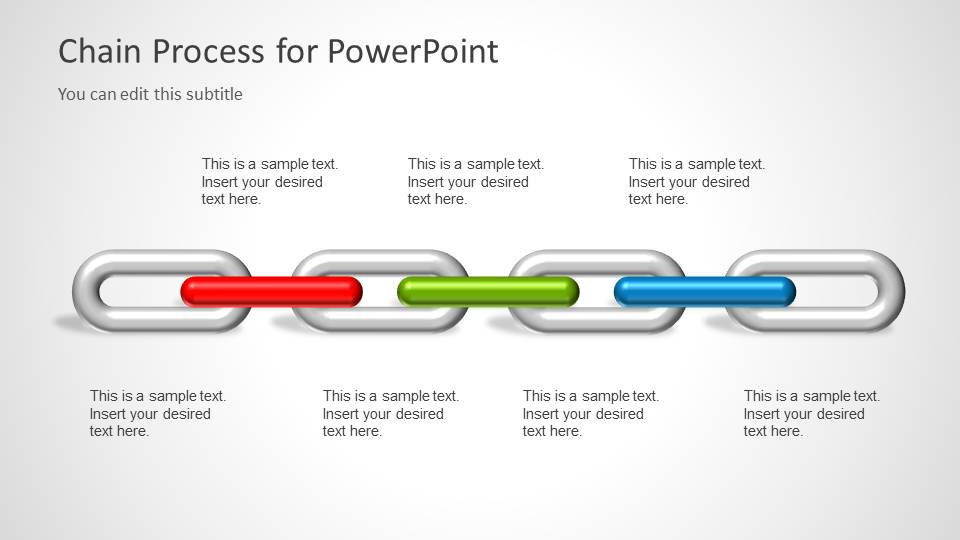
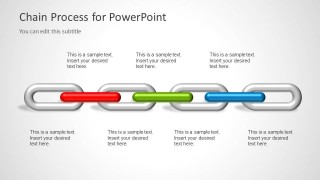
- An operations lead can use the labeled chain process slide to explain how upstream and downstream handoffs depend on each other across a workflow.
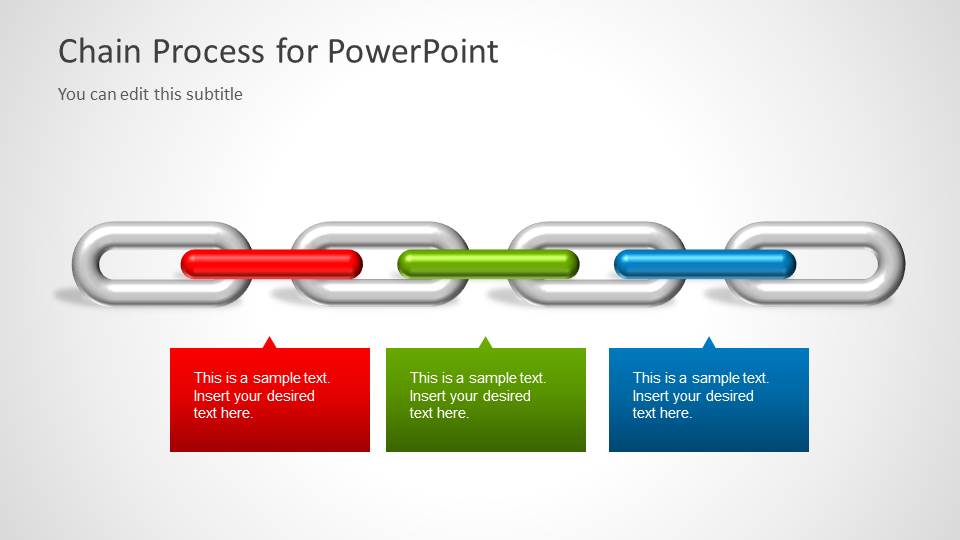
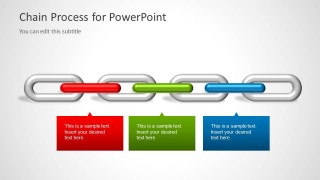
- A project manager can use the three color callout boxes to separate dependencies into risk, progress, and ownership points during a stakeholder update.
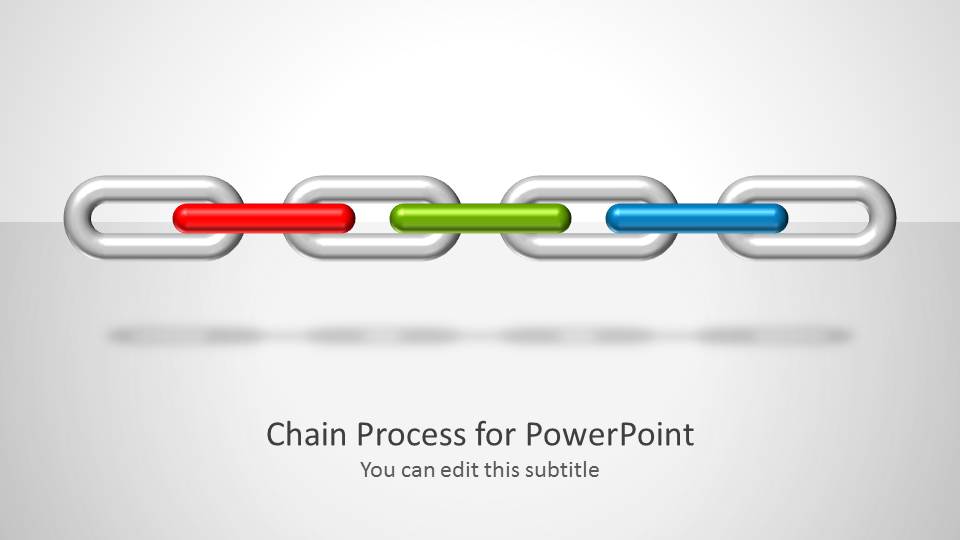
- A trainer can use the cover and colored chain segments to introduce the idea of chain reaction, then discuss how each step affects the next action.
Features
- 100% editable presentation template
- Compatible with Microsoft PowerPoint and Google Slides
- Scalable vector shapes, icons and illustrations
- AI-Ready for Microsoft Copilot and Claude
- Instant access and download
Frequently asked questions
Q: How should I present a dependency chain clearly with this template?
A: Start with the cover slide to name the process or risk theme, then move to the labeled chain process slide to define each connected step. Use the three callout boxes for the most important explanations, not every detail. Reserve the single-highlight slides for the one link that needs focused discussion.
Q: Who benefits most from using the chain metaphor in a business presentation?
A: This template fits presenters who need to explain connected causes, dependencies, or weak points to a nontechnical or cross-functional audience. Security leaders, operations managers, project managers, and consultants can use the chain layouts to show that one break, delay, or weakness can affect the entire process.
Q: Why does the chain design improve the message compared with a standard list?
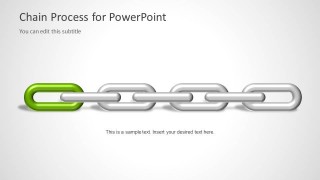
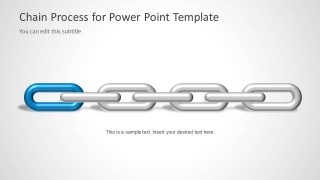
A: A chain is a direct visual metaphor for dependency and shared strength. The linked shapes show that items are not isolated bullets, while the red, green, and blue highlights create emphasis without adding clutter. This helps an audience remember sequence, connection, and the consequence of a weak link.

Chain Process Diagram for PowerPoint
6-slide PowerPoint slide template for chain process steps, dependencies, and weak-link analysis
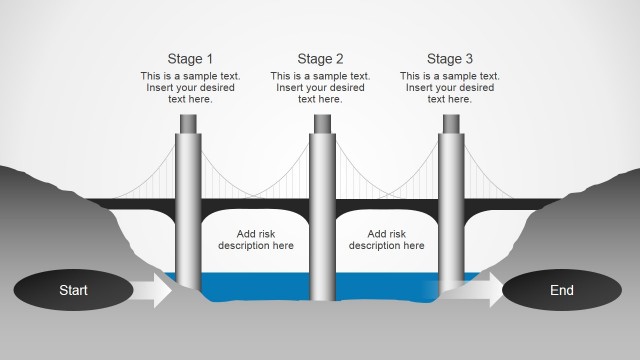
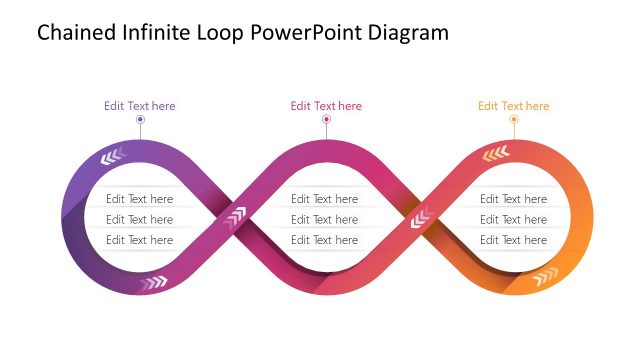
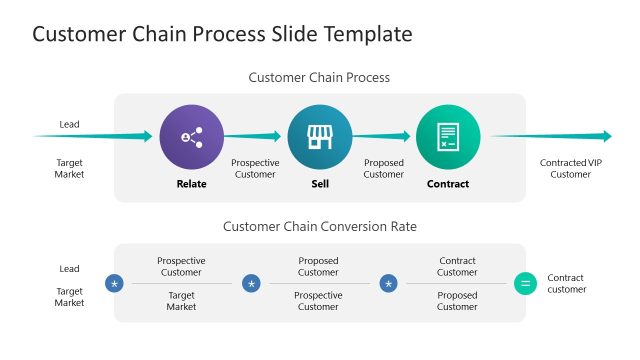
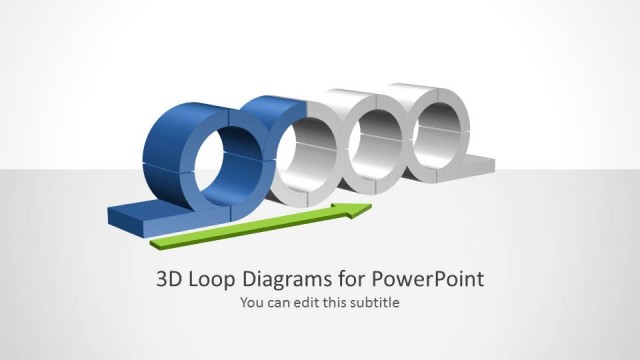
This 6-slide PowerPoint diagram template uses editable chain illustrations to explain linked process steps, dependencies, or weak-link risks. Visible layouts include a cover slide, labeled chain process, three color callout boxes, and single-highlight chain slides. It is suited to operations, security, and project presentations.


 Loading...
 Microsoft PowerPoint
  Microsoft Copilot
  Claude for PowerPoint
 Other formats supported
Subscribe today and get immediate
access to download our PowerPoint templates.