Slide 3 of 6 from Chain Process Diagram for PowerPoint
6037-01-chain-process-3
Chain Process Diagram for PowerPoint
- Diagram
- Other
- Process Slide
- 16:9
- 100% Editable
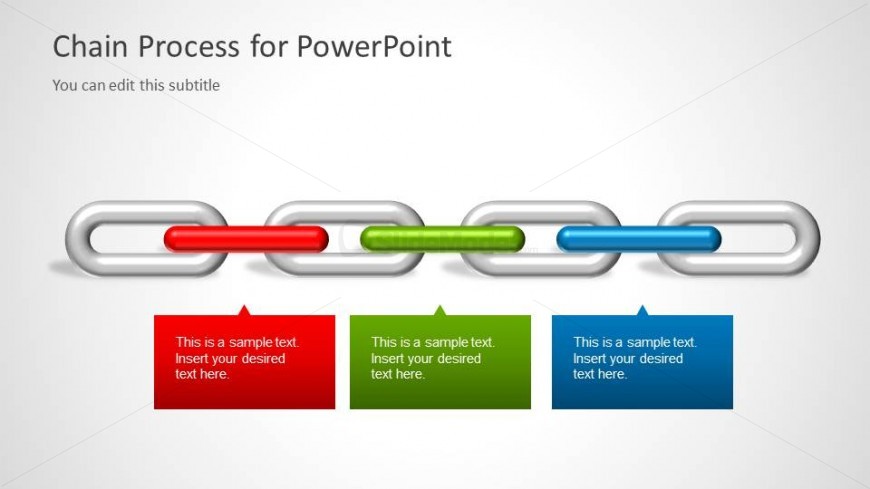
The Chain Process Diagram slide from the Chain Process Diagram for PowerPoint template offers a clear visual layout ideal for illustrating linked steps in operational workflows. This slide uses editable shapes and vector icons to highlight dependencies and risk points, making it suitable for business presentations focused on process illustration and risk assessment. Its design supports effective communication in corporate presentations and pitch deck templates that require detailed process mapping.
What’s on This Slide
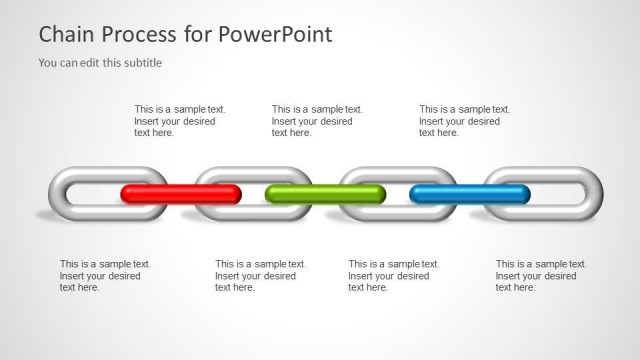
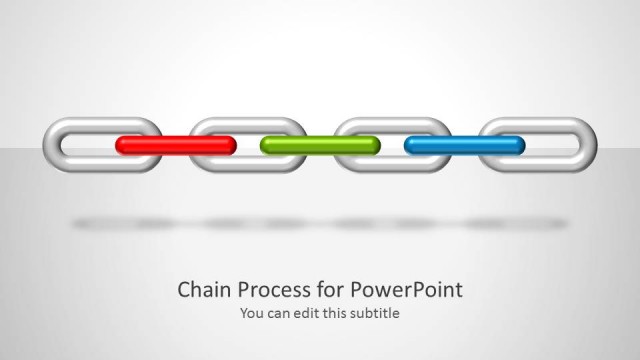
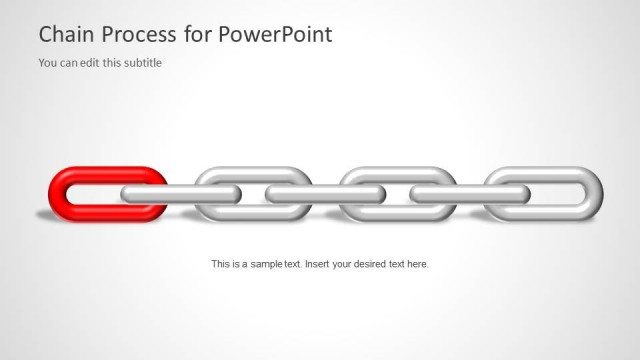
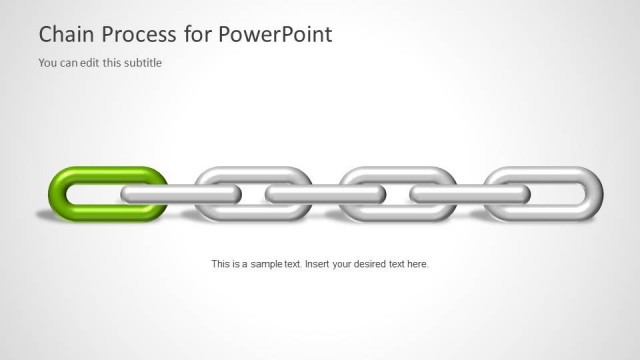
The layout features a horizontal chain graphic with five links, three of which are highlighted in red, green, and blue. Below the chain, there are three rectangular callout boxes in red, green, and blue, each containing a text placeholder aligned centrally. The title is positioned at the top left, with a subtitle placeholder directly below it. The background is a light gradient, enhancing the chain's visibility. The overall structure emphasizes the highlighted links and their corresponding callout boxes, creating a clear visual hierarchy.
How to Use It
This layout serves as a process diagram, illustrating linked steps in a chain. It is suitable for presentations that discuss operational processes, dependencies, or risk assessments. Positioned after introductory slides, it effectively transitions into detailed discussions on specific steps. This structure is useful in business scenarios such as project management, supply chain analysis, or security assessments, where understanding connections and weak links is crucial.
Text Placeholders & Capacity
Keep your copy within these limits so it fits without resizing. Node body slots can hold about 10 words each.
| Placeholder | Count | Max characters (approx.) |
|---|---|---|
| Slide title | 1 | 40 |
| Subtitle | 1 | 40 |
| Item body | 3 | 50 |
Slide Keywords
Download unlimited PowerPoint templates, charts and graphics for your presentations with our annual plan.
DOWNLOADReturn to Chain Process Diagram for PowerPoint.