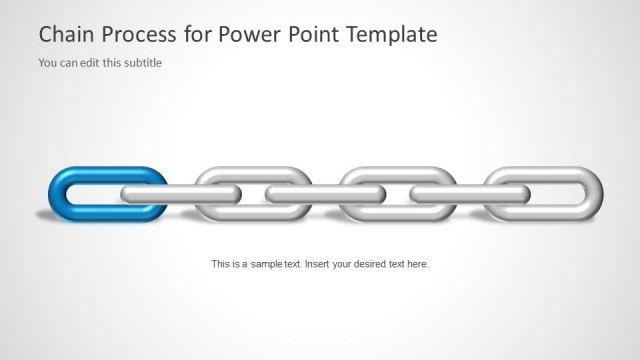
Slide 1 of 6 from Chain Process Diagram for PowerPoint
6037-01-chain-process-1
Chain Process Diagram for PowerPoint
- Diagram
- Other
- Process Slide
- 16:9
- 100% Editable
The Chain Process Diagram slide from the Chain Process Diagram for PowerPoint template offers a clear visual representation of linked steps, ideal for project planning and operations management. This slide layout uses editable shapes and vector icons to illustrate dependencies in a business presentation or corporate slide deck, supporting effective communication of sequential processes.
What’s on This Slide
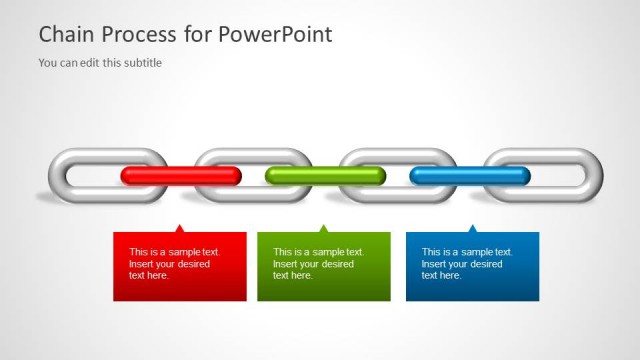
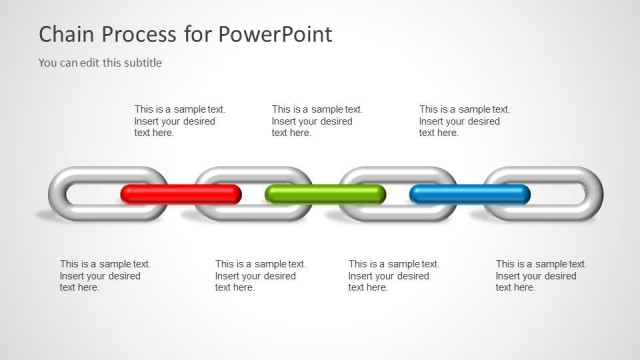
The slide features a horizontal arrangement of chain links, with four links displayed. The first, third, and fourth links are silver, while the second link is red and the third link is green. Each link is oval-shaped and connected in a linear sequence. Below the chain, there is a title placeholder aligned to the center, stating 'Chain Process for PowerPoint,' and a subtitle placeholder beneath it, indicating 'You can edit this subtitle.' The background is light gray, providing a neutral contrast to the colorful chain links.
How to Use It
This layout serves as a visual representation of a chain process, ideal for illustrating linked steps or dependencies in a project. It fits well at the beginning of a presentation to introduce a process or framework. This structure is useful in business contexts such as operations management, project planning, or risk assessment, where understanding the interconnections between elements is crucial. It can also be adapted for educational purposes to explain sequential processes.
Text Placeholders & Capacity
Keep your copy within these limits so it fits without resizing. Title slot can hold about 6-8 words; subtitle is tighter.
| Placeholder | Count | Max characters (approx.) |
|---|---|---|
| Slide title | 1 | 34 |
| Subtitle | 1 | 30 |
Slide Keywords
Download unlimited PowerPoint templates, charts and graphics for your presentations with our annual plan.
DOWNLOADReturn to Chain Process Diagram for PowerPoint.