Slide 2 of 6 from Chain Process Diagram for PowerPoint
6037-01-chain-process-2
Chain Process Diagram for PowerPoint
- Diagram
- Chain Process
- Process Slide
- 16:9
- 100% Editable
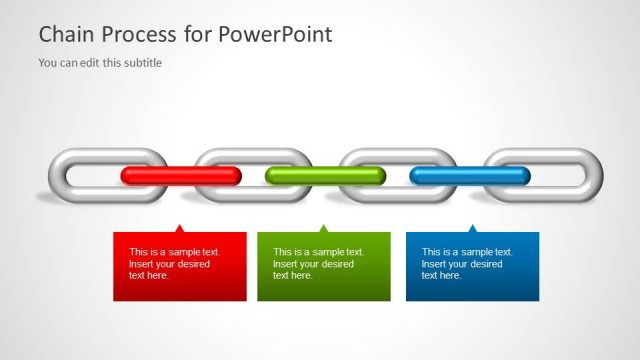
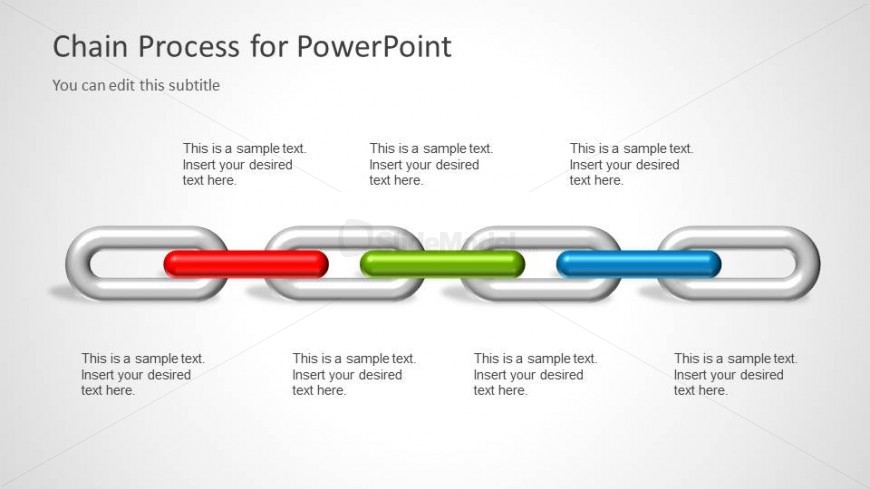
The Chain Process Diagram slide from the Chain Process Diagram for PowerPoint template provides a clear visual of sequential steps using editable shapes and color-coded links. This slide layout is suitable for business presentations or corporate presentations that require illustrating dependencies, risks, or project phases within a slide deck. Its design supports effective communication in pitch deck templates and other professional slide templates.
What’s on This Slide
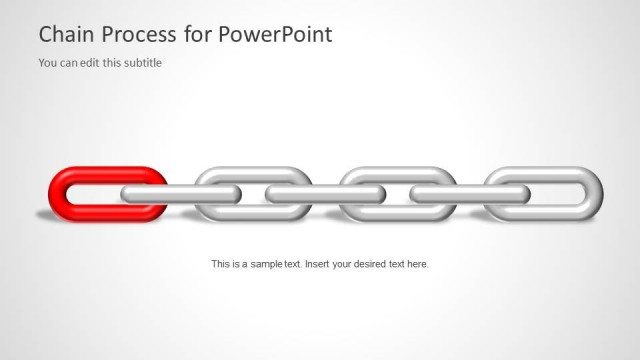
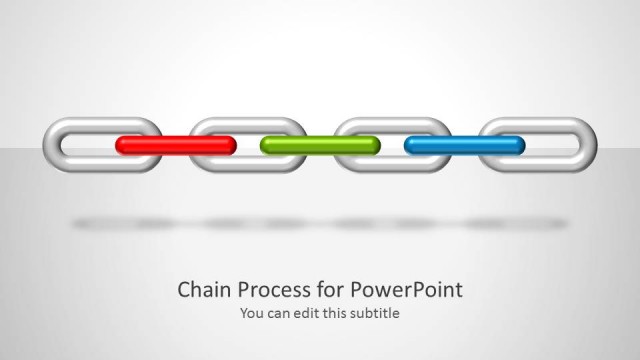
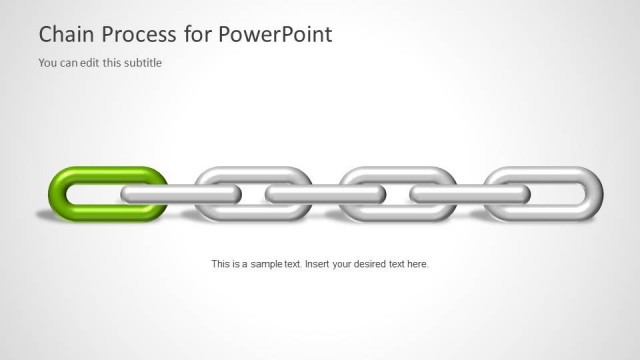
The layout features a horizontal arrangement of five chain links, each represented by oval shapes. The first, third, and fifth links are silver, while the second link is red and the fourth link is green. Each link has a text placeholder aligned to the right, allowing for descriptive text. The title is positioned at the top left, with a subtitle placeholder directly below it. The overall background is light gray, providing contrast to the chain links. The visual hierarchy emphasizes the colored links, suggesting importance in the process.
How to Use It
This layout serves as a visual representation of a chain process, ideal for illustrating sequential steps or dependencies in a project. It fits well in presentations focused on operations, risk management, or project planning. The colored links can highlight specific areas of concern or focus within the process. This slide is particularly effective when placed after an introductory slide, setting the stage for detailed discussions on each link's significance.
Text Placeholders & Capacity
Keep your copy within these limits so it fits without resizing. Node body slots can hold roughly 6-8 words each.
| Placeholder | Count | Max characters (approx.) |
|---|---|---|
| Slide title | 1 | 30 |
| Subtitle | 1 | 50 |
| Item body | 5 | 40 |
Slide Keywords
Download unlimited PowerPoint templates, charts and graphics for your presentations with our annual plan.
DOWNLOADReturn to Chain Process Diagram for PowerPoint.