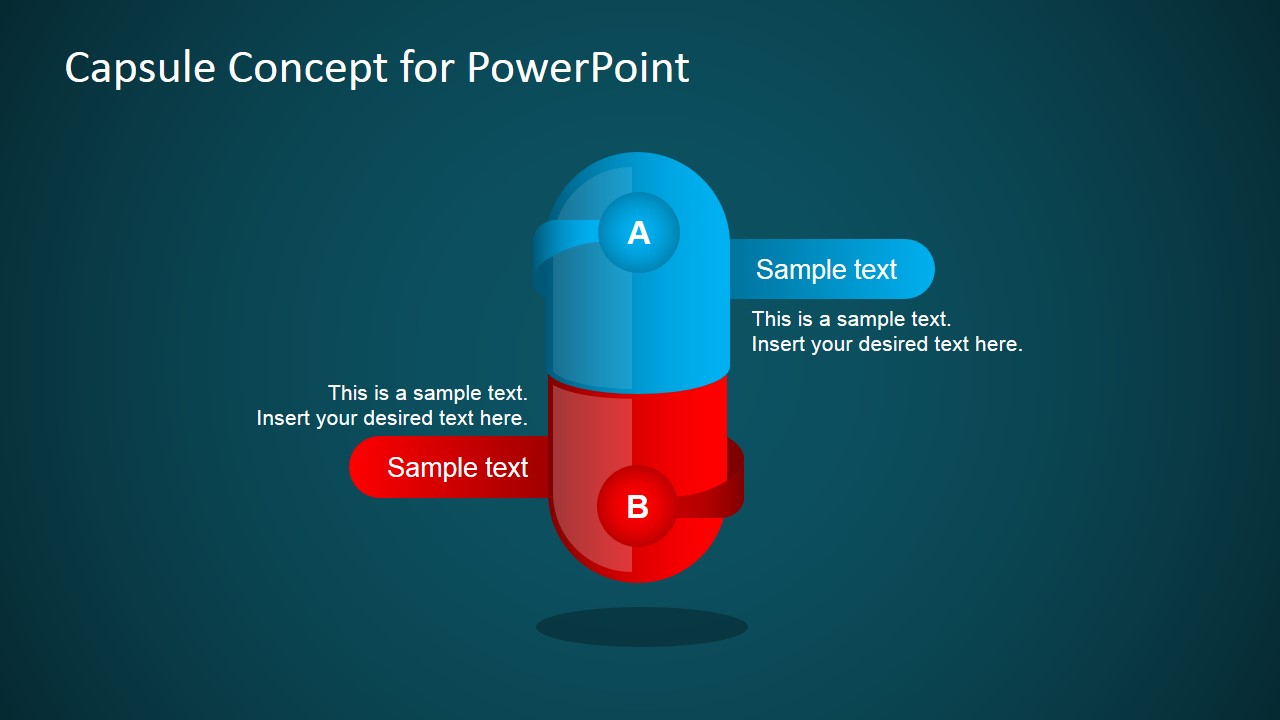
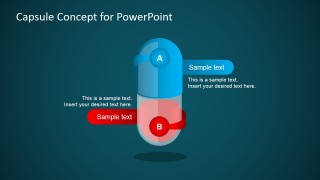
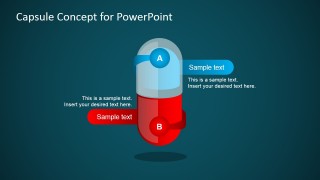
Capsule Concept Design for PowerPoint is a creative concept design that can be used as a comparison slide. The capsule concept design contains a capsule illustration and diagram with A and B text boxes. It is great to be used to compare two topics or ideas. It can also be used for presentations on A/B Testing to compare the objectives for the original variant A and the B variation.
What’s inside this template
Example presentation scenarios
- A product manager can compare two feature concepts for stakeholders using the capsule A/B diagram and the left and right callout boxes to summarize user value and tradeoffs.
- A marketing presenter can explain an A/B test by labeling the original as A and the variation as B, then using the emphasized capsule half to guide attention to the winning or proposed variant.
- A consultant can help an executive audience choose between two strategic options by placing the key argument for each option in the red and blue callouts.
- A UX researcher can present two interface treatments by using the A and B labels as variants and the short text placeholders for test observations or design rationale.
Features
- 100% editable presentation template
- Compatible with Microsoft PowerPoint and Google Slides
- Scalable vector shapes, icons and illustrations
- AI-Ready for Microsoft Copilot and Claude
- Instant access and download
Frequently asked questions
Q: How should a presenter structure the comparison so the slide does not feel too simplistic?
A: Use the capsule as the main visual decision frame and reserve each callout for one strong point. Put the shared context in the spoken setup, then make A and B parallel in wording, length, and criteria. This keeps the audience focused on the actual difference between the two choices rather than reading unequal text blocks.
Q: Who is this template best suited for?
A: This template works best for product managers, marketers, UX researchers, and consultants who need to explain a two-option choice quickly. It is especially useful when the discussion is about A/B testing, product positioning, or choosing between two concepts, because the design makes the comparison binary and easy to follow.
Q: Why use a capsule metaphor for an A/B comparison?
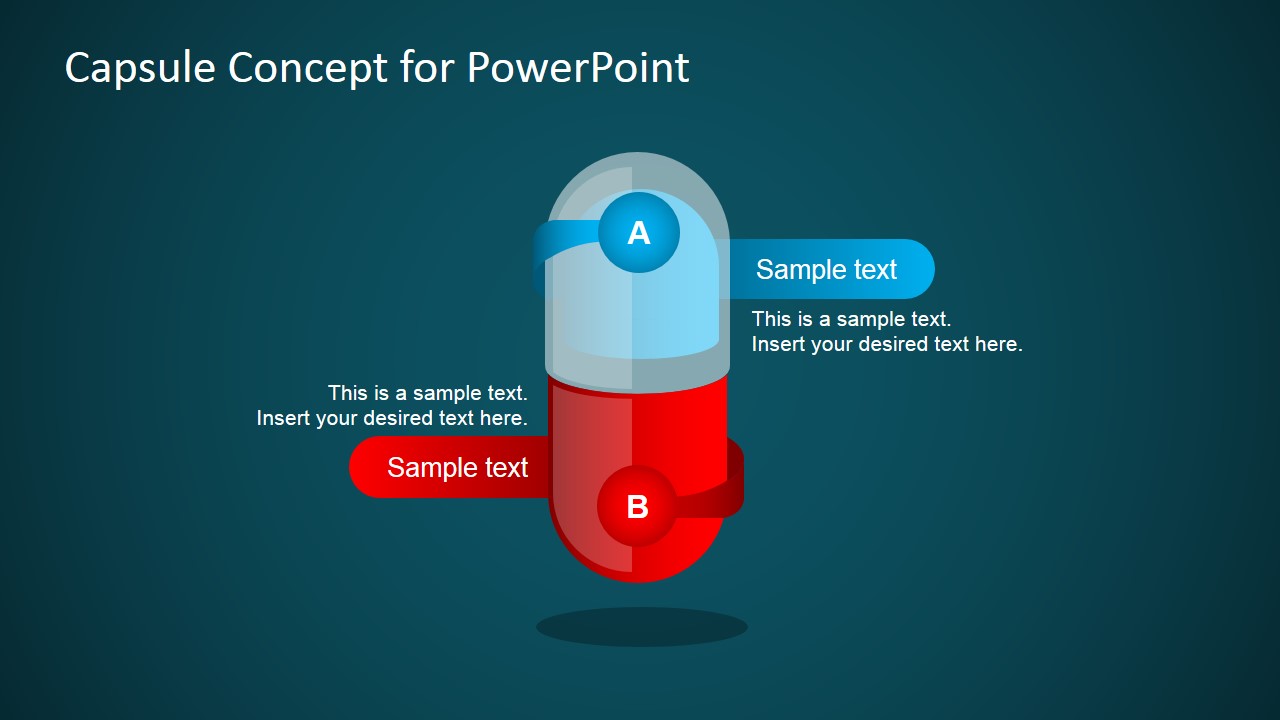
A: The capsule metaphor visually joins two parts into one decision object, which helps the audience see A and B as related alternatives rather than disconnected topics. The red and blue halves create contrast, while the emphasized variants on slides 2 and 3 let the presenter shift attention to one option without rebuilding the slide.

Capsule Concept Design for PowerPoint
3-slide presentation template with capsule A/B comparison diagrams and editable callouts for product choices
Capsule Concept Design for PowerPoint is a 3-slide comparison diagram template for presenting two options, variants, or ideas. The visible slides use a vertical capsule illustration, A/B labels, left and right callout text boxes, and color-coded halves. It is intended for product comparison, A/B testing, and decision discussions in Microsoft PowerPoint and Google Slides.


 Loading...
 Microsoft PowerPoint
  Microsoft Copilot
  Claude for PowerPoint
 Other formats supported
Subscribe today and get immediate
access to download our PowerPoint templates.