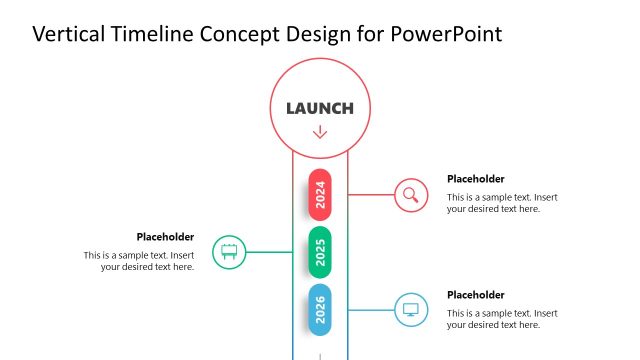
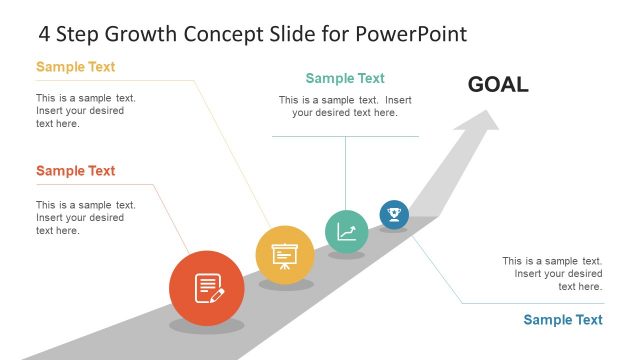
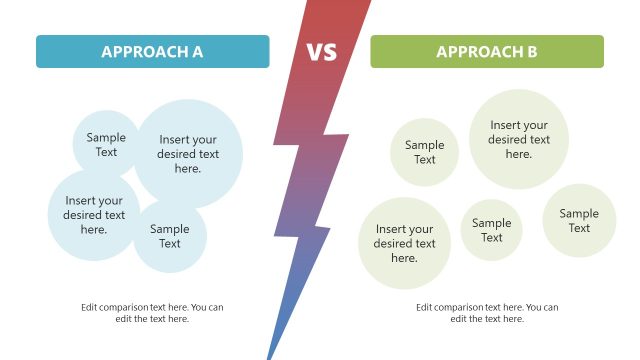
Grab our engaging 2 Concepts Slide Layout PowerPoint Template to showcase two growth or marketing concepts in the business meetings. Professionals, project managers, HR managers, technical recruiters, and other personnel can use our 2 concept slide template to present the attributes of two business development or product launch concepts in the executive sections. Scholars can edit our template for their awareness sessions to display two psychological or educational concepts. They can also utilize this slide diagram for their science presentations and explain two different or corresponding theories. The two concepts slide layout presentation template is 100% editable.
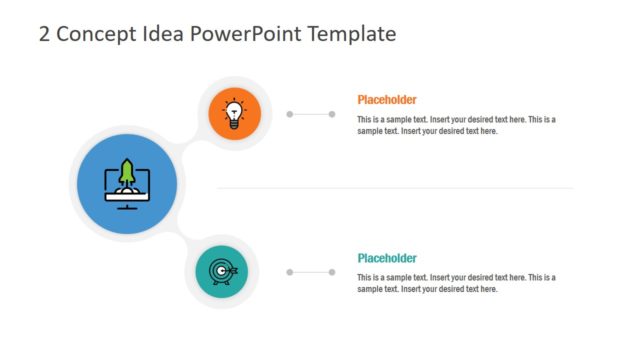
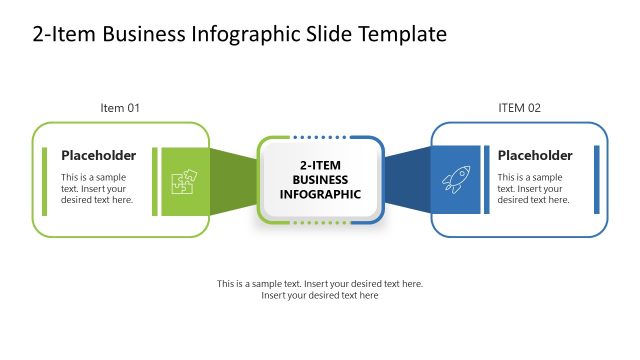
The 2 Concepts Slide Layout PowerPoint Template comprises two slides with varying diagrams to help professionals demonstrate two concepts engagingly in different formats. The first slide has a circular shape with the title text. The circle has a similar shadow that creates a 2D look. Next, two rectangles are connected to the central circle, making a unique and modern diagram. The horizontal text boxes contain infographic icons, placeholder titles, and description text to help users display the key information effectively. Professionals can also change these graphical icons relevant to their point of discussion. In the second slide, we have provided a diagram showing a long rectangular shape with a fold in the center. The shapes of the two cards are similar to those of business cards. Each card has a dark-shaded title bar with an infographic icon. Also, there are similar headings and description text placeholders.
Users can repurpose the template to present two options for the new business initiative, product launch, and ways for systematic operations. Additionally, presenters can change the PPT elements of the template to fit their needs. Download our template and edit it now! Alternatively, check our collection of concept PPT templates and diagram templates.
What’s inside this template
Example presentation scenarios
- A marketing manager can compare two campaign concepts for leadership using the folded-card layout with icon, heading, and short description areas.
- A project manager can present two operational options in a team meeting using the central circle and stacked concept bands to keep the discussion focused.
- An HR manager or recruiter can explain two hiring program ideas using the paired cards to separate audience, benefit, and action points.
- An educator can introduce two theories or paired learning concepts using the two-band diagram to show equal weight and clear contrast.
Features
- 100% editable presentation template
- Compatible with Microsoft PowerPoint
- 16:9 aspect ratio slides
- Scalable vector shapes, icons and illustrations
- AI-Ready for Microsoft Copilot and Claude
- Instant access and download
Frequently asked questions
Q: How should a presenter structure the message when using this two-concept layout?
A: Start with the shared context in the central circle or slide title, then assign one idea to blue and one to green. Keep each concept to a short heading and one key supporting point. This prevents the comparison from becoming a text-heavy report and helps the audience judge the two options at a glance.
Q: Who is this template best suited for in a business presentation?
A: This template fits managers, consultants, marketers, HR teams, and educators who need to explain two ideas without building a full decision framework. It works best for early concept review, stakeholder alignment, and discussion prompts where the goal is to define, contrast, or introduce two options before deeper analysis.
Q: Why do the circle, bands, and folded cards help communicate two concepts?
A: The first slide uses a central circle as an anchor, making the two horizontal bands feel connected to one topic. The second slide uses overlapping folded cards to signal two distinct but related items. These metaphors make the relationship clear while preserving equal visual weight for both concepts.


2 Concepts Slide Layout PowerPoint Template
2-slide PowerPoint presentation template for two concept comparisons, option cards, and growth ideas
The 2 Concepts Slide Layout PowerPoint Template is a 2-slide diagram set for comparing two ideas in Microsoft PowerPoint. It includes a central circle with two horizontal concept bands and an overlapping folded-card comparison layout. Business presenters can show growth options, marketing concepts, product ideas, or paired key points.
- Category
- Diagrams
- Rating


 Loading...
- Aspect ratio
- 16:9
- Item ID
- 22702-01
- Colors
 Microsoft PowerPoint
 Microsoft Copilot
 Claude for PowerPoint
Other formats supported
Subscribe today and get immediate
access to download our PowerPoint templates.