Slide 5 of 9 from Bubble Timeline PowerPoint Template
6002-bubble-timeline-powerpoint-wide-CT2-5
Bubble Timeline PowerPoint Slide
- Diagram
- Timeline Vertical
- Timeline Slide
- 16:9
- 100% Editable
What’s on This Slide
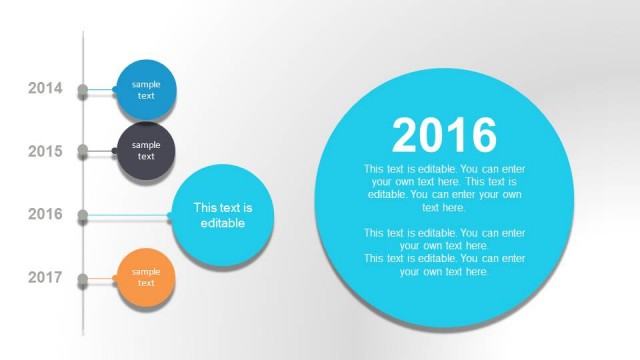
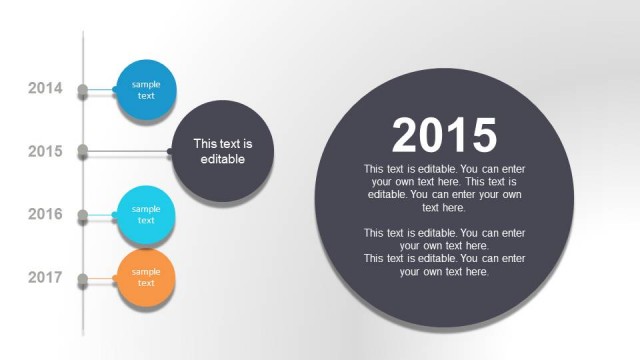
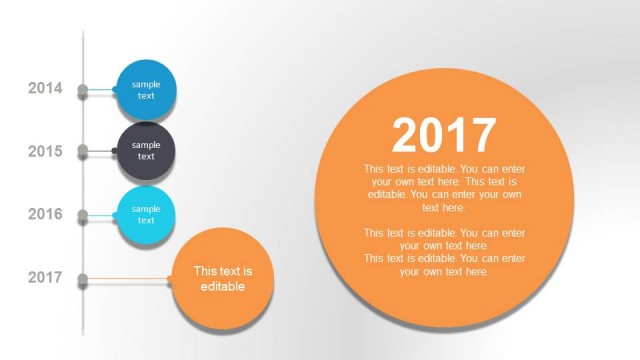
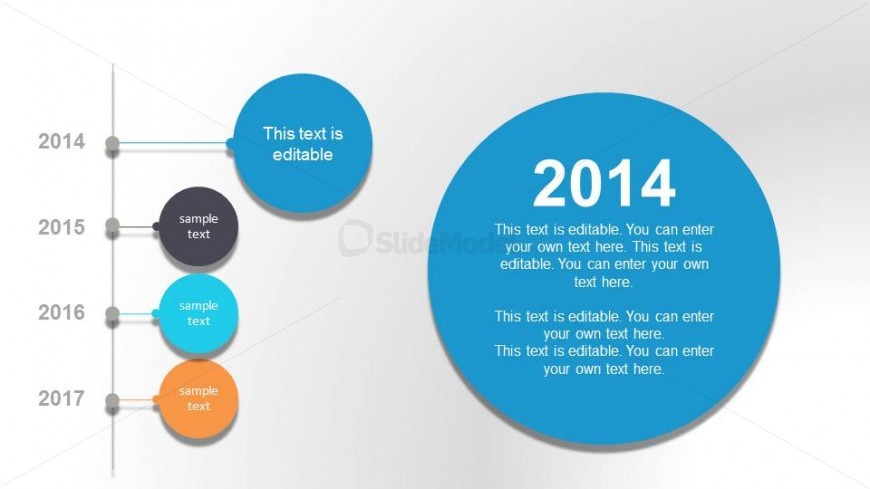
The layout features a vertical timeline with circular nodes on the left and a large circle on the right. The timeline runs from top to bottom, displaying years from 2014 to 2017. Each year has a corresponding bubble containing editable text. The largest bubble on the right highlights the year 2014, with additional editable text below. The color scheme includes blue, orange, and gray for the bubbles, while the background is a gradient from light to darker shades. Text placeholders are present for customization.
How to Use It
This layout serves as a timeline to illustrate milestones or events over several years. It fits well in presentations that outline project timelines, historical events, or progress tracking. This slide is particularly useful for business or educational contexts where chronological data needs to be presented clearly. It can be used to highlight key achievements or phases in a project, making it suitable for status updates or retrospective reviews.
Text Placeholders & Capacity
Keep your copy within these limits so it fits without resizing. Node body slots can hold about 100 characters each.
| Placeholder | Count | Max characters (approx.) |
|---|---|---|
| Item heading | 4 | 30 |
| Item body | 4 | 100 |
| Slide title | 1 | 50 |
| Body paragraph | 1 | 150 |
Slide Keywords
Download unlimited PowerPoint templates, charts and graphics for your presentations with our annual plan.
DOWNLOADReturn to Bubble Timeline PowerPoint Template.