Slide 9 of 9 from Bubble Timeline PowerPoint Template
6002-bubble-timeline-powerpoint-wide-CT2-9
Bubble Timeline PowerPoint Design
- Diagram
- Timeline Horizontal
- Timeline Slide
- 16:9
- 100% Editable
The Bubble Timeline with Milestones slide from the Bubble Timeline PowerPoint Template offers a clear horizontal timeline layout ideal for project timelines and product roadmaps. Featuring editable shapes and colored milestone bubbles, this slide template supports business presentations and pitch decks by visually organizing chronological events with vector icons and a structured arrow design.
What’s on This Slide
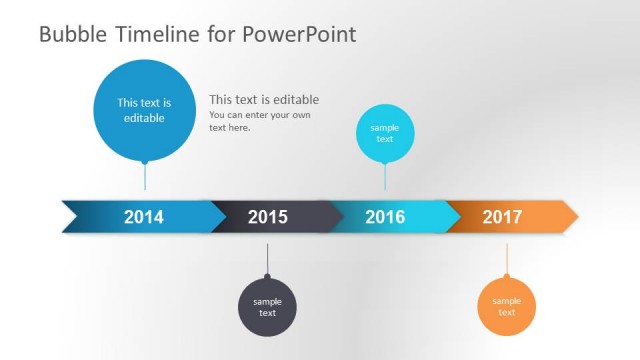
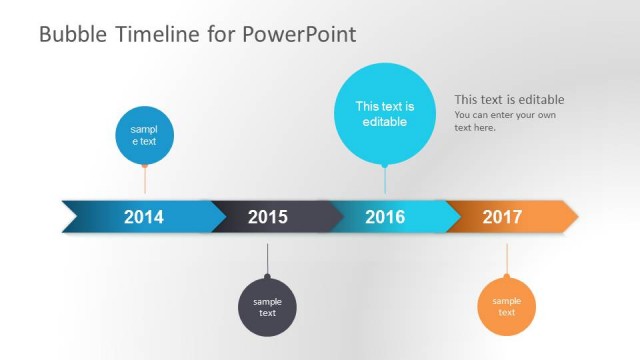
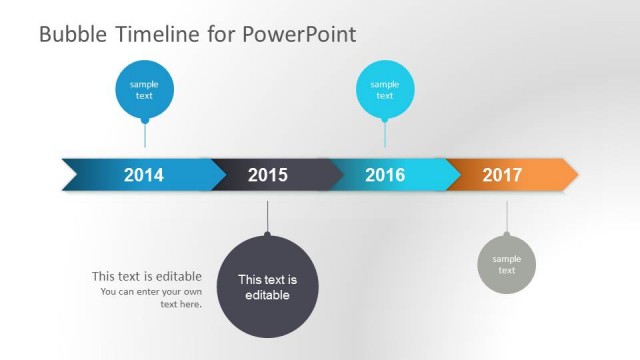
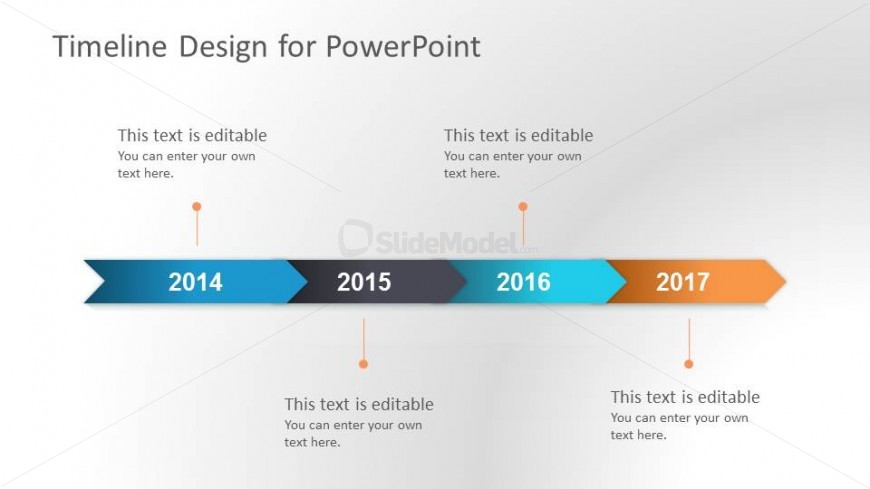
The layout features a horizontal timeline with four milestone markers positioned evenly across the center. Each milestone is represented by a colored bubble containing a year, with editable text placeholders below each bubble. The timeline itself is a thick arrow shape, alternating in color between blue, gray, and orange. Above the timeline, a title placeholder is centered, while the background is a subtle gradient from light gray to white. The visual hierarchy emphasizes the years as key points along the timeline, with clear spacing between elements.
How to Use It
This layout serves as a chronological timeline, ideal for showcasing project milestones or historical events. It fits well in a presentation sequence after outlining a problem or context, leading into a detailed roadmap. This structure is useful for business scenarios such as project planning, product launches, or annual reviews, where clear temporal progression is essential. It can also be used to summarize achievements over a specific period.
Text Placeholders & Capacity
Keep your copy within these limits so it fits without resizing. Node labels can hold about 4 characters each, while body slots can accommodate roughly 40 characters.
| Placeholder | Count | Max characters (approx.) |
|---|---|---|
| Slide title | 1 | 30 |
| Item heading | 4 | 4 |
| Item body | 4 | 40 |
Slide Keywords
Download unlimited PowerPoint templates, charts and graphics for your presentations with our annual plan.
DOWNLOADReturn to Bubble Timeline PowerPoint Template.