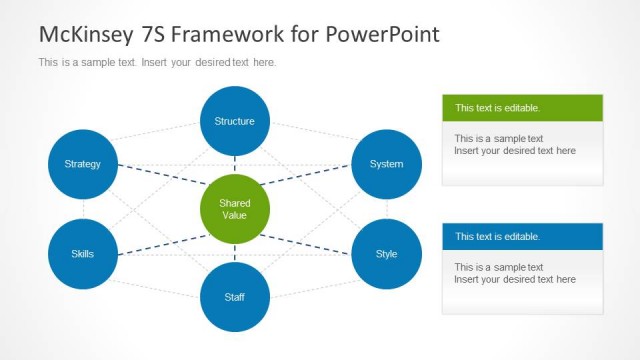
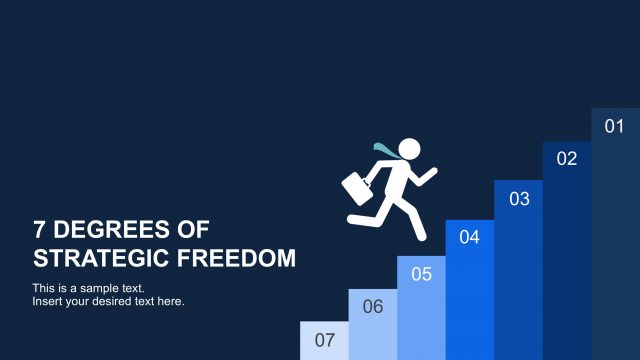
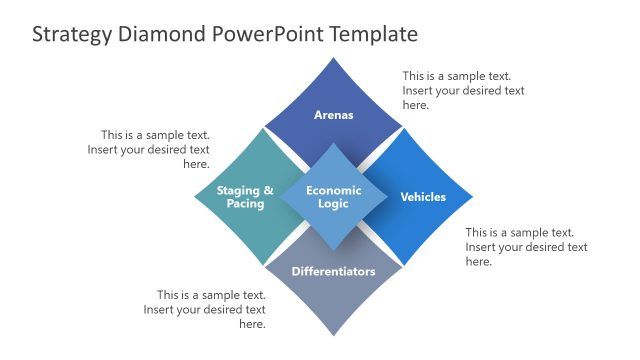
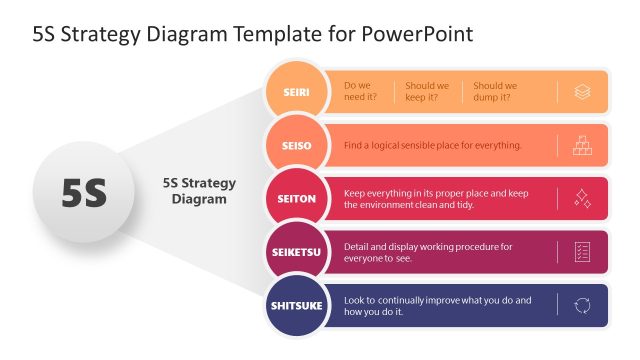
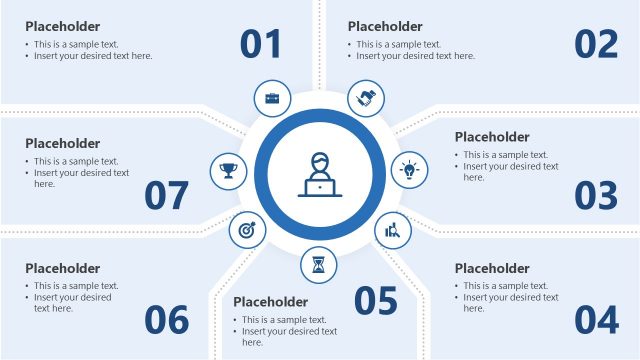
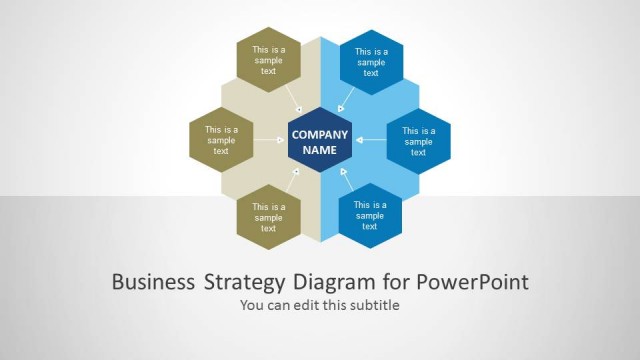
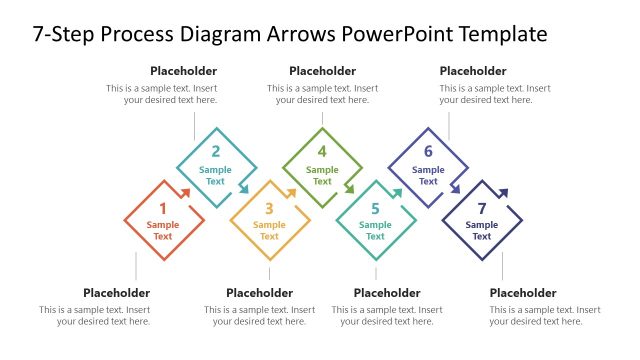
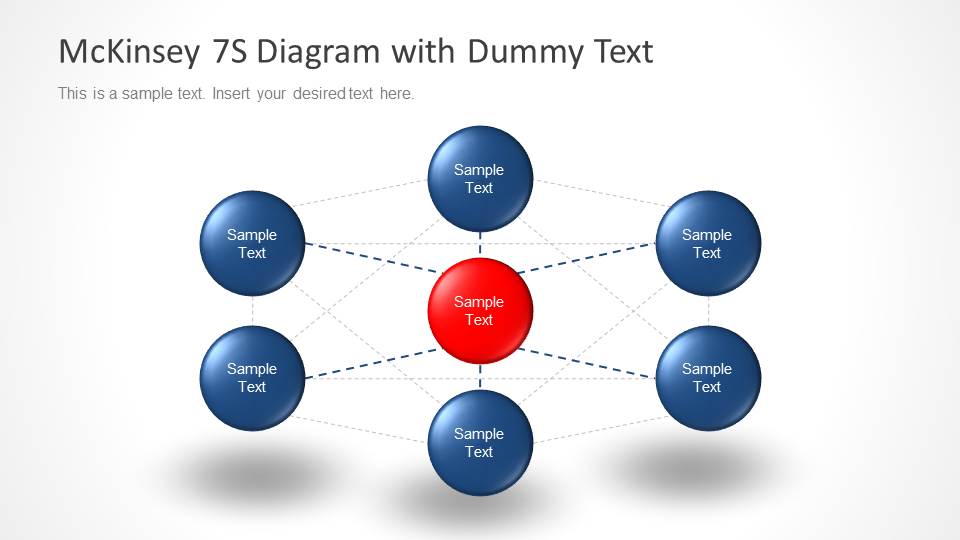
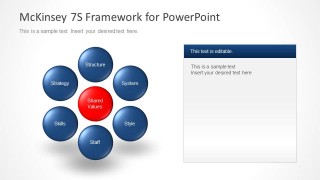
Blue McKinsey 7S Diagram for PowerPoint is a presentation template that you can use to represent the McKinsey 7S model in a PowerPoint slide. You can use this diagram and model template to make presentations on strategy and marketing.
Alternatively you can download other PowerPoint presentation templates, McKinsey PowerPoint templates and slide designs including popular business models and diagrams.
What’s inside this template
Example presentation scenarios
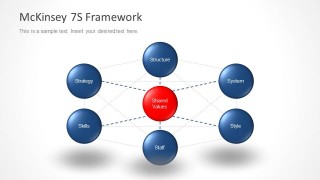
- A strategy consultant can use the labeled 7S framework to brief executives on how structure, systems, skills, style, staff, strategy, and shared values connect.
- A change manager can use the diagram-plus-notes layout to explain which organizational elements need attention during a transformation workshop.
- A business analyst can use the dummy text version to replace the 7S labels with assessment findings for each element.
- An instructor can use the standalone framework slide to teach the McKinsey 7S model before moving into a case discussion.
Features
- 100% editable presentation template
- Compatible with Microsoft PowerPoint and Google Slides
- Scalable vector shapes, icons and illustrations
- AI-Ready for Microsoft Copilot and Claude
- Instant access and download
Frequently asked questions
Q: How should a presenter explain the McKinsey 7S model with this template?
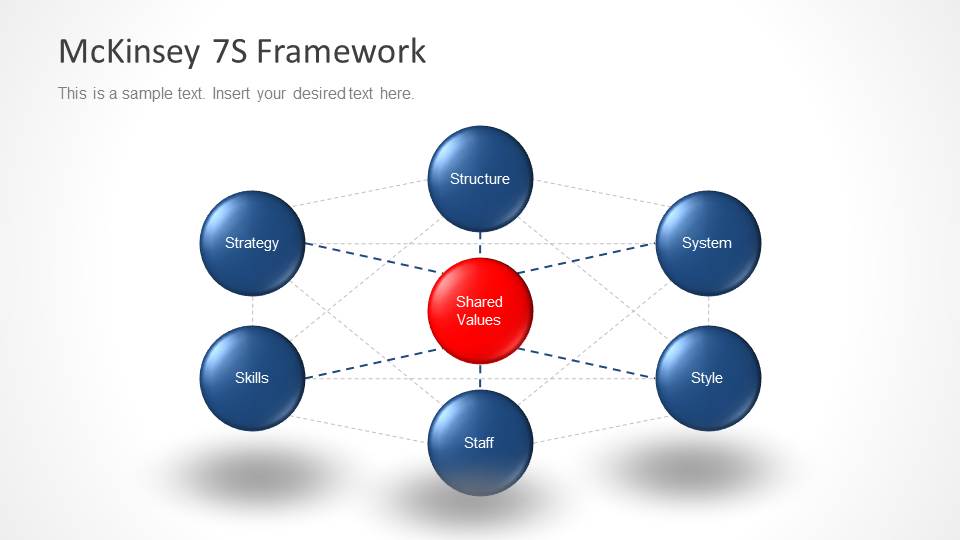
A: Start with the full labeled framework so the audience sees all seven elements at once. Then use the diagram-plus-notes slide to explain one alignment issue or recommendation at a time. Keep the red shared values center as the anchor, because it visually shows that culture and common beliefs affect every other element.
Q: Who is this template best suited for in a business presentation?
A: This template fits consultants, strategy teams, change managers, and instructors who need to introduce or discuss the McKinsey 7S framework without building the model from scratch. It works best for diagnosis, workshop facilitation, and executive updates where the goal is to discuss organizational alignment rather than show detailed project plans.
Q: Why does the circular 7S layout help communicate the framework?
A: The circular layout avoids implying that the seven elements move in a linear order. The central red shared values node acts as a visual anchor, while the surrounding blue nodes show interdependence. The dashed connections reinforce that a change in one element can affect the rest of the organization.


Blue McKinsey 7S Diagram for PowerPoint
4-slide PowerPoint diagram template for McKinsey 7S framework, shared values, and strategy alignment
Blue McKinsey 7S Diagram for PowerPoint is a 4-slide strategy diagram template for presenting the McKinsey 7S model. It includes a labeled hub-and-spoke 7S framework, a dummy text version, and diagram-plus-notes layouts for explaining structure, systems, style, staff, skills, strategy, and shared values.


 Loading...
 Microsoft PowerPoint
  Microsoft Copilot
  Claude for PowerPoint
 Other formats supported
Subscribe today and get immediate
access to download our PowerPoint templates.