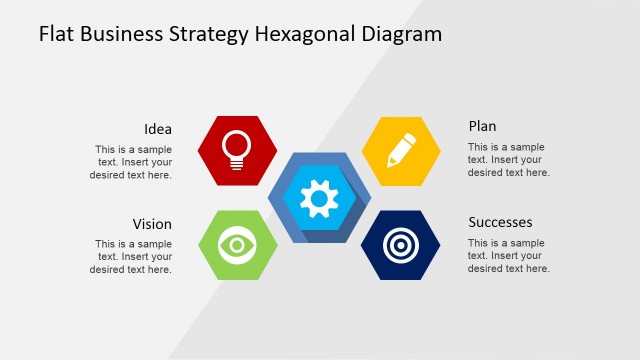
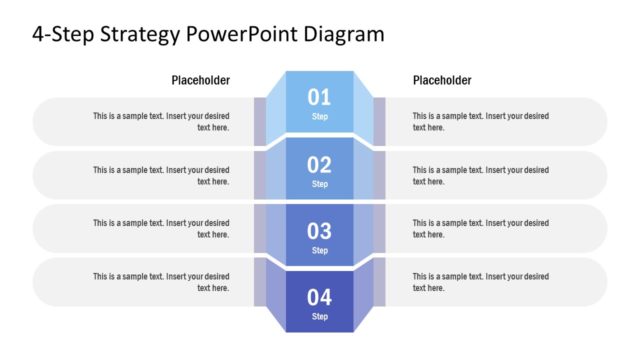
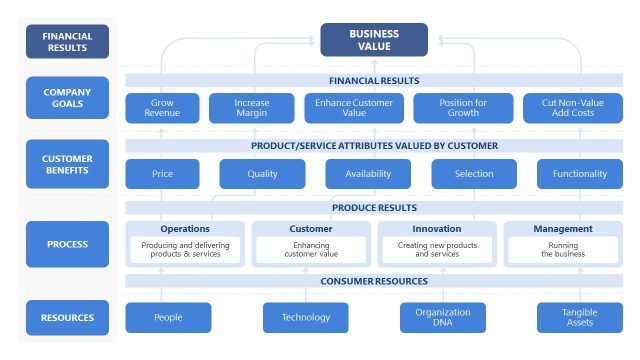
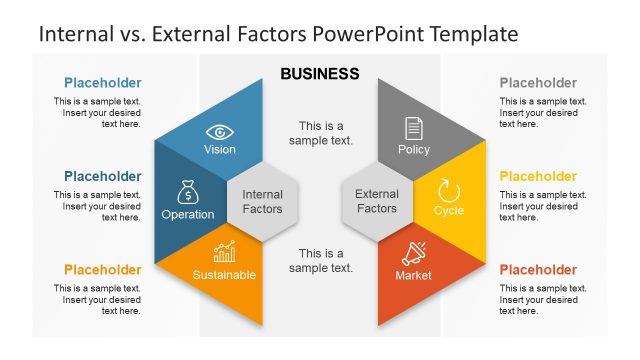
Classify the elements of a business strategy with the Business Strategy Diagram for PowerPoint. The presentation template contains a strategy diagram to describe internal and external factors in a PowerPoint slide. The blue and green color scheme allows the user to differentiate various elements in a business plan.
Any business strategy has both internal and external factors. Internal factors refer to circumstances within the company or planning team itself. Some of these factors can include lack of cooperation, psychological and emotional problems, and disagreement between members. External factors, on the other hand, can range from unpredictable weather conditions to changes in the target market economy.
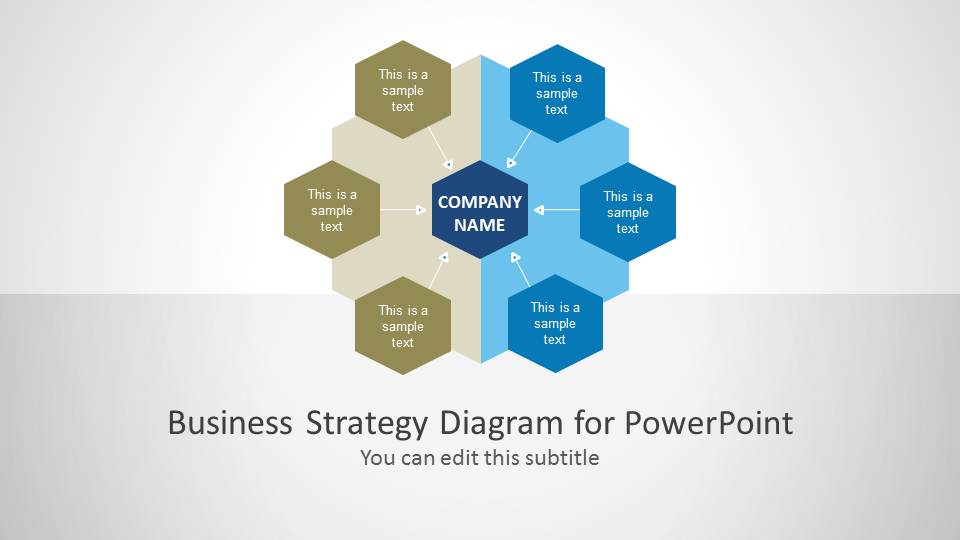
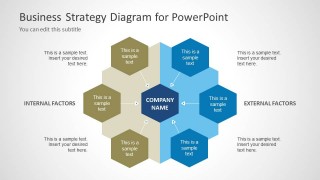
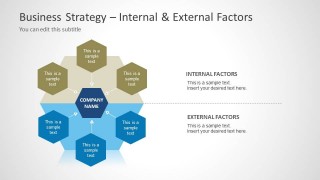
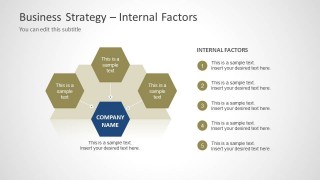
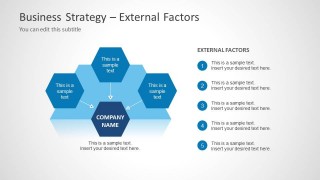
The slides contain a matrix of hexagonal PowerPoint shapes, shown in either green or blue. The color of the shapes can correspond to their nature. They can indicate whether the shapes represent internal or external factors. The PowerPoint template includes slides that feature only green or blue shapes. The design allows the presenter to focus on one factor at a time, giving more time for discussion and analysis of the elements.
Included in the Office template are three slide layouts. The first has a six-point hexagonal matrix, with text placeholders that are perfect for titles and subtitles. It acts as a cover slide for the entire presentation. The second slide layout has the same six-point matrix. In these slides, however, the presenter can elaborate on the elements of the matrix itself, using the placeholders that correspond to the shapes. The last type of layout contains three hexagonal shapes of blue or green. These can be used to discuss internal or external factors exclusively.
Impress all types of professional audiences using the Business Strategy Diagram for PowerPoint. The design is created in high definition graphics. Any modification will not have any effect on the image resolution. The presenter can choose to download other Business Strategy PowerPoint Templates from our constantly growing Catalog.
What’s inside this template
Example presentation scenarios
- A strategy manager can use the six-point hexagon matrix to introduce the main internal and external factors affecting a business plan.
- A consultant can use the comparison slide to explain how internal team issues and external market conditions should be reviewed separately before making recommendations.
- An executive presenter can use the internal factors list slide to focus leadership discussion on five company-controlled issues around the central company name.
- A business analyst can use the external factors list slide to organize market, economic, or environmental inputs during a planning workshop.
Features
- 100% editable presentation template
- Compatible with Microsoft PowerPoint and Google Slides
- 16:9 aspect ratio slides
- Scalable vector shapes, icons and illustrations
- AI-Ready for Microsoft Copilot and Claude
- Instant access and download
Frequently asked questions
Q: How should I present internal and external factors clearly with this template?
A: Start with the full hexagon matrix to define the company at the center, then explain the color logic before listing details. Use the split-view slide to compare internal and external categories at the same level of importance. Close with the focused internal or external list slide when the audience needs discussion, prioritization, or assigned actions.
Q: Who is this strategy diagram best suited for?
A: This template fits strategy leads, consultants, business analysts, and managers who need to classify factors before deciding on priorities. It works well in planning sessions, management briefings, and workshops where the goal is not to show detailed financial data, but to create a shared view of what the organization controls and what it must respond to.
Q: Why does the hexagon layout help explain business strategy factors?
A: The hexagon cluster works as a relationship metaphor: each factor connects back to the company in the center while still belonging to a larger group. The blue and green sides make category separation immediate, and the numbered list slides reduce visual complexity when the presenter moves from overview to explanation.


Business Strategy Diagram for PowerPoint
5-slide business strategy presentation template with hexagon matrix diagrams for internal and external factors
Business Strategy Diagram for PowerPoint is a 5-slide strategy diagram template for classifying internal and external business factors. It includes a title cover, six-point hexagon matrix, internal and external factors split view, and separate numbered factor list slides. It is designed for Microsoft PowerPoint and Google Slides.
- Category
- Strategy
- Rating


 Loading...
- Aspect ratio
- 16:9, 4:3
- Item ID
- 6092-01
- Colors
 Microsoft PowerPoint
  Microsoft Copilot
  Claude for PowerPoint
 Other formats supported
Subscribe today and get immediate
access to download our PowerPoint templates.