Slide 9 of 14 from Blue Growth Investment PowerPoint Template
Black Background Piggy Bank Shapes Chart
Growing Investment Display for Presentations
- Diagram
- Comparison Split
- Financial Summary Slide
- 16:9
- 100% Editable
The Growing Investment Display slide from the Blue Growth Investment PowerPoint Template uses a clear visual progression with piggy bank icons to illustrate increasing investment values. This slide layout is suitable for financial presentations, investment discussions, and savings strategy meetings, offering editable shapes and vector icons to customize the financial summary effectively within a business presentation or pitch deck template.
About This Slide
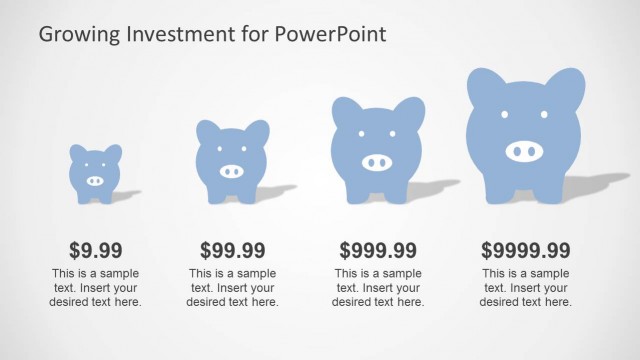
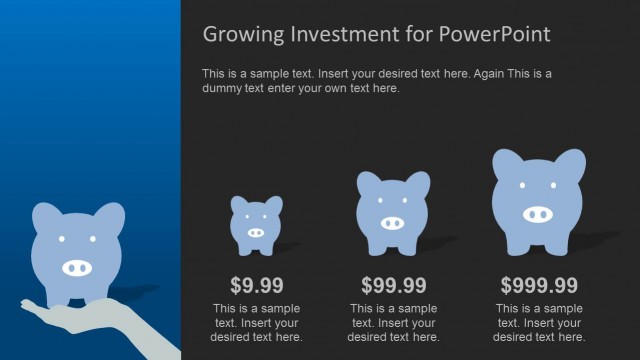
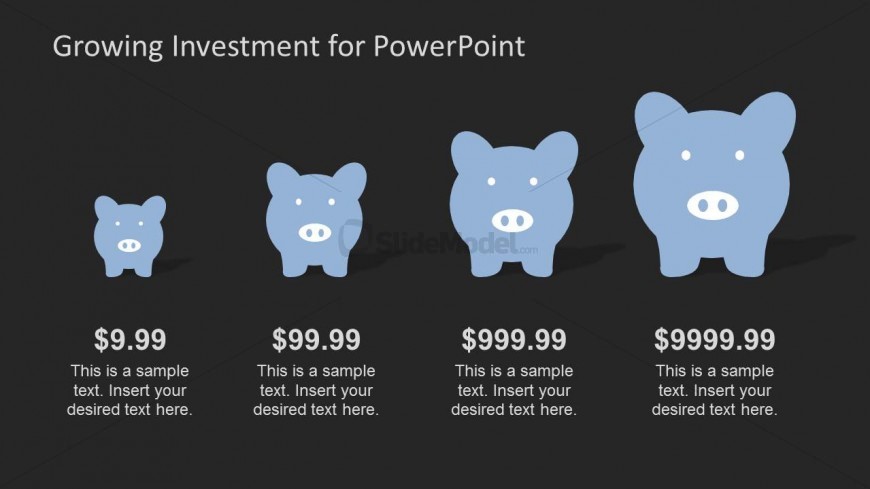
This professional PowerPoint template has 4 piggy bank PowerPoint Shapes with 4 different sizes. The greater the size is the greater the amount written beneath them. The shortest piggy bank is worth $9.99 and the biggest is worth $9999.99. The two other piggy banks are worth $99.99 and $999.99 respectively. The PowerPoint slide background is black and the piggy bank is colored blue and the eyes and nose of the pig is colored white and they also have a black shadow on the slide. There is a text box beneath the piggy bank picture in which you can enter sample text.
What’s on This Slide
The slide features a dark background with four piggy bank icons arranged horizontally. The icons vary in size, with the smallest on the left and the largest on the right, indicating increasing values. Below each piggy bank, there are text placeholders for dollar amounts, aligned centrally beneath each icon. Additional text placeholders are present for descriptions, positioned directly below the dollar amounts. The visual hierarchy emphasizes the piggy banks and their corresponding values, creating a clear progression of investment growth.
How to Use It
This layout serves to illustrate financial growth through a visual comparison of piggy banks representing different investment amounts. It fits well in a presentation discussing savings strategies or investment options. Ideal scenarios include financial planning meetings, investment pitches, or educational sessions on savings. The clear visual progression aids in communicating the concept of increasing investment amounts effectively.
Text Placeholders & Capacity
Keep your copy within these limits so it fits without resizing. Node body slots can hold roughly 8-10 words each.
| Placeholder | Count | Max characters (approx.) |
|---|---|---|
| Item heading | 4 | 10 |
| Item body | 4 | 50 |
Slide Keywords
Download unlimited PowerPoint templates, charts and graphics for your presentations with our annual plan.
DOWNLOADReturn to Blue Growth Investment PowerPoint Template.