Slide 13 of 19 from Free Blue Business Corporate Slide Deck
Data and Chart Corporate Template
Data & Charts Slide for Presentations
- Chart
- Bar Horizontal
- Data Findings Slide
- 16:9
- 100% Editable
What’s on This Slide
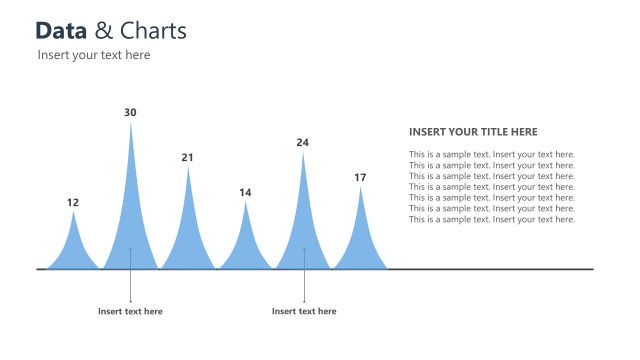
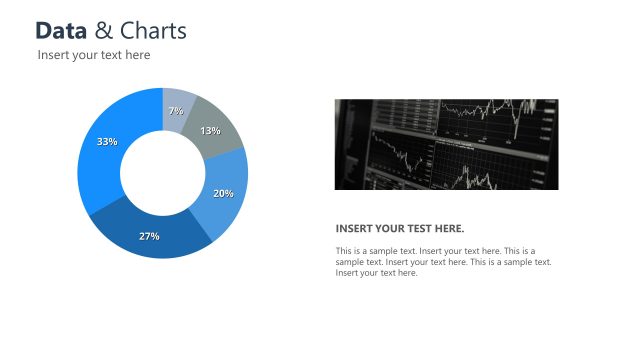
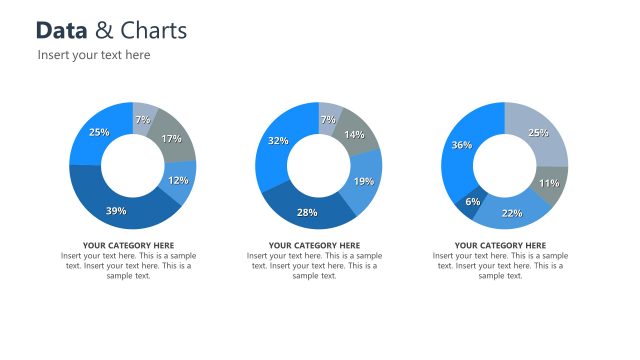
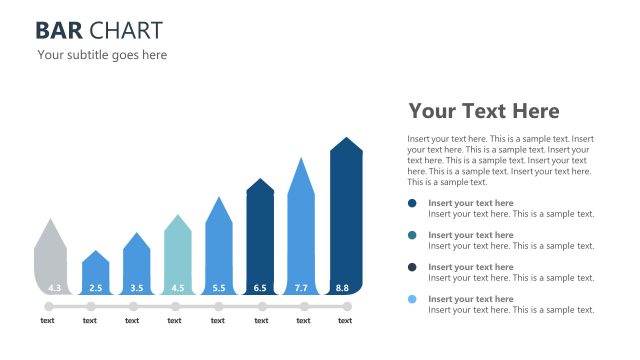
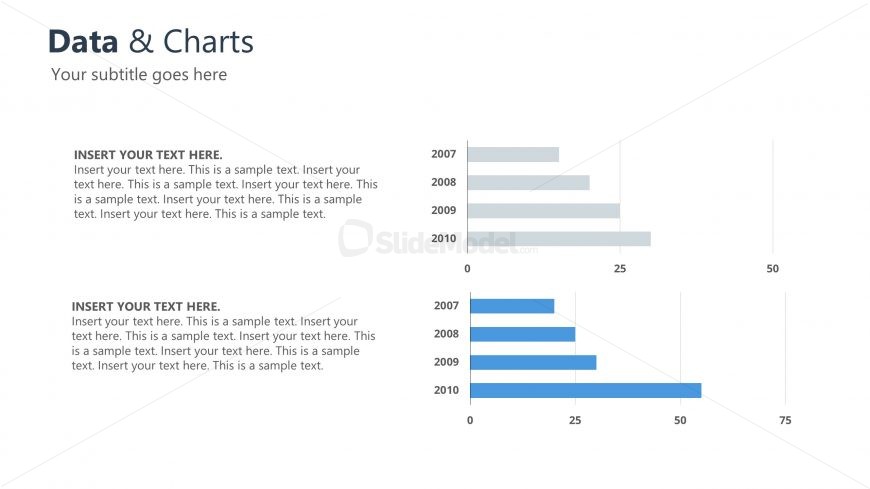
The slide features a title at the top left, followed by a subtitle beneath it. Below the title, there are two sections for text placeholders, each containing multiple lines for content. The upper section includes a horizontal bar chart with four bars representing years 2007 to 2010, with varying shades of blue. The lower section contains a similar horizontal bar chart, also spanning the same years, but with a different color emphasis. Each chart has a vertical axis labeled with numbers indicating values. The overall layout is structured and organized, with clear visual separation between text and charts.
How to Use It
This layout serves to present data visually through bar charts, making it suitable for showcasing trends or comparisons over time. It fits well in a presentation sequence after introductory or contextual slides, providing a clear analysis of data. Real-world scenarios include business performance reviews, sales data presentations, or project progress updates. The dual chart format allows for side-by-side comparisons, enhancing audience understanding of the presented information.
Text Placeholders & Capacity
Keep your copy within these limits so it fits without resizing. Body slots are tight, roughly 20-30 words each.
| Placeholder | Count | Max characters (approx.) |
|---|---|---|
| Slide title | 1 | 30 |
| Subtitle | 1 | 50 |
| Body paragraph | 2 | 150 |
| Chart title | 2 | 30 |
| Axis label | 2 | 10 |
Slide Keywords
Download unlimited PowerPoint templates, charts and graphics for your presentations with our annual plan.
DOWNLOADReturn to Free Blue Business Corporate Slide Deck.