Slide 3 of 4 from Blue Dashboard Template for PowerPoint
9057-clean-dashboard-powerpoint-0002-3
Clean Dashboard Design for Data Visualization
- Chart
- Line Chart
- Kpi Reporting Slide
- 16:9
- 100% Editable
The Clean Dashboard Design slide from the Blue Dashboard Template for PowerPoint offers a clear layout for presenting KPIs and trends using editable slides with line and bar charts. It supports business presentations focused on quarterly performance reviews, sales metrics, and project tracking, making it a practical choice for corporate presentation slide decks.
What’s on This Slide
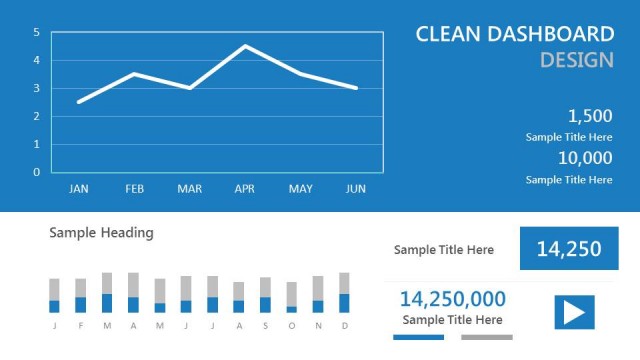
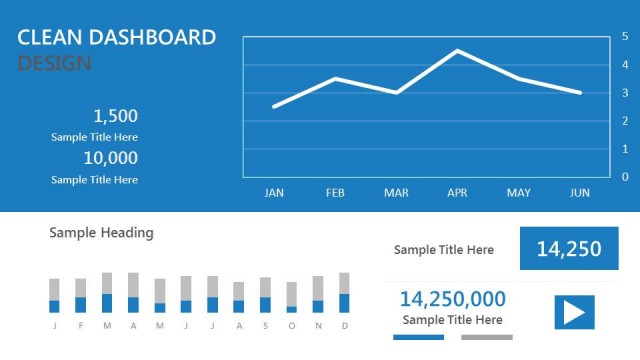
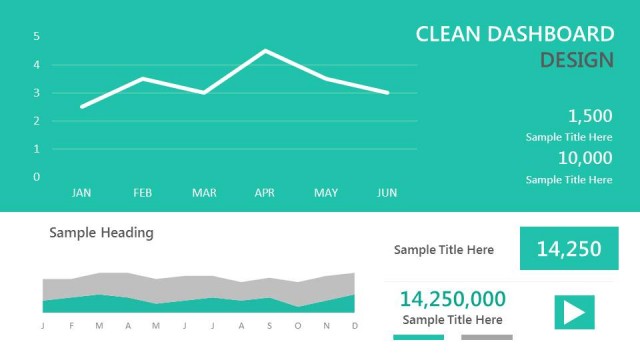
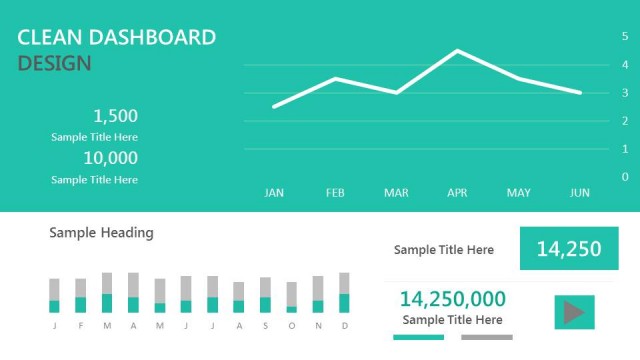
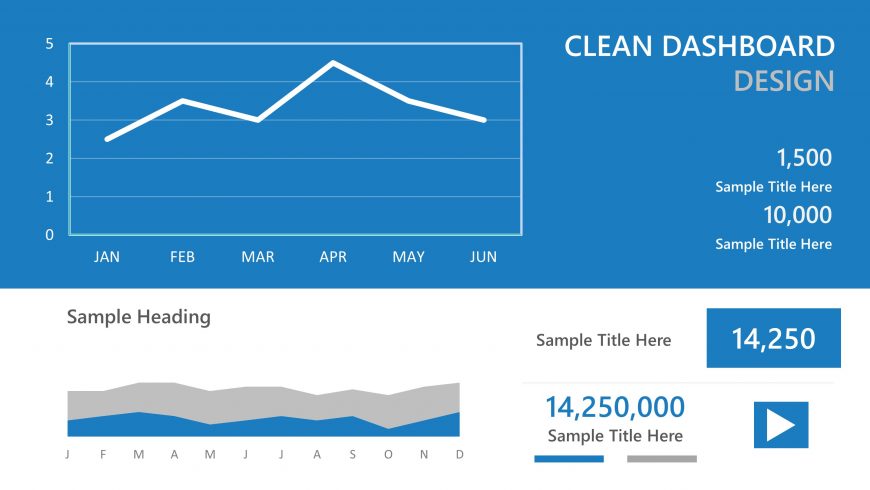
The layout features a blue background with a line chart positioned at the top left, displaying data across six months from January to June. Below the chart, there is a section for a heading and two numeric data points, each accompanied by a sample title. The first numeric value is 1,500, and the second is 10,000, both aligned to the right. A small area below contains another sample heading and a bar chart, which spans the width of the slide, indicating additional data trends. Text placeholders are present throughout, maintaining a clear visual hierarchy.
How to Use It
This layout serves as a data visualization dashboard, ideal for presenting key performance indicators and trends over time. It fits well in a presentation sequence following introductory slides, providing a clear overview of performance metrics. This structure is useful in business contexts such as quarterly reviews, sales performance updates, or project tracking, where concise data representation is essential. It can be used individually to highlight specific metrics or combined with other slides for comprehensive reporting.
Text Placeholders & Capacity
Keep your copy within these limits so it fits without resizing. Numeric slots can accommodate short phrases, roughly 2-3 words each.
| Placeholder | Count | Max characters (approx.) |
|---|---|---|
| Slide title | 1 | 20 |
| Item body | 2 | 10 |
| Item heading | 2 | 20 |
| Chart title | 1 | 20 |
| Body paragraph | 1 | 30 |
Slide Keywords
Download unlimited PowerPoint templates, charts and graphics for your presentations with our annual plan.
DOWNLOADReturn to Blue Dashboard Template for PowerPoint.