Slide 2 of 4 from Blue Dashboard Template for PowerPoint
9057-clean-dashboard-powerpoint-0002-2
Line and Bar Chart Dashboard Slide
- Chart
- Combo Chart
- Kpi Reporting Slide
- 16:9
- 100% Editable
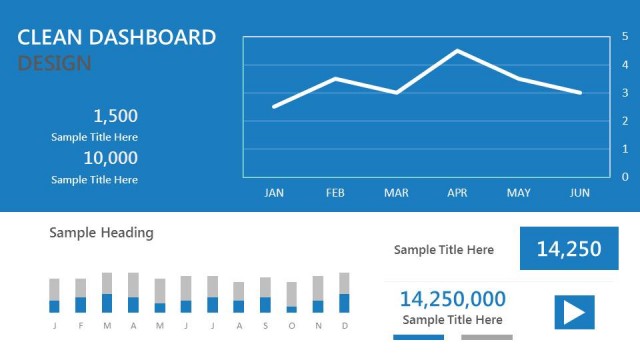
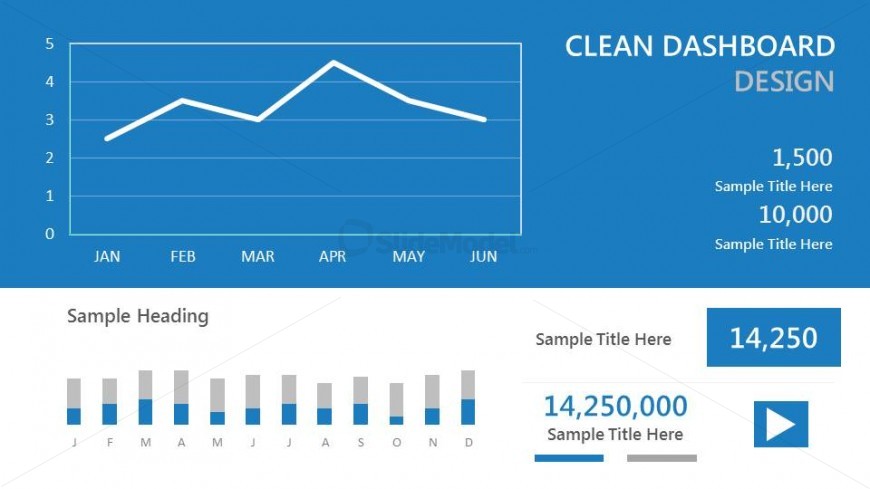
The Line and Bar Chart Dashboard slide from the Blue Dashboard Template for PowerPoint offers a clear visualization of KPIs through combined line and bar charts. Designed for business presentations, this slide layout supports quarterly performance reviews and project updates by integrating editable slides with vector icons and text placeholders to highlight key metrics effectively.
What’s on This Slide
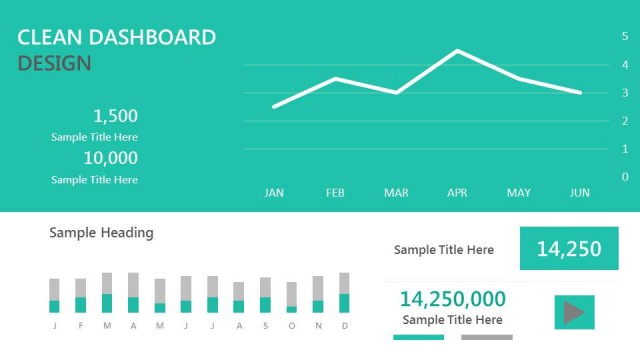
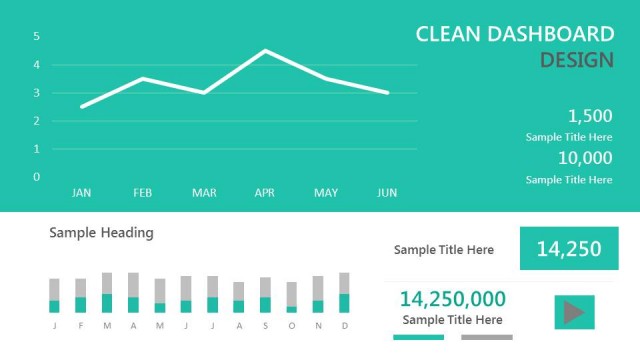
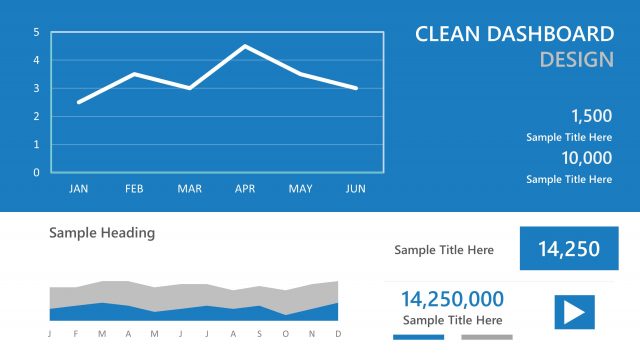
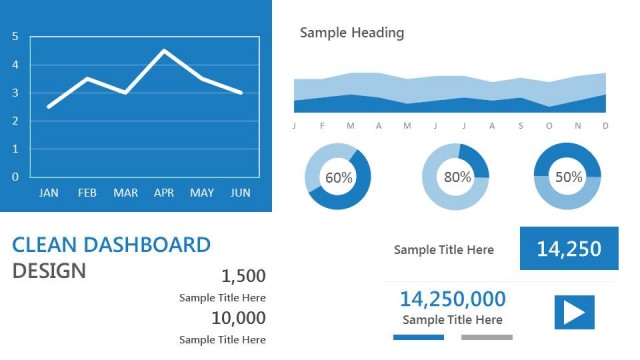
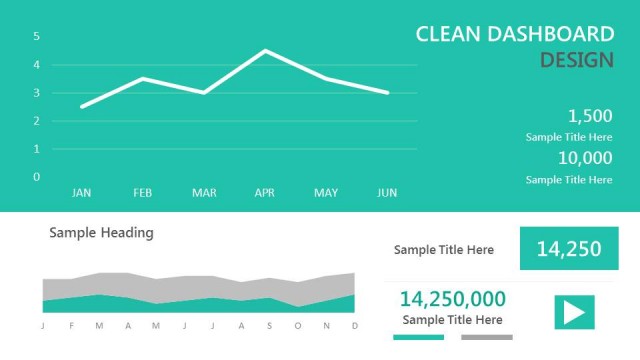
The slide features a line chart positioned at the top center, displaying data trends over six months from January to June. Below the line chart, there is a bar chart with seven vertical bars representing monthly values, aligned horizontally. To the right, a section contains three text placeholders for titles and values, arranged vertically. The background is a solid blue, creating a cohesive visual theme. Text placeholders are aligned to the left and right, with a clear visual hierarchy established by size and placement.
How to Use It
This layout serves as a data visualization dashboard, effectively presenting key performance indicators and trends. It fits well in a business performance report, especially after problem identification slides. This structure is useful for managers and analysts to summarize data visually, making it ideal for quarterly reviews or project updates. It can also be used to compare performance metrics over time, providing a clear overview of business progress.
Text Placeholders & Capacity
Keep your copy within these limits so it fits without resizing. Node labels can accommodate short text, roughly 1-2 words each.
| Placeholder | Count | Max characters (approx.) |
|---|---|---|
| Chart title | 1 | 30 |
| Item heading | 6 | 10 |
| Item body | 6 | 10 |
| Body paragraph | 3 | 30 |
Slide Keywords
Download unlimited PowerPoint templates, charts and graphics for your presentations with our annual plan.
DOWNLOADReturn to Blue Dashboard Template for PowerPoint.