Slide 3 of 4 from Clean Dashboard Template for PowerPoint
9057-clean-dashboard-slide-powerpoint-3
Line Chart with Data Points for Dashboard
- Chart
- Line Chart
- Evaluation Slide
- 16:9
- 100% Editable
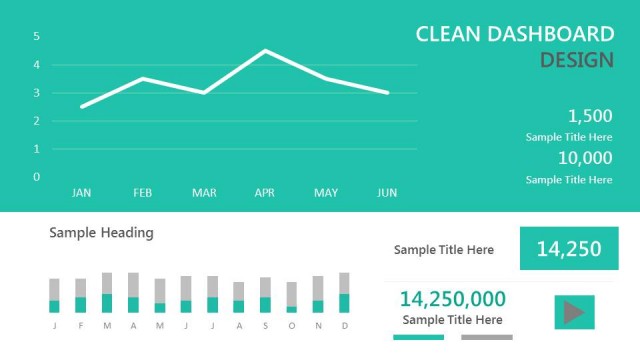
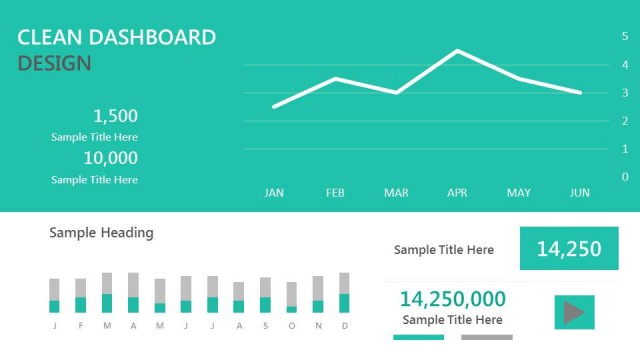
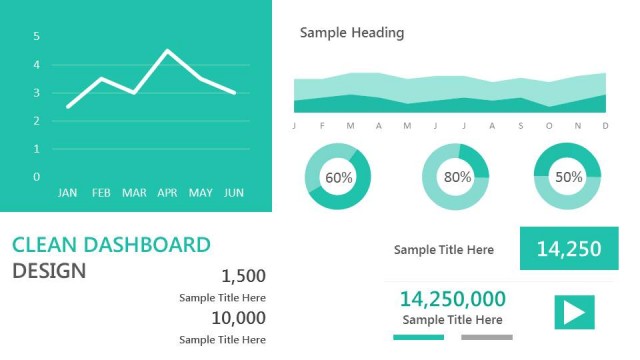
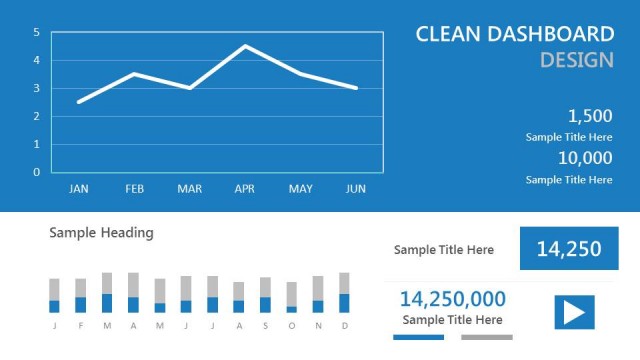
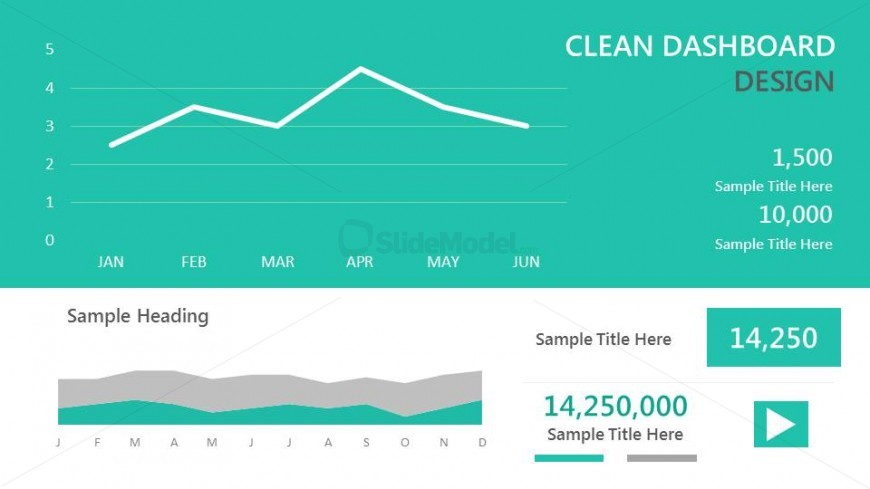
The Line Chart with Data Points slide from the Clean Dashboard Template for PowerPoint offers a clear visualization of trends and comparisons, ideal for quarterly reviews and sales tracking. This slide layout integrates editable shapes and vector icons to enhance data presentation within a corporate presentation or business presentation slide deck.
What’s on This Slide
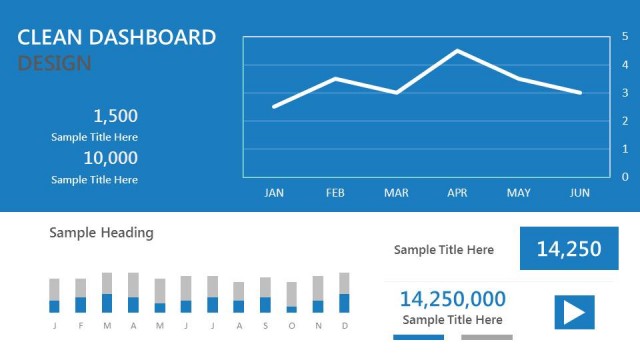
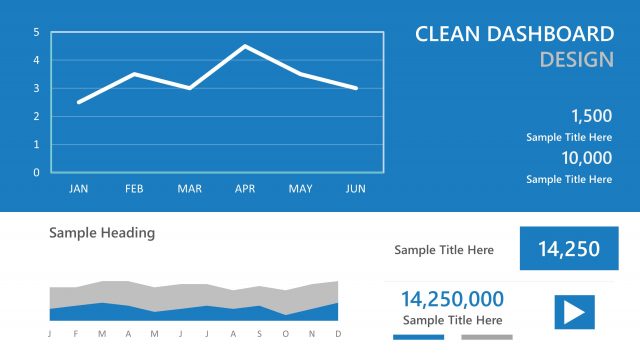
The layout features a line chart positioned centrally at the top, displaying data trends over six months from January to June. Below the chart, there is a horizontal area showing a secondary data visualization, which is a bar chart with a smooth gradient fill. Text placeholders are located at the top right and bottom left, with the title aligned to the right and a sample heading below it. The overall color scheme includes a teal background with white and gray elements, creating a clear visual hierarchy.
How to Use It
This layout serves as a data visualization tool, effectively presenting trends and comparisons in a dashboard format. It fits well in a presentation sequence following an introduction to data insights, allowing for a detailed analysis of performance metrics. Ideal scenarios include quarterly business reviews, sales performance tracking, or project progress updates, where visual data representation is essential for clarity and impact.
Text Placeholders & Capacity
Keep your copy within these limits so it fits without resizing. Body slots are tight, roughly 10-15 words each.
| Placeholder | Count | Max characters (approx.) |
|---|---|---|
| Slide title | 1 | 30 |
| Item heading | 6 | 10 |
| Item body | 3 | 20 |
| Body paragraph | 1 | 50 |
Slide Keywords
Download unlimited PowerPoint templates, charts and graphics for your presentations with our annual plan.
DOWNLOADReturn to Clean Dashboard Template for PowerPoint.