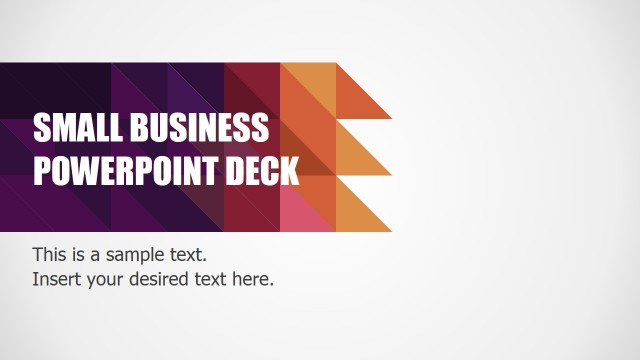
This professional PowerPoint Template is an alternative variation of color palette from the Small Business PowerPoint Deck. The PowerPoint deck contains forty (40) slides oriented to business presentations. With polished details and impactful design the Blue Business PowerPoint template is targeted for entrepreneurs or small business owners pitching their organizations. The layout provides sections with the following theme:
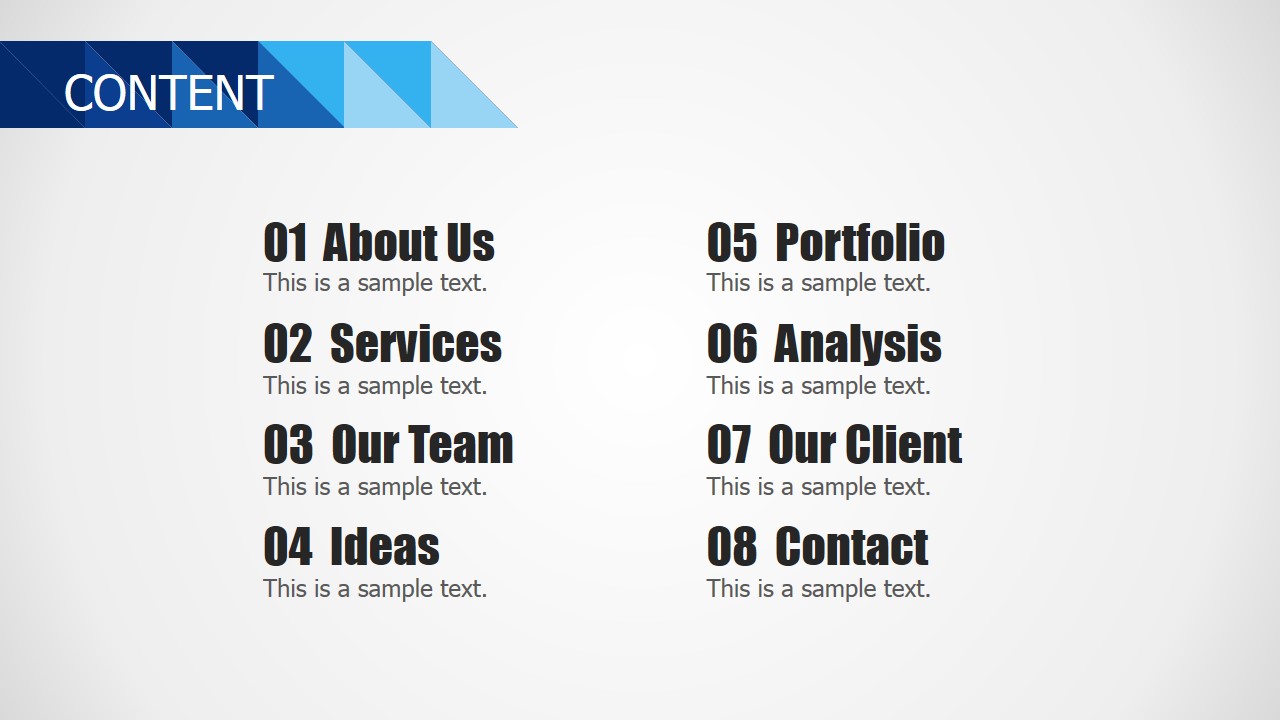
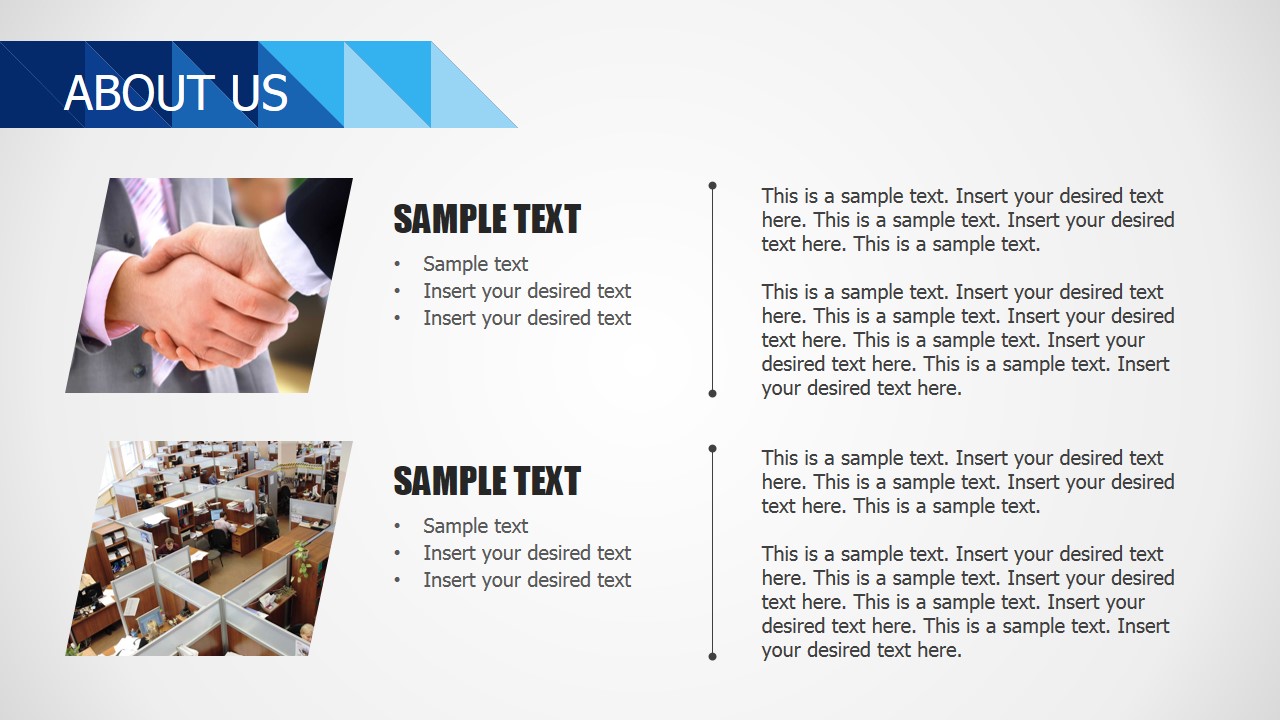
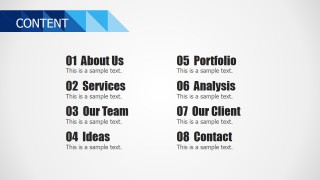
- About Us
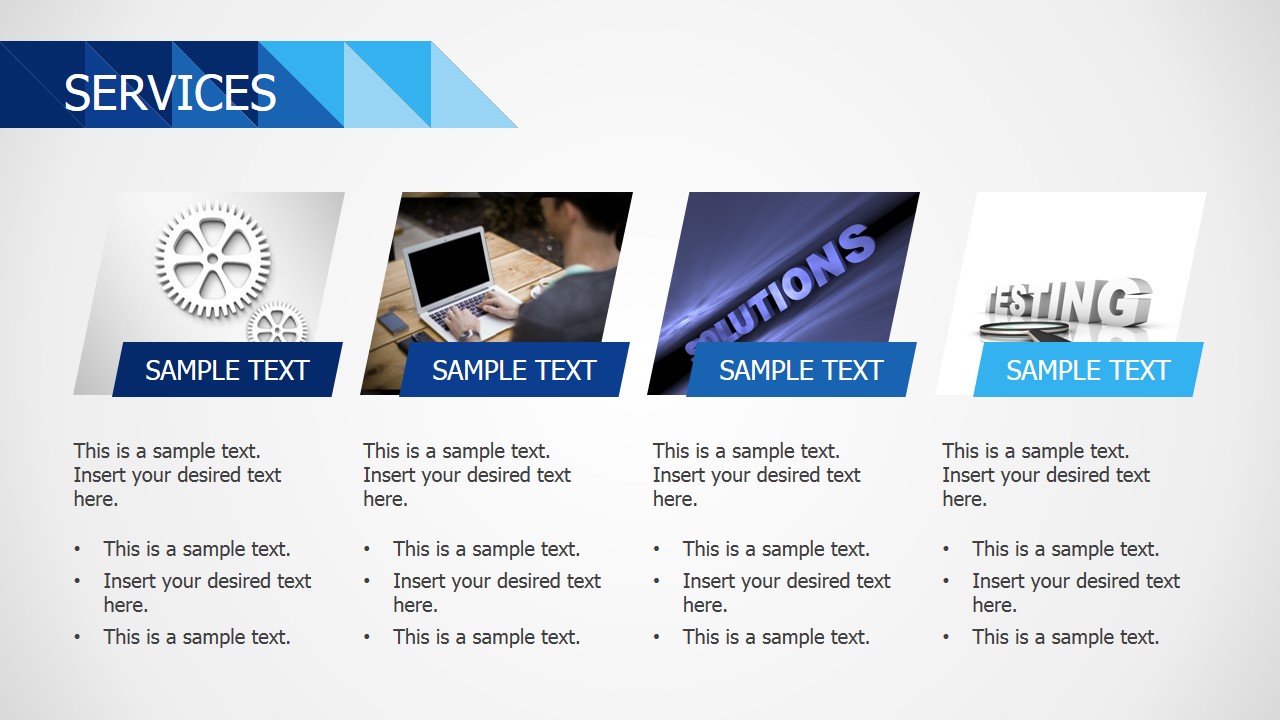
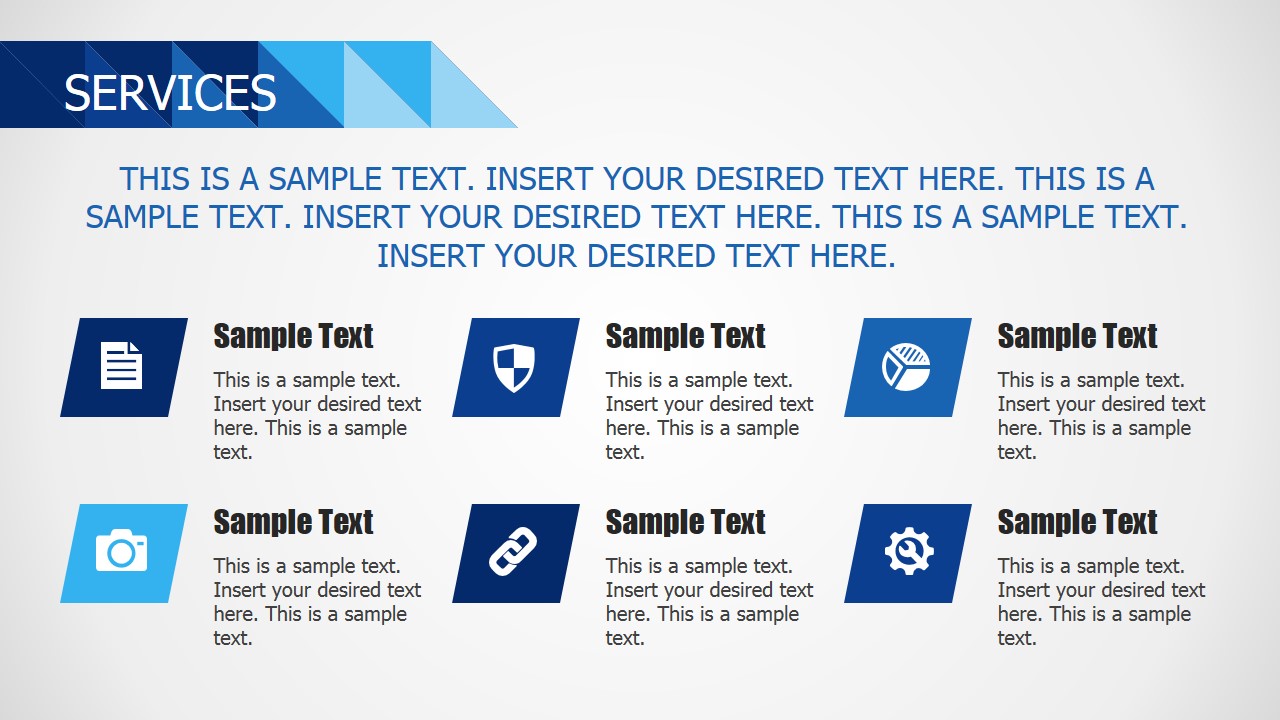
- Services
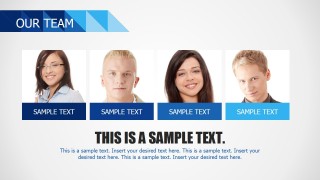
- Our Team
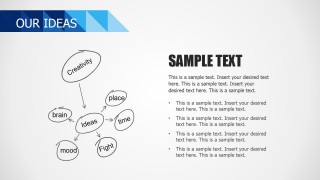
- Ideas
- Portfolio
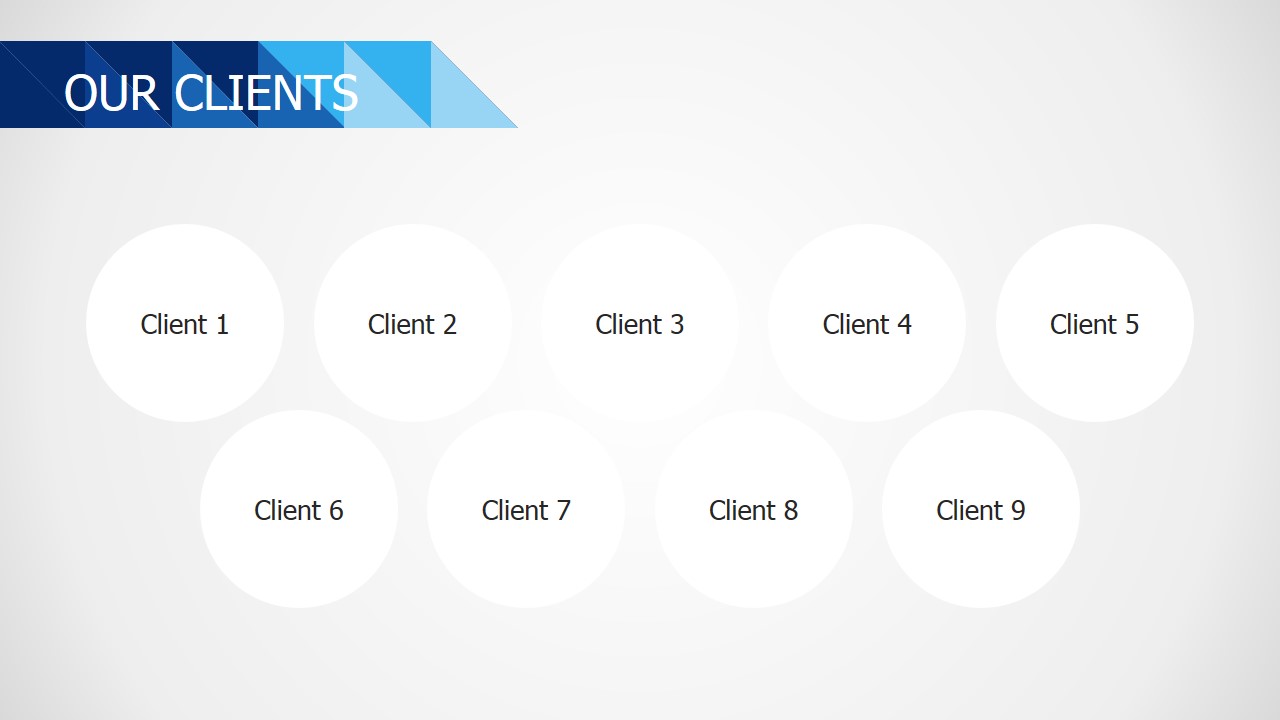
- Our Clients
- Contact
Created with usability in mind; users can customize the blue background template to their own theme easily through PowerPoint theming capabilities. Editing the provided text and charts placeholders users can quickly include their content and create a professional PowerPoint presentation with little effort.
When users are pressured in time to build a business pitch presentation or sales presentation, the Blue Business PowerPoint Template can be applied in order to save time. It provides a corporate design outside the traditional. It is designed with modern flat design techniques and combines different PowerPoint Shapes and Diagrams targeted for a business audiences in PowerPoint presentations. Some of the diagrams include:
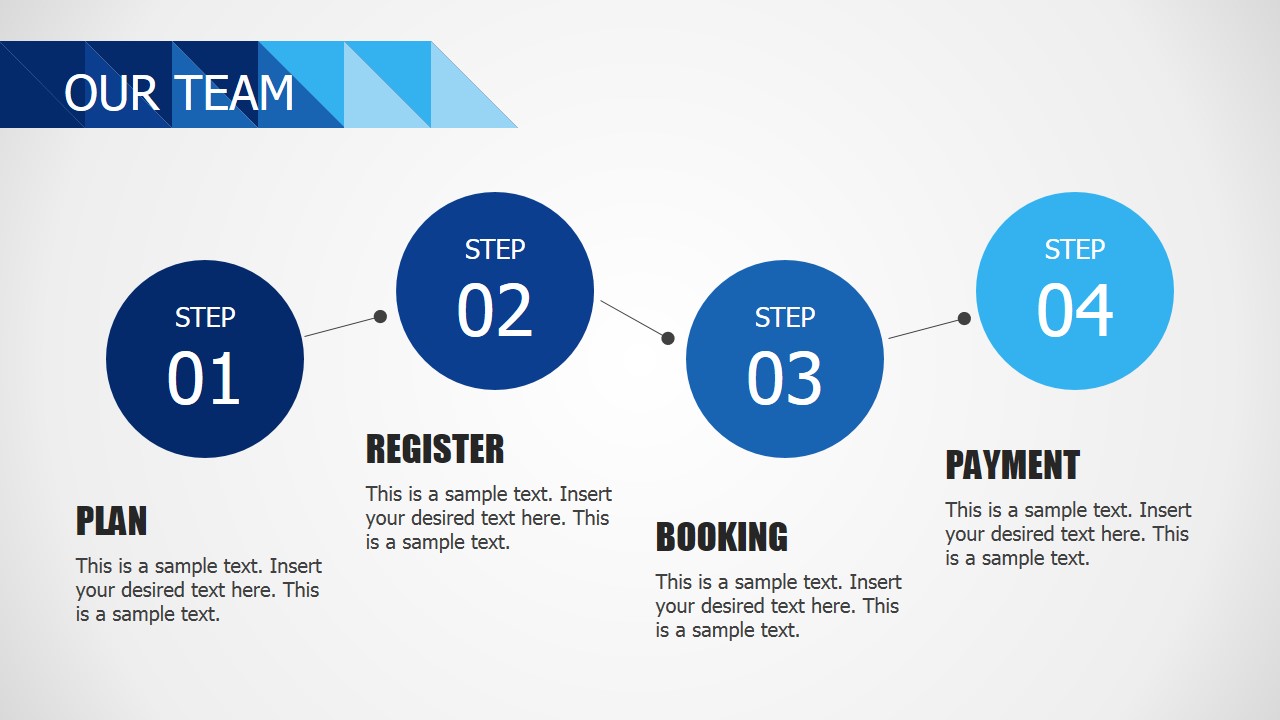
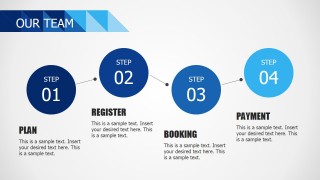
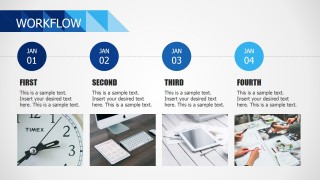
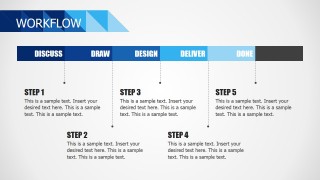
- Four and Fives Steps Workflow Diagrams.
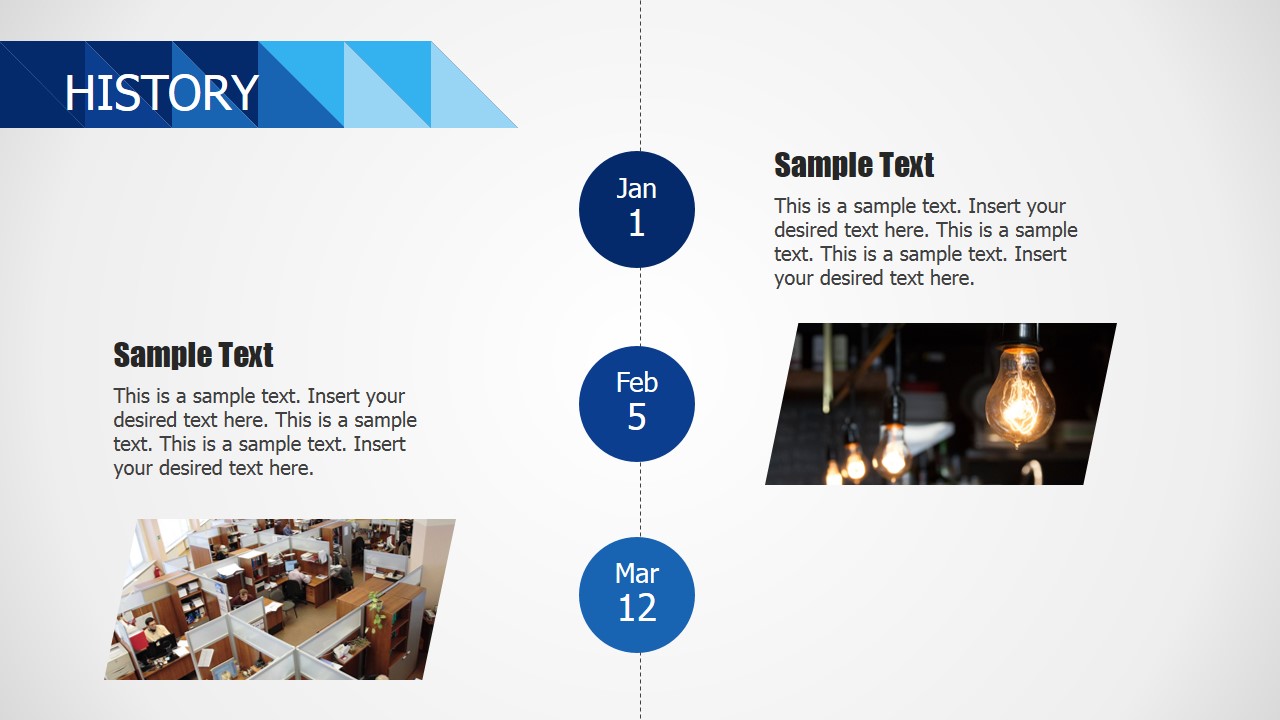
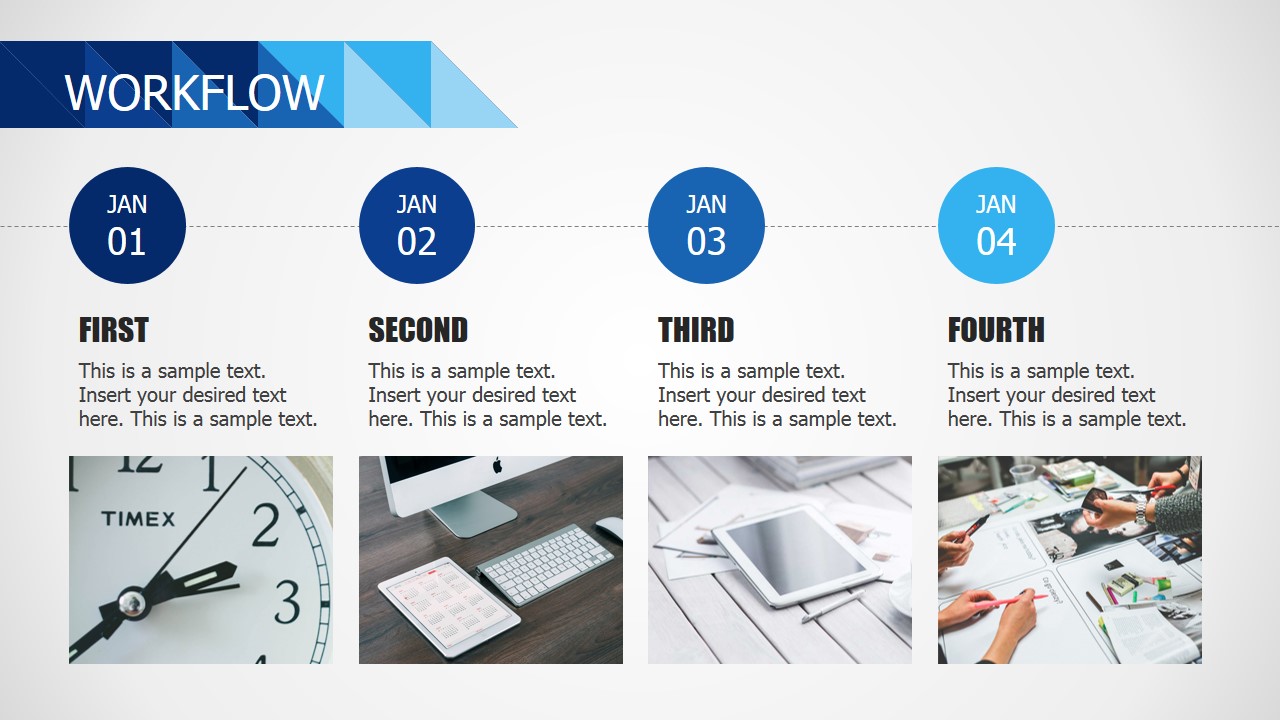
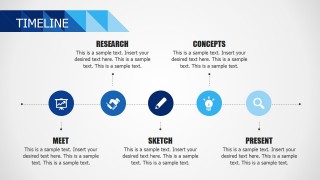
- Four and Five Milestones Timelines.
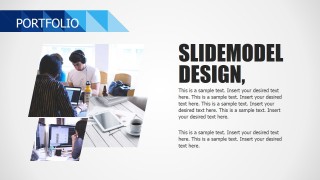
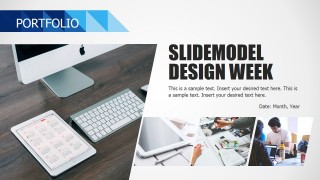
- Portfolio Showcase Designs, with different layouts for photo placeholders.
- A Logo Placeholders for showcasing current customers.
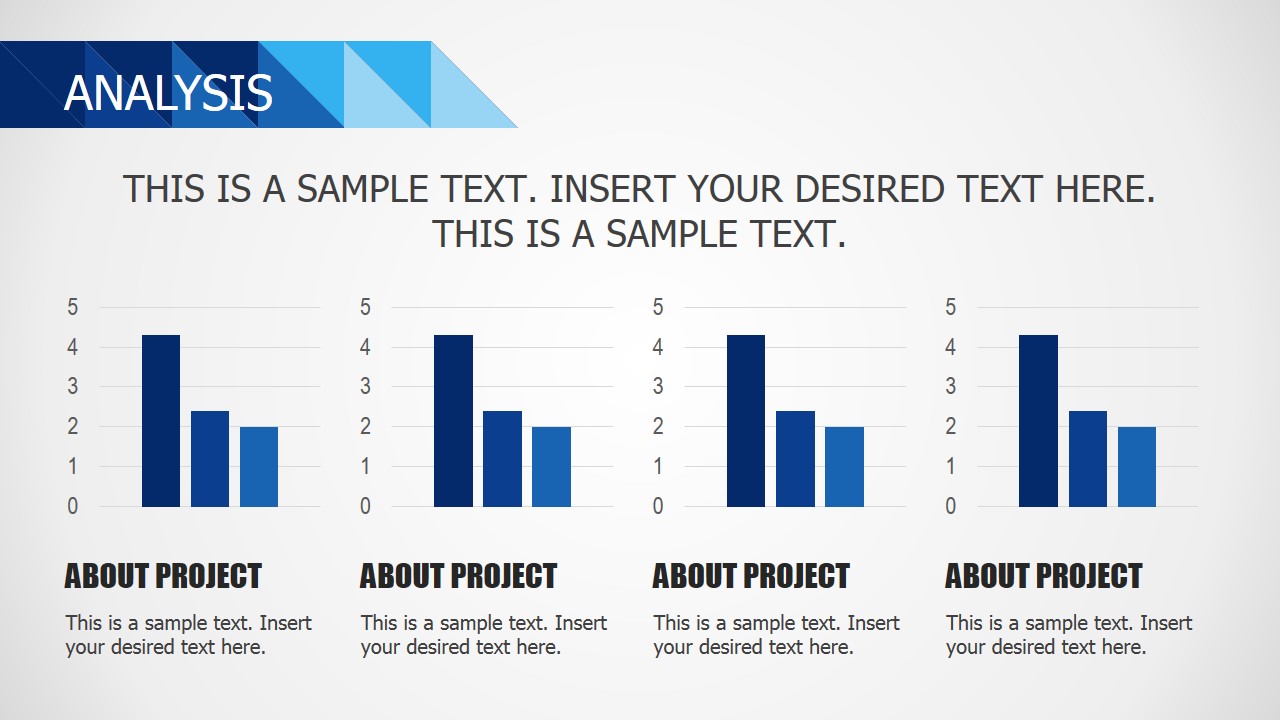
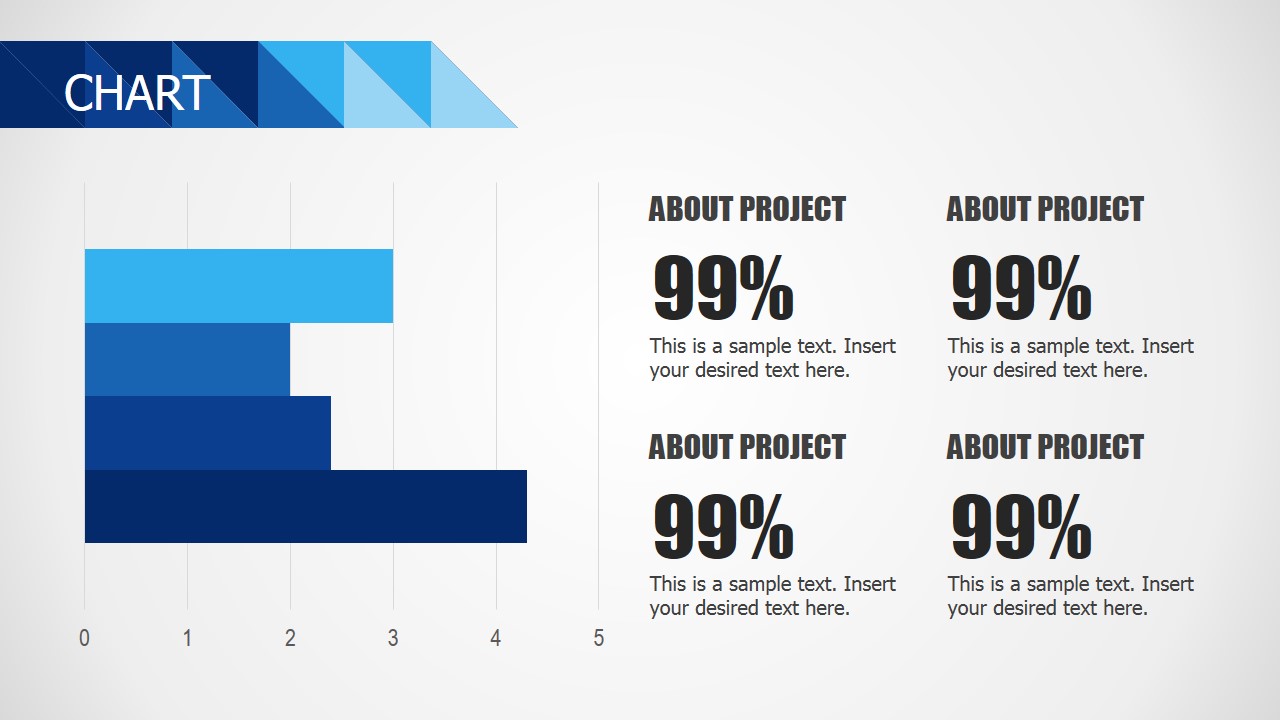
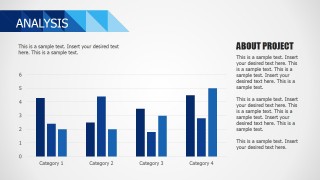
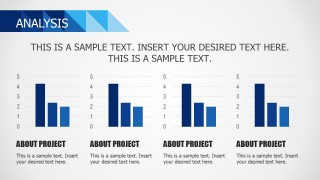
- PowerPoint Column Charts, Data Driven.
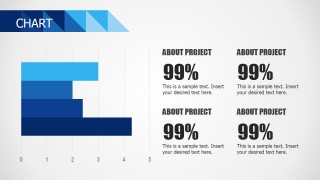
- PowerPoint Bar Charts, Data Driven.
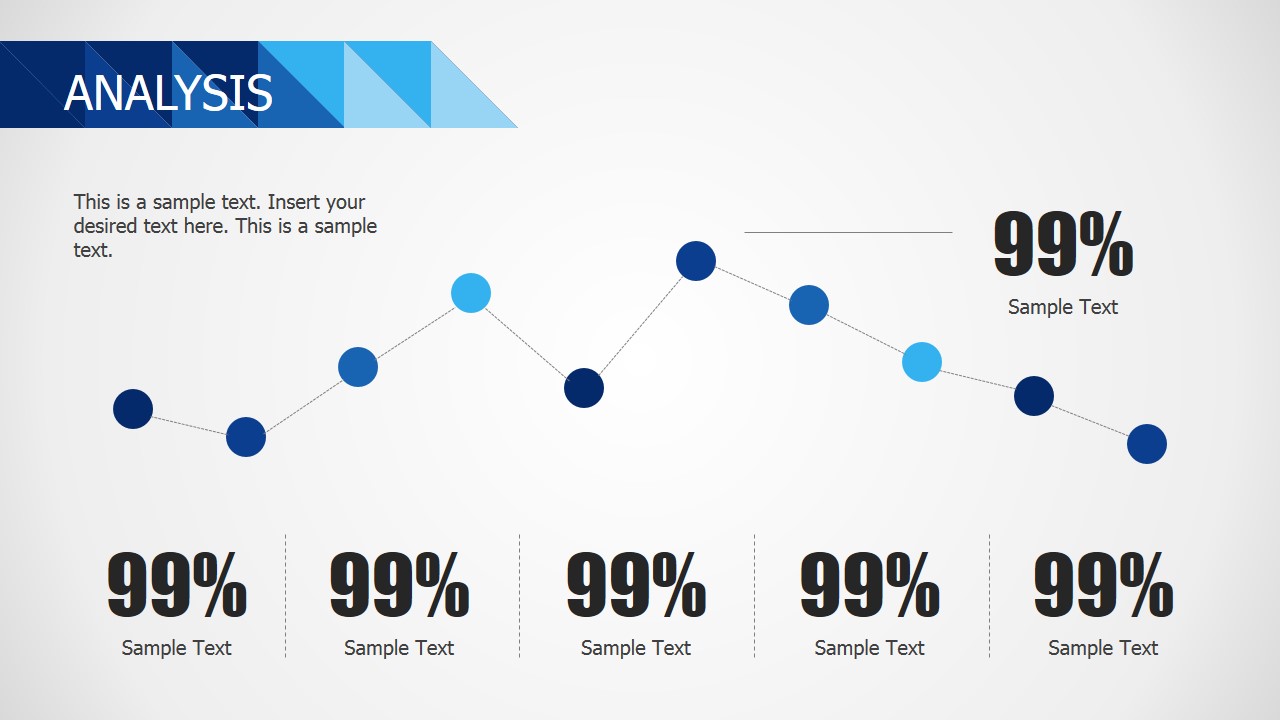
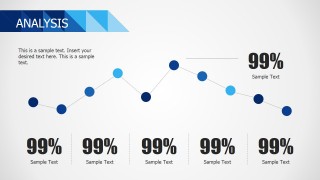
- PowerPoint Line Charts, Data Driven.
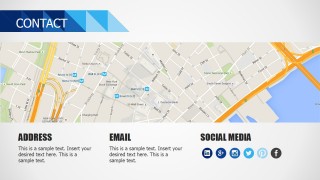
- Social Media and Contact Us placeholders, designed to allow the user only replace a few data to be personalized.
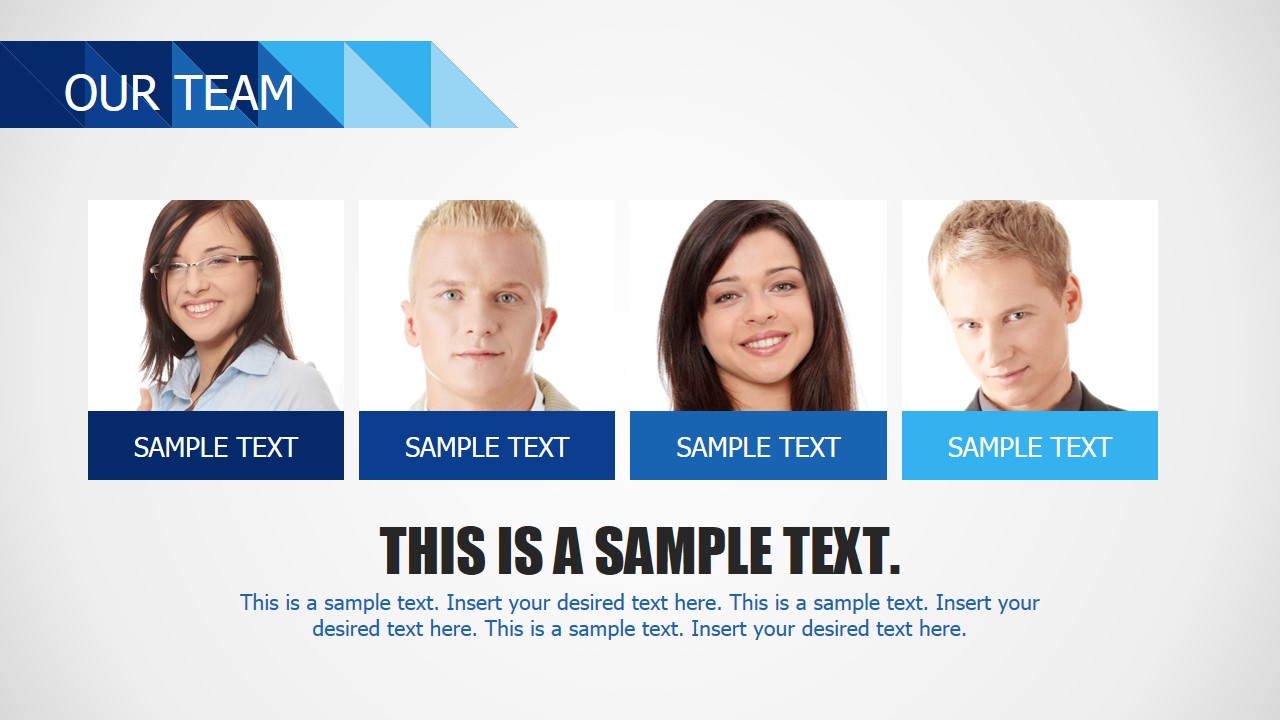
- Photo placeholders for Top team descriptions.
All the elements in the Blue Business PowerPoint Template are 100% editable; created with PowerPoint shapes, every element can be customized according to the presentar design needs.
Impress your audience with professional PowerPoint templates that appeals to executives and entrepreneurs.
What’s inside this template
Example presentation scenarios
- A founder can present a first client meeting by opening with the agenda, moving through the about-us layouts, and using the history timeline to show business progress.
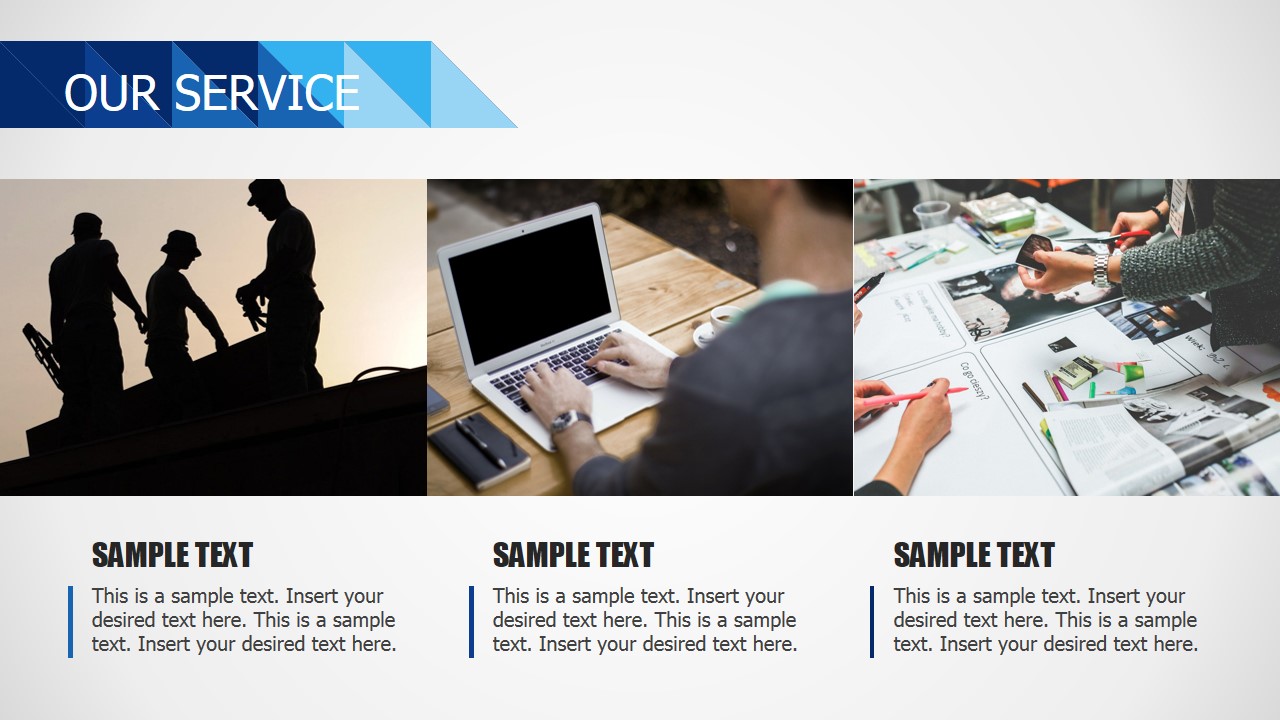
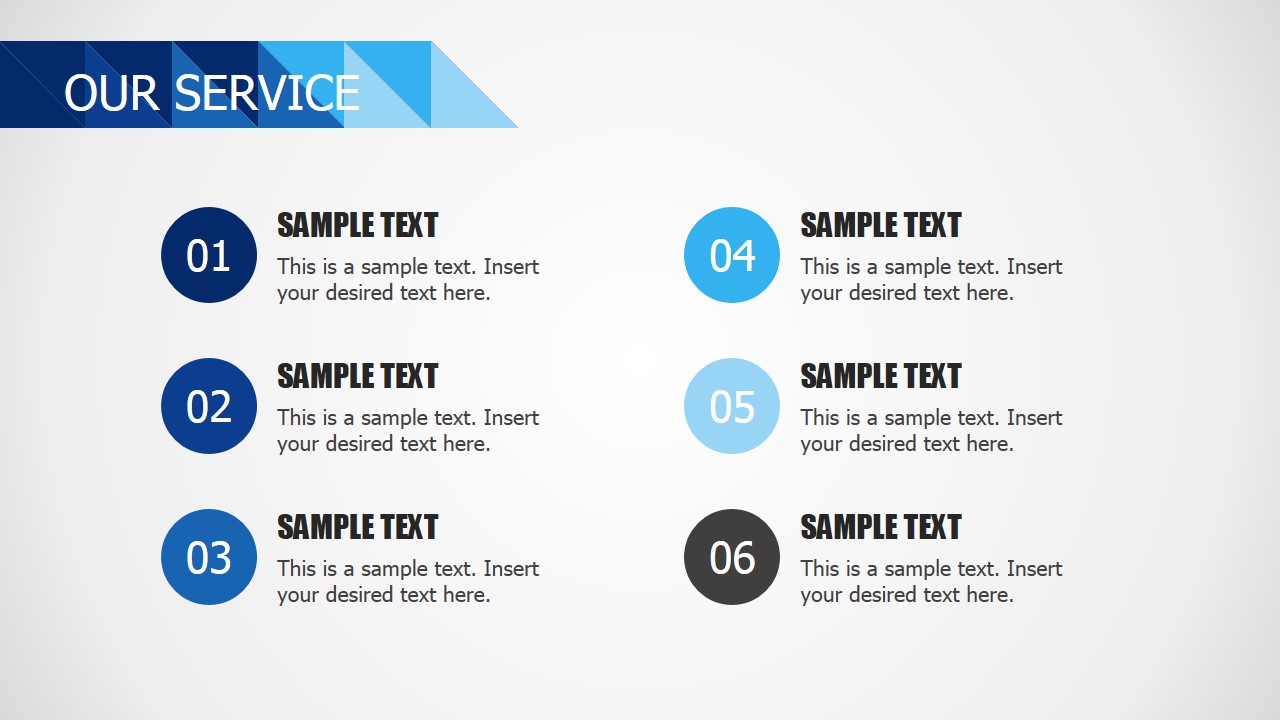
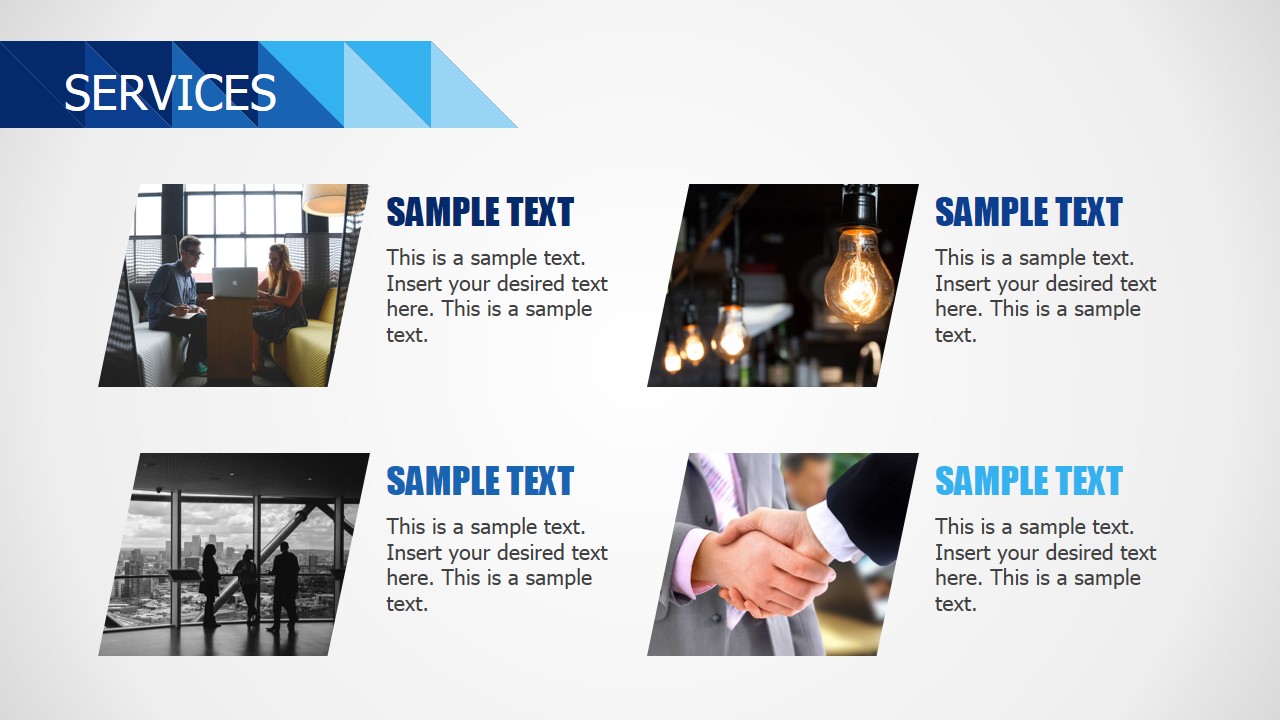
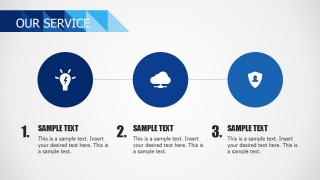
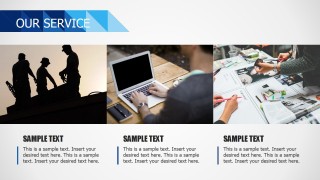
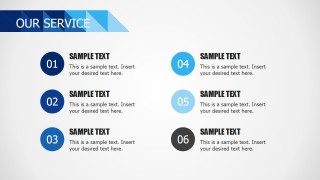
- A sales team can explain service offerings by using the three-column service icon slide, six-item numbered service list, and photo-based service cards.
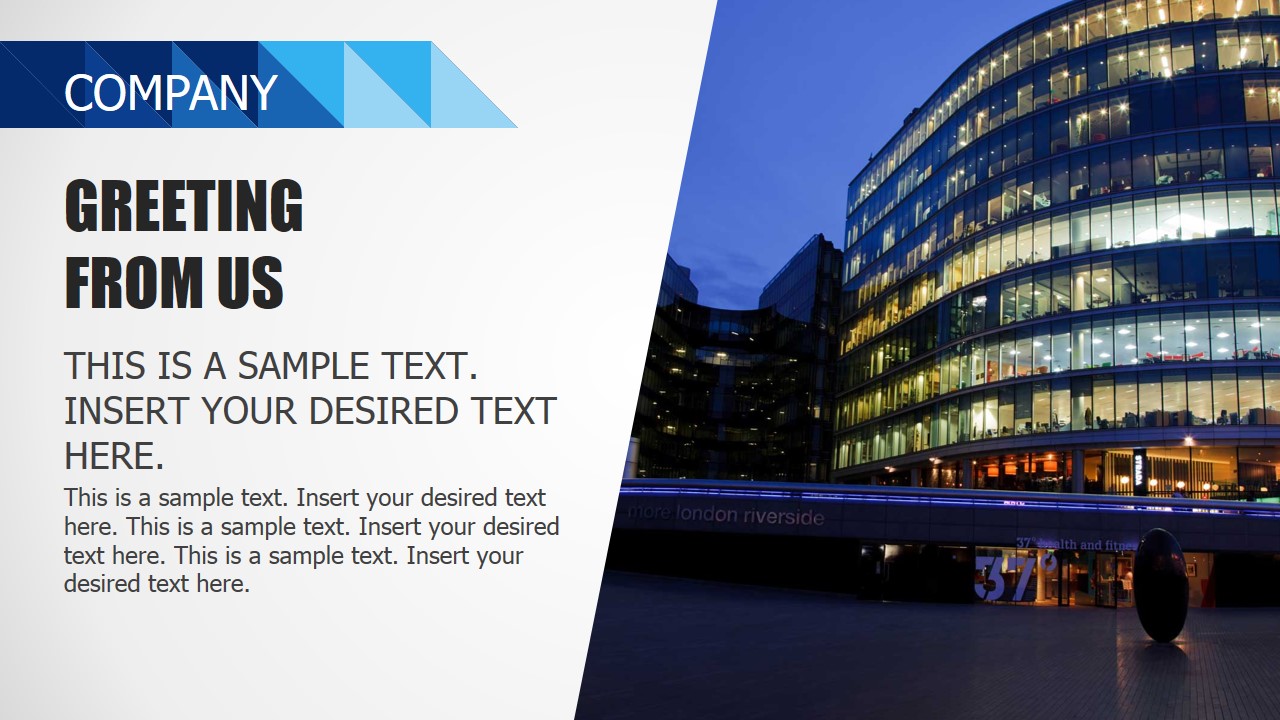
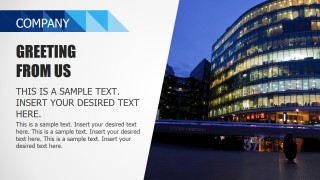
- A consultant can summarize a capability statement for a prospect by combining the company greeting slide, what-we-do overview, and services grid.
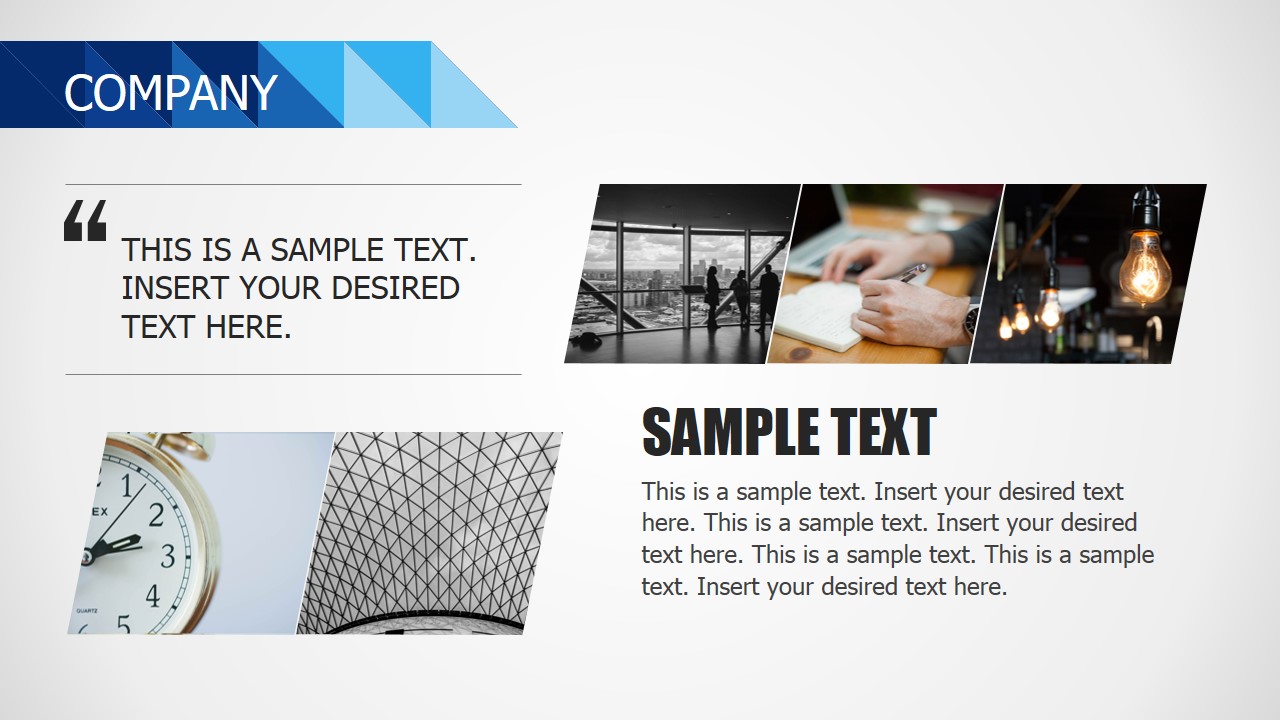
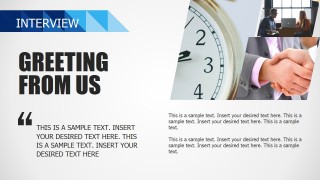
- An agency presenter can show project style and credibility by adapting the portfolio-style photo collages, interview slides, and client-oriented content sections.
Features
- 100% editable presentation template
- Compatible with Microsoft PowerPoint and Google Slides
- 16:9 aspect ratio slides
- Scalable vector shapes, icons and illustrations
- AI-Ready for Microsoft Copilot and Claude
- Instant access and download
Frequently asked questions
Q: How should a presenter organize the message with this deck?
A: Start with the cover and content agenda, then use the company greeting and about-us slides to establish context before moving into services. Keep the service icon grids for high-level offers, then use the history timeline and photo-based layouts as proof. Close with interview or contact-oriented slides for discussion.
Q: Who is this template best suited for?
A: This template is a good fit for entrepreneurs, small business owners, consultants, and agency teams introducing a company or selling services. It works best when the message combines narrative credibility, service categories, and visual evidence, such as office photos, team activity, portfolio imagery, or client-facing process explanations.
Q: Why does the blue geometric design help the presentation?
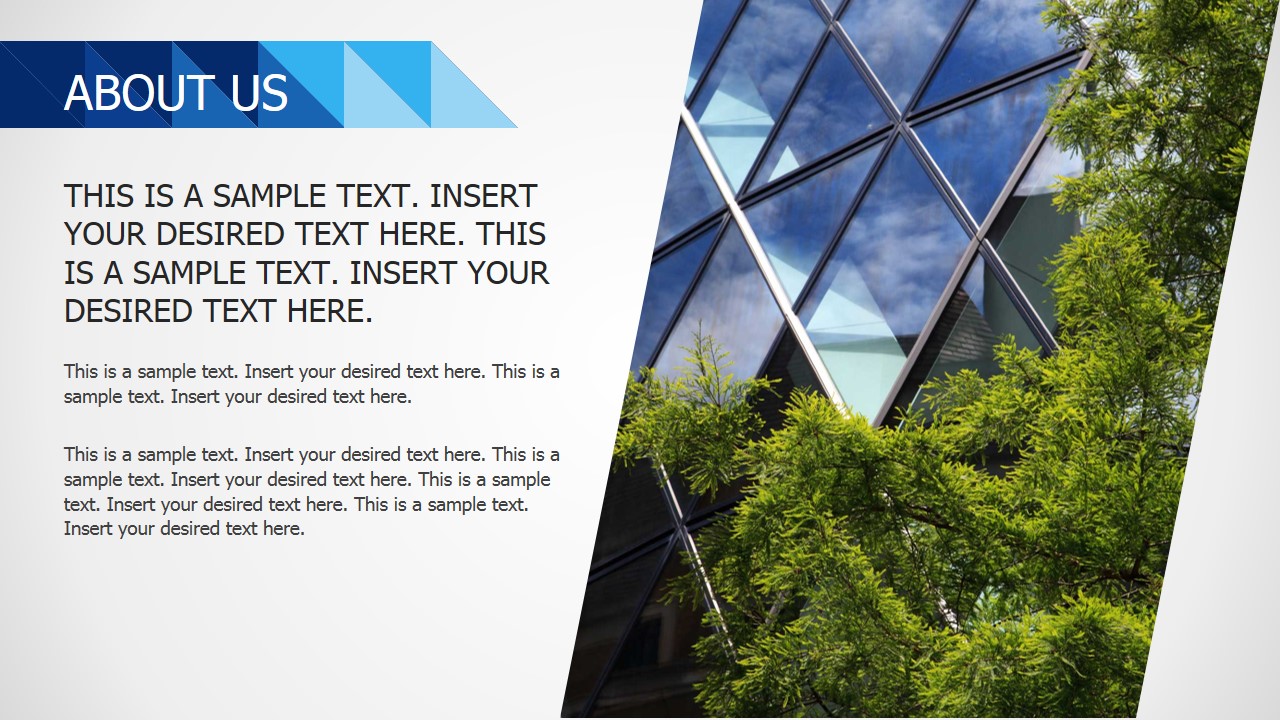
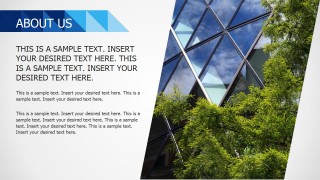
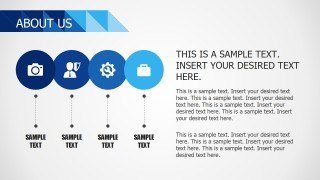
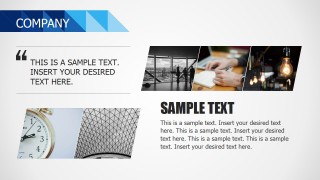
A: The blue ribbon accents act as a consistent visual marker that separates sections without overpowering the content. Circular icons simplify service categories, while slanted photo panels create movement and make business images feel intentional. The repeated header system helps the audience track where they are in the story.
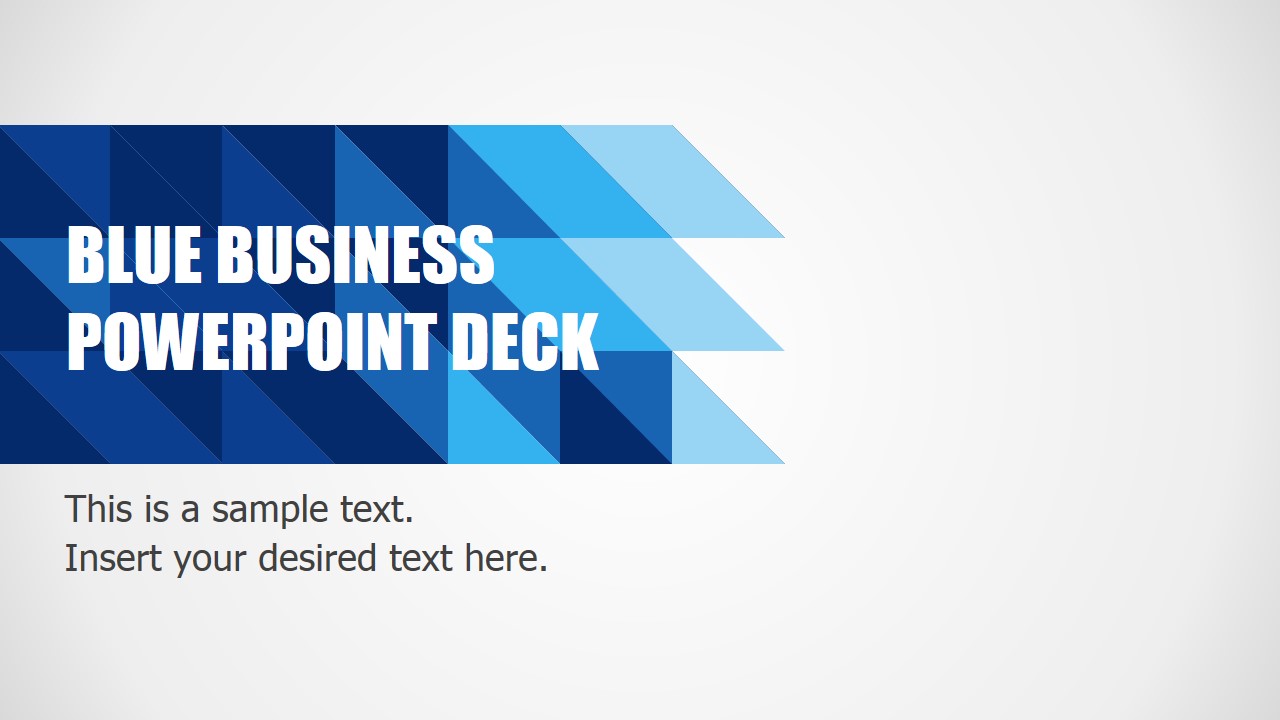



















Blue Business PowerPoint Template
46-slide business presentation template with agenda, service grids, timelines, and blue company profile layouts
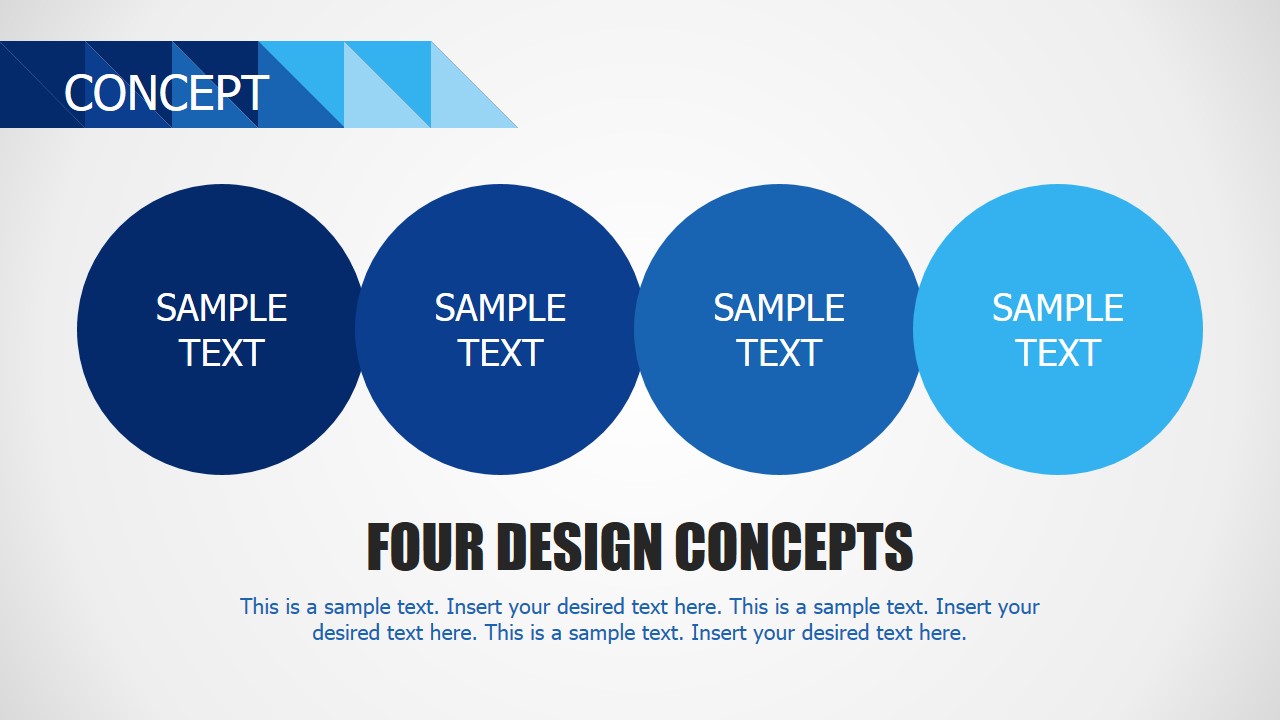
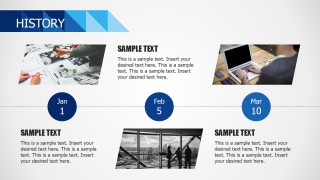
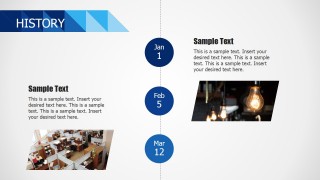
Blue Business PowerPoint Template is a 46-slide business presentation template for small business pitches and company introductions. Visible layouts include an agenda, about-us pages, service icon grids, process circles, history timelines, portfolio-style image panels, interview slides, and contact-ready sections for Microsoft PowerPoint and Google Slides.
- Category
- Business PowerPoint Templates
- Rating


 Loading...
- Aspect ratio
- 16:9
- Item ID
- 6974-02
- Colors
 Microsoft PowerPoint
  Microsoft Copilot
  Claude for PowerPoint
 Other formats supported
Subscribe today and get immediate
access to download our PowerPoint templates.