Slide 2 of 4 from Bell Curve for PowerPoint
Bell Curve Slide Design for PowerPoint – 3 Curves
Bell Curve Visualization for Presentations
- Diagram
- Other
- Concept Explanation Slide
- 16:9
- 100% Editable
The Bell Curve Visualization slide from the Bell Curve for PowerPoint template offers a clear diagram to explain statistical distributions. This slide layout is ideal for business presentations involving performance metrics, quality control, or market research. It includes editable shapes and vector icons to highlight key data points, making it a practical choice for corporate presentations and analytical slide decks.
About This Slide
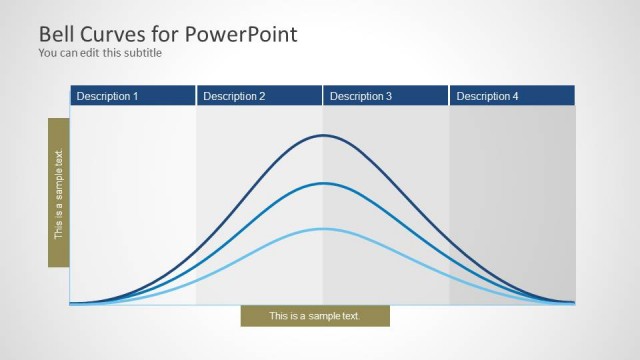
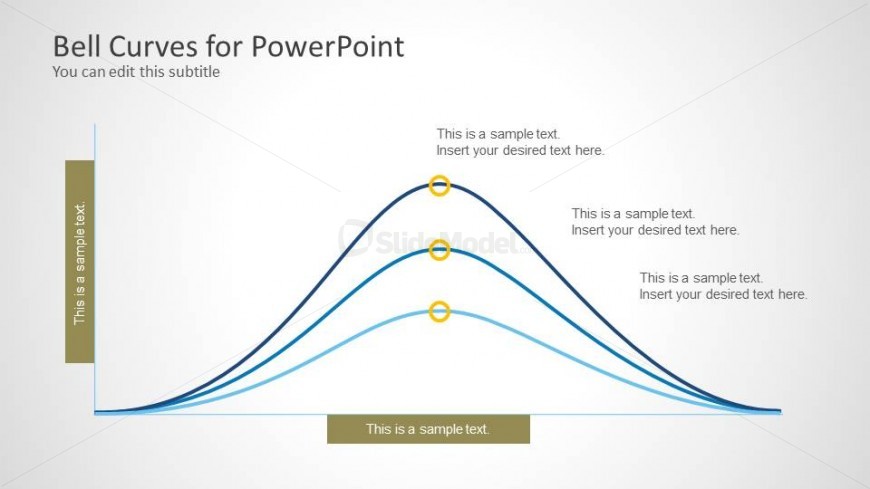
Simple Bell Curve Slide Design for PowerPoint containing the outline of 3 curves.
What’s on This Slide
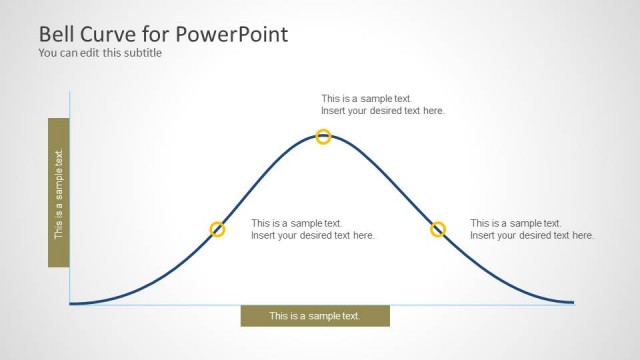
The layout features a bell curve diagram with three distinct curves in varying shades of blue. The curves are positioned centrally, with the highest point of each curve aligned horizontally. Below each curve are circular markers indicating key points, with text placeholders for labels. On the left side, a vertical text placeholder is present, while a horizontal placeholder is located at the bottom. The background is a light gradient, enhancing the visual appeal. The overall composition emphasizes the curves and their labels, creating a clear visual hierarchy.
How to Use It
This layout serves to illustrate statistical distributions, particularly normal distributions, in a presentation. It fits well in a sequence following an introduction to statistical concepts or a problem statement. This slide can be used in business contexts to discuss performance metrics, quality control, or market research findings. It effectively communicates variations and comparisons among different data sets, making it suitable for analytical discussions.
Text Placeholders & Capacity
Keep your copy within these limits so it fits without resizing. Body slots can accommodate roughly 8-10 words each.
| Placeholder | Count | Max characters (approx.) |
|---|---|---|
| Item heading | 3 | 30 |
| Item body | 3 | 50 |
| Body paragraph | 1 | 50 |
| Subtitle | 1 | 50 |
| Slide title | 1 | 50 |
Slide Keywords
Download unlimited PowerPoint templates, charts and graphics for your presentations with our annual plan.
DOWNLOADReturn to Bell Curve for PowerPoint.