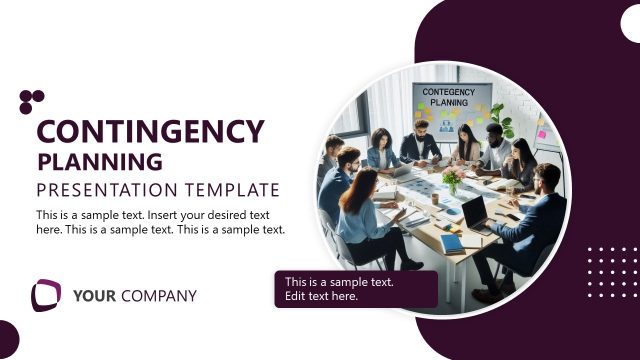
Acquire our professional Operational Planning PowerPoint Template to showcase your detailed business process plans effectively. Operational planning is creating action plans to achieve strategic goals in the organization, mainly for a shorter period. This is significant for the business in achieving the desired objectives and helping employees understand their daily roles and responsibilities. The operational planning document enlists all the steps needed to execute for a successful completion. It allows companies to focus on essential business attributes like logistics, preparation, management, HR, and finances. We have created this template for entrepreneurs, startup founders, and other professionals to demonstrate the operational plans comprehensively. We have used many data visualizations in this PowerPoint layout that help presenters showcase the data more efficiently.
The Operational Planning PowerPoint Template has a modern design and a blue-white color palette that grabs the audience’s attention. This helps presenters engage with the listeners and communicate their opinions in an interactive style. Users can explain the following topics using our operational planning template:
- Current Operations Overview
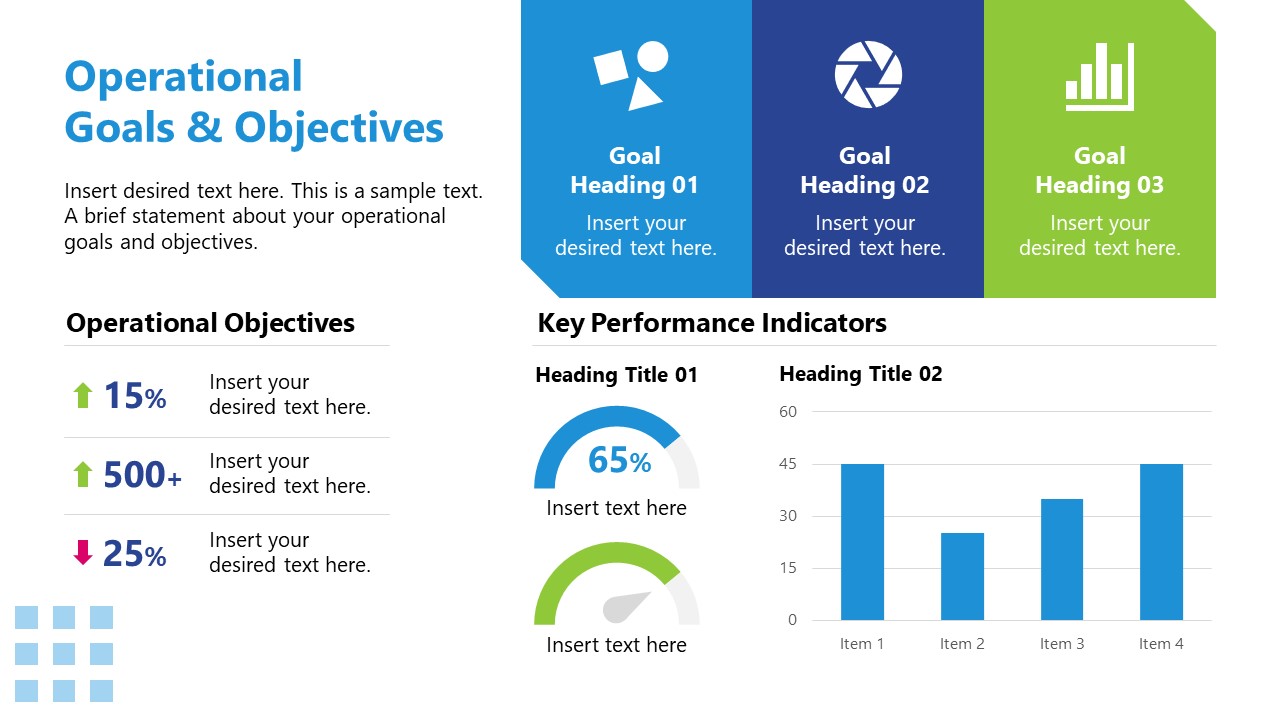
- Operational Goals and Objectives
- Resource Allocation
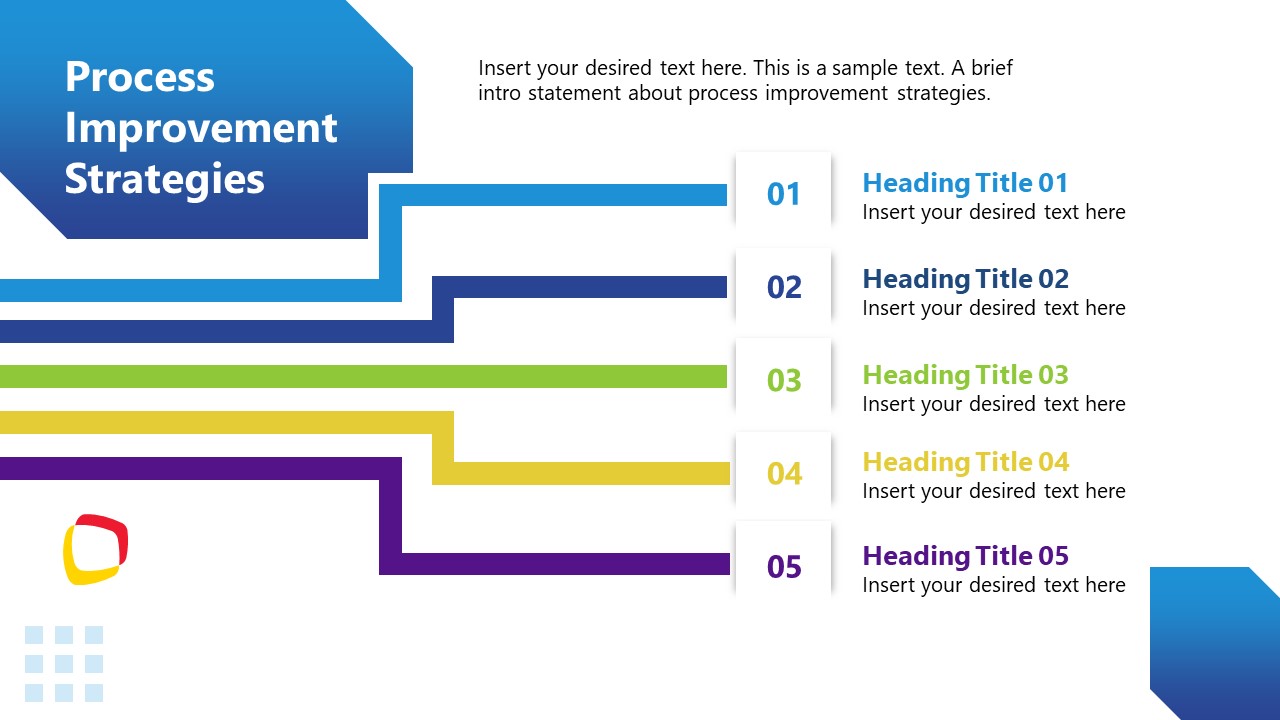
- Process Improvement Strategies
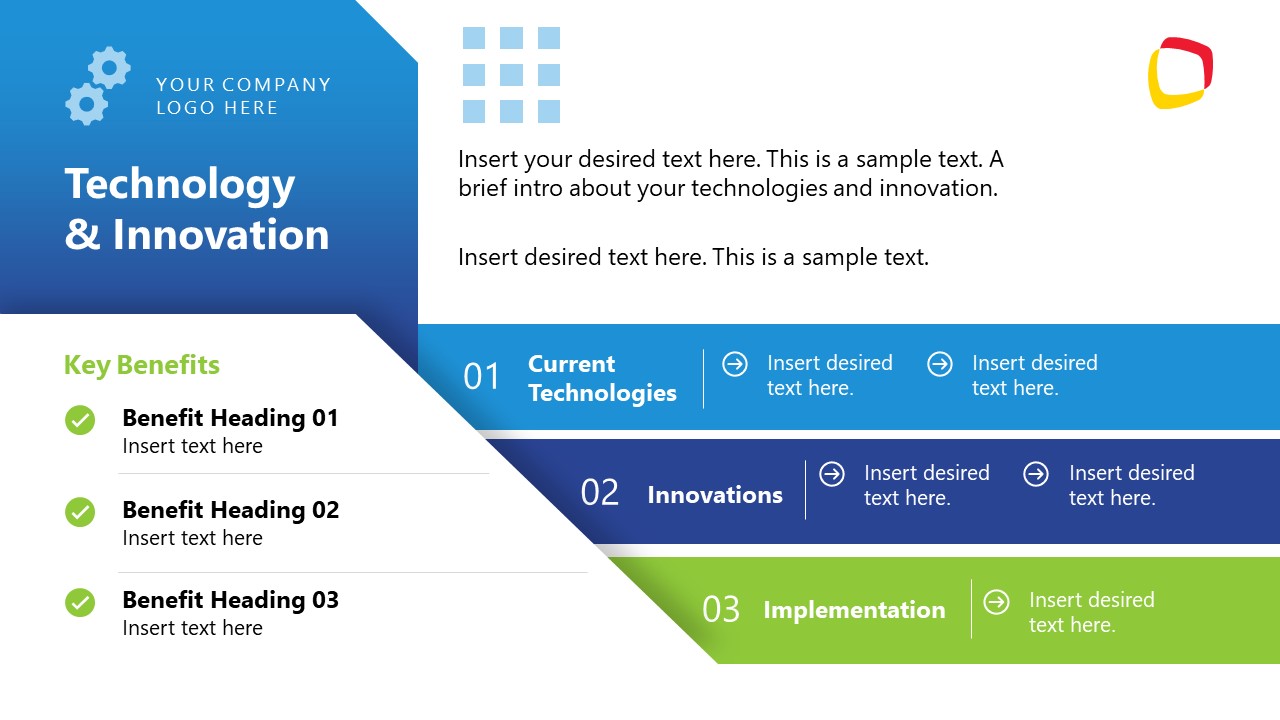
- Technology and Innovation
- Risk Management and Contingency Planning
- Supply Chain Management
- Team Development and Training
- Implementation Timeline
Users can also display the outcomes of the SWOT analysis in the overview slide to highlight the organization’s strengths, weaknesses, opportunities, and threats. We have also used different types of charts, tables, graphs, and infographics to enhance the visual impact of the presentation. You can leverage process and timeline diagrams to explain multiple stages of business processes or projects with many milestones. You can also check our collection of animated PowerPoint templates to choose the design of your choice. Further, all the components of this slide layout are editable. Users can edit the features of the presentation to fit their needs. They can also modify the template’s colors, shapes, or infographics. Download our operational planning slide deck for your business presentations today!
What’s inside this template
Example presentation scenarios
- An operations manager can present the quarter's execution plan to leadership by using the current operations overview, resource allocation dashboard, and implementation timeline to connect status, capacity, and deadlines.
- A startup founder can brief investors or advisors on operational readiness by showing operational goals, process improvement strategies, and risk management actions.
- A supply chain lead can align procurement, logistics, and warehouse teams by using the supply chain management timeline variants and improvement strategy rows.
- An HR or department manager can plan capability building by using the team development and training matrix alongside the next steps slide.
Features
- 100% editable presentation template
- Compatible with Microsoft PowerPoint and Google Slides
- 16:9 aspect ratio slides
- Scalable vector shapes, icons and illustrations
- Ready with Animations & Transitions in PowerPoint
- AI-Ready for Microsoft Copilot and Claude
- Instant access and download
Frequently asked questions
Q: How should a presenter communicate an operational plan with this template?
A: Start with the introduction agenda, then use the current operations overview to establish baseline performance before moving to goals, resources, and process improvements. Keep each workstream to one decision or priority. The implementation timeline should summarize ownership, status, and impact so the audience leaves with a clear execution path.
Q: Who is this operational planning deck best suited for?
A: This deck fits operations managers, founders, department heads, and consultants who need to align stakeholders around short-term execution. It is strongest when the message includes several operating areas, such as resources, risks, supply chain work, team training, and implementation milestones, rather than one narrow project update.
Q: Why do the dashboards, timelines, and process diagrams work well for operational planning?
A: The design separates analysis from action. Dashboard slides show current performance and resource conditions, while the process and supply chain timelines translate strategy into ordered work. The path and milestone metaphors help audiences see operations as a sequence of coordinated decisions rather than isolated tasks.





Operational Planning PowerPoint Template
14-slide operational planning presentation template with SWOT, KPI dashboards, timelines, and resource allocation layouts
Operational Planning PowerPoint Template is a 14-slide, 16:9 presentation template for building an operations plan briefing in Microsoft PowerPoint or Google Slides. It includes an introduction agenda, current operations dashboard with SWOT, goals and KPI slide, resource allocation dashboard, process improvement diagram, risk plan, supply chain timeline, training matrix, implementation timeline, next steps, and contact slide.
- Category
- Timelines & Planning
- Rating

 Loading...
- Aspect ratio
- 16:9
- Item ID
- 85127-01
- Colors
 Microsoft PowerPoint
 Microsoft Copilot
 Claude for PowerPoint
Other formats supported
Subscribe today and get immediate
access to download our PowerPoint templates.