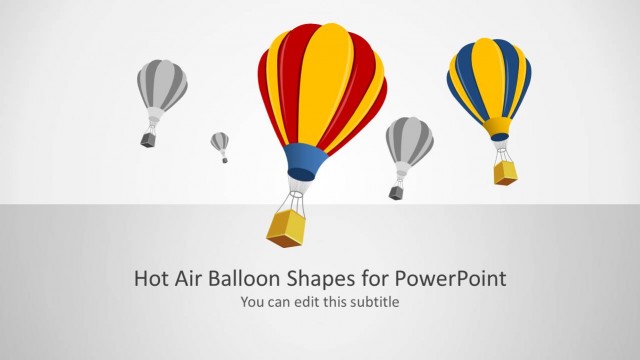
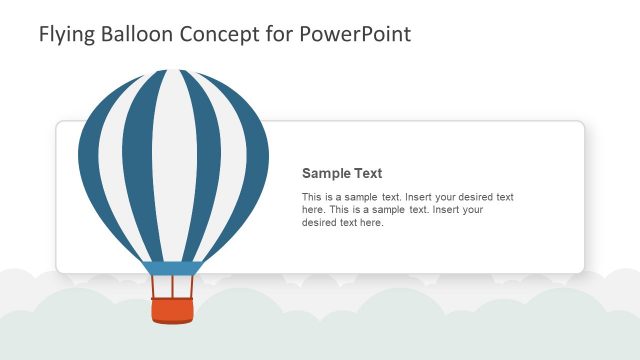
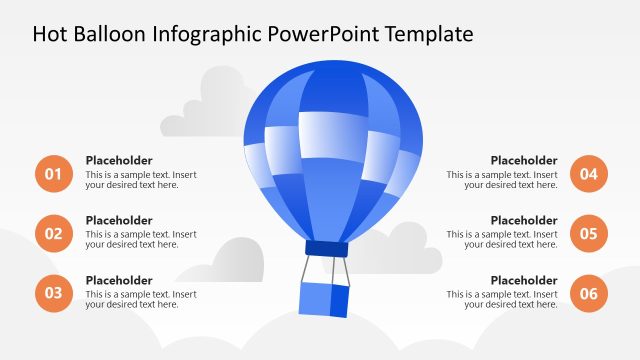
Balloons Shape for PowerPoint is a nice presentation design including awesome balloon illustrations in PowerPoint that you can use to represent a balloon type loan or make awesome slides with globe or balloon shapes in Microsoft PowerPoint.
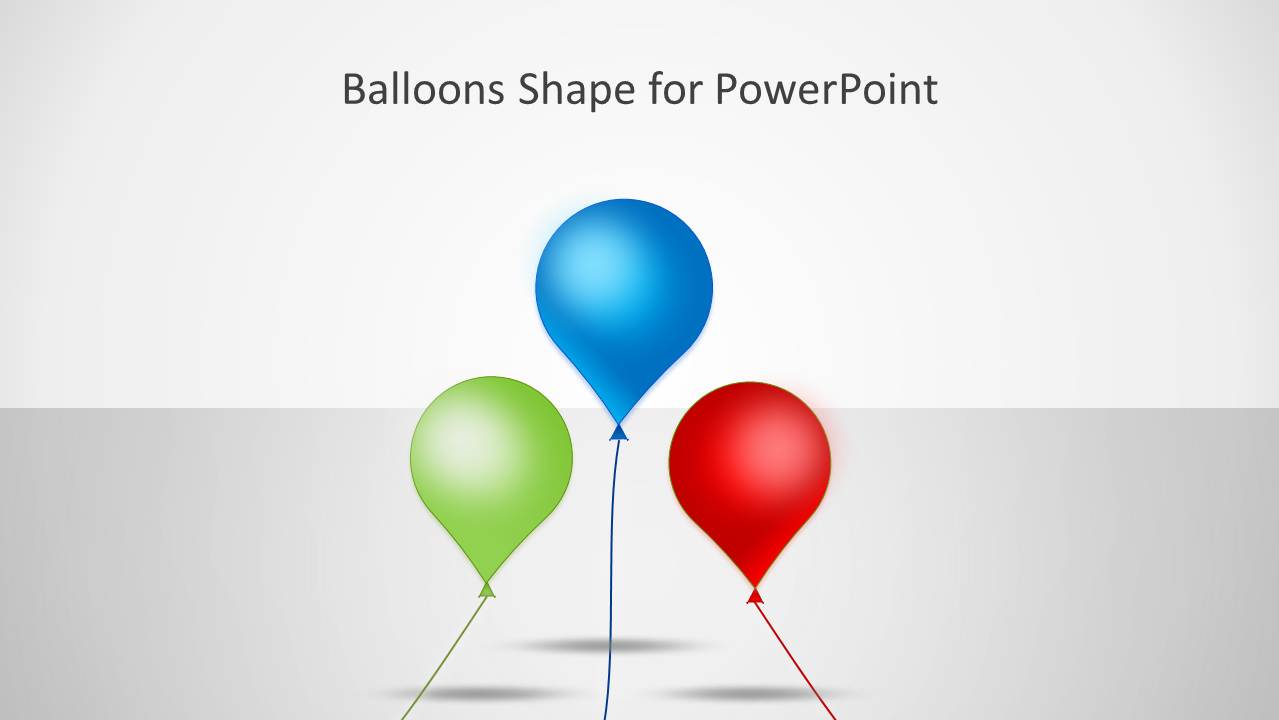
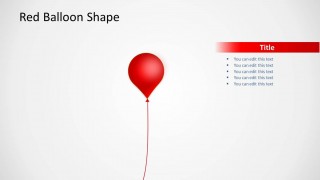
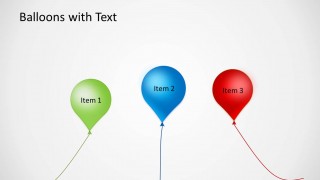
This balloon template for PowerPoint can be used to represent a balloon payment mortgage or balloon loan and contains useful slide designs with one balloon, two balloons or three colorful balloons in the same slide.
What’s inside this template
Example presentation scenarios
- A mortgage or banking presenter can explain a balloon loan concept using the single balloon callout slides for definitions, risks, and payment notes.
- A consultant can introduce three drivers of growth or improvement with the three-item balloon layout, assigning one idea to each colored balloon.
- A marketing presenter can use the three-balloon cover as a visual opener for a campaign theme related to lift, flight, or upward movement.
- An educator can turn the blue, green, and red balloon slides into simple concept cards for a short lesson or classroom activity.
Features
- 100% editable presentation template
- Compatible with Microsoft PowerPoint
- 16:9 aspect ratio slides
- Scalable vector shapes, icons and illustrations
- AI-Ready for Microsoft Copilot and Claude
- Instant access and download
Frequently asked questions
Q: How should a presenter keep the balloon metaphor clear instead of decorative?
A: Assign one meaning to the balloon before adding text. For example, use it as a loan amount, a growth target, a risk, or an idea in motion. Keep the bullet area short on the single balloon slides, then use the three-balloon layout only when comparing three related points that share the same logic.
Q: Who is this template best suited for?
A: This template is best for presenters who need a simple visual metaphor rather than a dense business report. Finance teams can explain balloon loans, educators can introduce abstract concepts, and consultants can frame three options or drivers. It works best when the message is conceptual and benefits from a memorable visual symbol.
Q: Why use balloons as the central visual metaphor?
A: Balloons immediately suggest lift, floating, expansion, and lightness, which helps audiences connect with ideas about growth, movement, or deferred payment. The single-color callout slides isolate one concept at a time, while the three-balloon slide creates a natural comparison without relying on a table or chart.


Balloons Shape for PowerPoint
5-slide presentation template with editable balloon shapes for loan, growth, and flying metaphors
Balloons Shape for PowerPoint is a 5-slide Microsoft PowerPoint template of editable balloon illustrations for metaphor-based business slides. It includes a three-balloon cover, single blue, green, and red balloon callout layouts, and a three-item balloon comparison slide. It suits loan, growth, uplift, risk, or flying concept presentations.
- Category
- Shapes
- Rating


 Loading...
- Aspect ratio
- 16:9
- Item ID
- 4036
- Colors
 Microsoft PowerPoint
  Microsoft Copilot
  Claude for PowerPoint
 Other formats supported
Subscribe today and get immediate
access to download our PowerPoint templates.