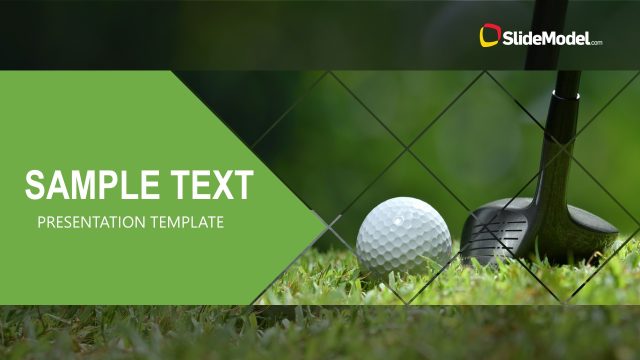
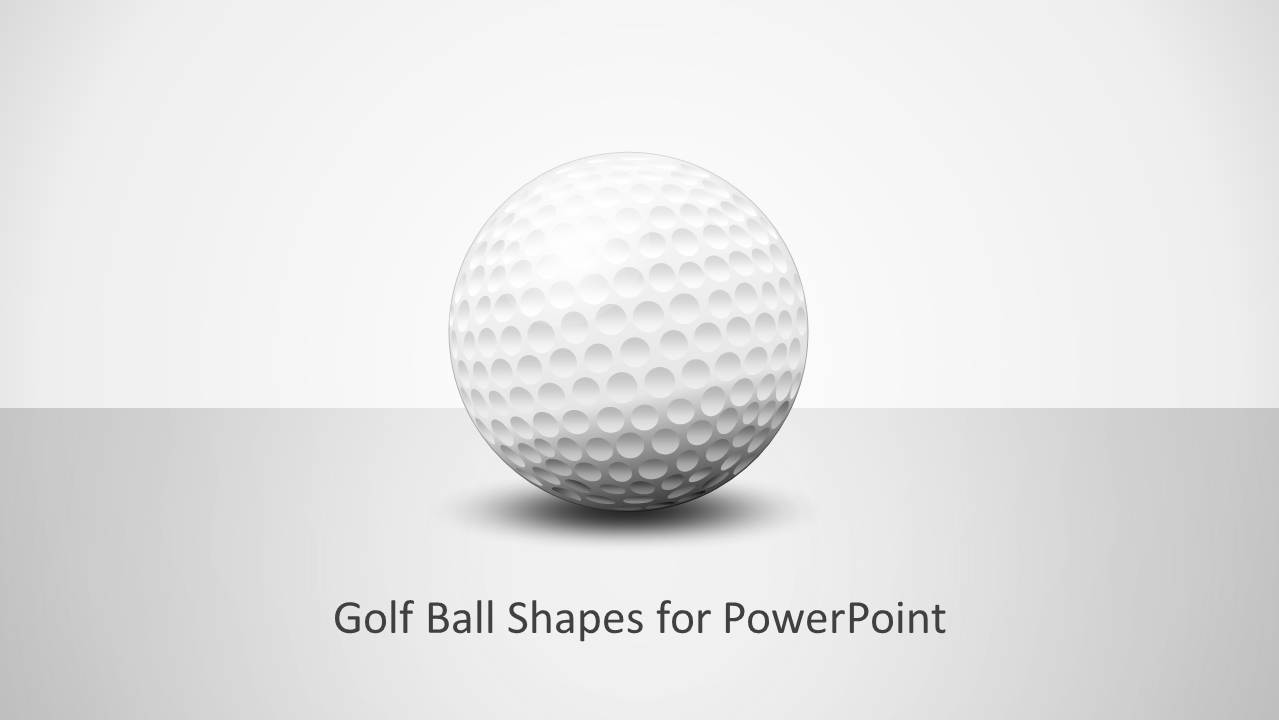
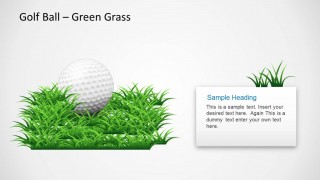
Golf Ball Shapes for PowerPoint template contains several slide designs with golf ball concepts. This special design of a golf ball was entirely created in PowerPoint. The 380 dimples in a golf ball were created using shapes in PowerPoint and special effects.
There are many different slide designs inside this golf PowerPoint template that you may use to create presentations on strategy, goals as well as golf courses and training.
Alternatively, you can download other golf PowerPoint templates and sport-related presentation slides.
What’s inside this template
Example presentation scenarios
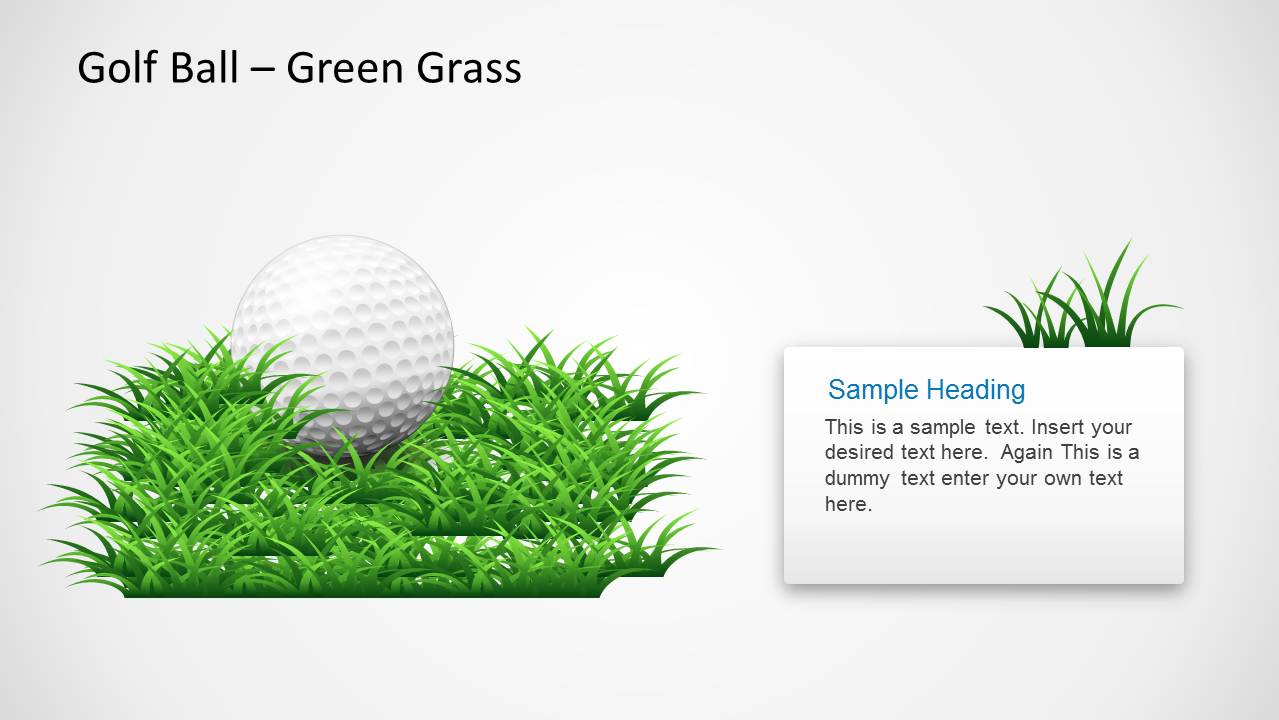
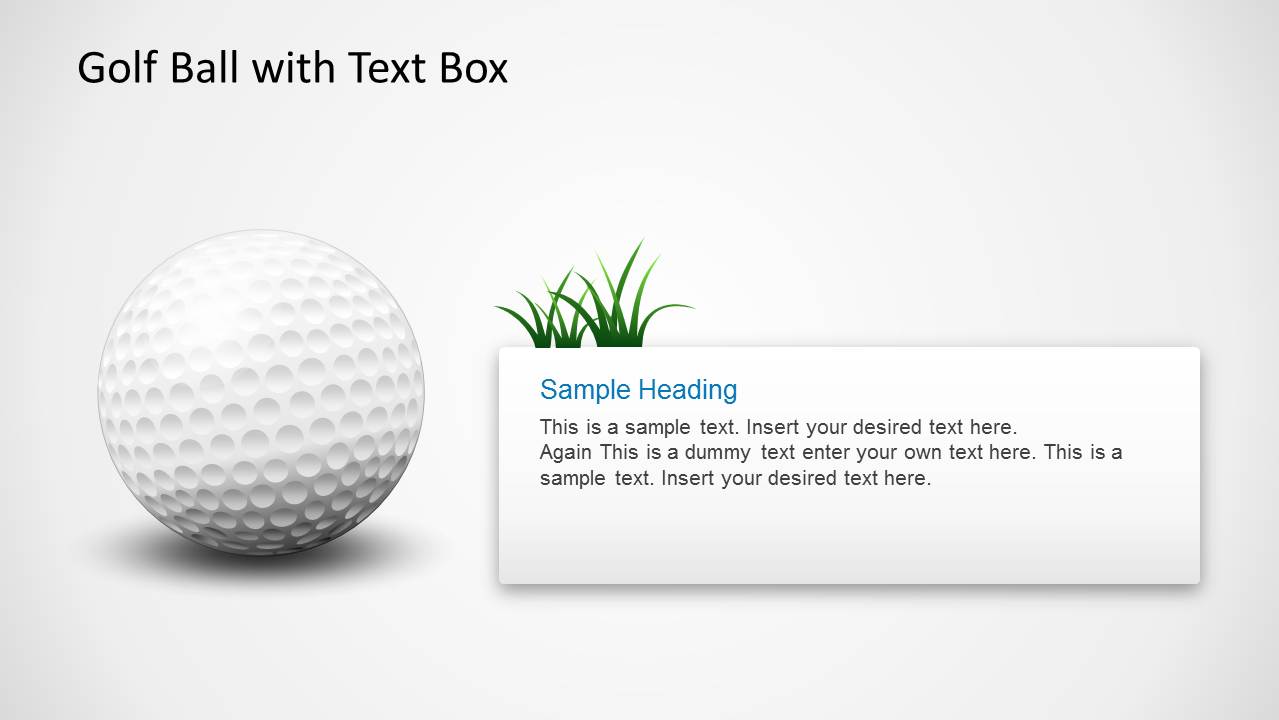
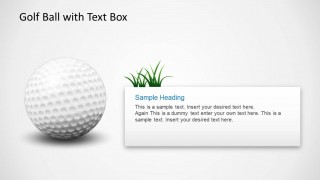
- A golf instructor can use the ball-on-grass text slide to introduce a training topic and explain key practice points with a clear visual anchor.
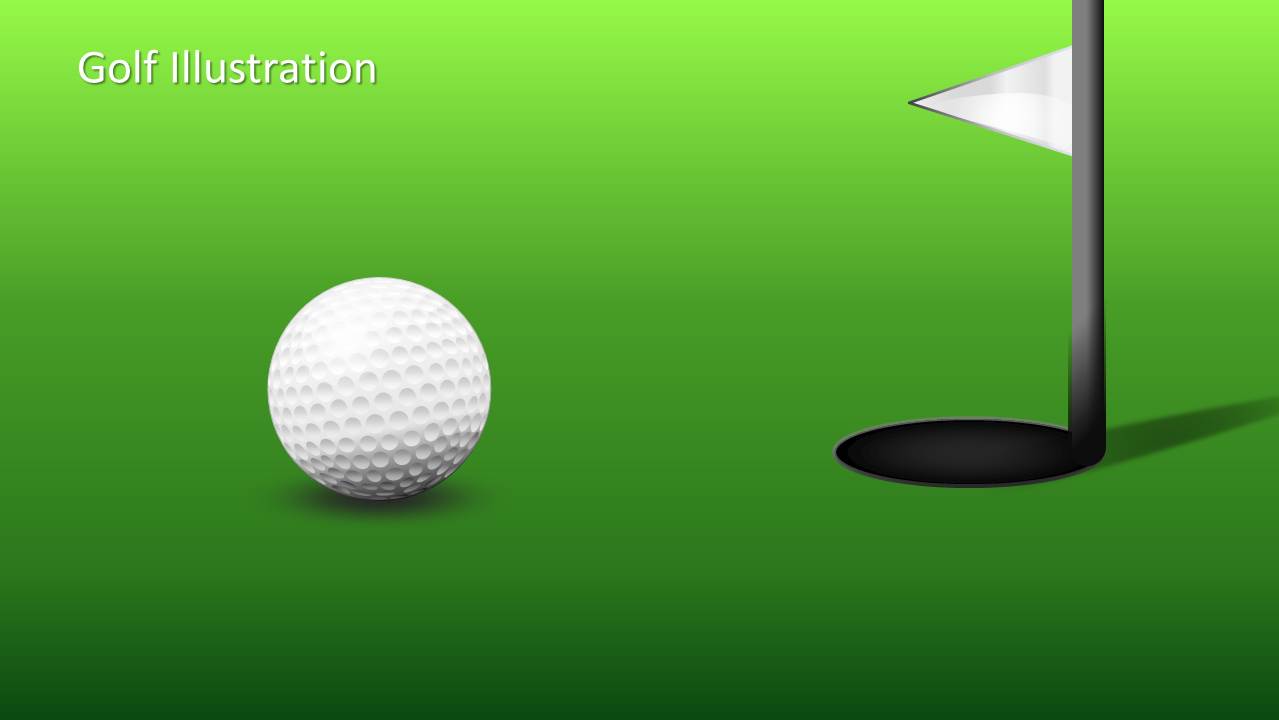
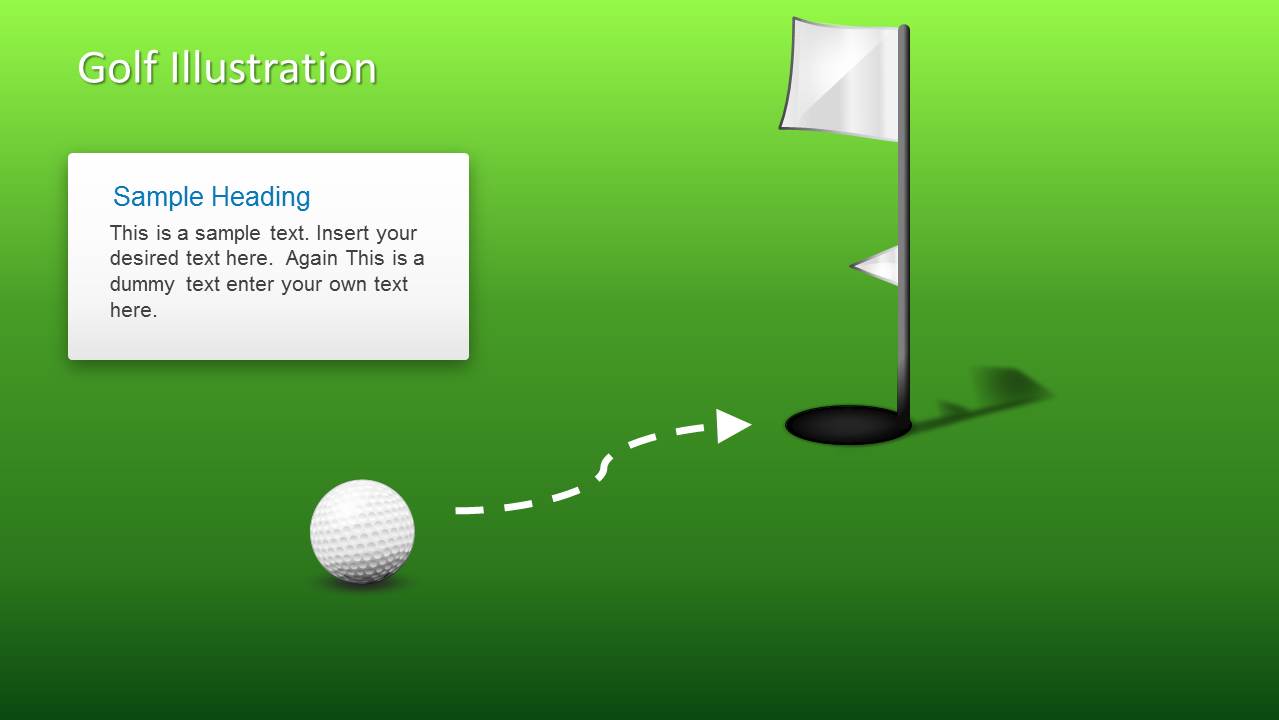
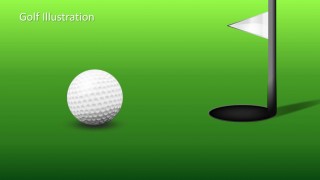
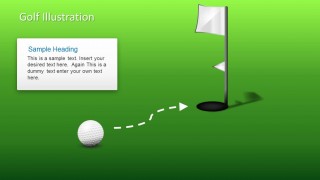
- A golf club manager can use the flag, hole, and putting green slides to present course programs, member events, or tournament information to stakeholders.
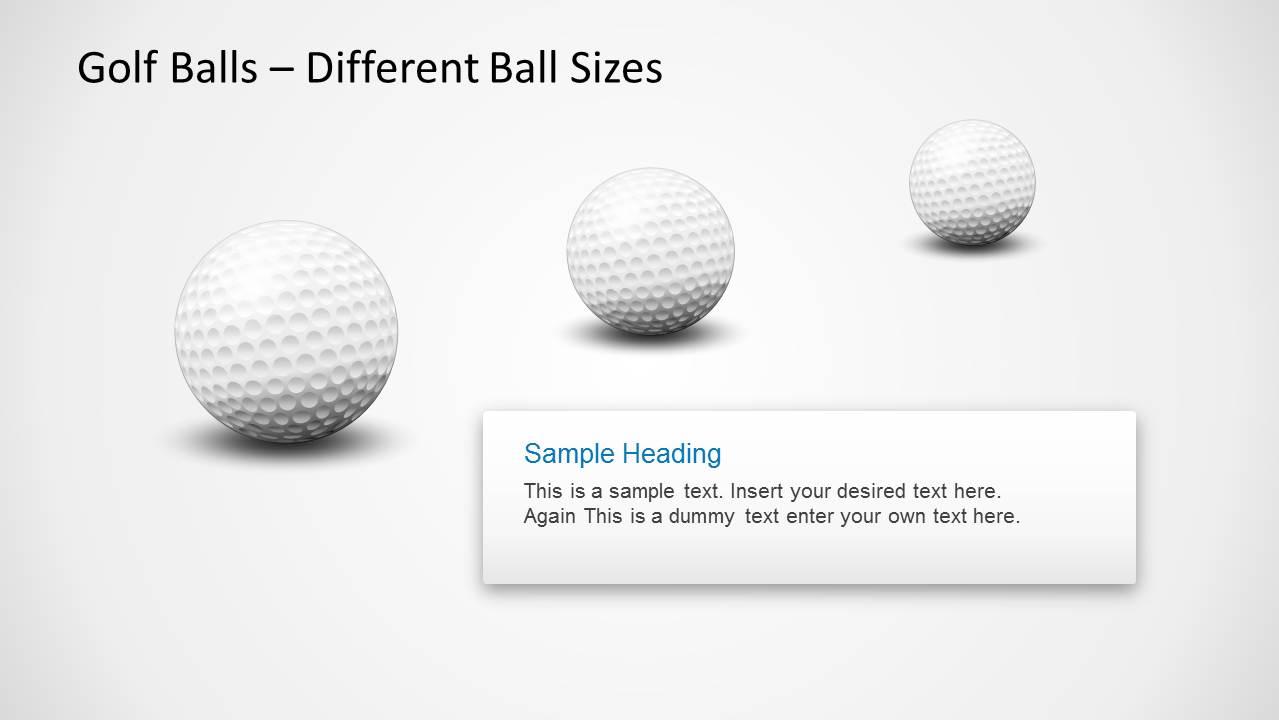
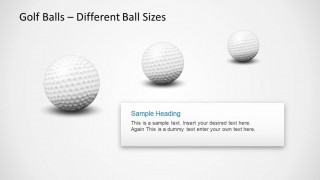
- A business presenter can use the golf ball size comparison slide to explain priority levels, market segments, or stages of progress through a familiar sports metaphor.
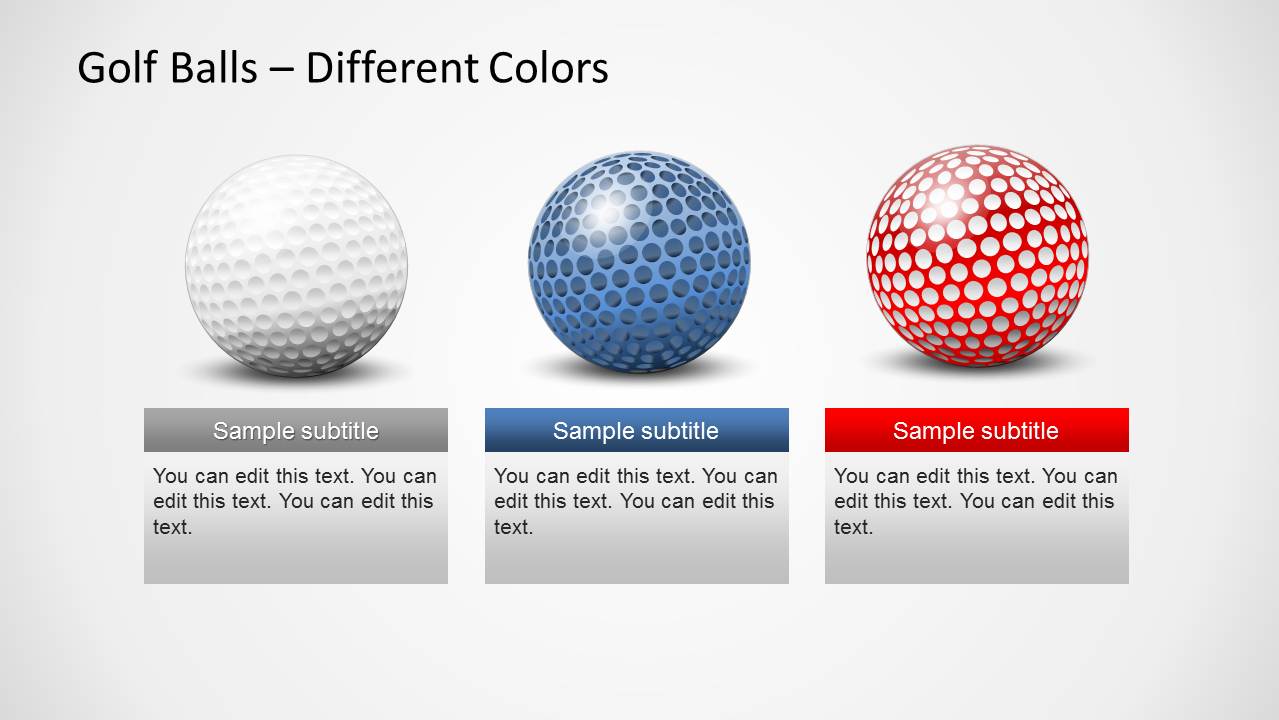
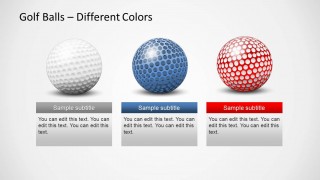
- An event organizer can use the colored golf ball comparison slide to distinguish sponsorship packages, teams, or agenda tracks during a golf outing briefing.
Features
- 100% editable presentation template
- Compatible with Microsoft PowerPoint
- 16:9 aspect ratio slides
- Scalable vector shapes, icons and illustrations
- AI-Ready for Microsoft Copilot and Claude
- Instant access and download
Frequently asked questions
Q: How should a presenter use the golf metaphor without distracting from the message?
A: Use the golf ball as a visual cue for goals, accuracy, progress, or competition, then keep each slide centered on one idea. The text box layouts work best for short explanations, while the flag and hole scenes can mark a target outcome. Avoid adding too much copy around the realistic ball illustrations.
Q: Who is this template best suited for?
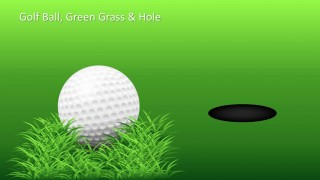
A: This template fits presenters who need a clear golf theme rather than a full business report. Golf coaches, club managers, tournament organizers, and sports marketers can use the grass, hole, flag, and ball comparison slides to explain lessons, event details, training goals, or sponsorship options in a visual way.
Q: Why do the ball size and color comparison slides help communication?
A: The comparison slides turn abstract choices into objects the audience can scan quickly. Different ball sizes suggest scale or importance, while colored balls create clear category separation. Because the visuals share the same dimpled form, the audience compares the meaning of each option instead of decoding unrelated graphics.

Golf Ball Shapes for PowerPoint
8-slide PowerPoint presentation template with editable golf ball shapes, putting green scenes, and comparison layouts
Golf Ball Shapes for PowerPoint is an 8-slide presentation template with editable golf ball illustrations, grass scenes, flag and hole compositions, ball size comparison, color comparison, and text box layouts. It is designed for golf, sports training, strategy, and recreational event presentations in Microsoft PowerPoint.
- Category
- Shapes
- Rating


 Loading...
- Aspect ratio
- 16:9
- Item ID
- 1193
- Colors
 Microsoft PowerPoint
  Microsoft Copilot
  Claude for PowerPoint
 Other formats supported
Subscribe today and get immediate
access to download our PowerPoint templates.