Impressive visuals from Space Rocket Shape for PowerPoint can surely refresh any professional presentation. This is a generic layout that can showcase multiple purposes. The casual and fun mood of the design can simulate audiences to actively participate and have a remarkable experience.
The PowerPoint template is applicable to basically any concept- science, business, space, sales, personality, etc. The idea of the template is also associated to real rockets which have numerous uses. The rockets, for example, can represent product launching. They can picture literal rockets in a science report where the user can talk about space history.
The presenter can easily edit the vectors because the slides design feature customisable PowerPoint shapes. Color variation and scheme are adjustable, as well as the text and placeholder location. The objects are resizable and the user can decide to enlarge them in order to emphasize a certain point. They can even serve as bullets if modified to suit a particular list of ideas.
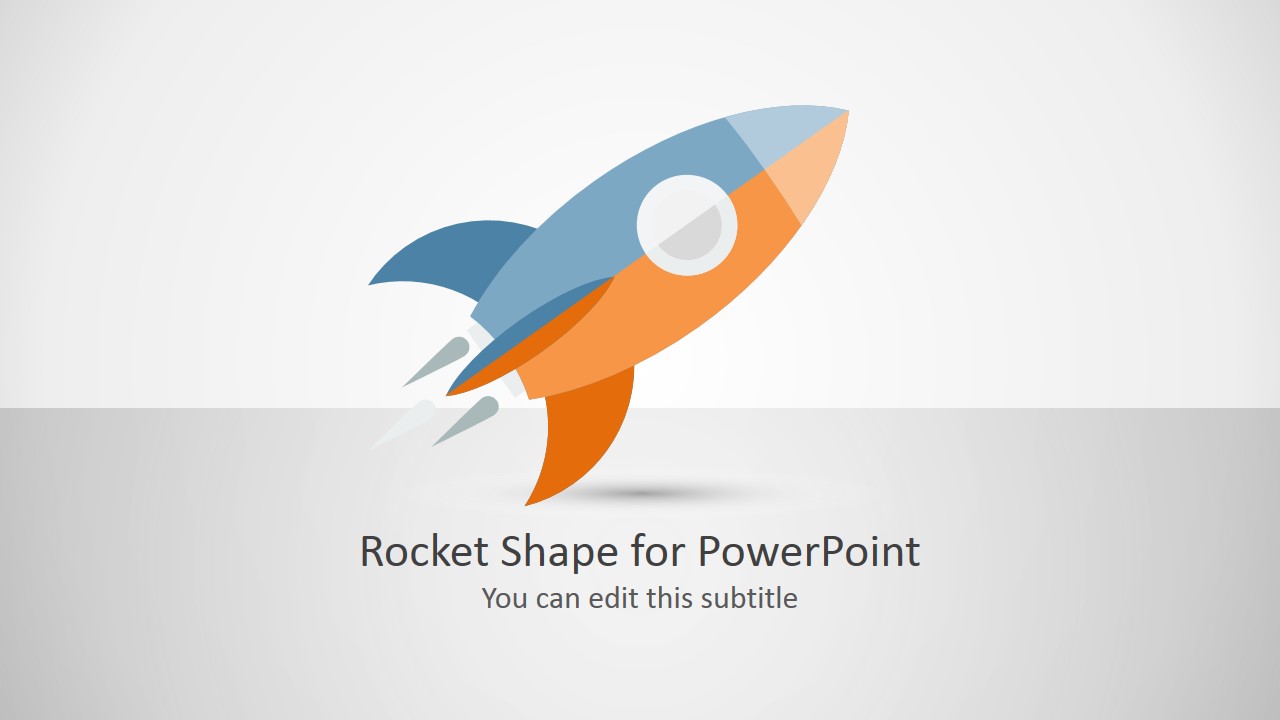
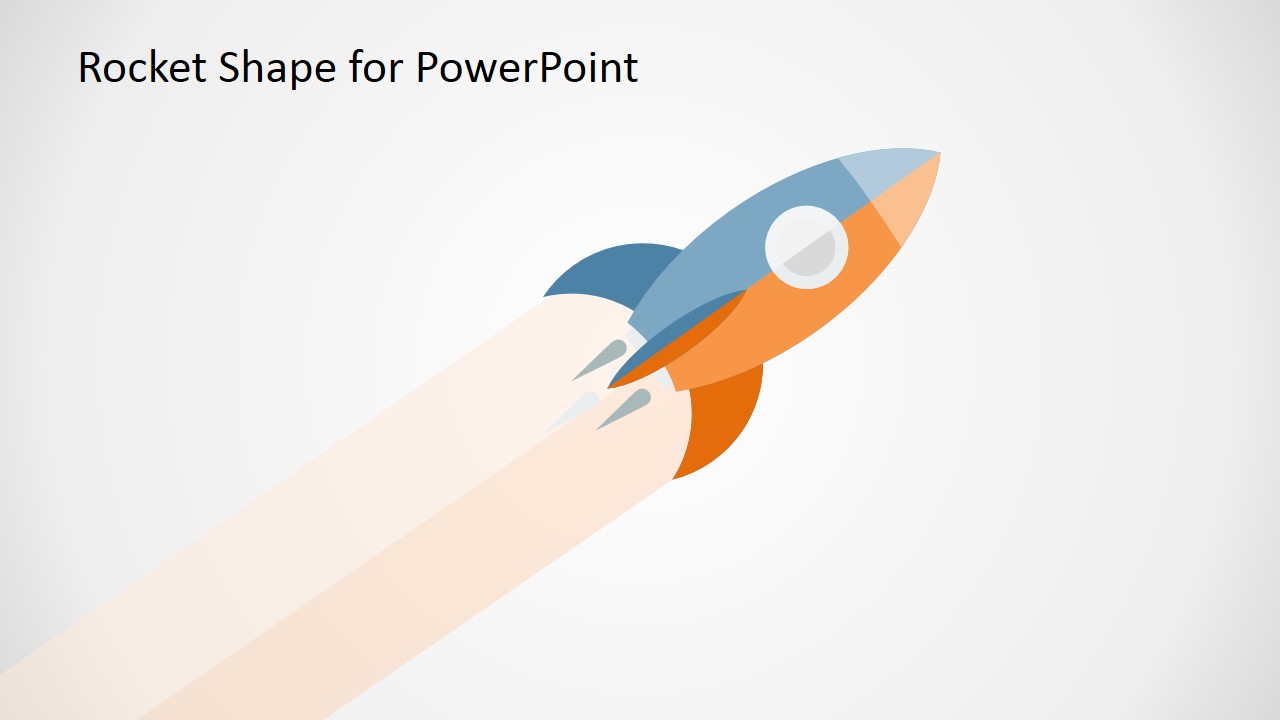
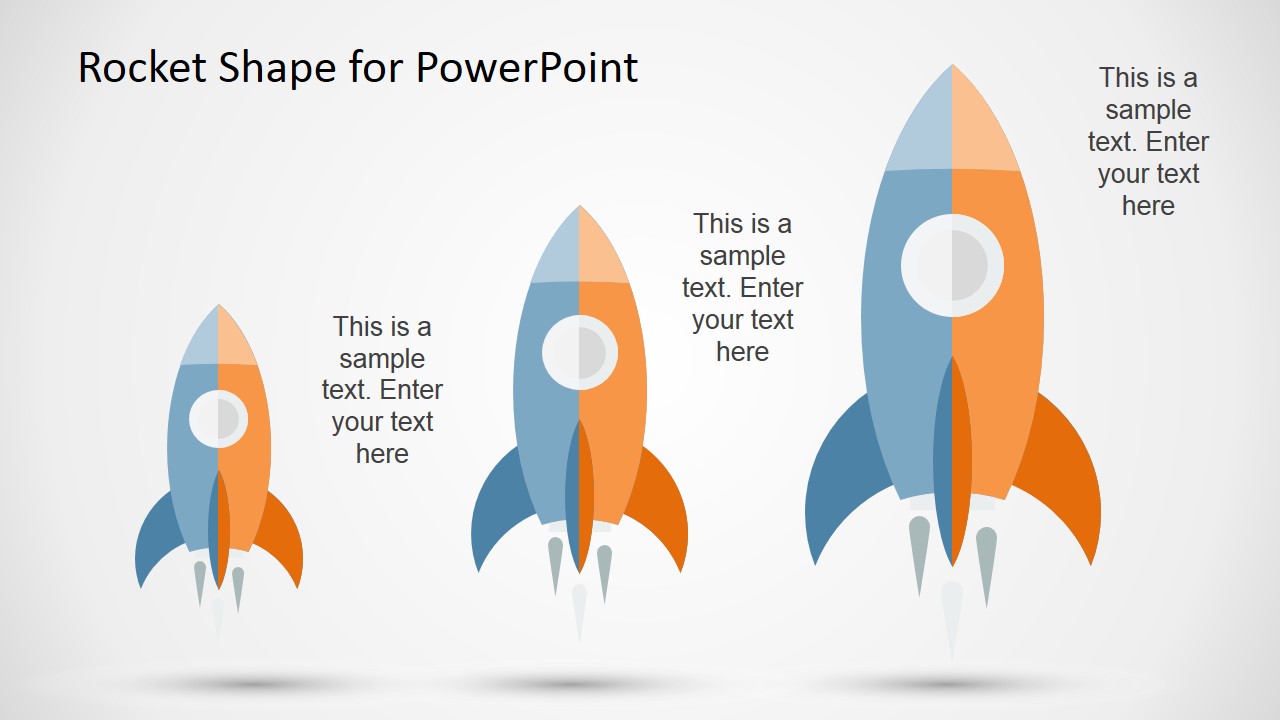
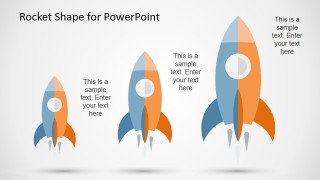
There are 3 unique slides in the PowerPoint template. Each contains a rocket vector. They are colored in shades of gray on the left side, and orange on the right. The rockets also illustrate a circle in the middle that represents a window. The user can put all these details of the design into good use. The slides have a white background that highlights the rocket shapes very well. The audience can focus with the topic at hand because there are lesser distractions. This is one technique to attain high information retention.
Comparable to Space Rocket Shape for PowerPoint is Vertical Rocket Timeline Template for PowerPoint. The template is pleasing and catchy to the eyes. Moreover, the user can utilize it on a long-term basis because of its effortless customary design. Other amazing downloadable Office templates are available at the SlideModel gallery.
What’s inside this template
Example presentation scenarios
- A product marketer can open a launch announcement by using the title cover rocket to frame the release as lift-off and set an energetic tone.
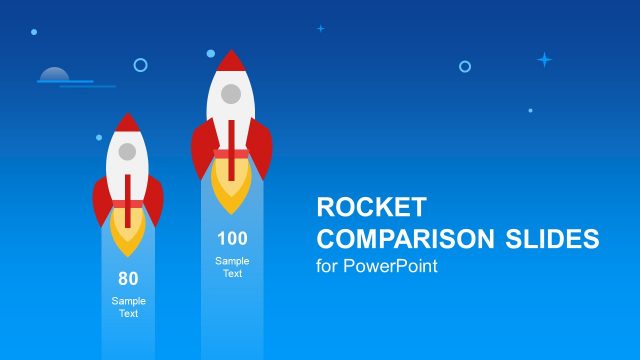
- A startup founder can explain early traction, current progress, and future ambition with the three-rocket callout layout and its different rocket sizes.
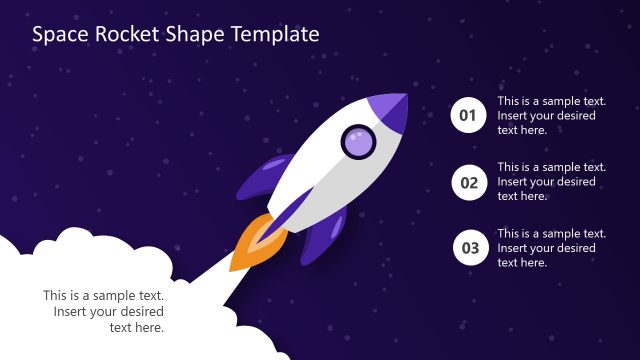
- A teacher can introduce a space or aerospace lesson with the rocket takeoff illustration, then replace the title and callouts with lesson prompts.
- A sales leader can use the launch metaphor in a kickoff meeting, pairing the large rocket visual with campaign goals and short team instructions.
Features
- 100% editable presentation template
- Compatible with Microsoft PowerPoint and Google Slides
- Scalable vector shapes, icons and illustrations
- AI-Ready for Microsoft Copilot and Claude
- Instant access and download
Frequently asked questions
Q: How should a presenter use the rocket metaphor without making the message feel too decorative?
A: Start with one clear idea: launch, acceleration, ambition, or exploration. Use Slide 1 as the framing visual, Slide 2 for the central action or initiative, and Slide 3 only when comparing three stages or priorities. Keep text short so the rocket illustration supports the point rather than competing with it.
Q: Who is this template best for, and when does it fit the presentation situation?
A: This template works best for presenters who need a short visual insert rather than a full business deck. Product marketers, founders, teachers, and sales leaders can use it for launches, space lessons, kickoff messages, or growth themes. The clean layouts are strongest when the audience already understands the topic and needs a memorable visual anchor.
Q: Why do the rocket sizes and launch direction improve communication?
A: The angled rocket and exhaust trail suggest motion, while the three vertical rockets create an easy size-based hierarchy. Those visual cues help the audience read progress, scale, or priority quickly. The white background reduces distraction, so the presenter can attach meaning to the rocket shapes without adding a dense diagram.
Space Rocket Shape for PowerPoint
3-slide presentation template with editable rocket illustrations, launch visuals, and text callout layouts
Space Rocket Shape for PowerPoint is a 3-slide shape template for Microsoft PowerPoint and Google Slides. It includes a rocket title cover, a rocket takeoff illustration, and a three-rocket callout layout for launch, growth, space, or startup themes. The rocket artwork uses editable PowerPoint shapes and vector graphics.

 Loading...
 Microsoft PowerPoint
  Microsoft Copilot
  Claude for PowerPoint
 Other formats supported
Subscribe today and get immediate
access to download our PowerPoint templates.