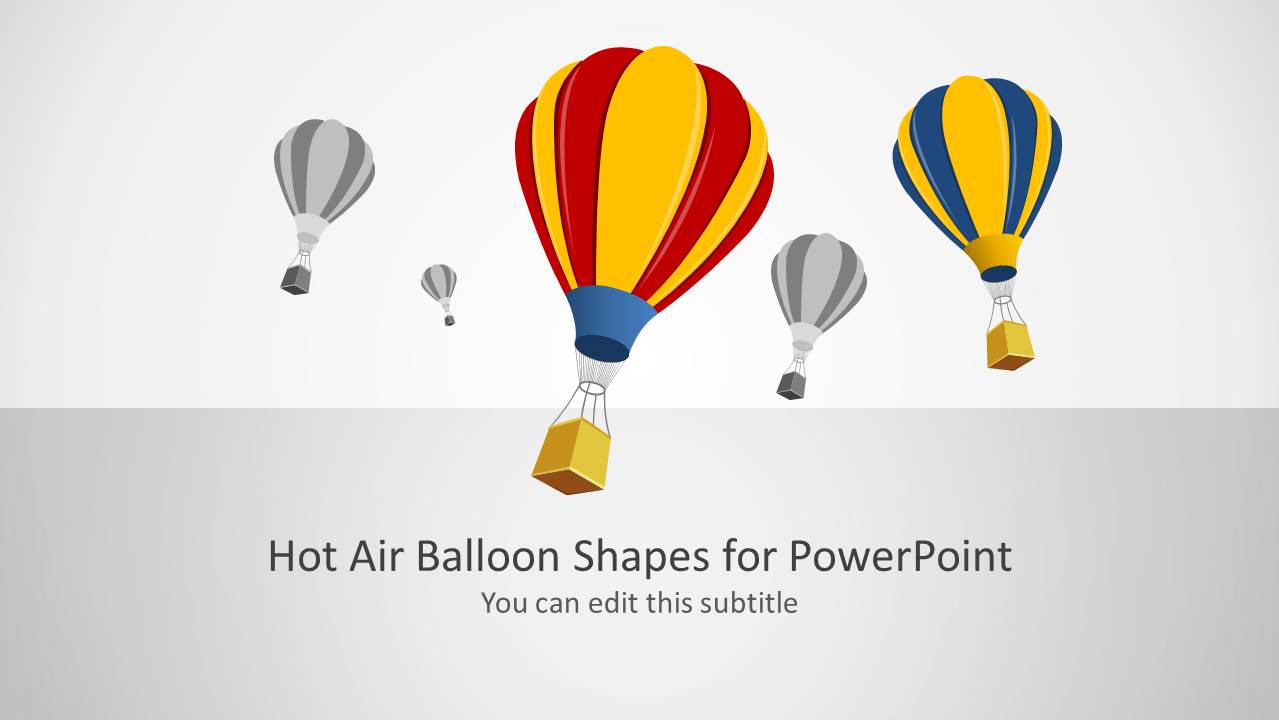
Hot Air Balloon Shapes for PowerPoint. As the name suggests, this is a PowerPoint Template with slides depicting hot air balloons.
While this template can accommodate all kinds of presentation topics which may match the imagery in the sample slides, the template is particularly quite useful for making presentations related to travel, tourism, recreational activities, fun events, etc.
The given slide designs have been created in a way which makes it possible to create anything from single image slides to comparison slides, with attractive hot air balloon clipart.
What’s inside this template
Example presentation scenarios
- A tourism marketer can use the title cover and balloon illustrations to introduce a destination campaign with an uplifting travel metaphor.
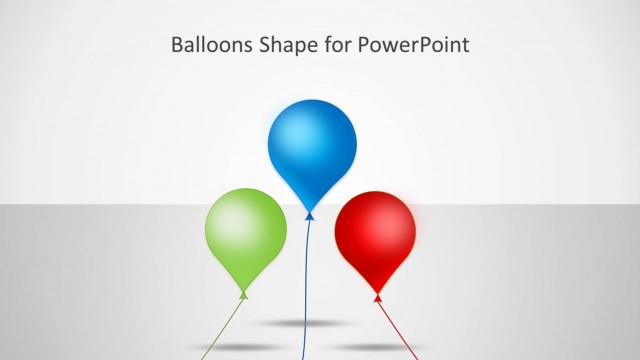
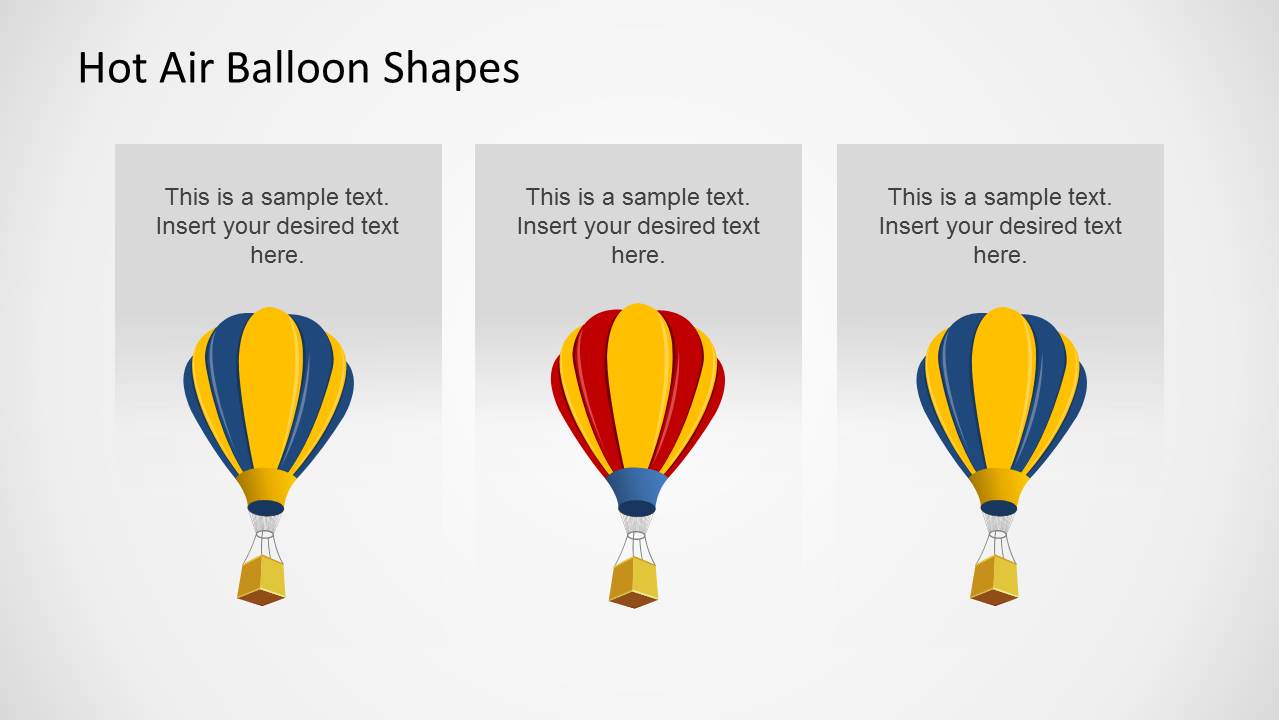
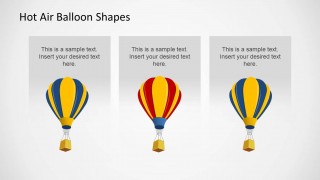
- An event planner can use the three-item comparison layout to present package options, guest activities, or schedule highlights with one balloon assigned to each option.
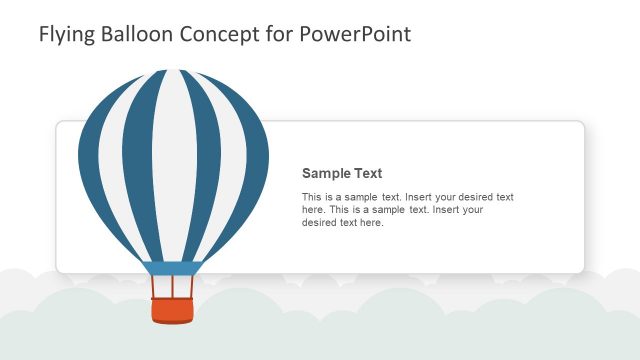
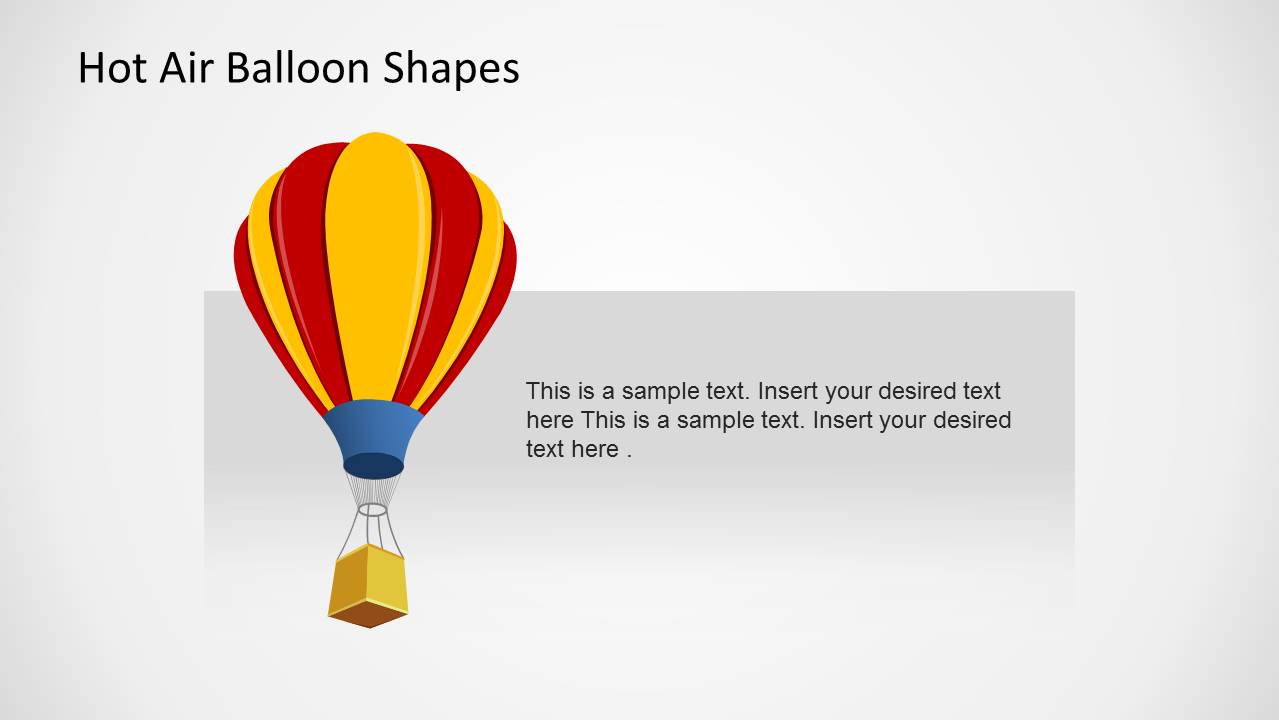
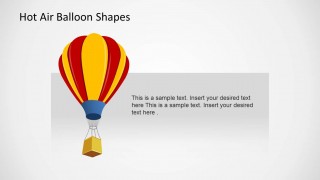
- A recreation coordinator can use the image-with-text panel to explain a hot air balloon ride, outdoor experience, or seasonal attraction in a visually clear way.
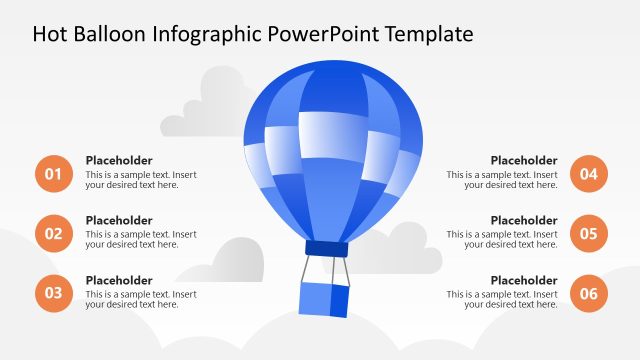
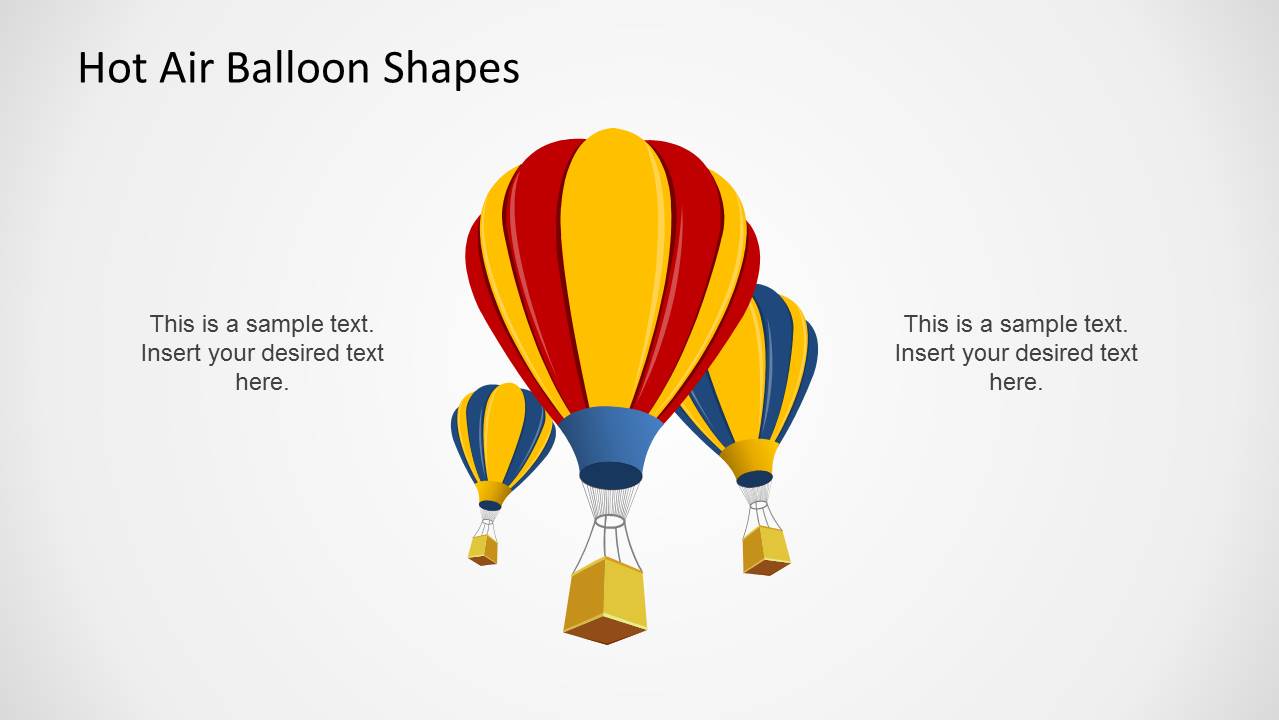
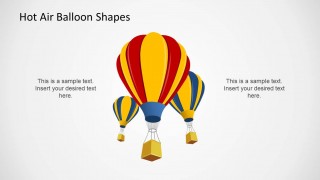
- A teacher or workshop presenter can use the side-callout slide to connect two ideas around a central travel image, such as route planning and safety notes.
Features
- 100% editable presentation template
- Compatible with Microsoft PowerPoint and Google Slides
- Scalable vector shapes, icons and illustrations
- AI-Ready for Microsoft Copilot and Claude
- Instant access and download
Frequently asked questions
Q: How should a presenter use the balloon imagery without letting it overpower the message?
A: Treat the balloons as a visual metaphor for travel, elevation, discovery, or movement. Keep the slide title specific, place one main claim in each text area, and avoid filling every panel with long paragraphs. The strongest use is to let the large balloon carry attention while the gray text panels explain the point.
Q: Who is this template best suited for?
A: This template fits presenters who need a friendly travel or recreation visual rather than a formal corporate report. Tourism teams, event planners, recreational activity providers, and educators can use the cover, comparison panel, and large image slide to frame options, introduce an experience, or explain a themed concept.
Q: Why do the comparison and callout layouts work well with hot air balloon shapes?
A: The balloon metaphor suggests flight, perspective, and exploration, so it naturally supports messages about trips, choices, and experiences. The three-panel slide turns separate balloons into comparable options, while the side-callout slide keeps attention on a central visual and reserves text for short supporting points.
Hot Air Balloon Shapes for PowerPoint
4-slide PowerPoint presentation template with hot air balloon shapes, callouts, and comparison panels
Hot Air Balloon Shapes for PowerPoint is a 4-slide shapes presentation template with editable balloon illustrations, a title cover, a center image with side text callouts, a three-item comparison layout, and a large image plus text panel. It fits travel, tourism, events, and recreation presenters building themed visual slides.


 Loading...
 Microsoft PowerPoint
  Microsoft Copilot
  Claude for PowerPoint
 Other formats supported
Subscribe today and get immediate
access to download our PowerPoint templates.